A platform dedicated to providing unbiased reviews of newly launched applications, analyzing everything from their features to their full potential.
info@scoutforge.netProduct
© 2025 Scoutforge. All rights reserved.
A platform dedicated to providing unbiased reviews of newly launched applications, analyzing everything from their features to their full potential.
info@scoutforge.net© 2025 Scoutforge. All rights reserved.
A platform dedicated to providing unbiased reviews of newly launched applications, analyzing everything from their features to their full potential.
info@scoutforge.net© 2025 Scoutforge. All rights reserved.
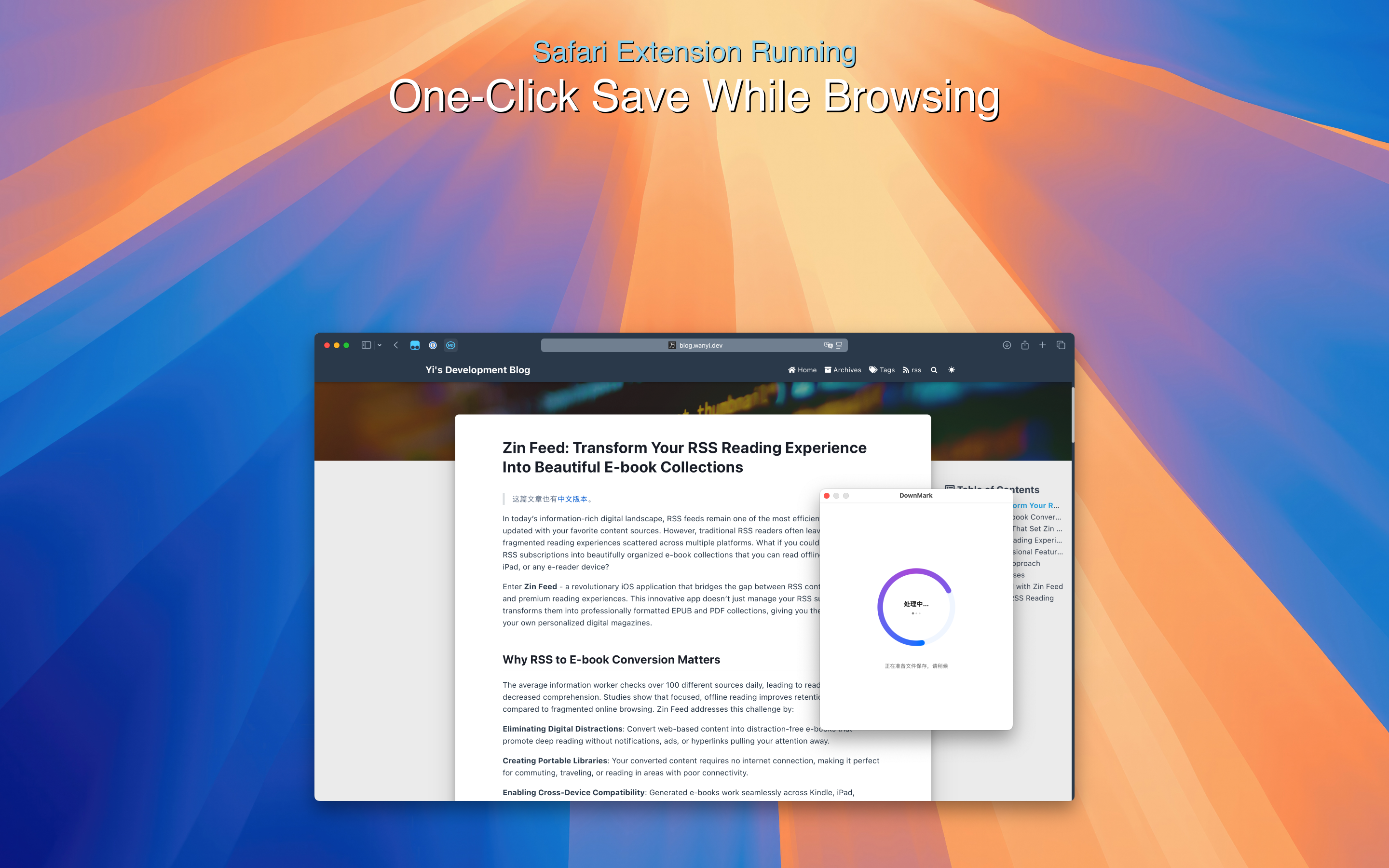
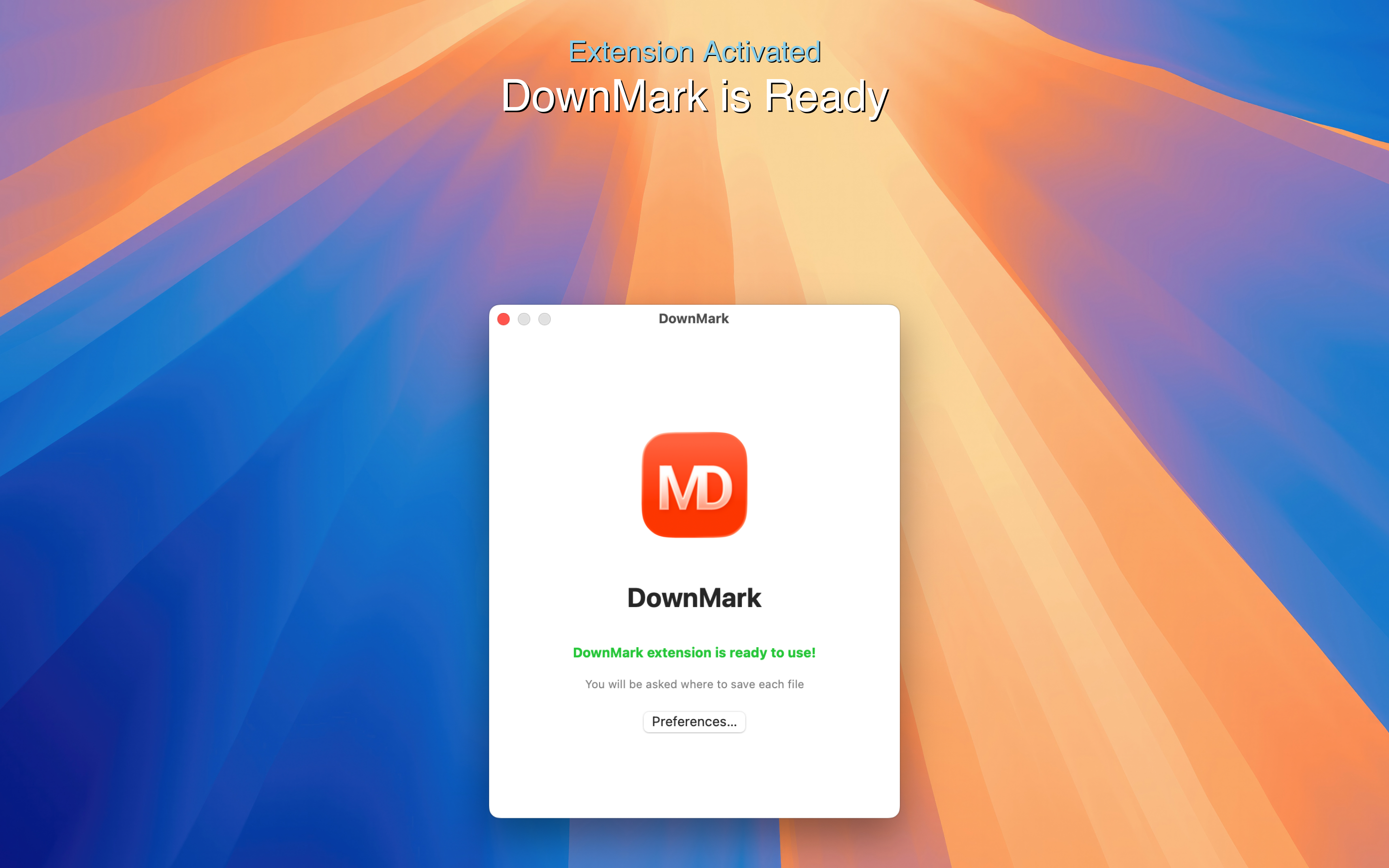
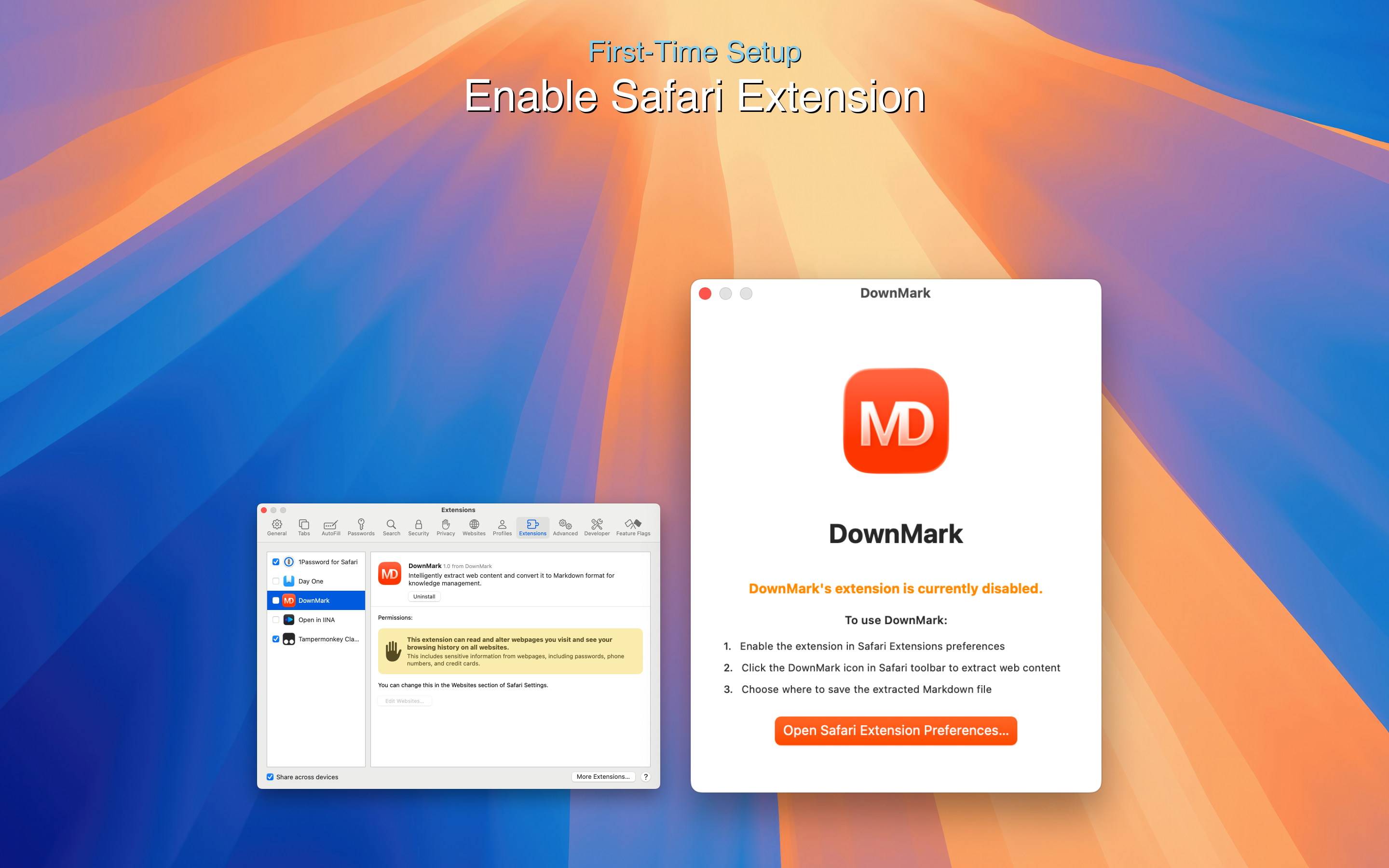
DownMark is a native Safari extension for macOS that intelligently converts web pages into clean Markdown format. As someone who frequently saves web content for research and note-taking, I've found it incredibly efficient—it strips away ads, navigation, and distractions while preserving headings, links, and code blocks. The one-click operation and automatic file naming make it a breeze for developers, writers, and researchers who need organized, citation-friendly content. It operates locally for speed and privacy, requires no registration, and integrates seamlessly with Safari, though it's currently limited to macOS. With features like near-instant conversion and excellent formatting consistency, DownMark stands out as a must-try tool for anyone looking to streamline their content-saving workflow.
Scout Review
0Feedbacks
DownMark excels at its specific mission: converting web content to clean Markdown with remarkable efficiency. The intelligent content extraction that strips away ads while preserving structure is genuinely impressive. For macOS users in research, development, or content creation, it eliminates the tedious manual cleanup that usually accompanies web content saving. The one-click operation and local processing make it both fast and private. While platform limitations are significant, the core functionality is so well-executed that it's hard not to recommend it to anyone in its target demographic.
| Features |  DownMark DownMark |  Webpage to Markdown (Chrome Extension) Webpage to Markdown (Chrome Extension) | Pocket/Instapaper | Manual copy-paste with formatting tools |
|---|---|---|---|---|
| Browser Compatibility | Safari on macOS only | Chrome browser only | Multiple browsers and mobile apps | All browsers (manual process) |
| Markdown Export | Yes, with clean formatting | Yes, basic Markdown | No Markdown export | Manual conversion required |
| Content Cleaning | Automatic ad and distraction removal | Basic content extraction | Readability formatting | Manual cleanup required |
| Processing Speed | Near-instant local processing | Fast browser-based processing | Cloud processing with sync | Time-consuming manual work |
A platform dedicated to providing unbiased reviews of newly launched applications, analyzing everything from their features to their full potential.
info@scoutforge.net© 2025 Scoutforge. All rights reserved.