

A platform dedicated to providing unbiased reviews of newly launched applications, analyzing everything from their features to their full potential.
info@scoutforge.netProduct
© 2025 Scoutforge. All rights reserved.
A platform dedicated to providing unbiased reviews of newly launched applications, analyzing everything from their features to their full potential.
info@scoutforge.net© 2025 Scoutforge. All rights reserved.
A platform dedicated to providing unbiased reviews of newly launched applications, analyzing everything from their features to their full potential.
info@scoutforge.net© 2025 Scoutforge. All rights reserved.
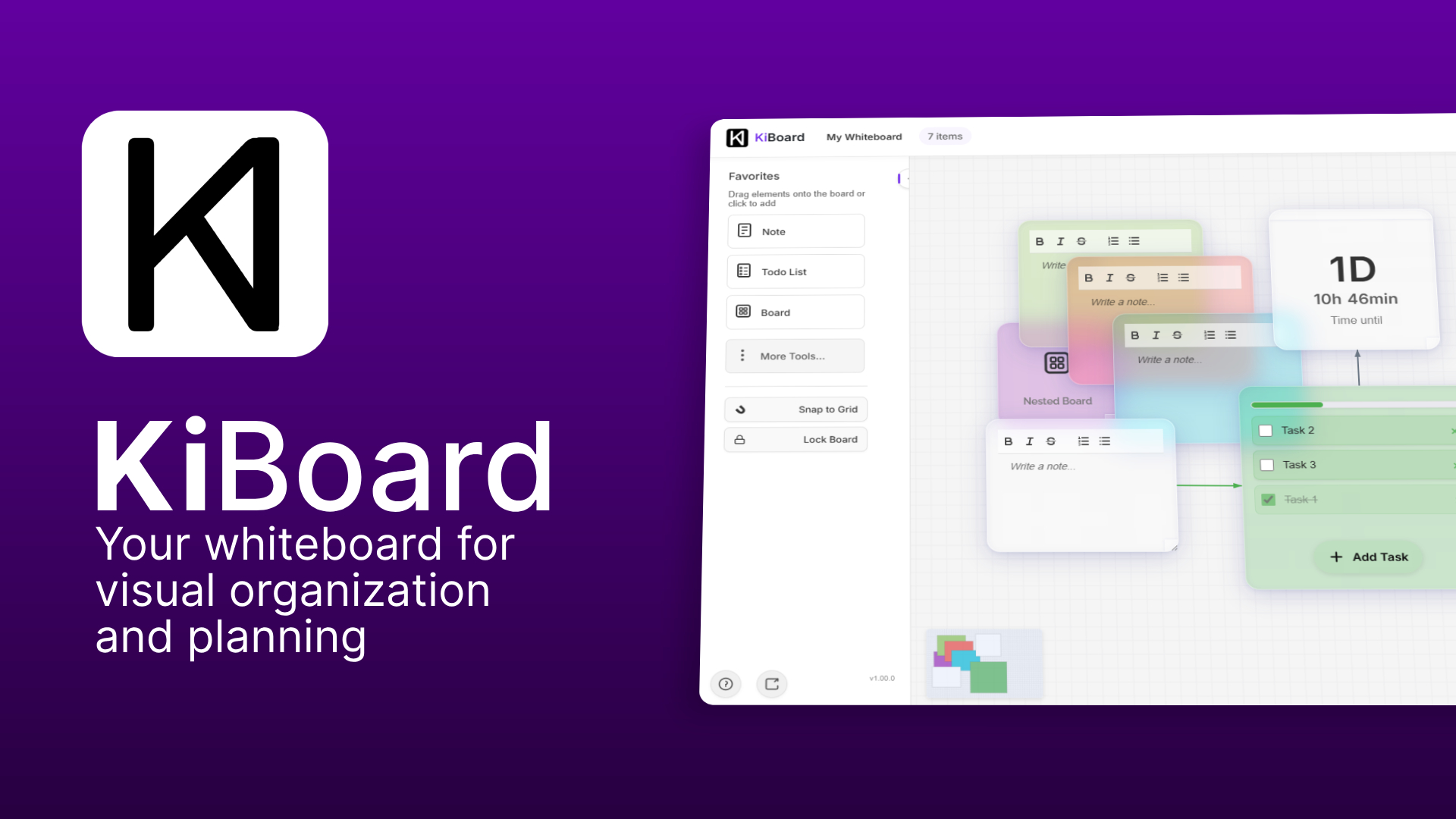
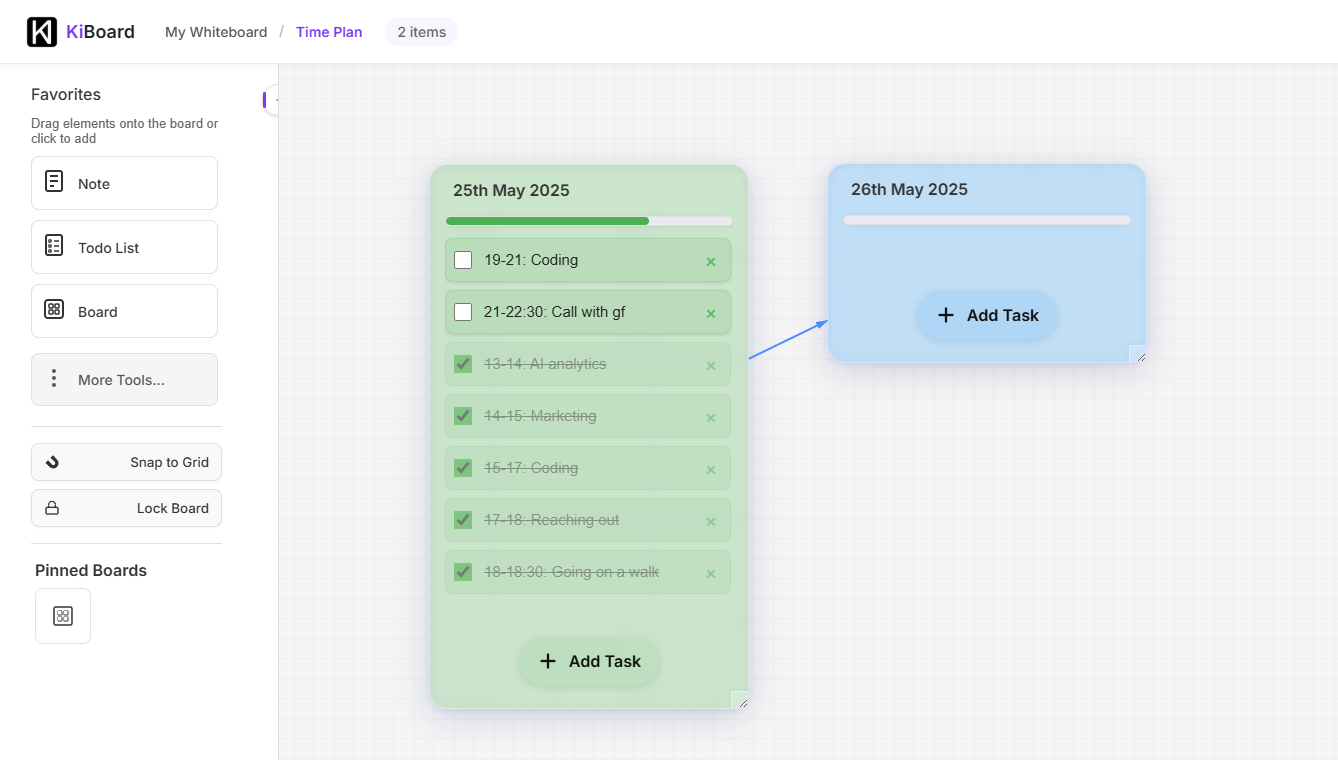
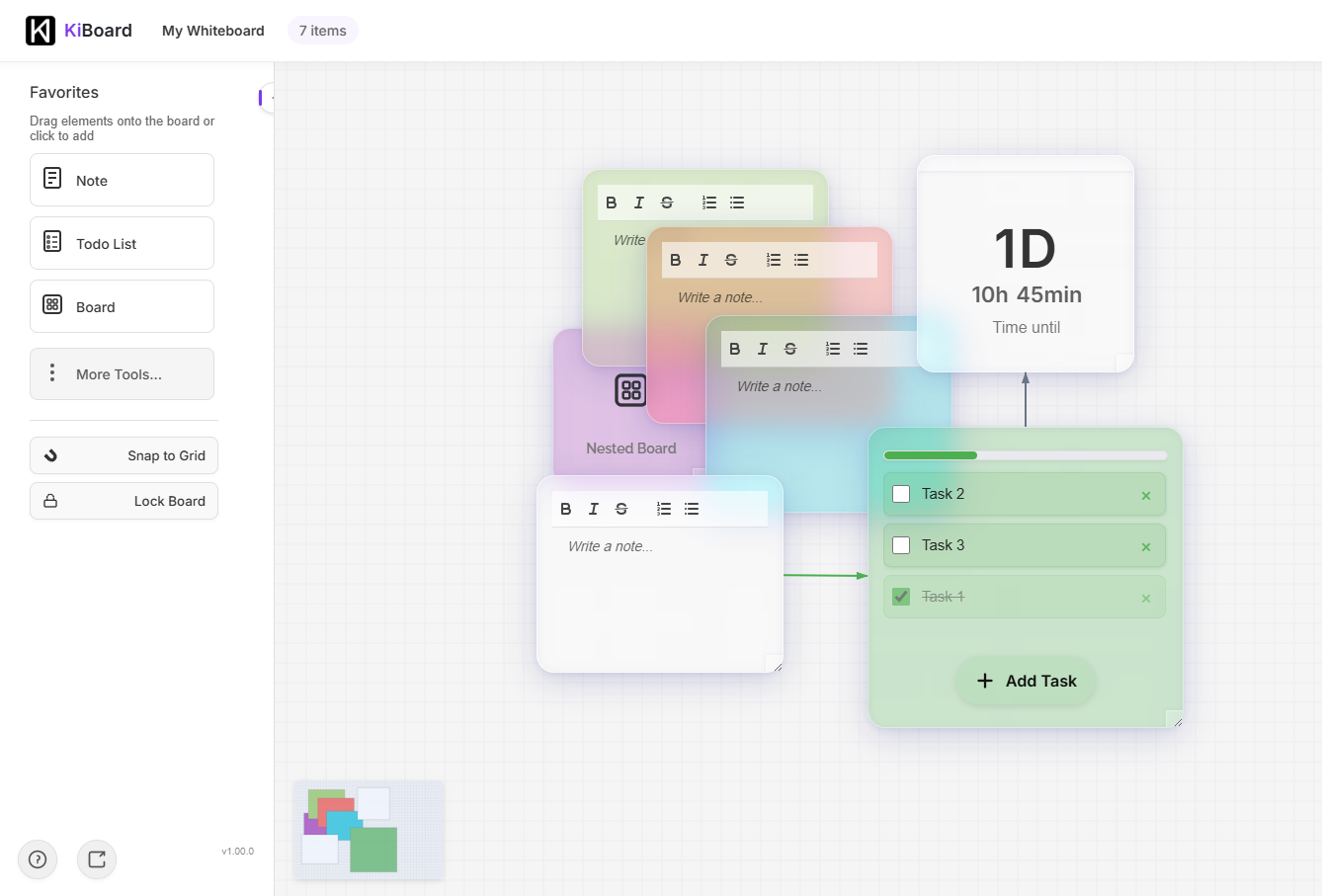
KiBoard is a spatial thinking environment that transforms complex planning into intuitive visual workflows. It's designed for project managers, creative teams, and remote collaborators who need to map out projects, brainstorm ideas, and manage tasks on an infinite canvas. Standout features include real-time collaboration, drag-and-drop tools for mind mapping and flowcharts, and a clean, minimalist interface that emphasizes organization over clutter. While it excels in visual planning and team coordination, it currently lacks advanced accessibility features, which may limit usability for some users. Overall, it's a promising tool for those tired of traditional slide-based constraints, offering a fresh approach to project visualization.
Scout Review
0Feedbacks

Feature-rich digital whiteboard with a strong template library but a steeper learning curve.

Specialized visual scheduling tool with timelines but weaker freeform canvas capabilities.

Simpler free option integrated with Office 365, though it lacks advanced planning features.
KiBoard offers a refreshing take on visual collaboration with its infinite canvas approach and clean minimalist design. It excels at providing spatial organization for complex projects without overwhelming users with unnecessary features. The tool shows particular strength for project managers and remote teams needing to visualize workflows and dependencies. However, significant accessibility gaps and limited advanced features prevent it from being a complete solution. The foundation is solid, but the implementation feels like an early-stage product rather than a mature platform.
| Features |  KiBoard KiBoard |  Miro Miro |  Microsoft Whiteboard Microsoft Whiteboard |  Toggl Plan Toggl Plan |
|---|---|---|---|---|
| Canvas Type | Infinite spatial canvas | Fixed frame with infinite extension | Limited frame workspace | Timeline-based canvas |
| Learning Curve | Moderate (minimalist but requires spatial thinking) | Steep (feature-rich complexity) | Low (simple and intuitive) | Moderate (specialized for scheduling) |
| Template Library | Limited (basic shapes and tools) | Extensive (professional templates) | Basic (Office integration) | Specialized (scheduling templates) |
| Real-time Collaboration | Yes (persistent workspace) | Yes (advanced team features) | Yes (basic co-editing) | Limited (view-only sharing) |
A platform dedicated to providing unbiased reviews of newly launched applications, analyzing everything from their features to their full potential.
info@scoutforge.net© 2025 Scoutforge. All rights reserved.

