

A platform dedicated to providing unbiased reviews of newly launched applications, analyzing everything from their features to their full potential.
info@scoutforge.netProduct
© 2025 Scoutforge. All rights reserved.
A platform dedicated to providing unbiased reviews of newly launched applications, analyzing everything from their features to their full potential.
info@scoutforge.net© 2025 Scoutforge. All rights reserved.
A platform dedicated to providing unbiased reviews of newly launched applications, analyzing everything from their features to their full potential.
info@scoutforge.net© 2025 Scoutforge. All rights reserved.
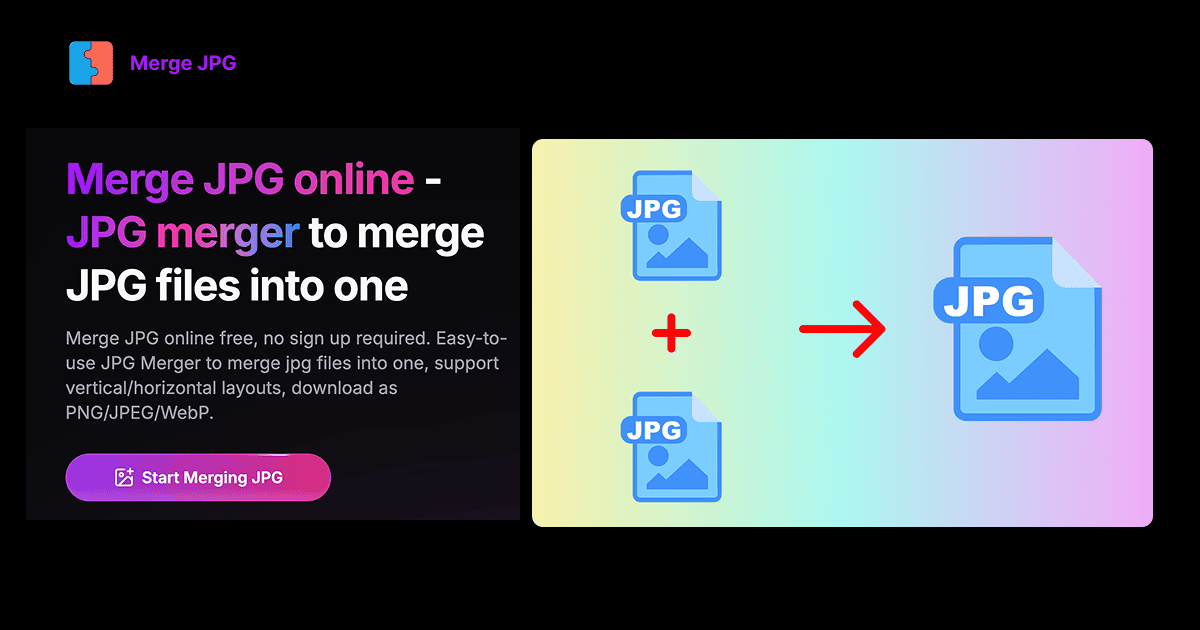
Merge JPG Online is a straightforward and efficient web application that allows users to combine multiple image files into a single image without any cost or registration. It supports popular formats like JPG, PNG, and WebP, offering vertical or horizontal layout options, drag-and-drop uploading, and real-time previews. What sets it apart is its focus on privacy—all processing happens locally in your browser, so your images never leave your device. This makes it ideal for quick tasks like creating photo collages, merging screenshots for presentations, or organizing visuals for social media. While it lacks advanced editing features, its simplicity and security appeal to students, professionals, and casual users who need a reliable, no-fuss solution for image merging. The tool is fast, user-friendly, and accessible from any device with a web browser, though it could benefit from improved accessibility and additional customization options.
Scout Review
0Feedbacks

A popular tool for converting images to PDFs, but it focuses on PDF output rather than merging images into a single image file, and may involve server uploads.

Another online JPG merger with similar features, but it often requires file uploads to servers, potentially compromising privacy compared to local processing.

Offers additional options like auto-resize and borders, but may have a more cluttered interface and less emphasis on privacy.
Merge JPG Online excels at its core purpose with an impressive focus on privacy and performance. The local processing model ensures your images remain secure while delivering lightning-fast merging capabilities. The interface, while basic, is remarkably intuitive and requires zero learning curve. It's the perfect tool for quick image combining tasks where security and speed are priorities over advanced features.
| Features |  Merge JPG Online Merge JPG Online |  ILovePDF JPG to PDF ILovePDF JPG to PDF |  MergeJPG.com MergeJPG.com |  ImageOnline.co Merge JPG ImageOnline.co Merge JPG |
|---|---|---|---|---|
| Privacy & Data Handling | Local browser processing - files never leave device | Server uploads required for processing | Server uploads required for processing | Server uploads with less privacy emphasis |
| Output Format Options | JPG, PNG, WebP image formats | PDF format only | JPG format primarily | JPG with additional editing options |
| Cost & Registration | Completely free, no registration required | Free with premium upsells, account options | Free with potential limitations | Free with ads and premium features |
A platform dedicated to providing unbiased reviews of newly launched applications, analyzing everything from their features to their full potential.
info@scoutforge.net© 2025 Scoutforge. All rights reserved.