
A platform dedicated to providing unbiased reviews of newly launched applications, analyzing everything from their features to their full potential.
info@scoutforge.netProduct
© 2025 Scoutforge. All rights reserved.
A platform dedicated to providing unbiased reviews of newly launched applications, analyzing everything from their features to their full potential.
info@scoutforge.net© 2025 Scoutforge. All rights reserved.
A platform dedicated to providing unbiased reviews of newly launched applications, analyzing everything from their features to their full potential.
info@scoutforge.net© 2025 Scoutforge. All rights reserved.
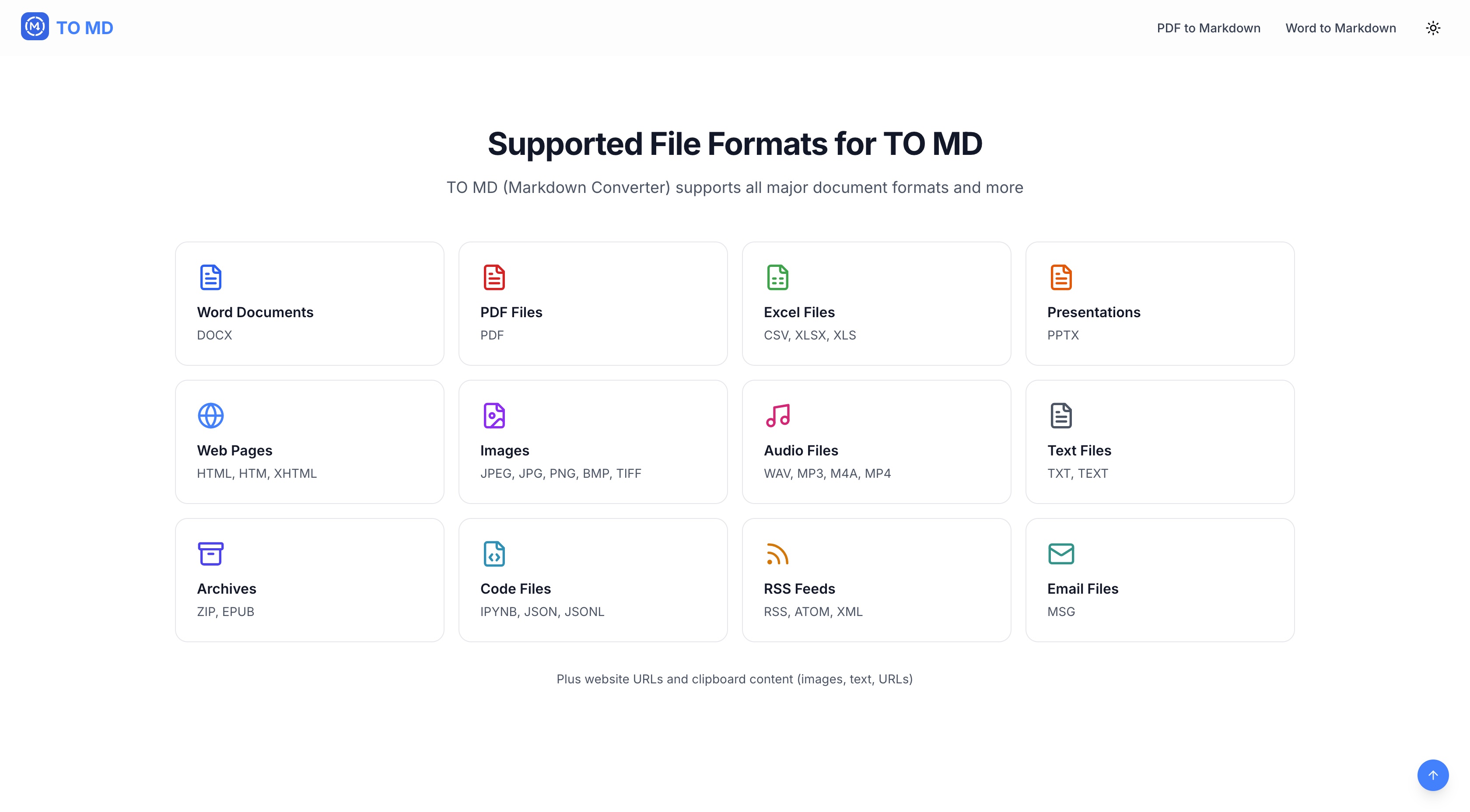
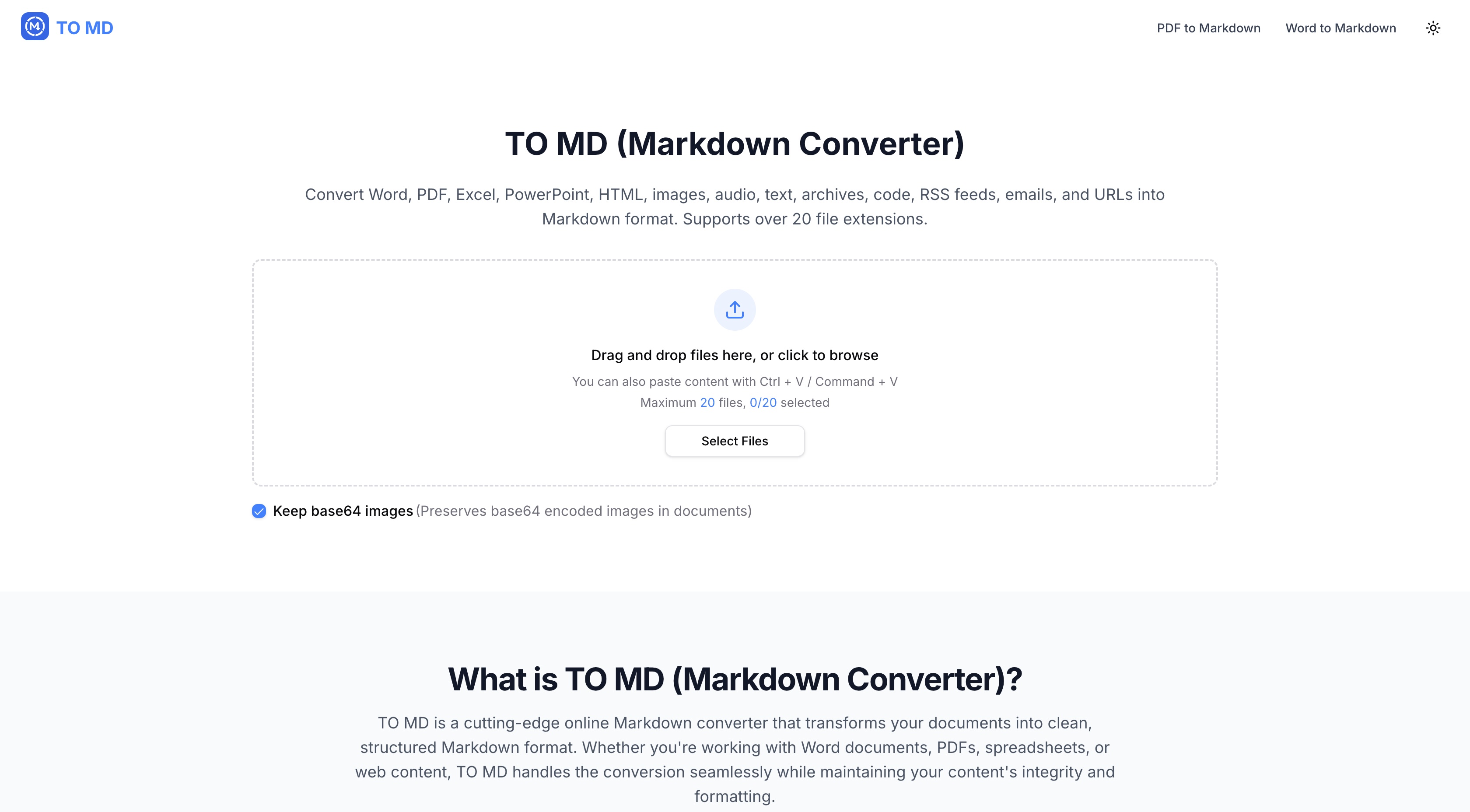
As a tech enthusiast who frequently juggles document formats, I've found TO MD to be a lifesaver for streamlining workflows. This online tool excels at converting over 20 file types—including Word documents, PDFs, images, and even audio—into clean Markdown. What really stands out is its versatility: you can drag and drop files, paste URLs, or use batch conversion for up to 20 files at once. The live preview feature lets you check outputs before finalizing, and the ability to merge files into a single document saves tons of time. Built with privacy in mind, it processes everything securely without storing your data, making it ideal for content creators, developers, and students who need fast, reliable conversions without the fuss. With its minimalistic interface and cloud-based speed, TO MD is a go-to for anyone looking to simplify their Markdown workflow.
Scout Review
0Feedbacks

An online Markdown editor that supports HTML to Markdown conversion and cloud sync, but lacks batch processing for multiple file types.

A simple clipboard-based tool for converting text to Markdown, but it doesn't handle file uploads or diverse formats like TO MD.

An open-source Python tool for document conversion, but it requires local installation and coding knowledge, unlike TO MD's web-based approach.
TO MD delivers exactly what it promises: fast, secure file conversion without unnecessary complexity. The tool excels at its primary function while maintaining user privacy through smart data handling practices. While it won't dazzle you with visual design or accessibility features, it performs its core task with remarkable efficiency.
| Features |  TO MD TO MD |  Dillinger.io Dillinger.io |  Paste to Markdown Paste to Markdown |  Microsoft Markitdown Microsoft Markitdown |
|---|---|---|---|---|
| File Format Support | 20+ formats including DOCX, PDF, images, audio | Limited formats, primarily HTML and text | Text-only, no file uploads | Multiple formats but requires coding knowledge |
| Batch Processing | Up to 20 files simultaneously | Single file processing only | No batch processing capability | Batch possible with scripting |
| Ease of Use | Web-based, drag-and-drop, no installation | Web-based but limited functionality | Simple but text-only approach | Requires Python installation and coding |
| Security & Privacy | No data storage, transient processing | Cloud-based with unknown data policies | Client-side only, maximum privacy | Local processing, complete control |
A platform dedicated to providing unbiased reviews of newly launched applications, analyzing everything from their features to their full potential.
info@scoutforge.net© 2025 Scoutforge. All rights reserved.