Cycling through all six. Tap any point to stop.
Measured on six things
A minimalist macOS menubar app for seamless time blocking and distraction-free focus.
Accessibility
70Basic dark/light mode support but misses key inclusivity features like screen reader compatibility and color contrast options.
Screenshots
1 / 5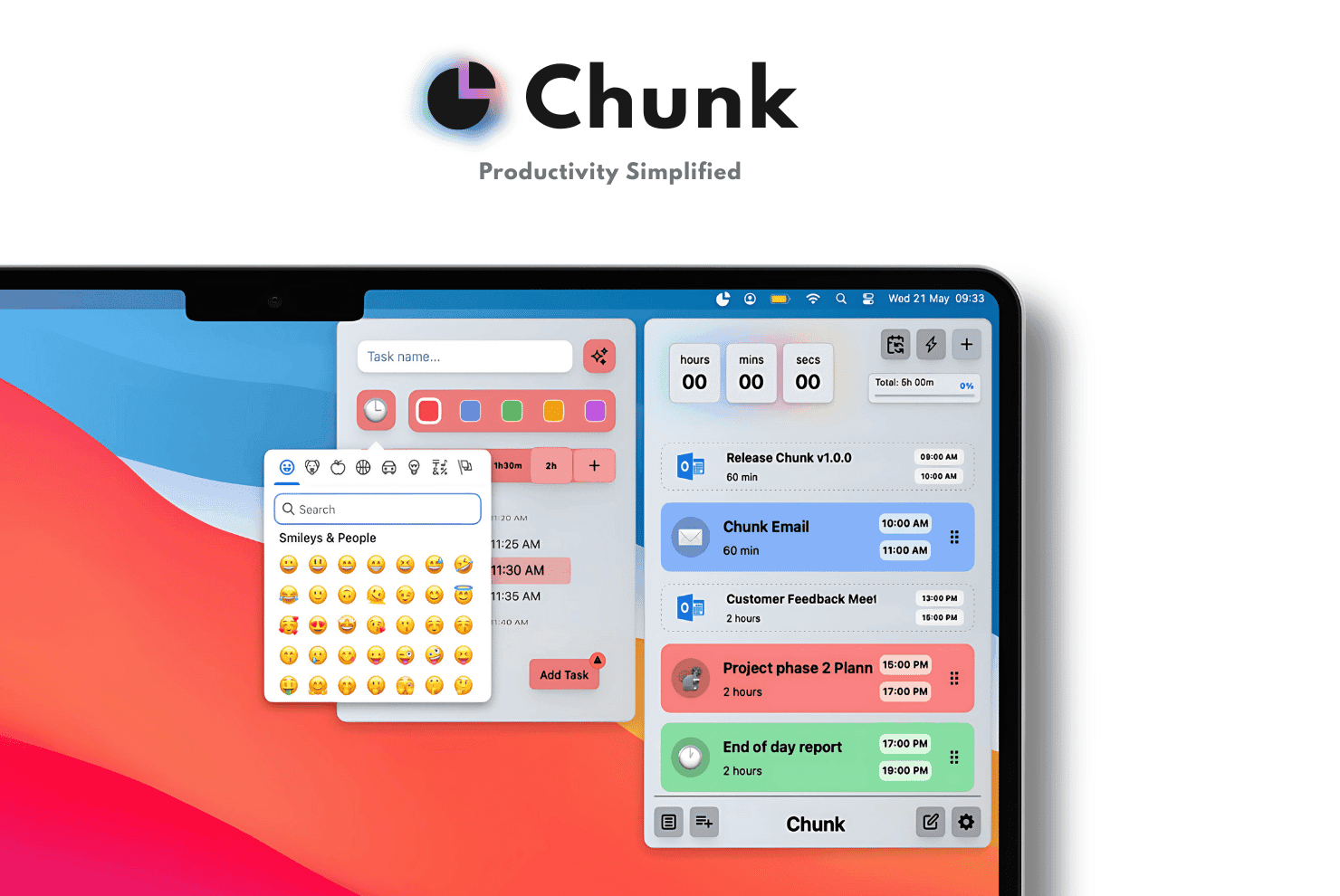
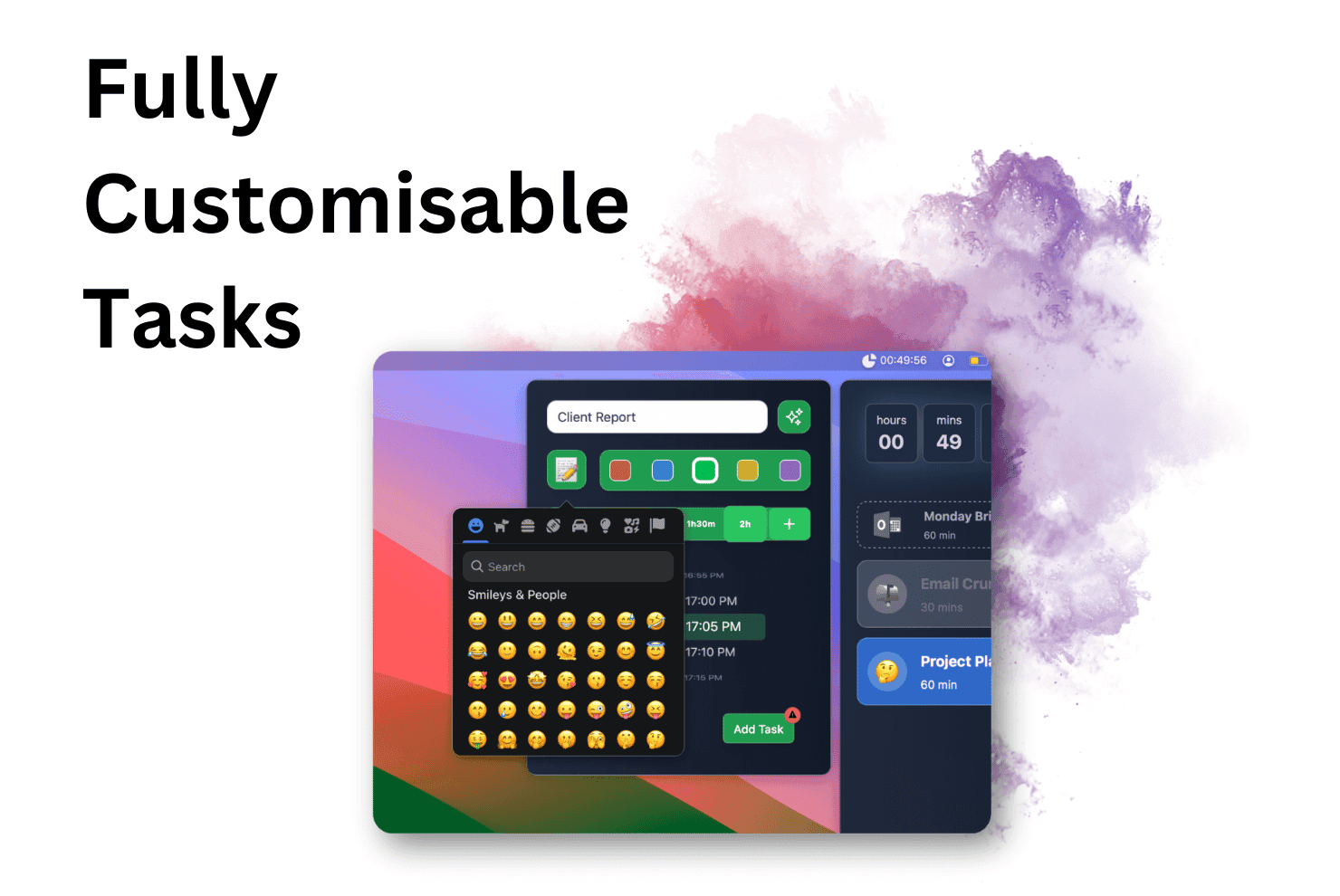
About this app
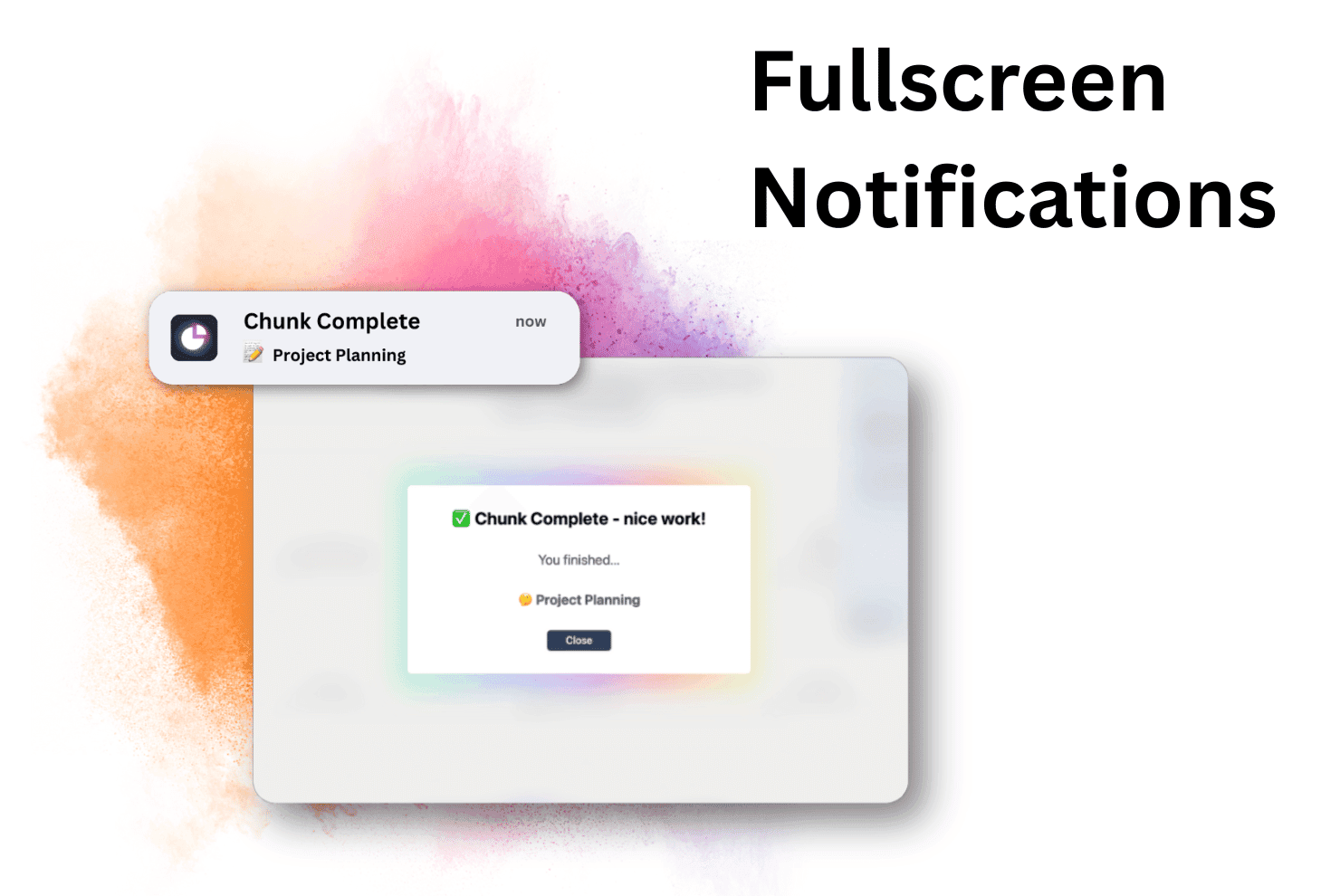
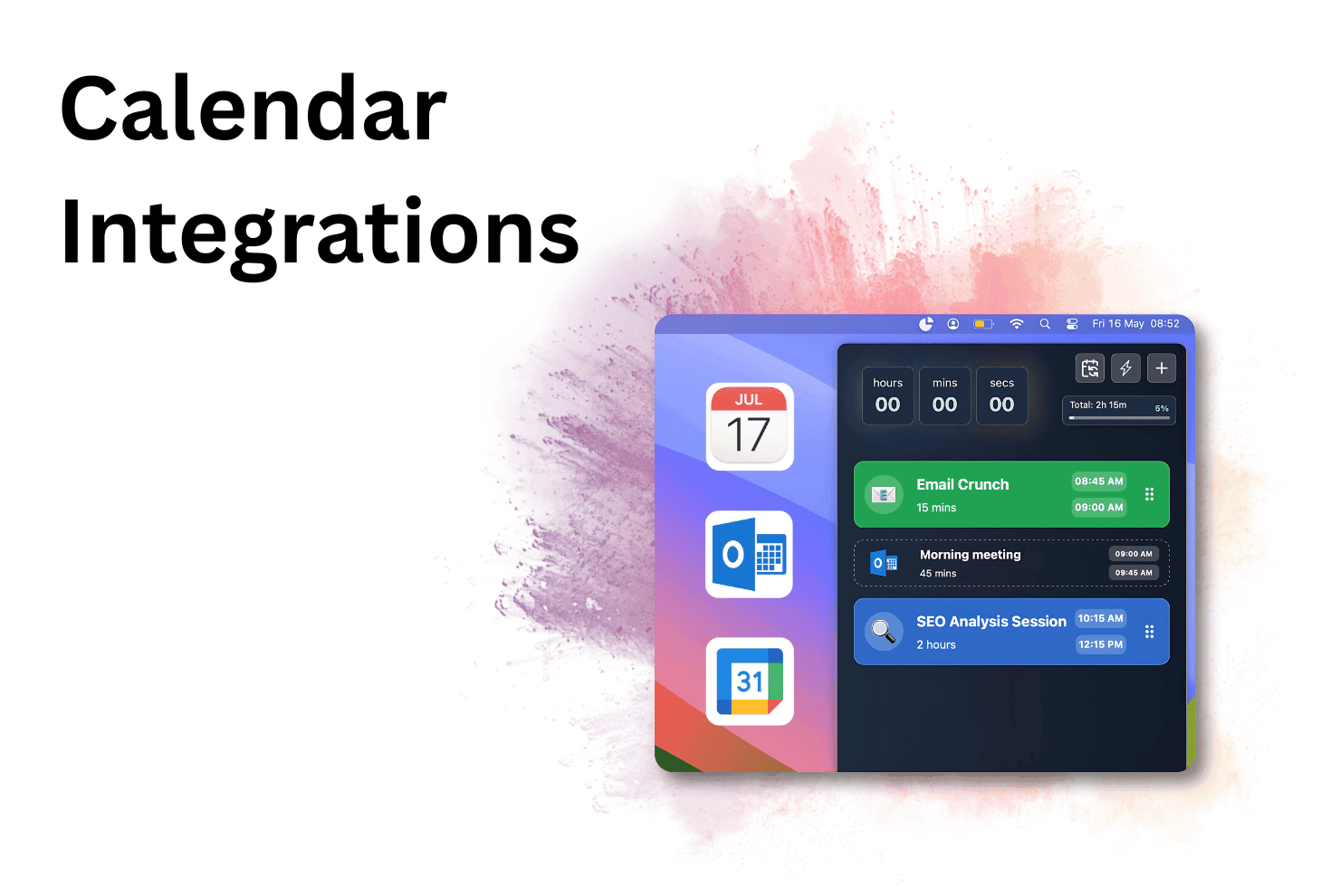
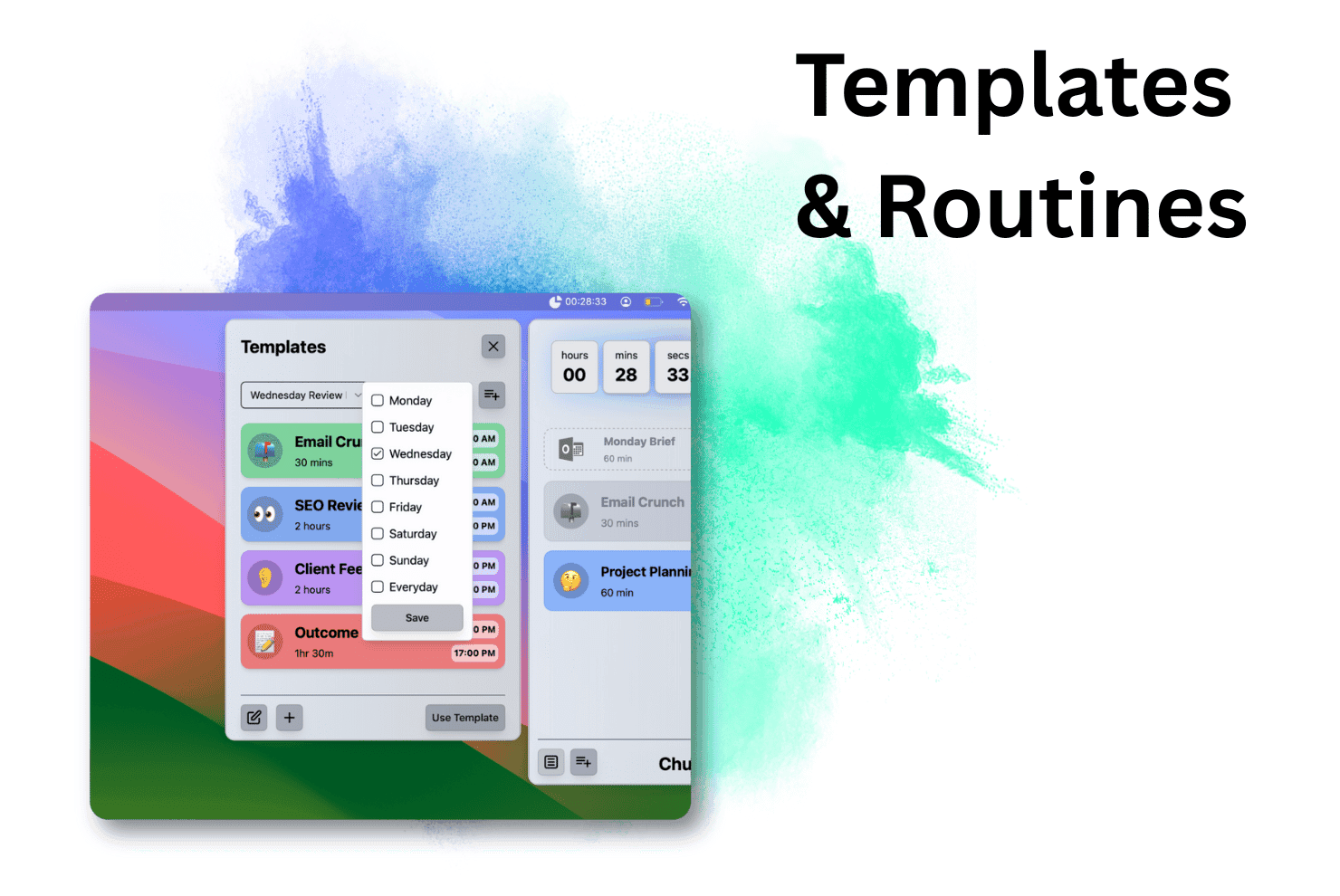
Chunk is a lightweight macOS application designed to help users manage their time effectively through intuitive time blocking. It integrates with popular calendars like Apple, Google, and Outlook, offering a full-screen focus mode to eliminate distractions. With features like local data storage, customizable templates, and support for dark and light modes, it prioritizes privacy and usability, making it ideal for professionals and neurodivergent users seeking to combat procrastination and improve productivity.
Key features
- 1Minimalist interface with clean timeline view and subtle menubar icon for reduced visual clutter
- 2Intuitive drag-and-drop blocking and instant menubar access enabling seamless time management
- 3Native macOS optimization for instant actions, lightweight 15MB size, and local data storage prioritizing privacy
Target customer profile
Drawn from the product itself, not from a survey.
Demographic
Mac-using professionals
Pain points
Calendar and task app fragmentation, notification overload
Primary needs
Unified scheduling, reduced context switching
Demographic
ADHD and neurodivergent users
Pain points
Task paralysis, time blindness
Primary needs
Visual time blocking, focus enforcement
Demographic
Pomodoro enthusiasts
Pain points
Manual timer management
Primary needs
Automated focus sessions, progress tracking
Scout Review
Written by AI from measured evidence, scored out of 100.
Chunk delivers exactly what it promises: a minimalist, frictionless time-blocking experience that actually helps you focus. It's not trying to be everything to everyone - instead, it excels at its core functionality of converting tasks into protected time blocks while syncing with your existing calendars. The local data storage prioritizes privacy, and the performance optimization ensures the app stays out of your way while you work.
Measure by measure
Usability
94Near-zero friction with intuitive drag-and-drop blocking and instant menubar access for seamless time management.
Design
90Purposefully minimalist interface with clean timeline view and subtle menubar icon that reduces visual noise effectively.
Speed
96Native macOS optimization enables instant actions and background sync with lightweight 15MB architecture.
Security
80Local storage reduces cloud risks but lacks documented encryption for on-device data protection.
Accessibility
70Basic dark/light mode support but misses key inclusivity features like screen reader compatibility and color contrast options.
Growth
80Strong niche appeal for focus-seeking professionals but limited by macOS exclusivity and lack of mobile companion.
Improvement areas
- Add screen reader support and adjustable color contrast options to enhance accessibility
- Develop an iOS companion app for on-the-go time blocking and cross-device functionality
- Implement optional end-to-end encrypted cloud sync for secure cross-device access without sacrificing security
Design & Usability
Chunk's design philosophy embraces radical minimalism with a clean timeline view and subtle menubar presence that eliminates visual clutter. The drag-and-drop functionality for creating time blocks feels satisfyingly tactile, while the full-screen focus mode proves brilliantly effective by blanking your screen with nothing but a progress bar and current task. Customizable templates like 'Deep Work Flow' eliminate repetitive scheduling, and the monochromatic color scheme intentionally reduces distractions. Navigation stays sparse but effective - this isn't for complex project management but excels at its core promise of frictionless time allocation with near-zero learning curve.
Speed & Security
Performance is exceptional thanks to native macOS optimization - launching blocks happens near-instantly, and calendar sync occurs seamlessly in the background without noticeable lag. The lightweight 15MB architecture ensures no performance drain even during extended focus sessions. Security-wise, data stays locally stored on-device rather than in the cloud, a privacy-conscious choice I appreciate. While there's no mention of encryption documentation, the local-only storage approach significantly reduces vulnerability risks since your tasks never leave your machine. The app clearly prioritizes performance and privacy over cloud convenience.
Accessibility & Growth
Accessibility features are basic at best - dark/light mode support accommodates visual preferences but stops there. No screen reader compatibility is mentioned, and the monochromatic interface could challenge color-blind users. Language options appear limited to English, and the rigid focus mode might frustrate users needing flexible break schedules. Growth potential is strong within its niche, particularly for ADHD professionals and focus-seeking individuals, but the macOS exclusivity and lack of mobile companion app limit broader adoption. The app's focused simplicity is both its greatest strength and its most significant limitation for wider market appeal.
Conclusion
If you're a Mac user drowning in disjointed calendars and notification overload, Chunk provides the focus enforcement most productivity apps promise but rarely deliver. It's perfect for freelancers, ADHD professionals, or anyone craving intentional work blocks without setup friction. The lifetime license offers excellent value compared to subscription alternatives. Just don't expect team features or mobile access - this is a personal focus sanctuary designed for deep work on your macOS device.
Suggestions for improvement
- Add screen reader support and adjustable color contrast options to improve accessibility for visually impaired users.
- Develop an iOS companion app to enable on-the-go time blocking and calendar management.
- Implement optional end-to-end encrypted cloud sync for users who need cross-device access without sacrificing security.
- Create variable focus/break ratios to accommodate different productivity methods beyond rigid time blocks.
- Add multilingual interface support to reach non-English speaking audiences who could benefit from focused work sessions.
Alternatives comparison
Named competitors, point by point. Nobody paid to appear here or to be left out.
 Chunk Chunk |  Morgen Morgen |  TimeBloc TimeBloc |  Opal Opal | |
|---|---|---|---|---|
| Platform Availability | macOS only | Cross-platform | iOS only | Multiple platforms |
| Calendar Integration | Apple, Google, Outlook | Multiple calendar integrations | Limited calendar support | No calendar blocking |
| Focus Enforcement | Full-screen focus mode | Standard reminders | Mobile focus features | Distraction limiting only |
| Interface Complexity | Minimalist | Feature-heavy | Mobile-optimized | Simple distraction control |
| Menubar Access | Yes | No | No | No |
Morgen
A calendar-focused planner with more features but a heavier interface.
TimeBloc
An iOS time blocking app with a mobile-first design, lacking macOS menubar access.
Opal
A distraction limiter that does not integrate calendar blocking features.
Comparing options? See Chunk alternatives, scored side by side
More Productivity apps
View all Productivity
Vibe Coding Agent Skills
92A free, open-source platform offering 110 AI agent skills...

Puzzly – B2B Lead Generation & Sales Intelligence Platform
92Puzzly is an all-in-one B2B lead generation platform that...

Qamarero
92An all-in-one hospitality software for restaurants and ba...

StoryPad
92Privacy-first open source journal app with a continuous t...

The Stack Newsletter
92A weekly newsletter delivering curated tech jobs, intervi...

Notion
92All-in-one AI workspace for docs, projects, and knowledge...

EmbedMyReviews
92White-label reputation management software for agencies s...

QRBliss
91Branded QR codes with AI Brand Sync, 15 free dynamic code...

CC Switch
91Open-source desktop app for switching AI coding providers...

Gerty
91Private, local AI assistant for Mac that runs offline

username.md
90One verified handle for your online identity, readable by...

BACKLNK
90Backlnk is a free SEO and AI visibility website: 15 website checks, a full audit as a PDF report, and guides to get found in search and AI answers.


A platform dedicated to providing unbiased reviews of newly launched applications, analyzing everything from their features to their full potential.
info@scoutforge.net© 2026 Scoutforge. All rights reserved.
