Is this your app?
Claim DocsHound to manage its page, add your badge and see your traffic — free, and it stays free.
Cycling through all six. Tap any point to stop.
Measured on six things
DocsHound is an AI-driven platform that transforms screen recordings into polished documentation, chatbots, and customer insights, helping teams automate repetitive workflows.
Accessibility
60Minimal support for screen readers, keyboard navigation, or multilingual users. Visual-heavy interface limits inclusivity.
Screenshots
1 / 4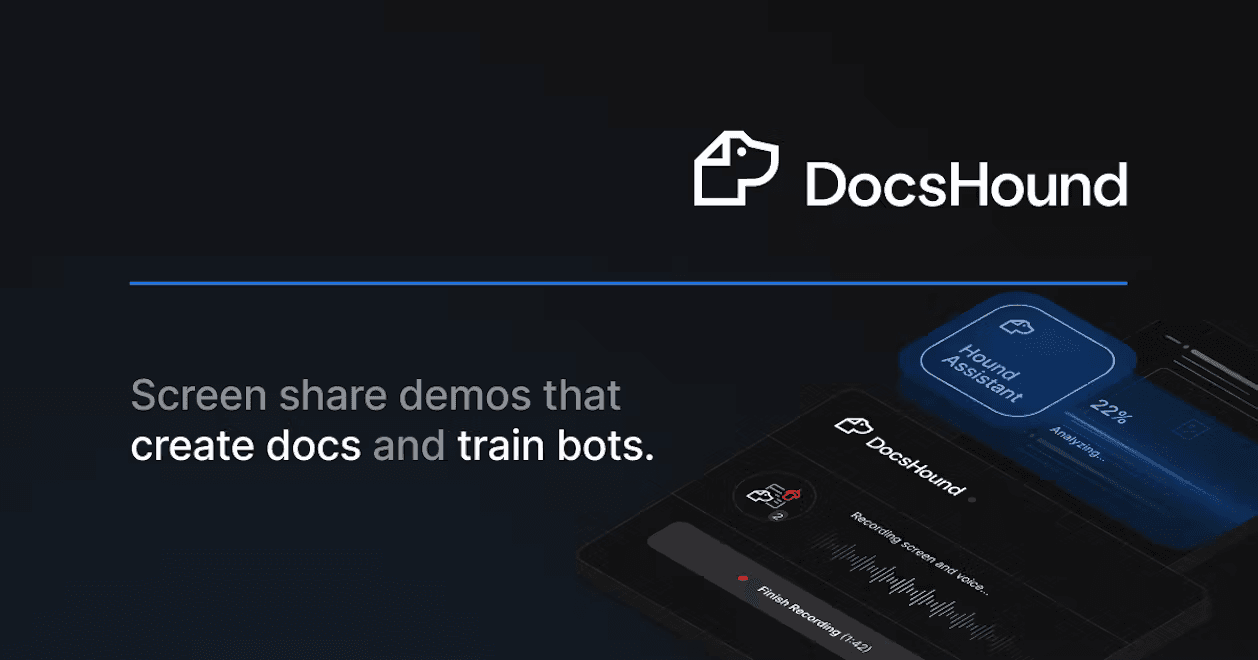
About this app
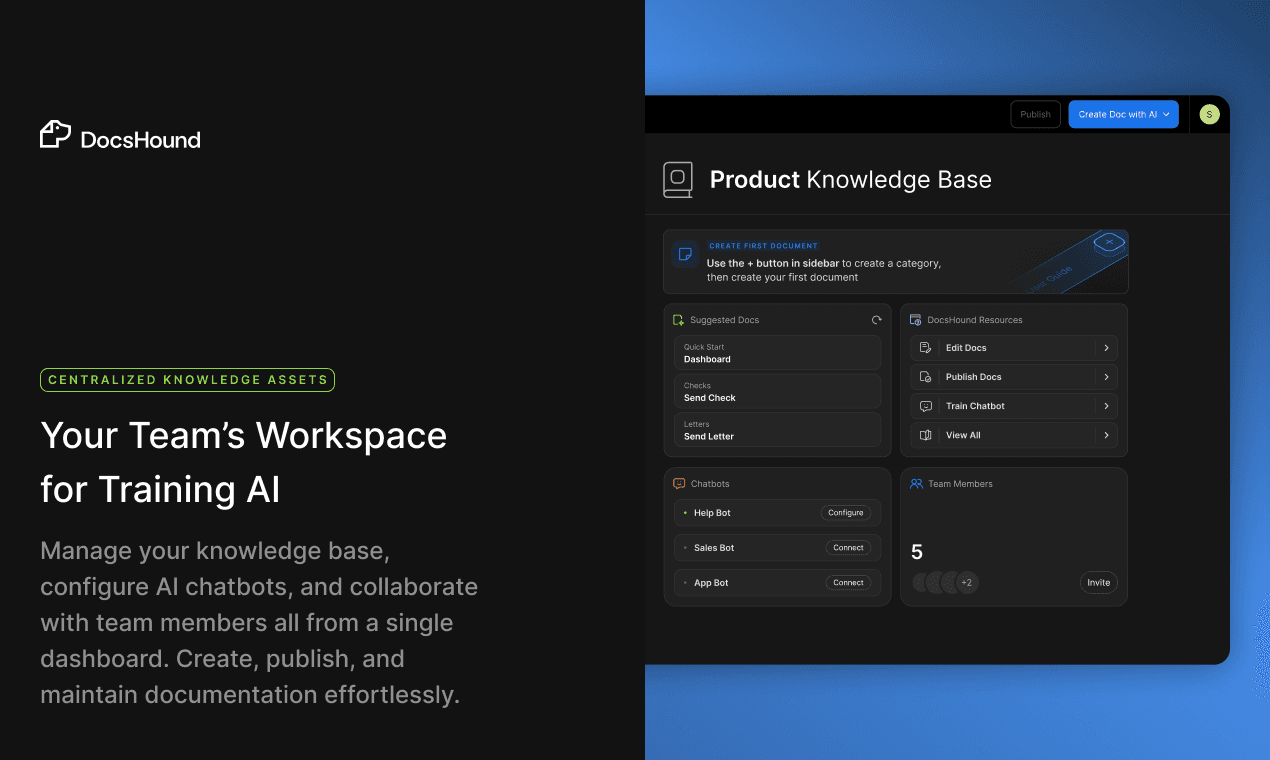
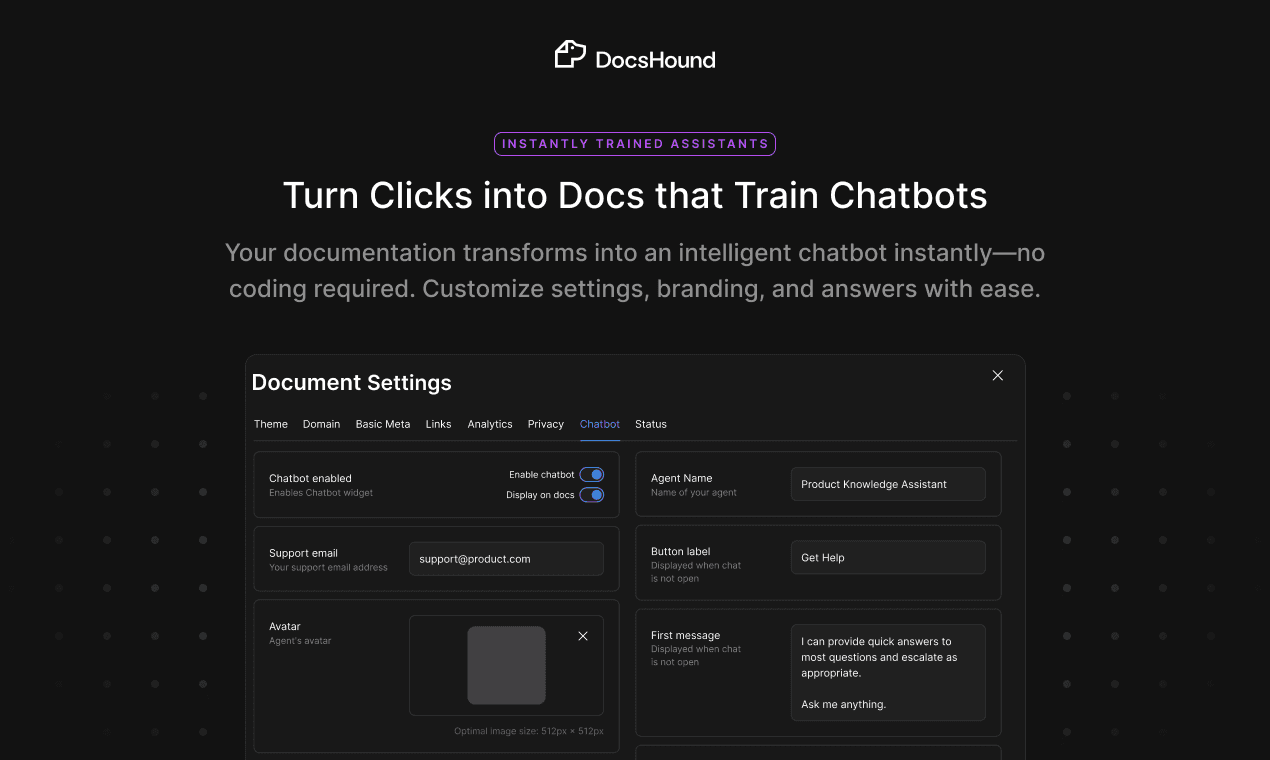
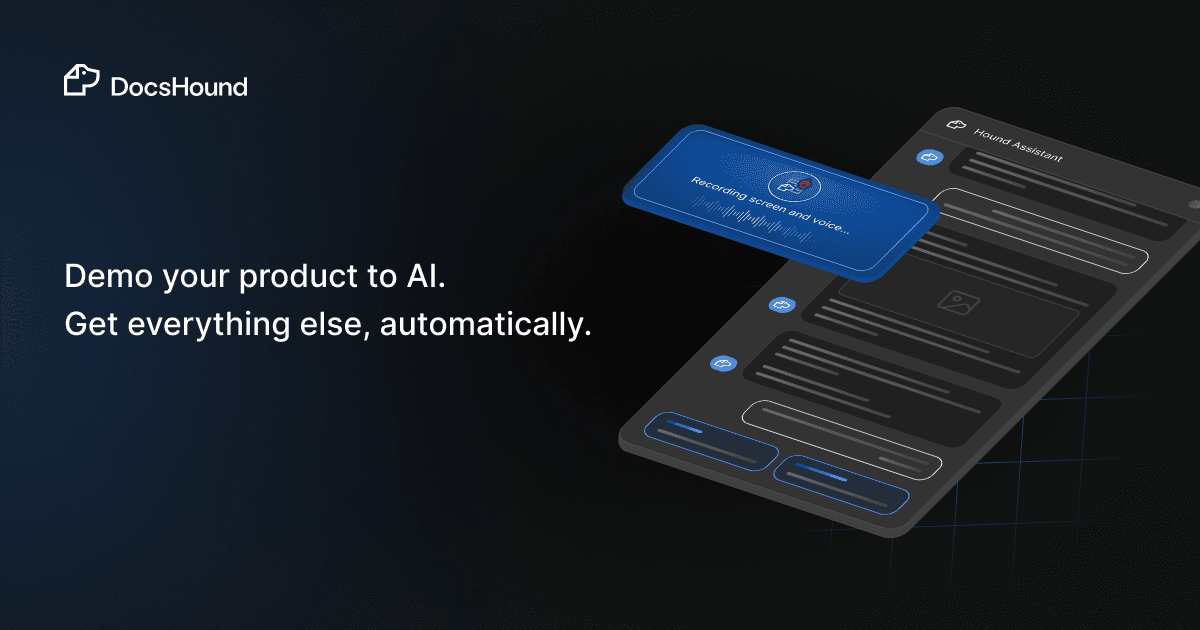
DocsHound tackles one of the most tedious tasks in tech: documentation. By recording a single product demo, users can auto-generate step-by-step guides, FAQs, and even train AI chatbots for customer support. Its Chrome extension captures screen activity, while the Workspace editor lets you refine outputs with drag-and-drop tools and voice commands. Designed for fast-paced teams, it’s particularly useful for SaaS companies, customer success teams, and anyone drowning in manual documentation. The free tier makes it accessible for small teams, while integrations with Intercom and Command AI add enterprise appeal. With a 4.1 rating, it balances innovation with room for polish in areas like security and accessibility.
Key features
- 1One-click recording and intuitive drag-and-drop editing for seamless workflows
- 2AI-powered transformation of screen recordings into guides and chatbots
- 3Clean, minimalist design with a professional yet approachable aesthetic
Target customer profile
Drawn from the product itself, not from a survey.
Demographic
SaaS Product Teams
Pain points
Time-consuming manual documentation, inconsistent product updates, scaling customer support.
Primary needs
Automated guides, real-time insights, AI-driven customer interactions.
Demographic
Customer Support Managers
Pain points
Repetitive support queries, outdated knowledge bases, slow onboarding.
Primary needs
Self-updating chatbots, centralized knowledge hubs, reduced ticket volume.
Demographic
Startups/Scaleups
Pain points
Limited resources for documentation, need to iterate quickly.
Primary needs
Affordable automation, seamless integration with existing tools.
Scout Review
Written by AI from measured evidence, scored out of 100.
DocsHound delivers impressive AI-powered documentation automation that genuinely reduces manual workload for product and support teams. Its core functionality—transforming screen recordings into polished guides and chatbots—works remarkably well and provides immediate value. The platform excels at simplifying complex documentation processes but shows its early-stage nature in areas like security transparency and accessibility features.
Measure by measure
Usability
90One-click recording and intuitive drag-and-drop editing make basic workflows seamless. Minor learning curve for advanced features.
Design
84Clean purple and gray interface with minimalist Chrome extension and intuitive drag-and-drop workspace editor. Professional yet approachable aesthetic.
Speed
80Processes short demos in under 5 minutes with smooth Chrome extension performance. Longer videos experience noticeable lag.
Security
70Basic SSL encryption for data transit but lacks transparency on storage policies and compliance certifications.
Accessibility
60Minimal support for screen readers, keyboard navigation, or multilingual users. Visual-heavy interface limits inclusivity.
Growth
90Strong market demand for AI documentation tools with expanding integrations and clear product-market fit.
Improvement areas
- Enhance accessibility with screen reader support and keyboard navigation
- Improve security transparency with detailed policies and compliance certifications
- Optimize processing speed for longer videos to reduce lag
Design & Usability
DocsHound's design philosophy clearly prioritizes functionality over flashiness. The Chrome extension adopts a minimalist approach that Loom users will find immediately familiar, with a prominent one-click recording button that reduces cognitive load. The Workspace editor employs a clean, drag-and-drop interface with live previews that make editing AI-generated content surprisingly intuitive. The purple and gray color scheme strikes a balance between professional and approachable, though it's not particularly groundbreaking. Navigation flows naturally for core tasks like recording and basic editing, but more advanced features like custom guide creation could benefit from better visual cues and onboarding tooltips.
Speed & Security
Performance-wise, DocsHound handles short screen recordings efficiently, typically processing them into documentation within five minutes. The Chrome extension operates smoothly without noticeable lag during recording sessions. However, longer videos can experience processing delays that might frustrate users working with extensive demos. Security measures include standard SSL encryption for data in transit, which covers basic protection needs. Unfortunately, the platform lacks transparency regarding data storage practices, compliance certifications like GDPR or SOC 2, and detailed privacy policies. This creates uncertainty for enterprises with strict security requirements, though it's likely sufficient for most small to medium teams.
Accessibility & Growth
Accessibility represents DocsHound's most significant area for improvement. The platform offers minimal support for screen readers, keyboard navigation, or users with visual impairments. Language options appear limited to English, restricting global usability despite the clear international demand for documentation automation tools. The visual-heavy interface, while aesthetically pleasing, creates barriers for users who rely on assistive technologies. Despite these limitations, DocsHound's growth potential remains strong due to increasing market demand for AI-powered documentation solutions. The platform's expanding integration ecosystem and clear product-market fit position it well for future expansion, particularly as remote work and digital documentation needs continue growing.
Conclusion
If you're part of a SaaS team drowning in manual documentation or a support manager battling repetitive queries, DocsHound offers a genuinely transformative solution. The free plan makes experimentation risk-free, and the AI's accuracy in parsing demos is genuinely impressive. Just temper expectations around enterprise-grade security and accessibility for now. Give it a try if you're ready to automate your documentation workflow and reclaim hours of productive time.
Suggestions for improvement
- Implement comprehensive screen reader support and keyboard navigation shortcuts to improve accessibility.
- Expand language options beyond English to accommodate global teams.
- Publish detailed security documentation including compliance certifications and data handling policies.
- Introduce version control features for AI-generated content to track changes and updates.
- Optimize processing algorithms for longer videos to maintain consistent performance across different recording lengths.
Alternatives comparison
Named competitors, point by point. Nobody paid to appear here or to be left out.
 DocsHound DocsHound |  Scribe Scribe |  Mintlify Mintlify |  Google Document AI Google Document AI | |
|---|---|---|---|---|
| AI Documentation Generation | Transforms screen recordings into guides, FAQs, and chatbots | AI-generated process documentation | Developer-focused documentation with code integration | Enterprise document parsing requiring technical setup |
| Chatbot Training | Yes - trains AI chatbots from recordings | No | No | No |
| Ease of Use | No-code Chrome extension | Moderate learning curve | Developer-focused interface | Technical setup required |
| Target Audience | Product teams, support managers, SaaS companies | General business process documentation | Developers and technical teams | Enterprise document processing |
Scribe
Scribe offers AI-generated process documentation but lacks DocsHound’s chatbot training and customer insights.
Mintlify
Focuses on developer-facing docs with code integration, whereas DocsHound targets product demos and support teams.
Google Document AI
Enterprise-grade document parsing but requires technical setup, unlike DocsHound’s no-code Chrome extension.
Comparing options? See DocsHound alternatives, scored side by side
More Productivity apps
View all Productivity
Vibe Coding Agent Skills
92A free, open-source platform offering 110 AI agent skills...

Puzzly – B2B Lead Generation & Sales Intelligence Platform
92Puzzly is an all-in-one B2B lead generation platform that...

Qamarero
92An all-in-one hospitality software for restaurants and ba...

StoryPad
92Privacy-first open source journal app with a continuous t...

The Stack Newsletter
92A weekly newsletter delivering curated tech jobs, intervi...

Notion
92All-in-one AI workspace for docs, projects, and knowledge...

EmbedMyReviews
92White-label reputation management software for agencies s...

QRBliss
91Branded QR codes with AI Brand Sync, 15 free dynamic code...

CC Switch
91Open-source desktop app for switching AI coding providers...

Gerty
91Private, local AI assistant for Mac that runs offline

username.md
90One verified handle for your online identity, readable by...

BACKLNK
90Backlnk is a free SEO and AI visibility website: 15 website checks, a full audit as a PDF report, and guides to get found in search and AI answers.


A platform dedicated to providing unbiased reviews of newly launched applications, analyzing everything from their features to their full potential.
info@scoutforge.net© 2026 Scoutforge. All rights reserved.
