Is this your app?
Claim DownMark to manage its page, add your badge and see your traffic — free, and it stays free.
Cycling through all six. Tap any point to stop.
Measured on six things
A Safari extension for macOS that converts web pages to clean Markdown, filtering out ads and preserving content structure.
Accessibility
60Limited to Safari/macOS only, no special accessibility features for visually impaired users
Screenshots
1 / 3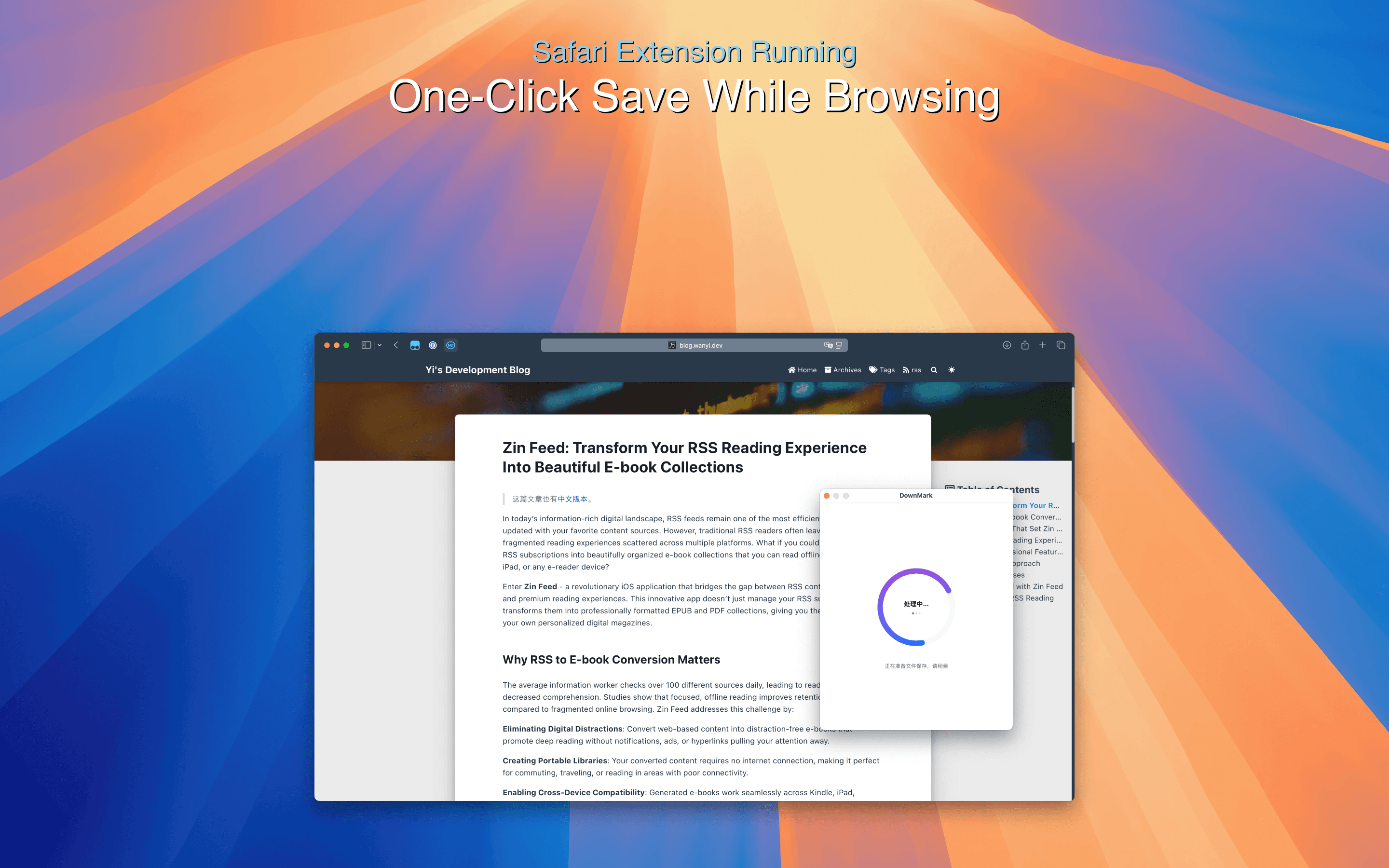
About this app
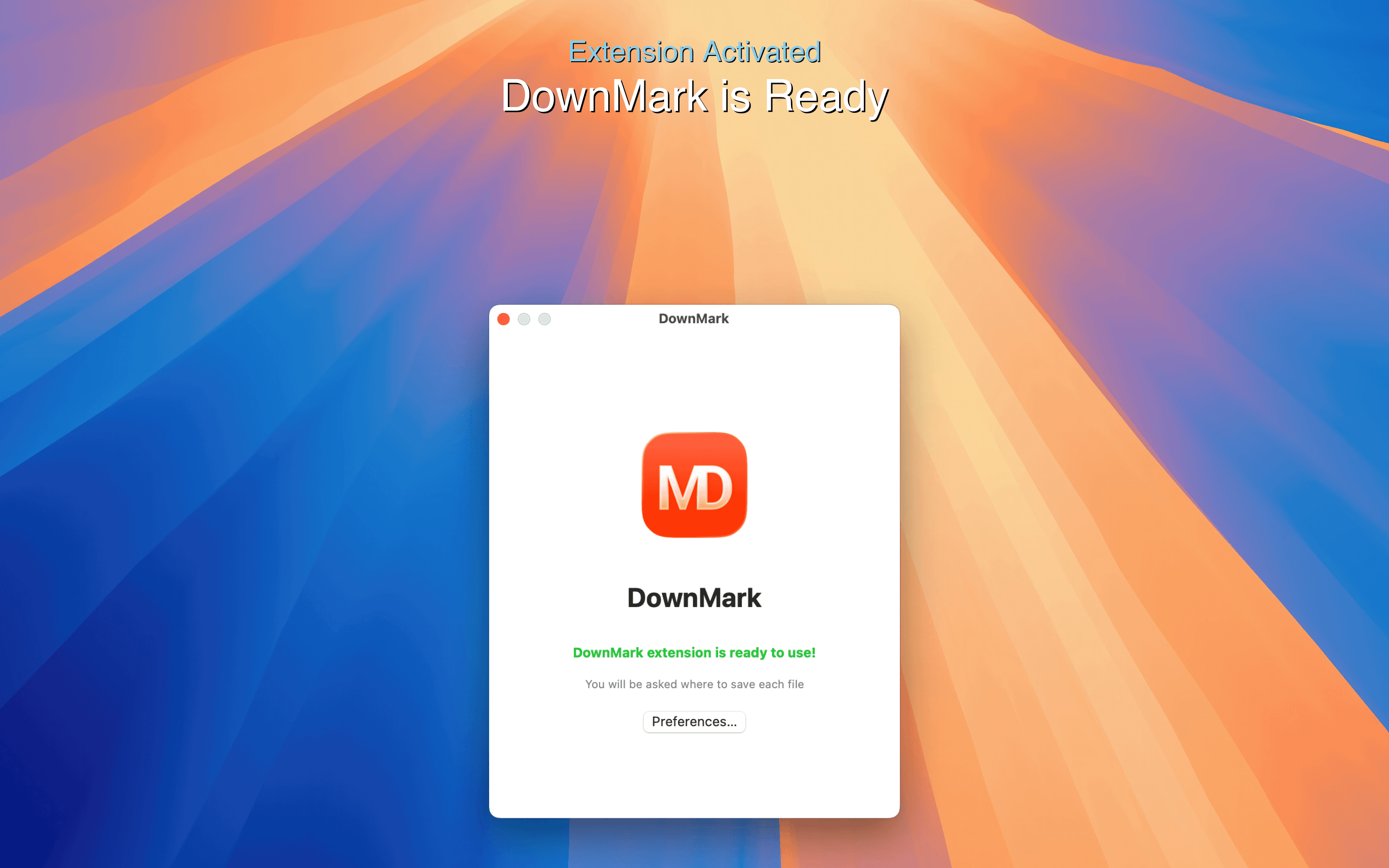
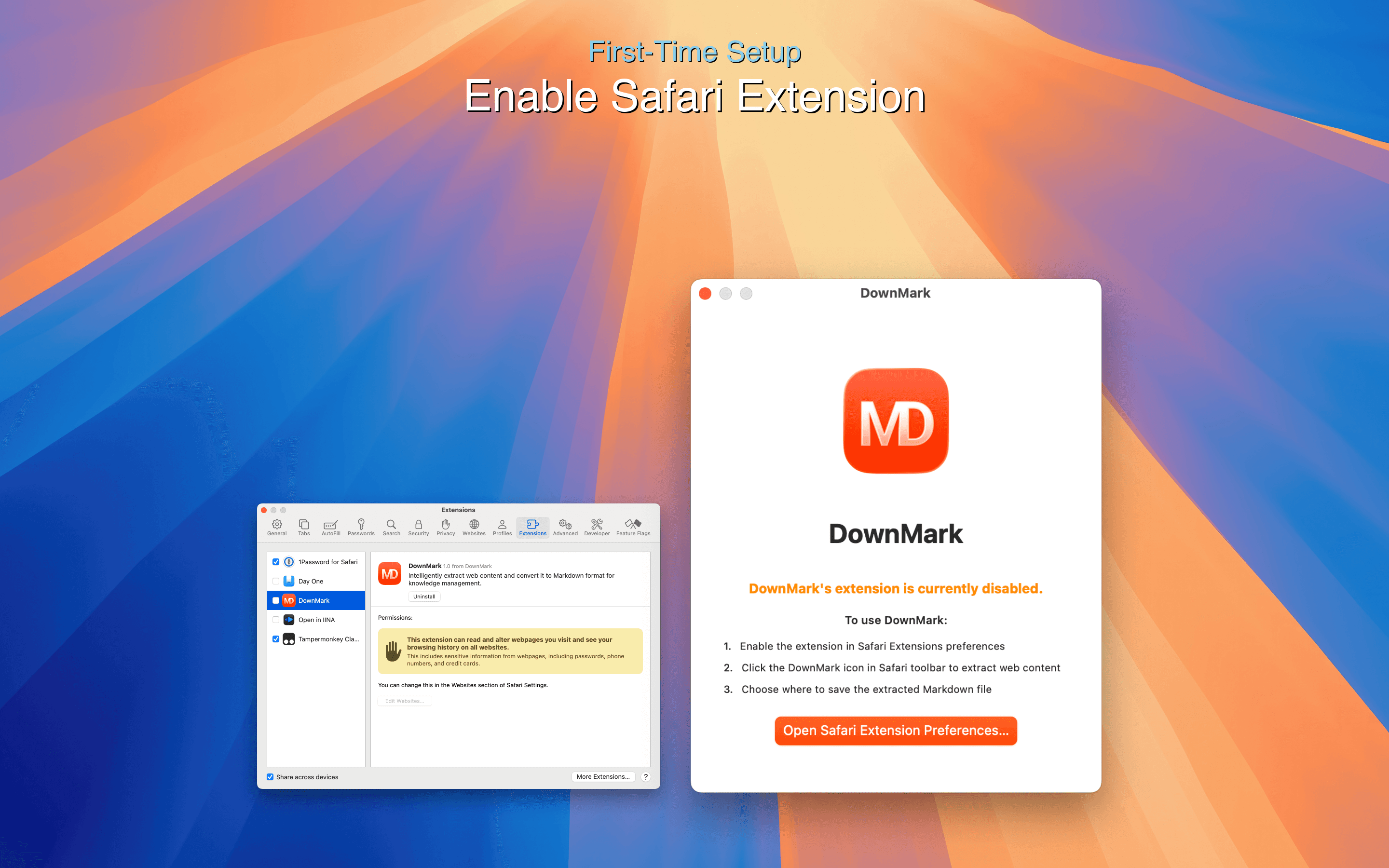
DownMark is a native Safari extension for macOS that intelligently converts web pages into clean Markdown format. As someone who frequently saves web content for research and note-taking, I've found it incredibly efficient—it strips away ads, navigation, and distractions while preserving headings, links, and code blocks. The one-click operation and automatic file naming make it a breeze for developers, writers, and researchers who need organized, citation-friendly content. It operates locally for speed and privacy, requires no registration, and integrates seamlessly with Safari, though it's currently limited to macOS. With features like near-instant conversion and excellent formatting consistency, DownMark stands out as a must-try tool for anyone looking to streamline their content-saving workflow.
Key features
- 1One-click web page to Markdown conversion with intelligent content extraction
- 2Automatic ad and navigation removal while preserving headings and code blocks
- 3Local-only processing for maximum speed and privacy with no registration required
Target customer profile
Drawn from the product itself, not from a survey.
Demographic
Researchers & Academics
Pain points
Difficulty saving research content in usable format, cluttered web pages with ads
Primary needs
Clean content extraction, offline reading, citation-friendly format
Demographic
Developers & Technical Writers
Pain points
Need to preserve code blocks and technical formatting
Primary needs
Code preservation, Markdown compatibility, quick conversion
Demographic
Content Creators & Bloggers
Pain points
Time-consuming manual content saving, format inconsistencies
Primary needs
One-click saving, consistent formatting, organized content library
Scout Review
Written by AI from measured evidence, scored out of 100.
DownMark excels at its specific mission: converting web content to clean Markdown with remarkable efficiency. The intelligent content extraction that strips away ads while preserving structure is genuinely impressive. For macOS users in research, development, or content creation, it eliminates the tedious manual cleanup that usually accompanies web content saving. The one-click operation and local processing make it both fast and private. While platform limitations are significant, the core functionality is so well-executed that it's hard not to recommend it to anyone in its target demographic.
Measure by measure
Usability
94One-click operation with intelligent content extraction, automatic formatting, and zero learning curve
Design
90Clean, minimal Safari integration with intuitive single-click interface and automatic file naming based on page titles
Speed
96Near-instant local processing with no server dependency, conversions complete in seconds
Security
90Local-only processing, no data sent to servers, App Store distribution with Apple security review
Accessibility
60Limited to Safari/macOS only, no special accessibility features for visually impaired users
Growth
80Strong core functionality with clear expansion potential to other browsers and platforms
Improvement areas
- Platform limitation to Safari/macOS only excludes majority of potential users
- No customization options for Markdown output formatting preferences
- Missing mobile support and batch processing capabilities
Design & Usability
DownMark's design philosophy is beautifully simple - it integrates so seamlessly with Safari that you might forget it's there. The single toolbar button activates instantly, and the automatic file naming based on page titles shows thoughtful UX design. What really impressed me was how it maintains formatting consistency across different types of content, from technical documentation to blog posts. The interface doesn't overwhelm with unnecessary options, keeping the focus squarely on its core purpose. For researchers and developers who need quick, clean content extraction, the usability is nearly perfect - it's one of those rare tools that just works exactly as you'd hope.
Speed & Security
Performance-wise, DownMark is lightning fast because everything happens locally on your Mac. The near-instant conversion means you can capture web content without breaking your workflow rhythm. From a security perspective, I appreciate that no data ever leaves your device - there's no registration, no cloud processing, and no external servers involved. Being distributed through Apple's App Store adds an extra layer of trust, as it undergoes Apple's security review process. This local-first approach not only enhances privacy but also means you can use it offline, which is perfect for researchers working in environments with spotty internet connectivity.
Accessibility & Growth
Accessibility is where DownMark shows its limitations - it's exclusively for Safari on macOS, which automatically excludes Windows, Linux, and mobile users. While the interface is simple enough for most users, there are no apparent accessibility features for visually impaired users. However, the growth potential is substantial. The core technology works exceptionally well, and expanding to other browsers like Chrome and Firefox would dramatically increase its user base. Adding mobile support and customization options could transform this from a great niche tool into an essential productivity app for content creators across all platforms.
Conclusion
If you're a macOS user who regularly needs to save web content for research, development, or writing purposes, DownMark is absolutely worth installing. It transforms what's typically a multi-step, frustrating process into a single click. The time savings alone make it valuable for academics, developers, and content creators who work with web-based information. While I'd love to see it expand to other platforms, for Safari users on Mac, this is one of those rare extensions that delivers exactly what it promises without complications. Give it a try if you're tired of manually cleaning up copied web content.
Suggestions for improvement
- Expand browser support to Chrome and Firefox to reach the majority of users
- Add iOS Safari extension for mobile content capture on the go
- Include output customization options for different Markdown flavors
- Implement batch processing for converting multiple pages at once
Alternatives comparison
Named competitors, point by point. Nobody paid to appear here or to be left out.
 DownMark DownMark |  Webpage to Markdown (Chrome Extension) Webpage to Markdown (Chrome Extension) | Pocket/Instapaper | Manual copy-paste with formatting tools | |
|---|---|---|---|---|
| Browser Compatibility | Safari on macOS only | Chrome browser only | Multiple browsers and mobile apps | All browsers (manual process) |
| Markdown Export | Yes, with clean formatting | Yes, basic Markdown | No Markdown export | Manual conversion required |
| Content Cleaning | Automatic ad and distraction removal | Basic content extraction | Readability formatting | Manual cleanup required |
| Processing Speed | Near-instant local processing | Fast browser-based processing | Cloud processing with sync | Time-consuming manual work |
Webpage to Markdown (Chrome Extension)
Similar functionality but limited to Chrome browser users
Pocket/Instapaper
Read-later services but without Markdown export capability
Manual copy-paste with formatting tools
Time-consuming process requiring multiple steps and cleanup
Comparing options? See DownMark alternatives, scored side by side
More Productivity apps
View all Productivity
Vibe Coding Agent Skills
92A free, open-source platform offering 110 AI agent skills...

Puzzly – B2B Lead Generation & Sales Intelligence Platform
92Puzzly is an all-in-one B2B lead generation platform that...

Qamarero
92An all-in-one hospitality software for restaurants and ba...

StoryPad
92Privacy-first open source journal app with a continuous t...

The Stack Newsletter
92A weekly newsletter delivering curated tech jobs, intervi...

Notion
92All-in-one AI workspace for docs, projects, and knowledge...

EmbedMyReviews
92White-label reputation management software for agencies s...

QRBliss
91Branded QR codes with AI Brand Sync, 15 free dynamic code...

CC Switch
91Open-source desktop app for switching AI coding providers...

Gerty
91Private, local AI assistant for Mac that runs offline

username.md
90One verified handle for your online identity, readable by...

BACKLNK
90Backlnk is a free SEO and AI visibility website: 15 website checks, a full audit as a PDF report, and guides to get found in search and AI answers.


A platform dedicated to providing unbiased reviews of newly launched applications, analyzing everything from their features to their full potential.
info@scoutforge.net© 2026 Scoutforge. All rights reserved.
