Is this your app?
Claim FillFaster to manage its page, add your badge and see your traffic — free, and it stays free.
Cycling through all six. Tap any point to stop.
Measured on six things
A web-based e-signature platform simplifying document workflows with secure, automated signatures, ideal for businesses seeking efficiency.
Accessibility
76Excellent RTL and multi-language support, but weak on screen reader compatibility and assistive technology.
Screenshots
1 / 3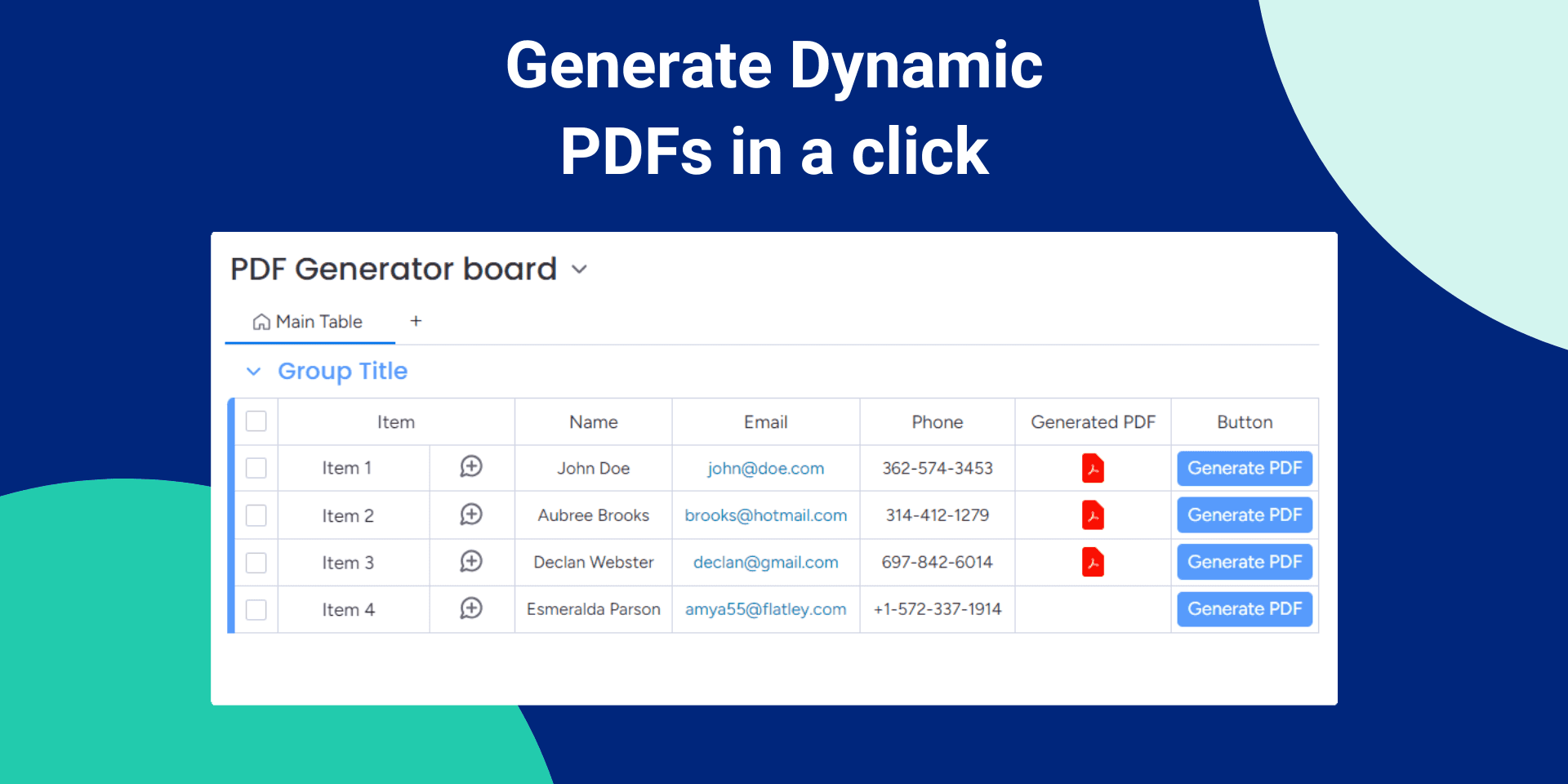
About this app
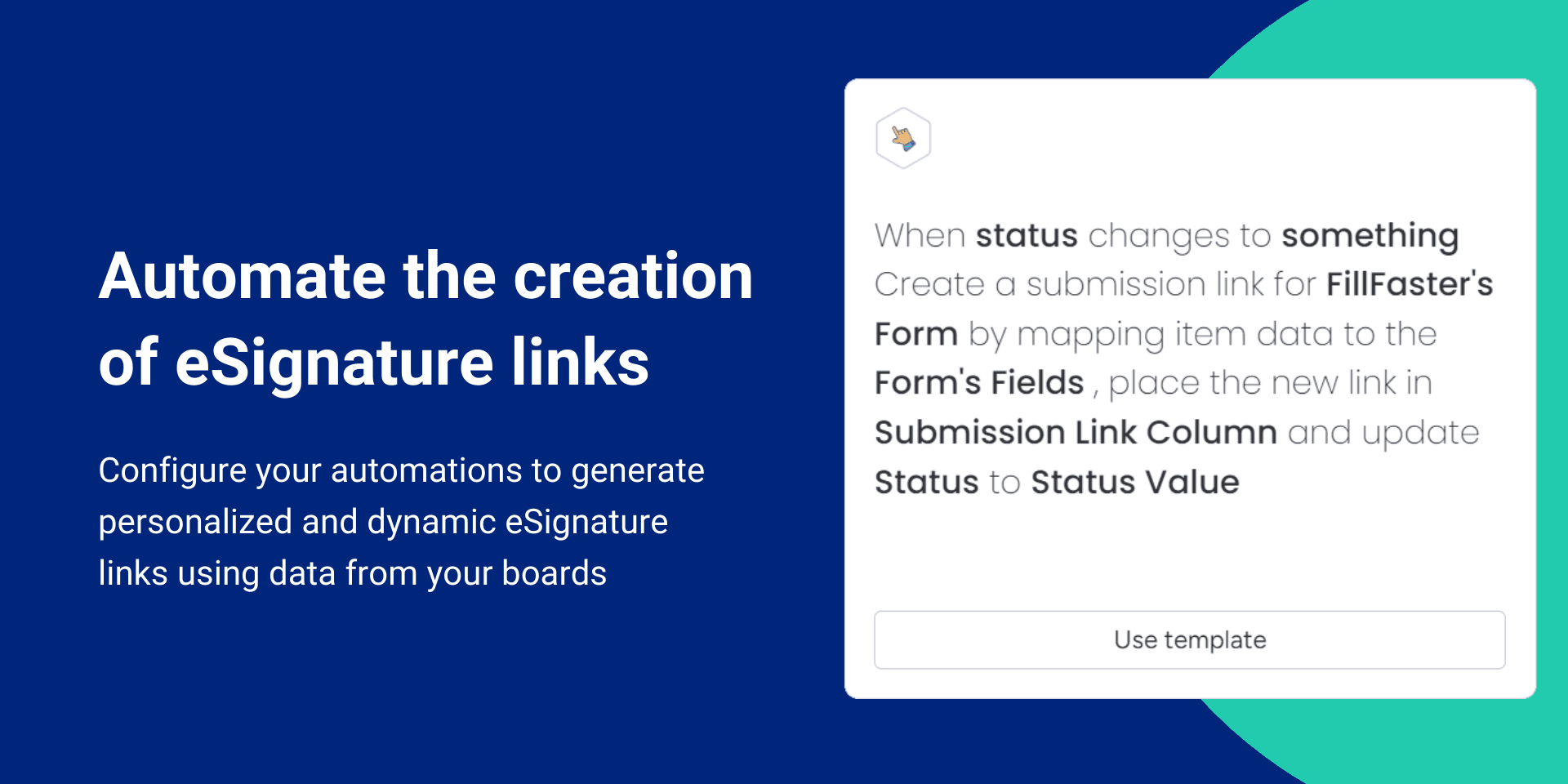
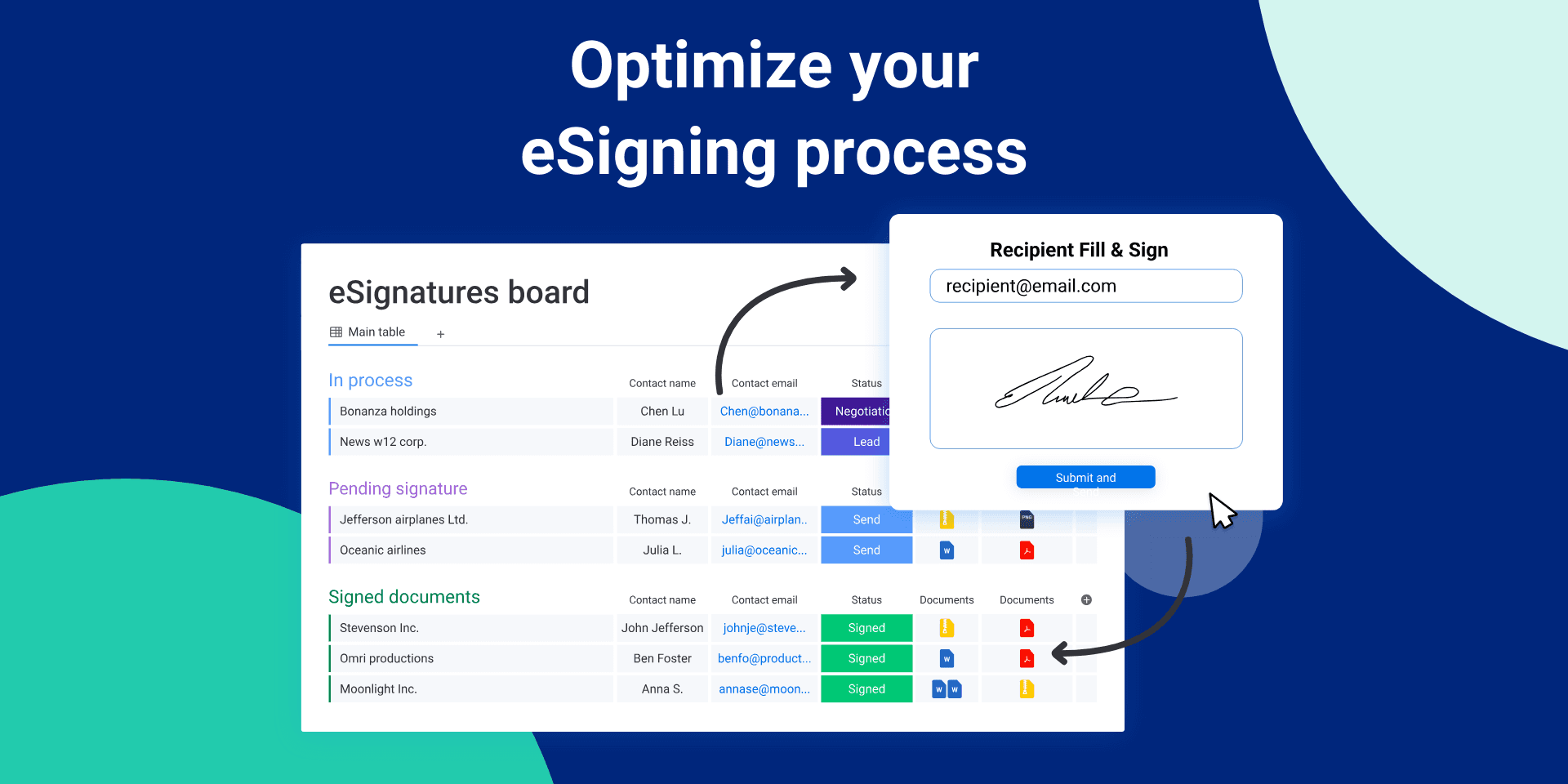
FillFaster is a digital signature tool designed to streamline document management for teams overwhelmed by paperwork. It offers a no-download solution with features like RTL language support for global accessibility, integrations with tools like monday.com, and a free tier that makes it great for startups. With a clean, intuitive interface, it allows users to send contracts in just a few clicks, though it lacks advanced customization. Security is solid with SSL encryption and compliance with e-signature laws, but it could improve in areas like accessibility and bulk processing speed. Overall, it's a reliable alternative to pricier options like DocuSign, focusing on speed and ease of use without unnecessary frills.
Key features
- 1Clean blue-accented interface with minimal clutter for easy navigation
- 2Three-click document sending process making it intuitive for beginners
- 3SSL encryption and ESIGN Act compliance ensuring solid security foundation
Target customer profile
Drawn from the product itself, not from a survey.
Demographic
Small-to-medium businesses
Pain points
Cumbersome paper-based processes, delayed approvals, fragmented tools
Primary needs
Centralized signing workflow, compliance, cost-effective scaling
Demographic
Remote/global teams
Pain points
Timezone delays, language barriers, inconsistent security
Primary needs
Multi-language/RTL support, 24/7 access, audit trails
Demographic
Startups and freelancers
Pain points
High costs of e-signature tools, complex setups, limited budgets
Primary needs
Affordable or free options, ease of use, quick implementation
Scout Review
Written by AI from measured evidence, scored out of 100.
FillFaster successfully carves out a niche in the crowded e-signature market by focusing on what most businesses actually need: a simple, fast, and affordable way to get documents signed. It's not trying to be everything to everyone, and that focus is its greatest strength. The platform excels at streamlining basic signing workflows without overwhelming users with unnecessary features or complex pricing structures.
Measure by measure
Usability
90Three-click document sending makes it incredibly intuitive for beginners with minimal learning curve.
Design
84Clean blue-accented interface with minimal clutter, though lacks advanced branding customization options.
Speed
86Snappy performance for individual documents, though bulk processing shows some latency issues.
Security
90SSL encryption and ESIGN Act compliance provide solid foundation, though lacks detailed security documentation.
Accessibility
76Excellent RTL and multi-language support, but weak on screen reader compatibility and assistive technology.
Growth
80Strong differentiators with RTL support and integrations, positioned well in competitive e-signature market.
Improvement areas
- Lacks advanced branding customization options for users
- Bulk processing shows latency issues affecting speed
- Weak screen reader compatibility and assistive technology support
Design & Usability
FillFaster's design philosophy clearly prioritizes function over form, and that's not necessarily a bad thing. The clean, blue-accented dashboard eliminates the visual clutter that plagues many productivity tools, making document upload and tracking remarkably straightforward. What impressed me most was the three-click document sending process - it's the kind of intuitive workflow that makes you wonder why other e-signature platforms feel the need to complicate things. While advanced users might crave more branding customization options, the trade-off is a interface that virtually anyone can navigate without training wheels. The web-only approach keeps things lightweight, though it does limit offline capabilities.
Speed & Security
Performance-wise, FillFaster delivers where it counts for most business users. Individual document processing feels snappy and responsive, with no noticeable lag during typical signing workflows. However, when you push it with bulk processing (50+ files), you'll start to notice some latency - not a dealbreaker for most, but worth noting for high-volume operations. Security gets the job done with SSL encryption and compliance with major e-signature laws, though the lack of detailed documentation about SOC 2 or GDPR compliance might give enterprise security teams pause. It's secure enough for most business needs, but they could build more trust with transparent security whitepapers.
Accessibility & Growth
FillFaster's accessibility approach is a classic case of 'great at some things, missing others.' The RTL (right-to-left) language support for Arabic and Hebrew users is genuinely impressive and sets it apart from many competitors. Multi-language capabilities make it a strong choice for global teams. However, the platform falls short when it comes to assistive technologies - screen reader optimization and keyboard navigation features are noticeably lacking. Growth potential is solid though, with smart differentiators like the forever-free tier and niche language support that could help it carve out market share from established players who've become complacent.
Conclusion
If you're a small-to-medium business tired of paperwork delays or a remote team struggling with timezone and language barriers, FillFaster offers a refreshingly straightforward solution. The free tier makes it risk-free to test, and the web-based approach means no IT headaches. Just manage your expectations around advanced customization and offline capabilities. For teams prioritizing efficiency over fancy features, this is definitely worth a try.
Suggestions for improvement
- A mobile app would significantly enhance on-the-go usability without browser dependency.
- Expanding accessibility features like screen reader compatibility and high-contrast modes would make the platform more inclusive.
- Publishing detailed security documentation would build enterprise trust, while an offline mode would cater to regions with unstable internet connectivity.
- Adding more template customization options would satisfy users wanting stronger branding capabilities without compromising the clean interface.
Alternatives comparison
Named competitors, point by point. Nobody paid to appear here or to be left out.
 FillFaster FillFaster |  DocuSign DocuSign |  Adobe Sign Adobe Sign |  PandaDoc PandaDoc | |
|---|---|---|---|---|
| Free Tier Available | Yes | No | Limited trial | Limited free plan |
| RTL Language Support | Yes | No | Limited | No |
| Pricing (Entry Level) | Free forever | $15/user/month | $14.99/user/month | $19/user/month |
| Mobile App | Web-only | Yes | Yes | Yes |
| Integration Ecosystem | Limited (monday.com, API) | Extensive | Adobe ecosystem | Comprehensive |
DocuSign
A leading e-signature service with robust features but higher pricing, lacking FillFaster's RTL support and free tier.
Adobe Sign
Integrated with Adobe's ecosystem, offering strong PDF tools but less focused on lightweight, global team needs compared to FillFaster.
PandaDoc
Focuses on full document creation and management, whereas FillFaster is more streamlined for high-volume signing tasks.
Comparing options? See FillFaster alternatives, scored side by side
More Productivity apps
View all Productivity
Vibe Coding Agent Skills
92A free, open-source platform offering 110 AI agent skills...

Puzzly – B2B Lead Generation & Sales Intelligence Platform
92Puzzly is an all-in-one B2B lead generation platform that...

Qamarero
92An all-in-one hospitality software for restaurants and ba...

StoryPad
92Privacy-first open source journal app with a continuous t...

The Stack Newsletter
92A weekly newsletter delivering curated tech jobs, intervi...

Notion
92All-in-one AI workspace for docs, projects, and knowledge...

EmbedMyReviews
92White-label reputation management software for agencies s...

QRBliss
91Branded QR codes with AI Brand Sync, 15 free dynamic code...

CC Switch
91Open-source desktop app for switching AI coding providers...

Gerty
91Private, local AI assistant for Mac that runs offline

username.md
90One verified handle for your online identity, readable by...

BACKLNK
90Backlnk is a free SEO and AI visibility website: 15 website checks, a full audit as a PDF report, and guides to get found in search and AI answers.


A platform dedicated to providing unbiased reviews of newly launched applications, analyzing everything from their features to their full potential.
info@scoutforge.net© 2026 Scoutforge. All rights reserved.
