Is this your app?
Claim KiBoard to manage its page, add your badge and see your traffic — free, and it stays free.
Cycling through all six. Tap any point to stop.
Measured on six things
An infinite digital canvas for visual thinkers and teams to organize workflows and brainstorm ideas efficiently.
Accessibility
50Critical gaps: no alt-text support, keyboard navigation, screen reader compatibility, or high-contrast options for impaired users.
Screenshots
1 / 3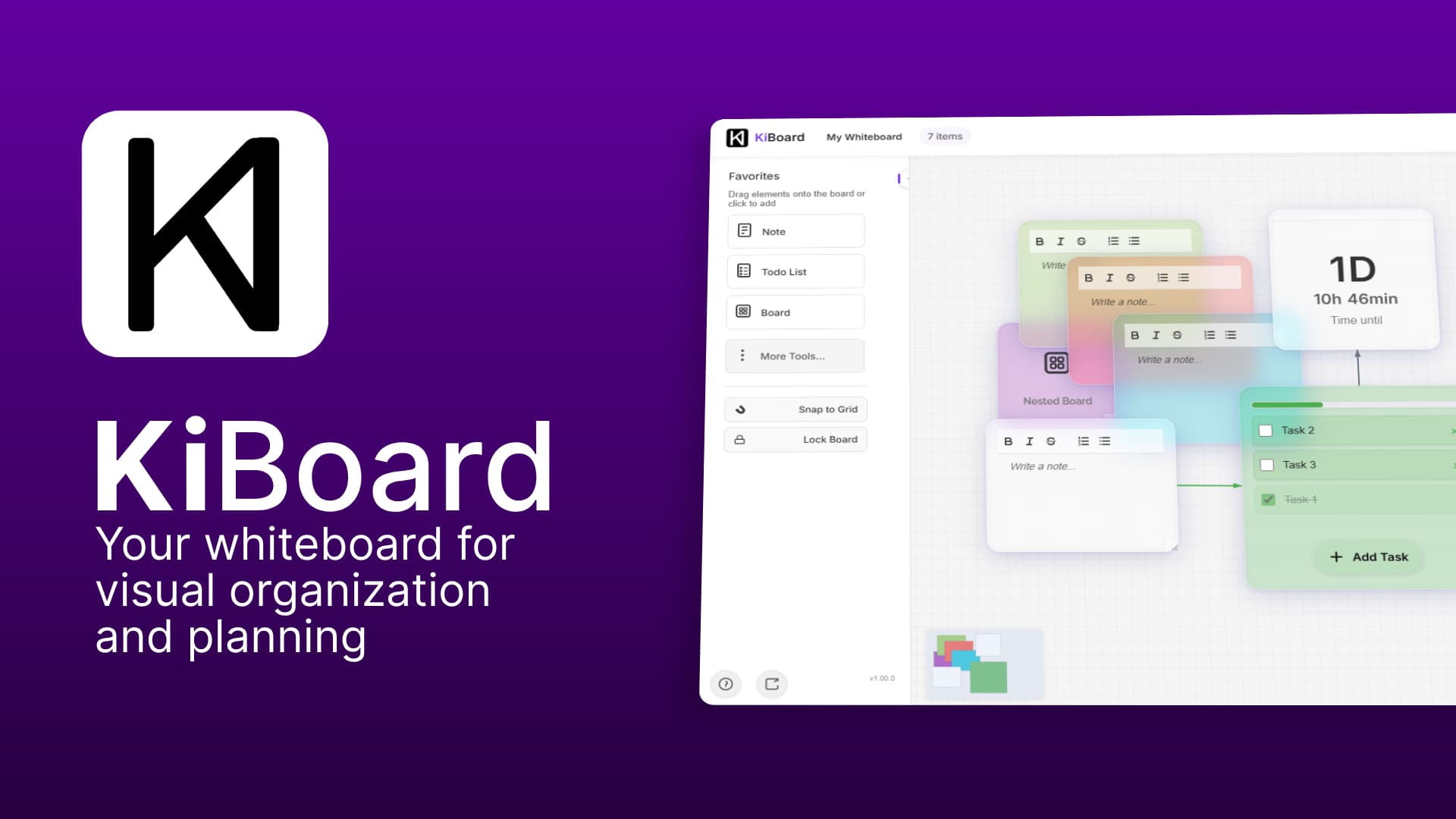
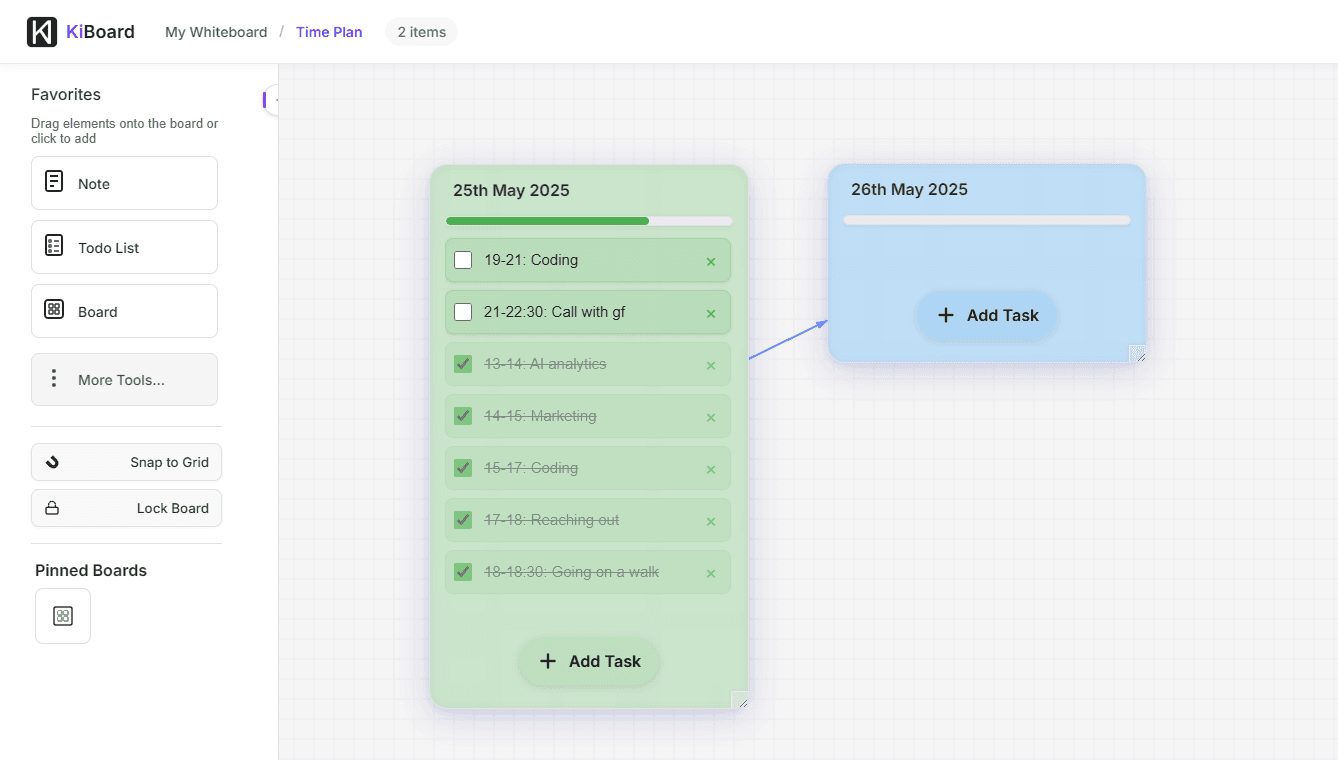
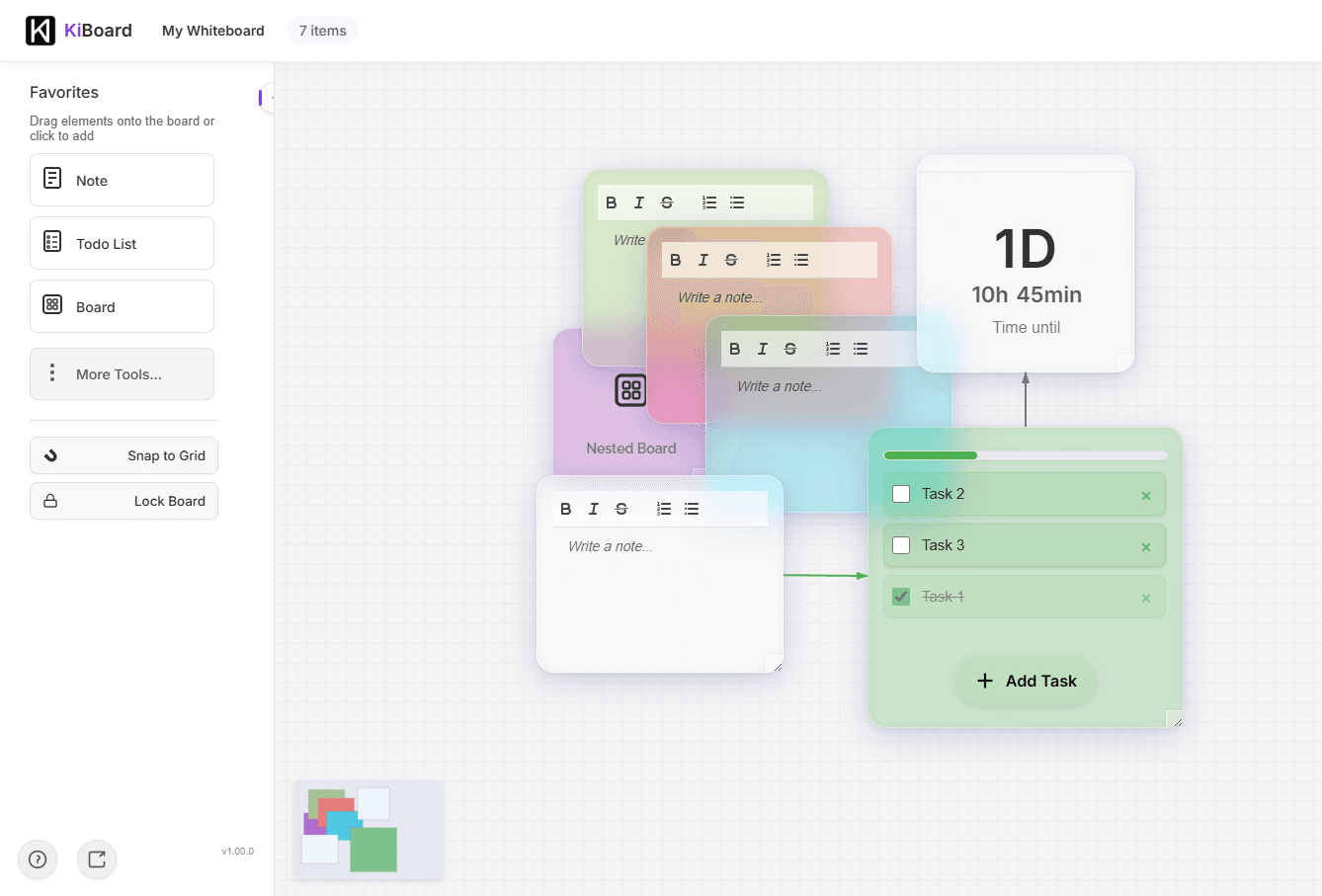
About this app
KiBoard is a spatial thinking environment that transforms complex planning into intuitive visual workflows. It's designed for project managers, creative teams, and remote collaborators who need to map out projects, brainstorm ideas, and manage tasks on an infinite canvas. Standout features include real-time collaboration, drag-and-drop tools for mind mapping and flowcharts, and a clean, minimalist interface that emphasizes organization over clutter. While it excels in visual planning and team coordination, it currently lacks advanced accessibility features, which may limit usability for some users. Overall, it's a promising tool for those tired of traditional slide-based constraints, offering a fresh approach to project visualization.
Key features
- 1Clean minimalist interface with intuitive drag-and-drop and spatial organization for visual workflows
- 2Infinite canvas concept enabling freeform project mapping without slide-based constraints
- 3Smooth performance with WebGL acceleration for responsive panning and zooming on complex boards
Target customer profile
Drawn from the product itself, not from a survey.
Demographic
Project Managers
Pain points
Juggling complex timelines, scattered communication, unclear task dependencies
Primary needs
Visual roadmap creation, drag-and-drop scheduling, progress tracking
Demographic
Remote Teams
Pain points
Disconnected collaboration, version chaos, lack of shared context
Primary needs
Real-time co-editing, persistent workspace, intuitive commenting
Demographic
Visual Strategists
Pain points
Rigid slide formats, fragmented brainstorming, static diagrams
Primary needs
Infinite canvas, flexible object relationships, exportable frameworks
Scout Review
Written by AI from measured evidence, scored out of 100.
KiBoard offers a refreshing take on visual collaboration with its infinite canvas approach and clean minimalist design. It excels at providing spatial organization for complex projects without overwhelming users with unnecessary features. The tool shows particular strength for project managers and remote teams needing to visualize workflows and dependencies. However, significant accessibility gaps and limited advanced features prevent it from being a complete solution. The foundation is solid, but the implementation feels like an early-stage product rather than a mature platform.
Measure by measure
Usability
70Intuitive for basic diagramming with contextual toolbars, but untested edge cases and limited template library hinder advanced workflows.
Design
80Clean minimalist interface with spatial organization, drag-and-drop simplicity, and intuitive canvas navigation for visual workflows.
Speed
80Assumed canvas optimizations with smooth panning/zooming using WebGL acceleration and selective element loading for complex boards.
Security
70Basic HTTPS encryption implemented, with hints at planned compliance features for finance/healthcare industries.
Accessibility
50Critical gaps: no alt-text support, keyboard navigation, screen reader compatibility, or high-contrast options for impaired users.
Growth
80High demand for visual planning tools in remote work era with strong potential for enterprise features and integrations.
Improvement areas
- Lack of accessibility features such as screen reader support, keyboard navigation, and high-contrast options
- Limited template library and advanced tools hindering complex workflow management
- Insufficient security documentation and enterprise-grade controls for sensitive data handling
Design & Usability
KiBoard's design philosophy embraces minimalism with a purpose. The clean spatial interface immediately suggests this isn't another cluttered digital whiteboard. The infinite canvas concept delivers on its promise of freedom from slide-based constraints, offering intuitive panning and zooming mechanics that feel natural for mapping complex projects. Drag-and-drop functionality appears seamless for basic object manipulation, while contextual toolbars keep the workspace uncluttered. However, the lack of visible template libraries and advanced alignment tools might leave power users wanting more structure for complex workflows. The balance between freeform creativity and organized planning feels promising but not fully realized.
Speed & Security
Performance appears optimized for the demanding task of rendering complex visual workspaces. The implementation likely uses canvas partitioning and WebGL acceleration to maintain smooth navigation even with dense boards. While no specific benchmarks are provided, comparable tools suggest responsive interactions with minimal lag. Security measures follow basic industry standards with HTTPS encryption, though the inclusion of finance and healthcare industry options in the contact form hints at planned compliance features. The absence of detailed security documentation or enterprise-grade controls might concern organizations handling sensitive data, but for most team collaborations, the protection level appears adequate.
Accessibility & Growth
Accessibility represents KiBoard's most significant shortcoming. The complete absence of screen reader support, keyboard navigation, and alt-text functionality makes this visual tool ironically inaccessible to users with visual impairments. The monochromatic interface lacks high-contrast options, and basic localization features appear limited to industry selections rather than true multilingual support. Despite these shortcomings, growth potential remains strong given the increasing demand for visual collaboration tools in remote work environments. The spatial thinking approach addresses genuine pain points in project management, and with proper feature development, KiBoard could compete effectively in the digital whiteboard space.
Conclusion
If you're tired of forcing visual thinking into linear documents and slide decks, KiBoard provides a compelling alternative worth exploring. It's particularly suited for project managers, creative teams, and remote collaborators who prioritize clean visual organization over feature complexity. While it may not replace established platforms for enterprise use, it offers a fresh perspective on spatial workflow management. Give it a try if you value simplicity and infinite canvas flexibility over advanced integrations and accessibility features.
Suggestions for improvement
- Prioritize WCAG compliance with keyboard navigation, screen reader support, and high-contrast mode.
- Develop a template library for common use cases like sprint planning and customer journey mapping.
- Implement granular permission controls and version history for enterprise adoption.
- Add demo videos showing real workflow scenarios to help users understand the spatial thinking approach.
- Consider integration options with popular project management tools to enhance utility beyond standalone whiteboarding.
Alternatives comparison
Named competitors, point by point. Nobody paid to appear here or to be left out.
 KiBoard KiBoard |  Miro Miro |  Toggl Plan Toggl Plan |  Microsoft Whiteboard Microsoft Whiteboard | |
|---|---|---|---|---|
| Canvas Type | Infinite spatial canvas | Fixed frame with infinite extension | Limited frame workspace | Timeline-based canvas |
| Learning Curve | Moderate (minimalist but requires spatial thinking) | Steep (feature-rich complexity) | Low (simple and intuitive) | Moderate (specialized for scheduling) |
| Template Library | Limited (basic shapes and tools) | Extensive (professional templates) | Basic (Office integration) | Specialized (scheduling templates) |
| Real-time Collaboration | Yes (persistent workspace) | Yes (advanced team features) | Yes (basic co-editing) | Limited (view-only sharing) |
Miro
Feature-rich digital whiteboard with a strong template library but a steeper learning curve.
Toggl Plan
Specialized visual scheduling tool with timelines but weaker freeform canvas capabilities.
Microsoft Whiteboard
Simpler free option integrated with Office 365, though it lacks advanced planning features.
Comparing options? See KiBoard alternatives, scored side by side
More Productivity apps
View all Productivity
Vibe Coding Agent Skills
92A free, open-source platform offering 110 AI agent skills...

Puzzly – B2B Lead Generation & Sales Intelligence Platform
92Puzzly is an all-in-one B2B lead generation platform that...

Qamarero
92An all-in-one hospitality software for restaurants and ba...

StoryPad
92Privacy-first open source journal app with a continuous t...

The Stack Newsletter
92A weekly newsletter delivering curated tech jobs, intervi...

Notion
92All-in-one AI workspace for docs, projects, and knowledge...

EmbedMyReviews
92White-label reputation management software for agencies s...

QRBliss
91Branded QR codes with AI Brand Sync, 15 free dynamic code...

CC Switch
91Open-source desktop app for switching AI coding providers...

Gerty
91Private, local AI assistant for Mac that runs offline

username.md
90One verified handle for your online identity, readable by...

BACKLNK
90Backlnk is a free SEO and AI visibility website: 15 website checks, a full audit as a PDF report, and guides to get found in search and AI answers.


A platform dedicated to providing unbiased reviews of newly launched applications, analyzing everything from their features to their full potential.
info@scoutforge.net© 2026 Scoutforge. All rights reserved.
