Cycling through all six. Tap any point to stop.
Measured on six things
Convert CorelDRAW CDR files to PDF and 10+ image formats ...
Design
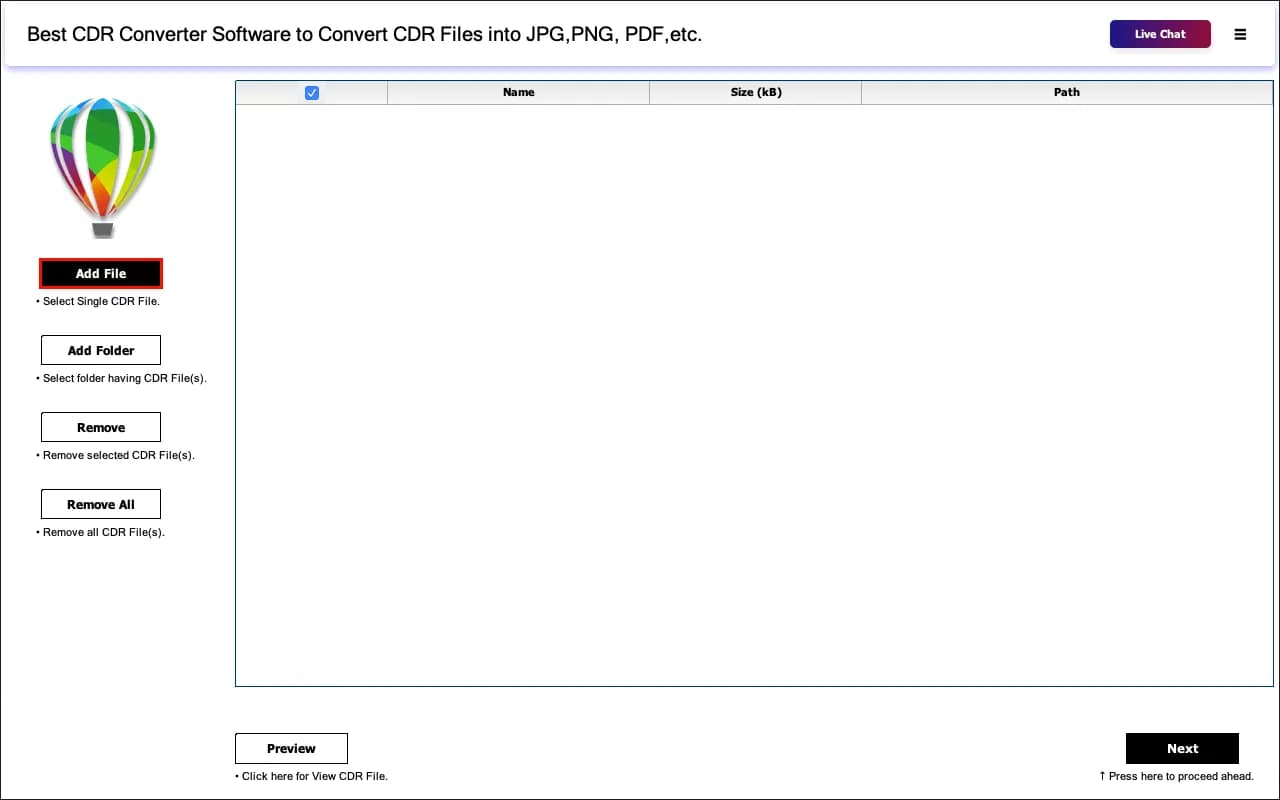
44Dated template look: dense nine-bullet hero, mismatched filled/outline icons, clashing black app buttons against blue CTAs, and empty-table screenshots that never show a real conversion. Copy errors like 'License Tyes' and a stray '50 EMLX emails' trial limit undercut trust.
Screenshots
1 / 3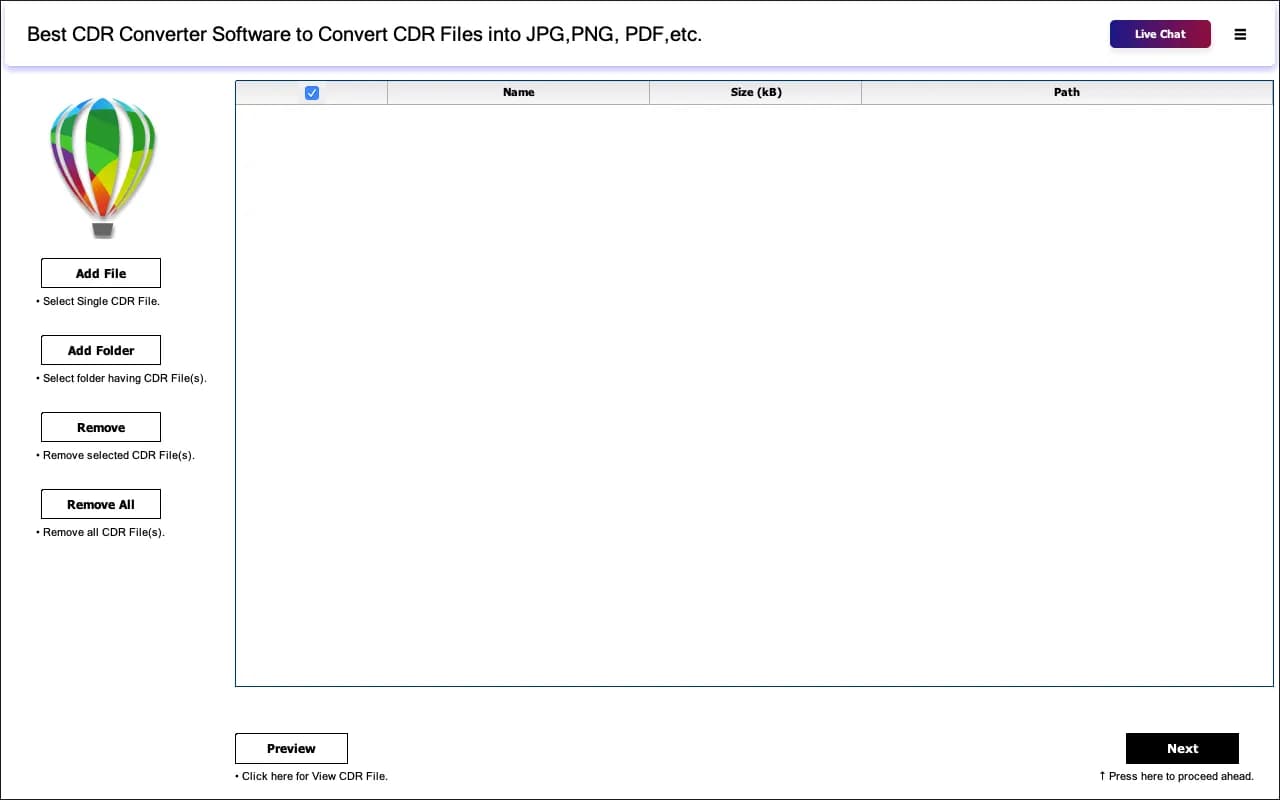
About this app
MacSonik CDR Converter is a dedicated Mac and Windows utility for converting CorelDRAW .cdr files into PDF, JPEG, PNG, GIF, BMP, SVG, TIFF, WEBP, PSD, and HTML. It supports batch conversion, multi-page export, free file preview, and custom output paths while preserving original layout and design integrity. Compatible with CorelDRAW versions 18–24 and all modern Windows and macOS systems, it's an essential tool for designers, print professionals, and office workers who need quick, reliable CDR-to-PDF conversions without needing CorelDRAW installed.
Key features
- 1Batch convert CorelDRAW .cdr files to PDF, JPEG, PNG, GIF, BMP, SVG, TIFF, WEBP, PSD, and HTML.
- 2Multi-page export preserving original layout, formatting, and design elements.
- 3Free file preview, custom destination/log paths, and CSV conversion report.
- 4Compatible with CorelDRAW versions 18–24 and modern Windows/macOS; no CorelDRAW install required.
Target customer profile
Drawn from the product itself, not from a survey.
Demographic
Graphic designers and print production professionals
Pain points
Need to share CDR designs with clients who lack CorelDRAW; manual conversion is tedious
Primary needs
Batch convert CDR files to PDF, JPEG, PNG without losing formatting or layers
Demographic
Office managers and administrative staff on Mac
Pain points
Received CDR files cannot be opened natively; online converters are unreliable and watermarked
Primary needs
A native Mac app that converts CDR to PDF and common image formats quickly and securely
Demographic
Small business owners and marketers
Pain points
Need to repurpose CDR assets for web and print; lack budget for full CorelDRAW license
Primary needs
Affordable one-time conversion tool with bulk processing and HTML export for web publishing
Scout Review
Written by AI from measured evidence, scored out of 100.
MacSonik CDR Converter is a competent niche utility wrapped in a dated, error-strewn marketing site. The core offer is real: convert .cdr files to PDF, JPEG, PNG, SVG, HTML and more without a CorelDRAW license, with batch processing, multi-page export, and a free preview. The guide is genuinely useful and the site is fast. But the homepage has visible copy errors ('License Tyes', a stray '50 EMLX emails' trial limit), inconsistent icon styles, and empty-table screenshots that never demonstrate a real conversion. Security headers are strong but there's no compliance disclosure, and the install guide tells users to disable their firewall and antivirus. Accessibility fails five axe checks with no statement. Growth is a real but narrow wedge against CorelDRAW and Inkscape.
Measure by measure
Usability
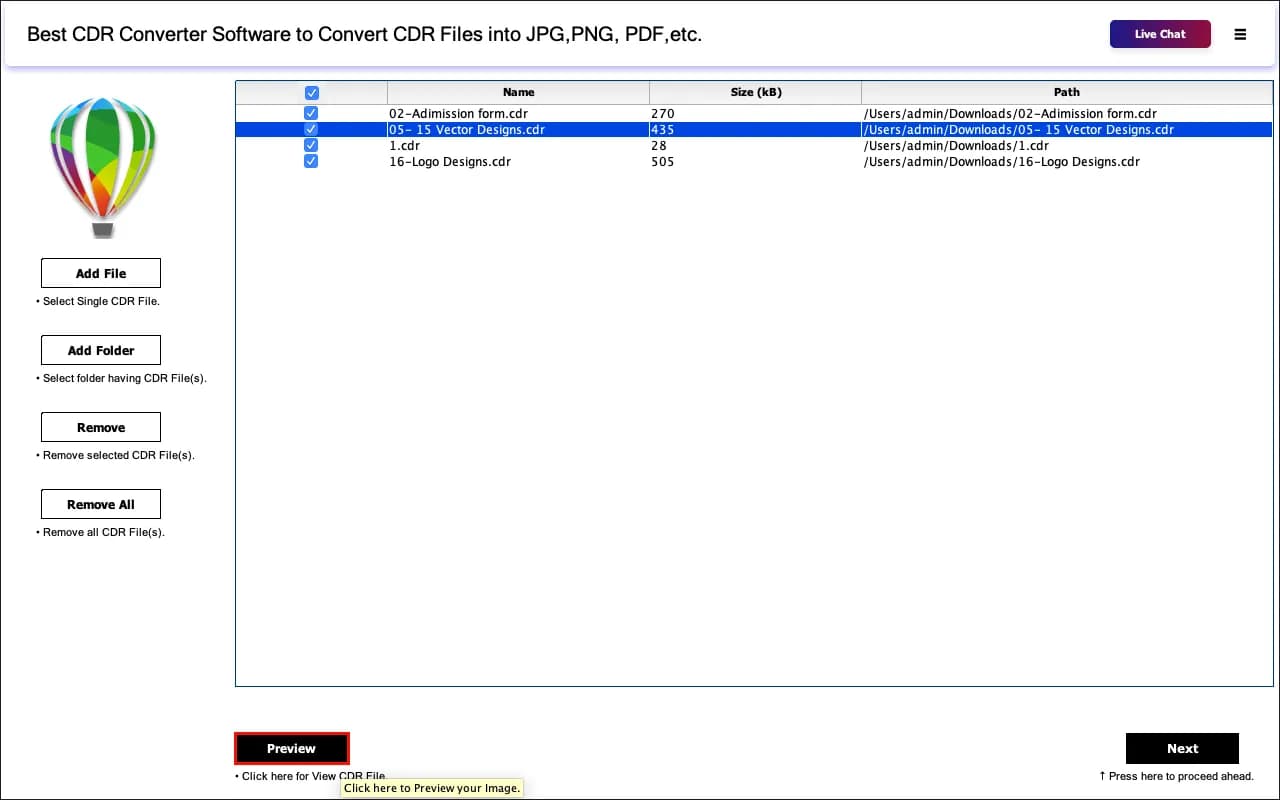
58The guide.php walkthrough is genuinely useful — 12 numbered steps covering Add File/Folder, Preview, destination path, and CSV report. But pricing sits far below stacked FAQ and spec blocks, and the trial's actual limits are unreadable thanks to copy-paste errors.
Design
44Dated template look: dense nine-bullet hero, mismatched filled/outline icons, clashing black app buttons against blue CTAs, and empty-table screenshots that never show a real conversion. Copy errors like 'License Tyes' and a stray '50 EMLX emails' trial limit undercut trust.
Speed
88Lighthouse mobile 100/100 with LCP 928ms, CLS 0.019, TBT 24ms; desktop 94/100. A lightweight marketing site that loads fast on both form factors — no lag complaints in the collected evidence.
Security
70Strong header hygiene: HTTPS, HSTS, CSP, frame protection, Referrer-Policy, Permissions-Policy, SPF and DMARC all present (12/12). But no SOC 2/ISO/pen-test disclosure, and the install guide tells users to disable Windows Firewall and antivirus — a real red flag.
Accessibility
56Lighthouse a11y 87/100 with real failures: insufficient contrast, non-sequential headings, links without discernible names, small touch targets, no main landmark. No accessibility statement or WCAG claim anywhere on the site.
Growth
58Real, specific pain (open/convert .cdr without a CorelDRAW license) with a genuine price wedge vs. CorelDRAW's subscription and Inkscape's flaky CDR import. Batch, multi-page, and HTML export are concrete differentiators — but the category is niche and the site's credibility issues cap the ceiling.
Improvement areas
- Fix visible copy errors ('License Tyes', '50 EMLX emails' trial limit) that undermine credibility.
- Replace empty-table screenshots with a populated conversion demo showing real input and output.
- Remove the 'disable Windows Firewall / antivirus' install prerequisites; ship a signed installer.
- Publish an accessibility statement and fix the five failing axe audits (contrast, headings, link names, touch targets, main landmark).
Design & Usability
Design is the weak link. The homepage reads as a 2018 template: nine bullets in the hero, a generic boxed-software mockup, mismatched filled/outline icons, and black app buttons fighting blue CTAs. Worse, the copy has visible errors — 'License Tyes' in the About row and a trial limitation that says 'restricted to converting only 50 EMLX emails' on a CDR converter. Screenshots show an empty file table, so the actual conversion UI is never demonstrated. Usability is better: the guide.php walkthrough is a proper 12-step tutorial covering Add File/Folder, Preview, destination path, and CSV report. But pricing is buried under stacked FAQ and spec blocks, and the trial's real limits are unreadable thanks to the copy-paste errors. The 4.5/1244 rating is self-reported on the vendor's own page, not a third-party signal.
Speed & Security
Speed is the standout: Lighthouse mobile 100/100 with LCP 928ms, CLS 0.019, TBT 24ms, and desktop 94/100. The marketing site is genuinely snappy on both form factors. Security is a mixed bag. On the header side it's clean — HTTPS enforced, HSTS, CSP, frame protection, Referrer-Policy, Permissions-Policy, SPF and DMARC all present, 12/12 on the probe. But there's no SOC 2, ISO 27001, pen-test report, or bug bounty disclosure anywhere, and the install prerequisites explicitly tell users to 'Turn off the Windows Firewall' and 'Disable the Antivirus programs' — a real, documented security anti-pattern for a desktop utility that handles client design files.
Accessibility & Growth
Accessibility lands at 56: Lighthouse 87/100 with five real failures — insufficient color contrast, non-sequential headings, links without discernible names, small touch targets, and no main landmark. There's no accessibility statement or WCAG claim on the site, and no multi-language support mentioned. Growth is a judgement on the idea: the pain is real and specific (open/convert .cdr without a CorelDRAW license), the target customer is named (designers, print pros, Mac office staff), and the wedge against the two listed alternatives is concrete — CorelDRAW is an expensive subscription, Inkscape's CDR import is unreliable, and this offers batch conversion, multi-page export, and HTML export at a one-time price. The limit is category size: this is a narrow utility, not a platform, and the site's credibility issues (copy-paste errors, empty screenshots) cap how far it can carry the wedge. Domain age (2020) and a single YouTube profile are context, not the score.
Conclusion
If you regularly receive .cdr files and don't want a CorelDRAW subscription, this is a plausible tool — the feature list matches the pain, the guide is real, and the site loads instantly. Before buying, verify the trial's actual limits (the page currently claims '50 EMLX emails', which is wrong) and treat the 'disable your antivirus' install advice with suspicion. The vendor should fix the copy errors, replace the empty screenshots with a real conversion, publish an accessibility statement, and stop telling users to turn off their security software. Until then, it's a solid utility behind a sloppy storefront.
Suggestions for improvement
- Fix the copy errors: 'License Tyes' → 'License Types', and replace the '50 EMLX emails' trial limit with the actual CDR trial restriction.
- Replace the empty-table screenshots with a populated conversion showing input files, chosen format, and output results.
- Remove the 'disable Windows Firewall / antivirus' install prerequisites and replace with a signed-installer note.
- Publish an accessibility statement and fix the five failing axe audits (contrast, heading order, link names, touch targets, main landmark).
Alternatives comparison
Named competitors, point by point. Nobody paid to appear here or to be left out.
 MacSonik CDR Converter |  CorelDRAW |  Inkscape | |
|---|---|---|---|
| Price model | One-time purchase (trial available) | Subscription | Free / open source |
| Opens/edits .cdr natively | Converts only, no editing | Yes, full native editor | Partial import, unreliable |
| Batch conversion | Yes, file and folder batch | Yes, via scripting/export | Limited, manual per file |
| Output formats | PDF, JPEG, PNG, GIF, BMP, SVG, TIFF, WEBP, PSD, HTML | Broad export set incl. PDF, SVG, images | SVG, PDF, PNG and others |
| Requires CorelDRAW installed | No | It is CorelDRAW | No |
| Platforms | macOS and Windows | Windows and macOS | Windows, macOS, Linux |
CorelDRAW
The original software that natively opens and edits CDR files, but it's expensive and subscription-based.
Inkscape
Free open-source vector editor that can import some CDR files, though compatibility is limited and not always reliable.
Comparing options? See MacSonik CDR Converter alternatives, scored side by side
More Productivity apps
View all Productivity
Qamarero
92An all-in-one hospitality software for restaurants and ba...

Puzzly – B2B Lead Generation & Sales Intelligence Platform
92Puzzly is an all-in-one B2B lead generation platform that...

The Stack Newsletter
92A weekly newsletter delivering curated tech jobs, intervi...

StoryPad
92Privacy-first open source journal app with a continuous t...

Vibe Coding Agent Skills
92A free, open-source platform offering 110 AI agent skills...

Notion
92All-in-one AI workspace for docs, projects, and knowledge...

EmbedMyReviews
92White-label reputation management software for agencies s...

QRBliss
91Branded QR codes with AI Brand Sync, 15 free dynamic code...

Strukchad Property Management
91Property management for Kenyan letting agents: rent invoices raised every month, M-Pesa rent prompts to tenants, arrears tracking and landlord statements.

CC Switch
91Open-source desktop app for switching AI coding providers...

Gerty
91Private, local AI assistant for Mac that runs offline

BACKLNK
90Backlnk is a free SEO and AI visibility website: 15 website checks, a full audit as a PDF report, and guides to get found in search and AI answers.


A platform dedicated to providing unbiased reviews of newly launched applications, analyzing everything from their features to their full potential.
info@scoutforge.net© 2026 Scoutforge. All rights reserved.
