

A platform dedicated to providing unbiased reviews of newly launched applications, analyzing everything from their features to their full potential.
info@scoutforge.net© 2026 Scoutforge. All rights reserved.
A platform dedicated to providing unbiased reviews of newly launched applications, analyzing everything from their features to their full potential.
info@scoutforge.net© 2026 Scoutforge. All rights reserved.
A platform dedicated to providing unbiased reviews of newly launched applications, analyzing everything from their features to their full potential.
info@scoutforge.net© 2026 Scoutforge. All rights reserved.
Is this your app?
Claim ScrollSnap to manage its page, add your badge and see your traffic — free, and it stays free.
Cycling through all six. Tap any point to stop.
Measured on six things
A free, open-source macOS app for capturing seamless scrolling screenshots of web pages and documents with automatic stitching.
Limited accessibility features. No screen reader support, minimal keyboard navigation, and primarily English-focused interface.
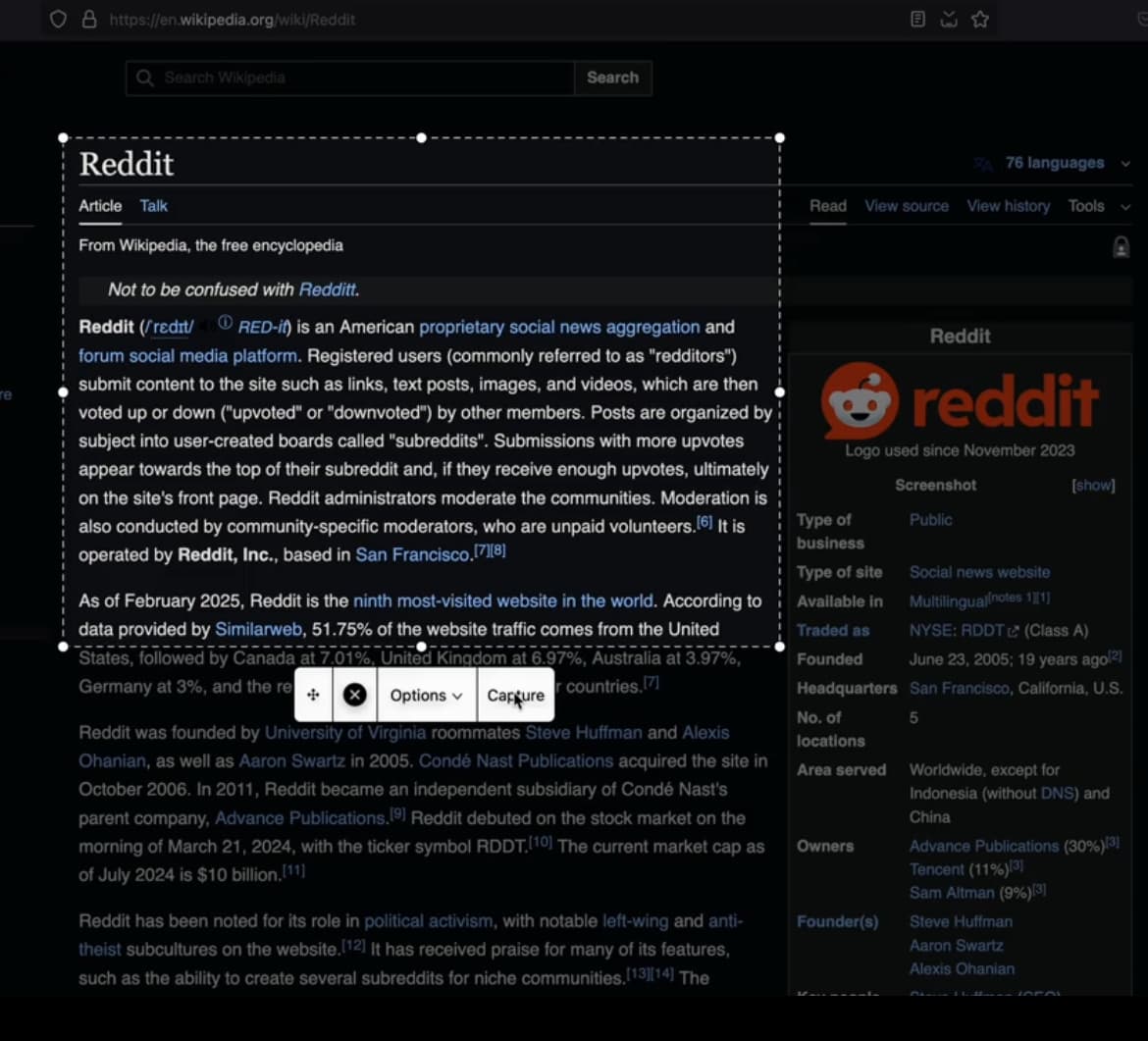
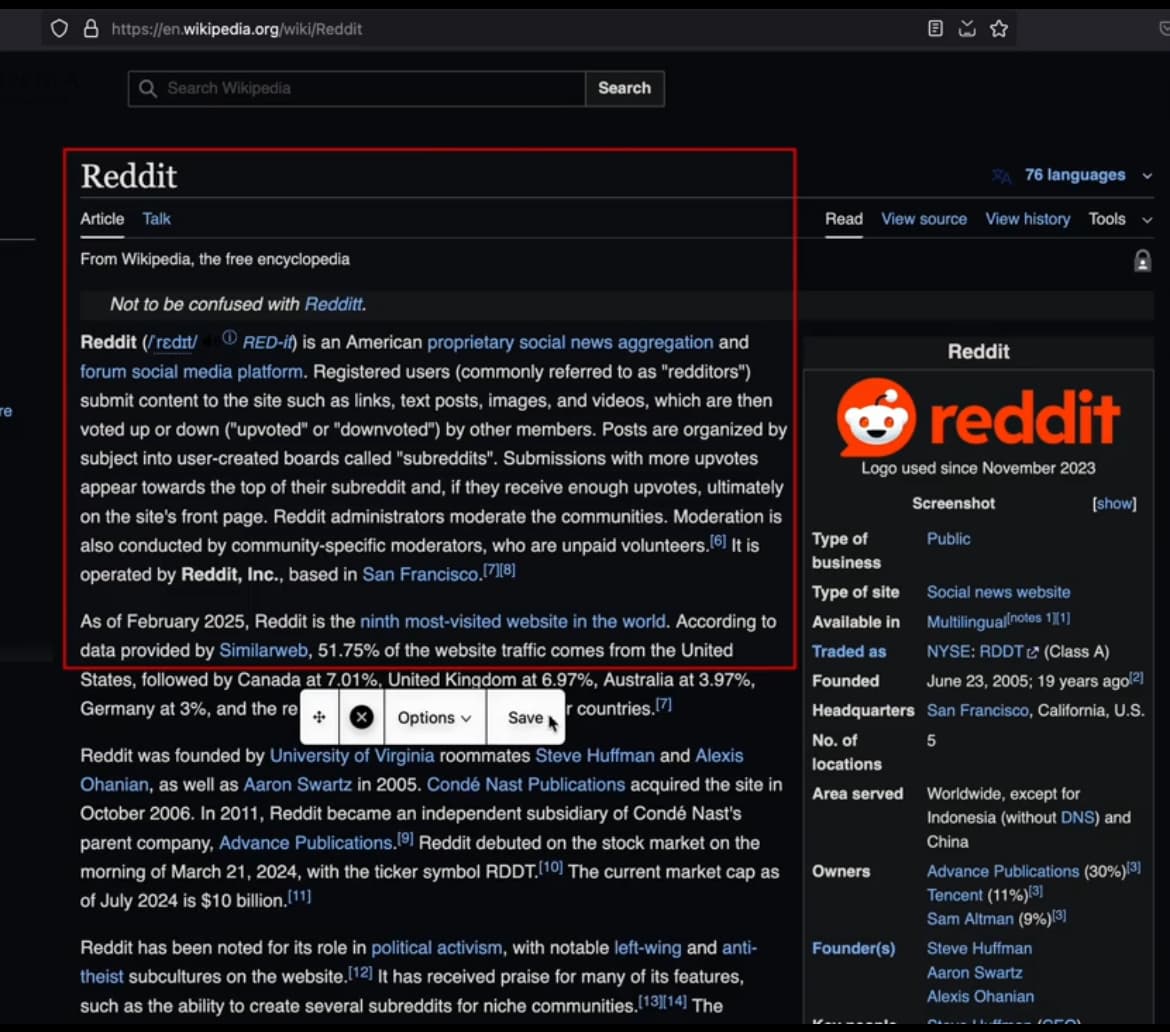
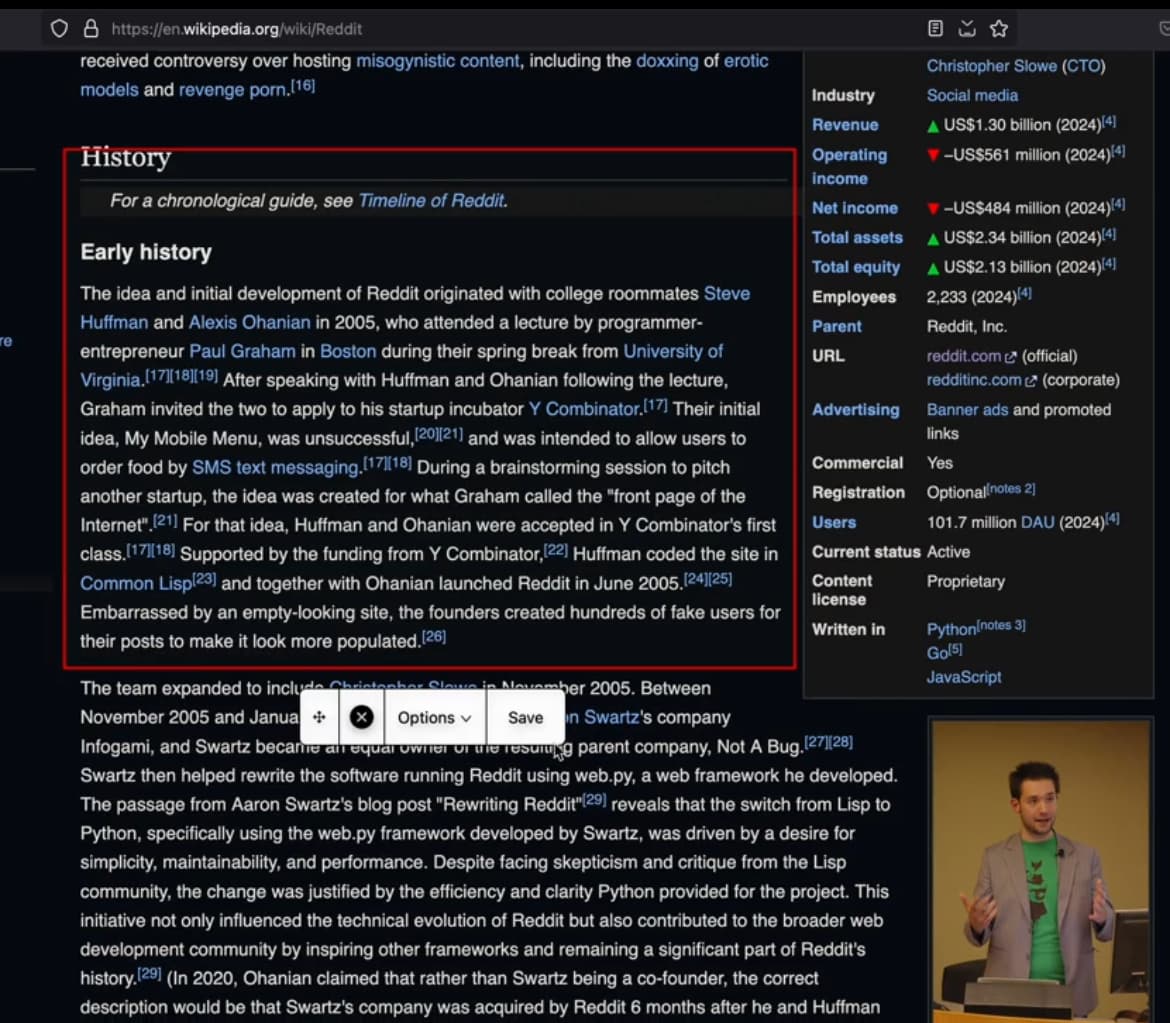
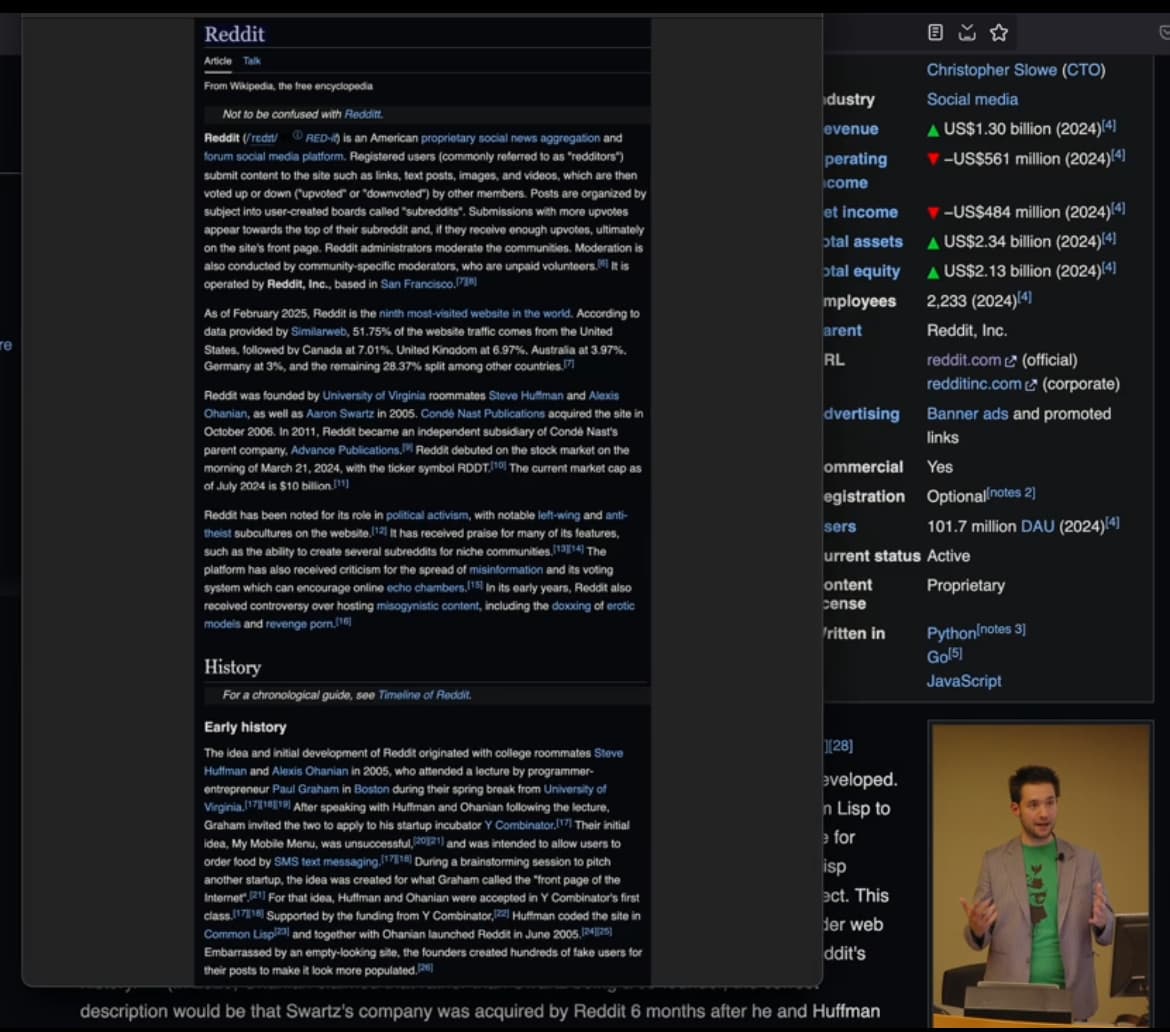
As a tech enthusiast always on the lookout for efficient tools, I've found ScrollSnap to be a game-changer for anyone needing to capture entire web pages or long documents in one go. This macOS application is completely free and open-source, making it accessible to developers and everyday users alike. Its standout feature is the automatic stitching of scrolling screenshots, which saves time and eliminates the hassle of manual editing. While the interface is minimal and functional—typical of macOS utilities—it gets the job done without unnecessary complexity. The app runs locally, ensuring your data stays private, and its open-source nature allows for community contributions and customization. Though it may lack some polish compared to paid alternatives, its zero cost and reliability make it a solid choice for developers, designers, and content creators who value transparency and efficiency in their workflow.
Drawn from the product itself, not from a survey.
Demographic
Developers and programmers
Pain points
Difficulty capturing full code snippets, error messages, or web page states for debugging and documentation
Primary needs
Quick, reliable scrolling screenshot capture without quality loss or manual effort
Demographic
Designers and UX professionals
Pain points
Challenges in capturing complete design mockups, user flows, or inspiration from web pages in a single image
Primary needs
High-quality, stitched screenshots with minimal artifacts for presentations and references
Demographic
Content creators and bloggers
Pain points
Inability to easily document entire articles, social media threads, or conversations for sharing or archiving
Primary needs
Easy-to-use tool for consistent, shareable scrolling captures in standard formats
Written by AI from measured evidence, scored out of 100.
ScrollSnap delivers exactly what it promises: reliable scrolling screenshot capture without the cost or complexity of commercial alternatives. The open-source nature provides transparency and customization opportunities, while local processing ensures your privacy. Though it lacks polish in areas like accessibility and advanced features, it excels at its core function and represents excellent value for macOS users who need to capture long web pages or documents.
Straightforward operation with effective automatic stitching. Gets the core job done without unnecessary complexity or learning curve.
Minimal macOS-style interface that prioritizes function over form. Clean layout with straightforward controls for capture and stitching operations.
Good performance for standard scrolling captures. Local processing ensures responsiveness, though very long pages may require extra stitching time.
Open-source transparency with local-only processing. Your screenshots never leave your device, ensuring complete privacy and security.
Limited accessibility features. No screen reader support, minimal keyboard navigation, and primarily English-focused interface.
High demand for scrolling screenshot tools with active GitHub community. Open-source nature allows for rapid feature development and customization.
ScrollSnap embraces the macOS utility aesthetic with a no-frills interface that prioritizes function. The clean, minimal design features straightforward controls for initiating captures and managing the stitching process. While it won't win any design awards, the interface gets out of your way and lets you focus on capturing content. The automatic stitching algorithm handles most common scrolling scenarios effectively, though complex layouts with fixed navigation elements might occasionally challenge the system. For developers and power users who appreciate efficiency over eye candy, this approach works perfectly.
Performance-wise, ScrollSnap delivers solid results for typical scrolling screenshot needs. The local processing ensures your captures happen quickly without relying on external servers, and system resource usage remains reasonable. Security is where this app truly shines - being open-source means complete transparency, and since everything processes locally on your Mac, your sensitive screenshots never travel over the internet. This combination of speed and security makes it ideal for capturing confidential documents, private code, or any content you'd prefer to keep on your own device.
Accessibility represents the app's weakest area, with limited support for screen readers, keyboard navigation, and international languages. However, the growth potential is enormous. As an open-source project on GitHub, ScrollSnap benefits from community contributions and rapid iteration. The high demand for reliable scrolling screenshot tools combined with active developer interest suggests this application could quickly evolve to include the features it currently lacks while maintaining its core strengths of being free and privacy-focused.
Conclusion
If you're a developer, designer, or content creator who frequently needs to capture entire web pages or documents on macOS, ScrollSnap is absolutely worth trying. The zero cost eliminates risk, and the open-source approach means you're investing in a tool that can grow with community support. For those who value privacy and transparency in their software, this application offers peace of mind that paid alternatives often can't match. Give it a download from GitHub and see how it fits into your workflow.
Named competitors, point by point. Nobody paid to appear here or to be left out.
 ScrollSnap ScrollSnap |  Tailor App Tailor App |  StitchPics StitchPics |  GoFullPage Chrome Extension GoFullPage Chrome Extension | |
|---|---|---|---|---|
| Pricing Model | Free & Open Source | Paid Application | Freemium Model | Free Browser Extension |
| Platform Support | macOS Only | macOS Only | iOS Only | Chrome Browser Only |
| Data Processing | Local Processing Only | Local Processing | Device Processing | Browser Processing |
| Code Transparency | Fully Open Source | Closed Source | Closed Source | Closed Source |
Tailor App
A popular paid macOS application that automatically stitches scrolling screenshots with advanced detection features
StitchPics
An iOS app offering both automatic and manual modes for stitching multiple screenshots into one image
GoFullPage Chrome Extension
A browser-based solution for capturing full-page screenshots, but limited to the Chrome browser and lacking desktop integration
Comparing options? See ScrollSnap alternatives, scored side by side

An all-in-one hospitality software for restaurants and ba...

A weekly newsletter delivering curated tech jobs, intervi...

White-label reputation management software for agencies s...

Privacy-first open source journal app with a continuous t...

Puzzly is an all-in-one B2B lead generation platform that...

All-in-one AI workspace for docs, projects, and knowledge...

A free, open-source platform offering 110 AI agent skills...

Open-source desktop app for switching AI coding providers...

One verified handle for your online identity, readable by...

Frame-perfect video-to-GIF maker that runs entirely in yo...

White-label website audits that close deals for digital a...

Automated quote follow-up for trades and service businesses.
A platform dedicated to providing unbiased reviews of newly launched applications, analyzing everything from their features to their full potential.
info@scoutforge.net© 2026 Scoutforge. All rights reserved.
