

A platform dedicated to providing unbiased reviews of newly launched applications, analyzing everything from their features to their full potential.
info@scoutforge.net© 2026 Scoutforge. All rights reserved.
A platform dedicated to providing unbiased reviews of newly launched applications, analyzing everything from their features to their full potential.
info@scoutforge.net© 2026 Scoutforge. All rights reserved.
A platform dedicated to providing unbiased reviews of newly launched applications, analyzing everything from their features to their full potential.
info@scoutforge.net© 2026 Scoutforge. All rights reserved.
Cycling through all six. Tap any point to stop.
Measured on six things
Crop PDF files Online with Complete Security and Privacy
Average visual polish: consistent blue accent, clear step cards, but unexplained progress bar and missing live preview undermine clarity.
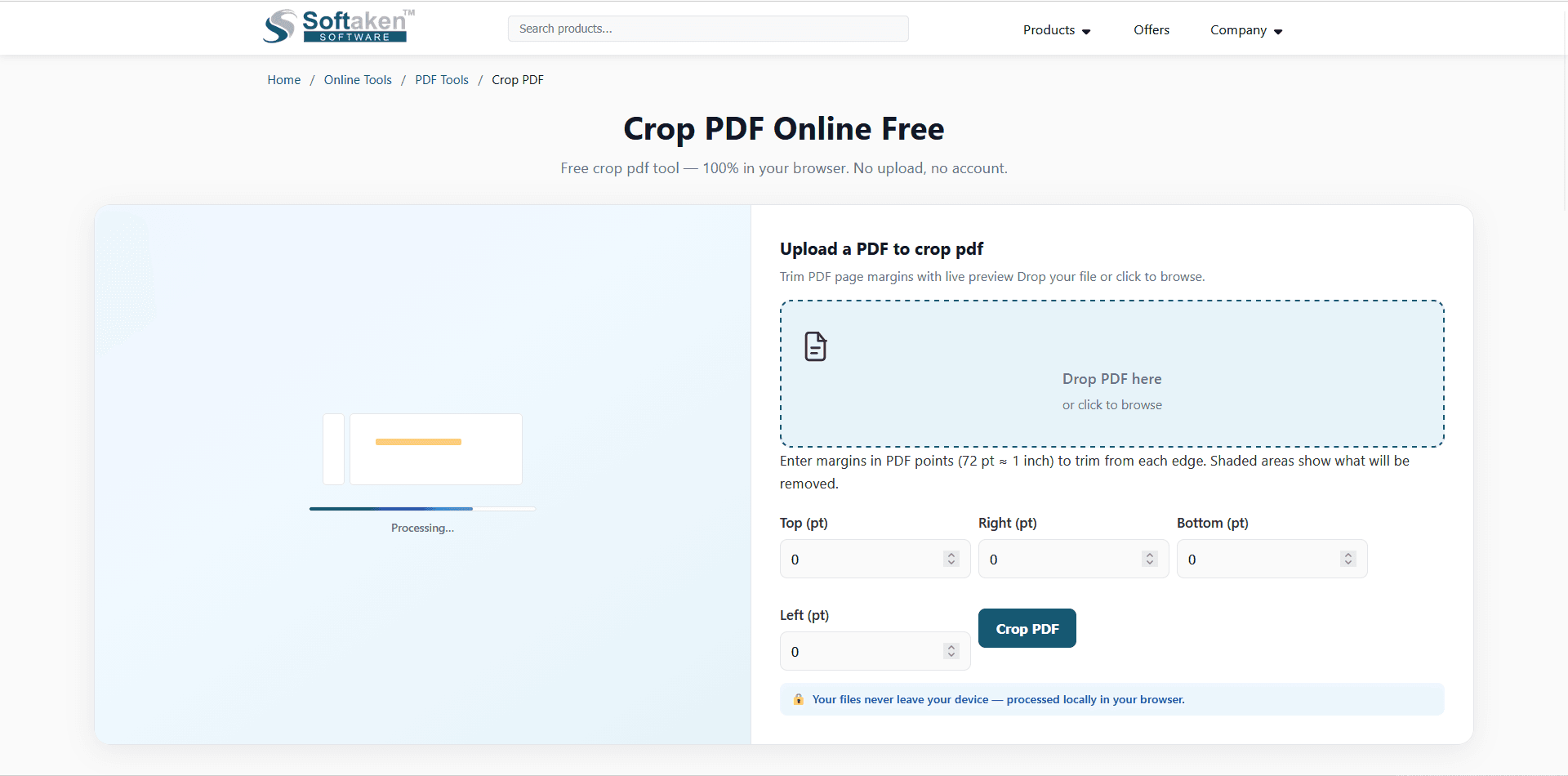
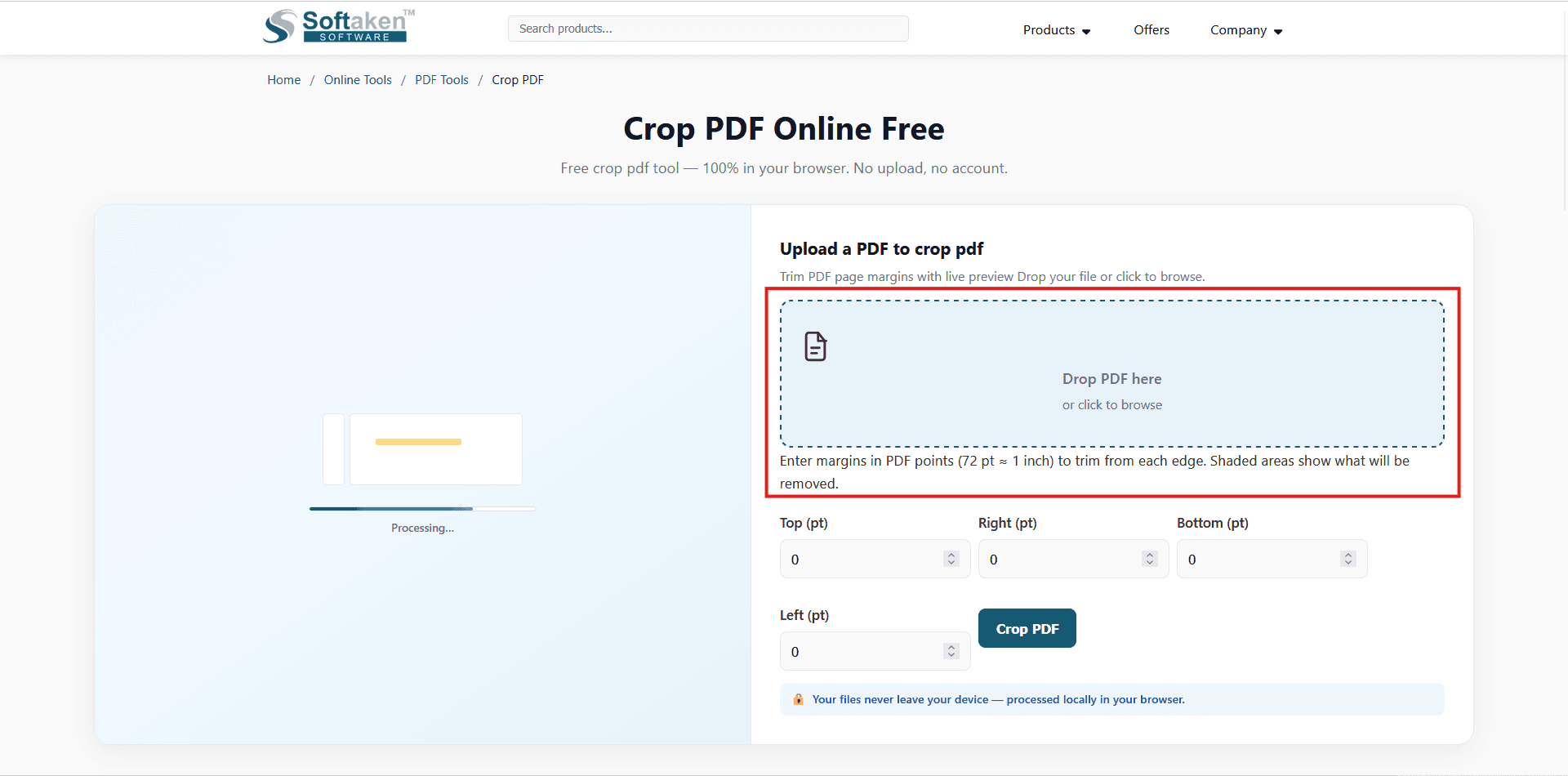
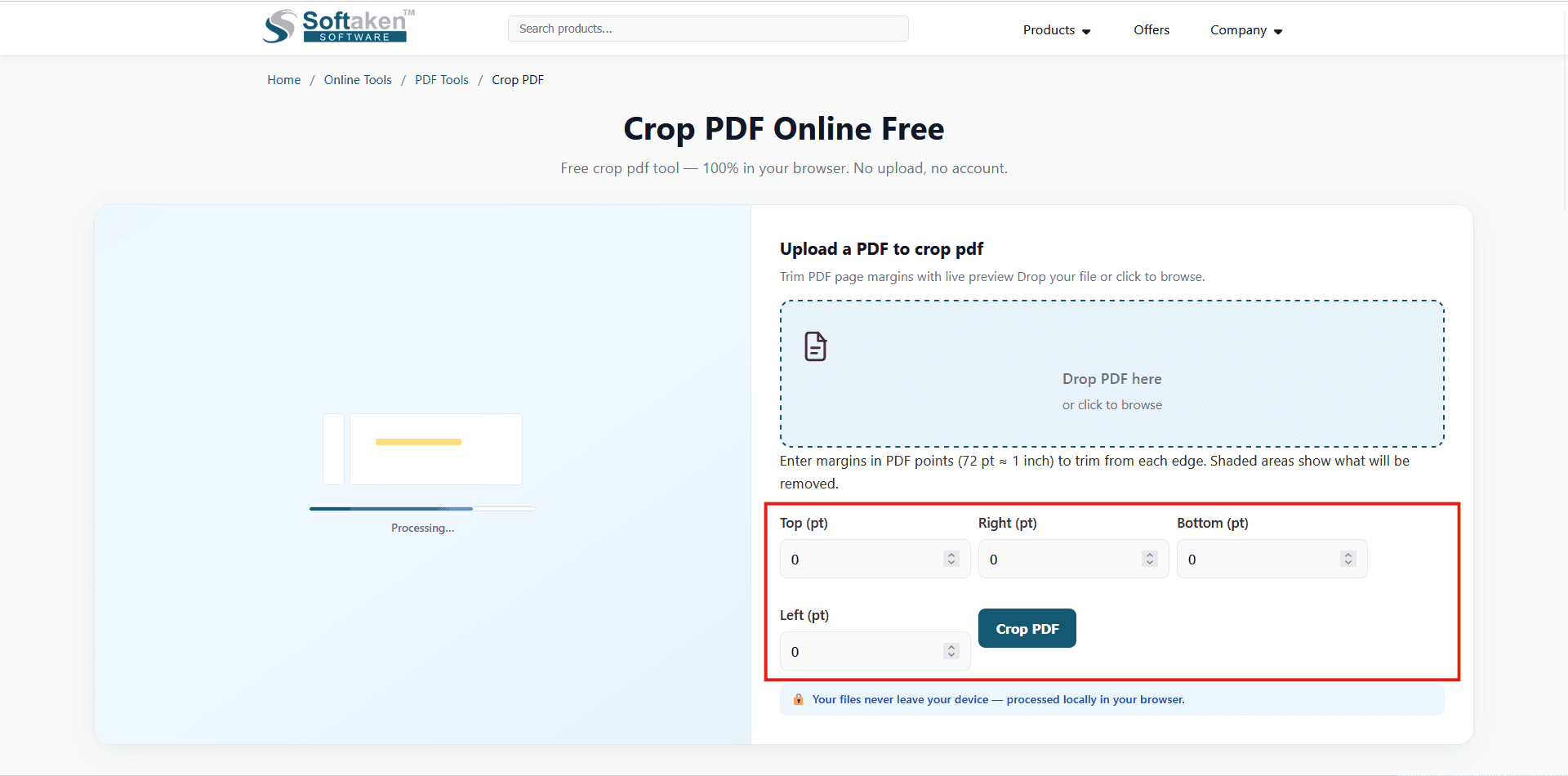
Softaken Crop PDF Online Tool is a free and privacy-focused solution for trimming unwanted margins and extra space from PDF pages. What makes it different from many other online PDF tools is that the file does not need to be uploaded to a server. The tool processes the PDF locally in the user's browser, so the document stays on the user's own device. As another privacy benefit, no subscription or account is necessary. No account creation required. Users can use the tool, choose a PDF, modify the margins, view the changes and download the new file. Processing also happens on the user's device without a server queue, which can provide quick results. The tool includes a live preview that shows the area being removed, making it easier to crop pages accurately. Users can set margins for each edge and save the result as a new PDF, while the original file remains untouched. Moreover, the tool works with all browsers such as Chrome, Firefox, Edge, and Safari on desktop and mobile devices.
Drawn from the product itself, not from a survey.
Demographic
Students and academics
Pain points
Need to format PDFs for printing or submission, often with specific margin requirements; concerned about privacy of research documents.
Primary needs
Free, easy-to-use PDF cropping tool that works in the browser without installation.
Demographic
Business professionals and office workers
Pain points
Deal with PDFs that have excessive white space, need to extract specific sections for presentations or reports, and want to keep sensitive info secure.
Primary needs
A quick, private way to crop PDFs without uploading to third-party servers.
Demographic
Freelancers and designers
Pain points
Require precise control over page layout for client deliverables; often work remotely and need mobile-compatible tools.
Primary needs
A tool that offers live preview, accurate margin adjustments, and works on various devices.
Written by AI from measured evidence, scored out of 100.
Softaken Crop PDF is a fast, private, and free tool that does one thing well: crop PDF margins in your browser without uploading files. It's ideal for privacy-conscious users, but the design has rough edges (unexplained progress bar, missing preview) and the documentation is thin. Performance is excellent, and security headers are solid. If you need a quick, private crop, it's a solid choice — just don't expect a polished experience or a thriving community.
Straightforward: no signup, clear instructions, local processing. But FAQ is thin and docs are a blog list, not a real help center.
Average visual polish: consistent blue accent, clear step cards, but unexplained progress bar and missing live preview undermine clarity.
Blazing fast: Lighthouse 100/100 mobile and desktop, LCP under 1s, zero TBT. Local processing means no server wait.
Strong baseline: HTTPS, HSTS, CSP, all headers present, 12/12 checklist. No SOC 2 or bug bounty, but local processing is a solid privacy story.
Lighthouse 94/100, but form inputs lack labels — a real WCAG miss. No a11y statement or keyboard nav docs found.
Real problem, clear differentiator (local processing), but crowded category and no obvious wedge beyond privacy niche.
The tool's design is functional but unremarkable. The blue accent is consistent, and the step cards are clear, but the unexplained progress bar and missing live preview hurt the experience. Usability is decent: no signup, clear instructions, and local processing is a plus. However, the FAQ is thin and the docs are a blog listing, not a dedicated help center. For a niche tool, it works, but it won't win design awards.
Performance is stellar — Lighthouse 100/100 on both mobile and desktop, with LCP under a second. The client-side processing means no server queue, which is a genuine speed advantage. Security is solid: HTTPS, HSTS, CSP, and a full set of headers. No SOC 2 or bug bounty, but the local-processing model is a strong privacy story. The lack of third-party verification is a minor gap, but for a free tool, it's above average.
Accessibility is decent with a 94/100 Lighthouse score, but the missing form labels are a real issue. No WCAG statement or keyboard nav docs, which is typical for a small tool. Growth potential is moderate: the privacy angle is a real differentiator, but the category is crowded with established players like iLovePDF and Smallpdf. The tool serves a specific niche (privacy-conscious users), but it's hard to see it breaking out beyond that.
Conclusion
For a free tool, it delivers on its core promise: local, private, fast PDF cropping. It won't replace Adobe Acrobat for power users, but for a quick margin fix, it's hard to beat the speed and privacy. If Softaken polishes the UI and adds a real help center, it could carve out a loyal niche. Until then, it's a competent utility that does exactly what it says — no more, no less.
Named competitors, point by point. Nobody paid to appear here or to be left out.
 Softaken Crop PDF Online Tool Softaken Crop PDF Online Tool |  iLovePDF iLovePDF |  Smallpdf Smallpdf |  Adobe Acrobat Adobe Acrobat | |
|---|---|---|---|---|
| Privacy (file processing) | Processes locally in browser; no upload to server. | Requires upload to their servers for processing. | Files are uploaded and processed online. | Desktop software; files stay local but requires installation. |
| Cost | Free, no account or subscription. | Free tier with limits; premium plans available. | Free tier with limits; paid plans for full features. | Paid subscription required. |
| Installation required | No installation; runs in browser. | No installation; web-based. | No installation; web-based. | Requires installation of desktop software. |
| Live preview of crop area | Claims live preview but not visible in screenshot; margin inputs only. | Provides visual preview of crop area. | Provides visual preview of crop area. | Full visual editing with crop handles. |
iLovePDF
Comprehensive online PDF toolset, includes cropping, but requires upload to their servers.
Smallpdf
Popular PDF editor that offers a crop function, but files are uploaded and processed online.
Adobe Acrobat
Professional desktop software with advanced editing, including cropping, but is not free and requires installation.
Comparing options? See Softaken Crop PDF Online Tool alternatives, scored side by side

An all-in-one hospitality software for restaurants and ba...

A weekly newsletter delivering curated tech jobs, intervi...

White-label reputation management software for agencies s...

Privacy-first open source journal app with a continuous t...

Puzzly is an all-in-one B2B lead generation platform that...

All-in-one AI workspace for docs, projects, and knowledge...

A free, open-source platform offering 110 AI agent skills...

Open-source desktop app for switching AI coding providers...

One verified handle for your online identity, readable by...

Frame-perfect video-to-GIF maker that runs entirely in yo...

White-label website audits that close deals for digital a...

Automated quote follow-up for trades and service businesses.
A platform dedicated to providing unbiased reviews of newly launched applications, analyzing everything from their features to their full potential.
info@scoutforge.net© 2026 Scoutforge. All rights reserved.
