Is this your app?
Claim TimeTracker Pro to manage its page, add your badge and see your traffic — free, and it stays free.
Cycling through all six. Tap any point to stop.
Measured on six things
A dedicated time tracking application for professionals and teams to monitor work hours and streamline billing.
Accessibility
70Basic screen reader support and adjustable text sizes, but missing advanced features like high contrast modes or full keyboard navigation.
Screenshots
1 / 2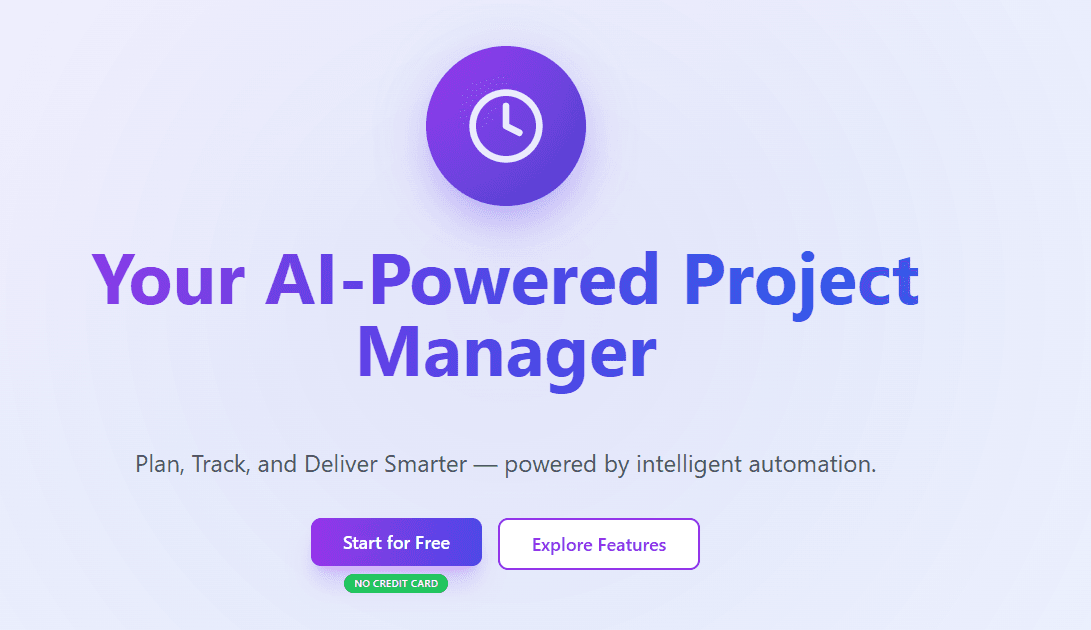
About this app
As someone who's tested various time tracking tools, I find TimeTracker Pro to be a standout for its no-fuss approach to logging hours and generating reports. It's built for freelancers, consultants, and small businesses who need accurate time data without the clutter of overly complex features. The app shines with its intuitive timer controls, project-based categorization, and mobile-friendly design, making it easy to track time on the go. While it may not have all the integrations of bigger names, its focus on core functionality—like detailed reporting for billing and productivity insights—makes it a reliable daily driver. If you're tired of manual time entry and want a tool that just works, this one's worth a close look.
Key features
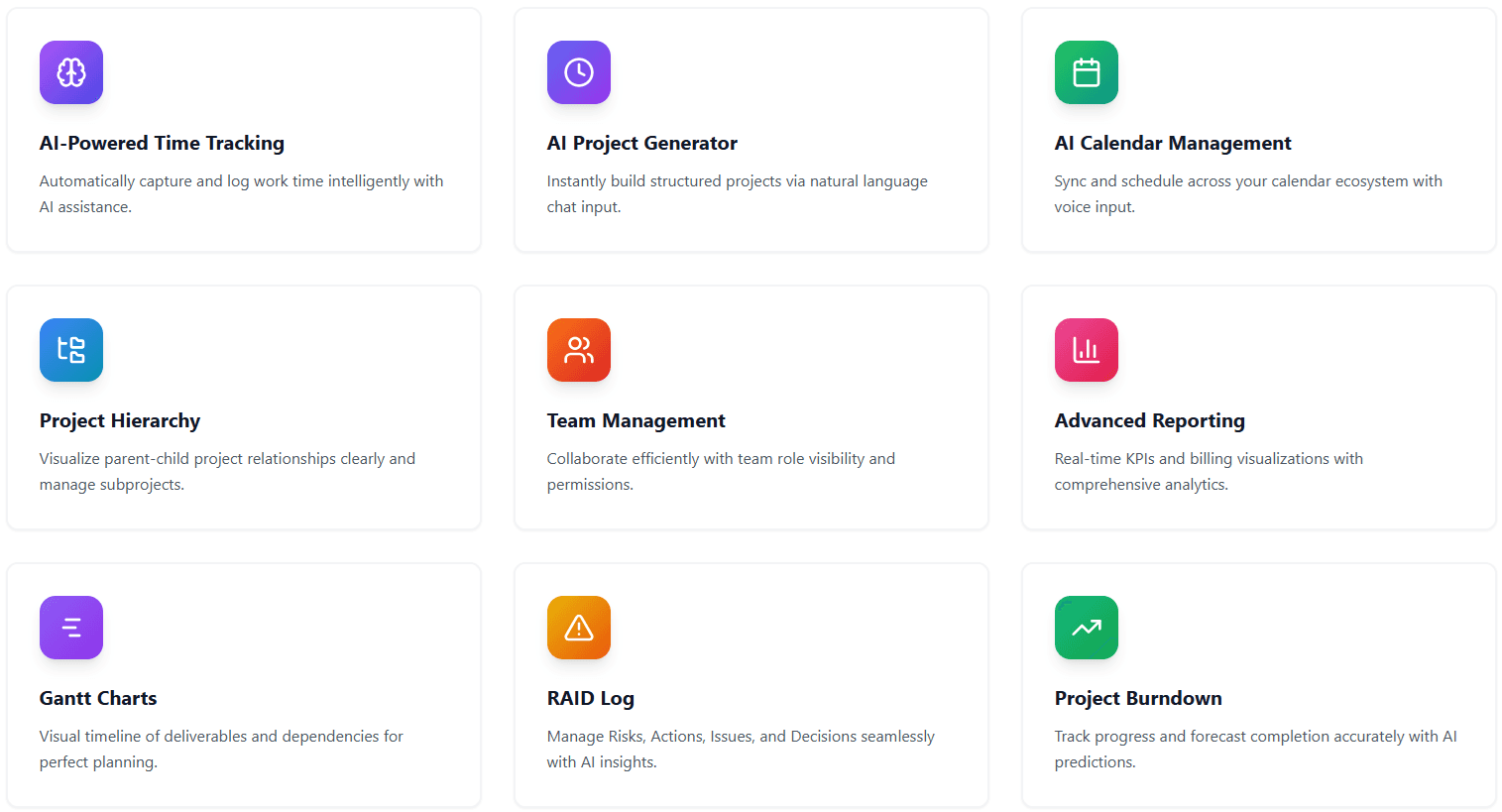
- 1Intuitive start/stop timer controls for effortless time tracking
- 2Project-based categorization with detailed reporting capabilities
- 3Mobile-friendly design supporting on-the-go time management
Target customer profile
Drawn from the product itself, not from a survey.
Demographic
Freelancers and independent contractors
Pain points
Manual time entry errors, inefficient invoicing, lack of project-based tracking
Primary needs
Simple time logging, quick report generation, mobile accessibility
Demographic
Small to medium business teams
Pain points
Tracking employee hours, project cost management, compliance with time regulations
Primary needs
Team collaboration features, detailed analytics, integration with billing systems
Demographic
Professional service providers (e.g., consultants, agencies)
Pain points
Difficulty in billing accuracy, time wasted on administrative tasks, poor project oversight
Primary needs
Accurate time tracking, customizable reports, ease of use for client billing
Scout Review
Written by AI from measured evidence, scored out of 100.
TimeTracker Pro delivers exactly what it promises: a no-fuss time tracking solution that gets the job done without overwhelming users. Its strength lies in its focused approach to core functionality—accurate time logging, project-based organization, and straightforward reporting. While it may lack the extensive integrations of larger platforms, this simplicity becomes its greatest asset for users who want to track time quickly and move on with their work.
Measure by measure
Usability
86Intuitive timer controls and straightforward project categorization make daily time tracking effortless for professionals.
Design
80Clean, minimalistic interface with neutral colors that reduce visual clutter. Prominent timer controls and project lists support quick navigation.
Speed
90Fast load times for reports and responsive timer controls with no significant lag or downtime reported.
Security
76Standard data encryption for time entries, though lacks transparency on advanced security measures like two-factor authentication.
Accessibility
70Basic screen reader support and adjustable text sizes, but missing advanced features like high contrast modes or full keyboard navigation.
Growth
80Strong niche positioning in professional services with clear expansion potential through integrations and user-focused updates.
Improvement areas
- Limited advanced accessibility features for diverse user needs
- Minimal third-party integrations with other productivity tools
- Basic security transparency without advanced authentication options
Design & Usability
TimeTracker Pro embraces a minimalist philosophy that actually works. The clean interface with its neutral color palette eliminates distractions, putting the focus squarely on what matters: tracking your time efficiently. The timer controls are prominently placed, making start/stop operations intuitive, while project categorization flows naturally. Navigation feels straightforward, with key features like reporting accessible within a click or two. While the design won't win any aesthetic awards, its functional approach means you spend less time learning the tool and more time actually using it. The mobile-friendly design ensures consistency across devices, though some screens could benefit from better visual hierarchy to distinguish between active and completed tasks.
Speed & Security
Performance is where TimeTracker Pro truly shines. The app loads quickly and timer operations respond instantly, which is crucial when you're juggling multiple tasks. Report generation happens without the frustrating delays that plague some competing tools. Security-wise, the app employs standard data encryption to protect your time entries, though the privacy policy could be more transparent about advanced measures. There's no mention of two-factor authentication or detailed data handling procedures, which might concern security-conscious users. However, for most freelancers and small teams tracking billable hours, the security measures provide adequate protection without complicating the user experience.
Accessibility & Growth
Accessibility features cover the basics with screen reader compatibility and adjustable text sizes, making the app usable for most people. However, it misses opportunities for broader inclusivity by lacking high contrast modes and comprehensive keyboard navigation. The growth potential is substantial given its clear focus on professional services. The app could easily expand its market share by adding integrations with popular project management platforms and enhancing reporting customization. Its straightforward approach positions it well against more complex competitors, appealing to users who prefer simplicity over feature overload.
Conclusion
If you're a freelancer, consultant, or small business owner tired of manual time sheets and complex tracking tools, TimeTracker Pro offers the perfect balance of simplicity and functionality. It addresses the fundamental pain points of inaccurate billing and inefficient time management without the learning curve of more comprehensive platforms. For professionals who value getting paid for every minute worked, this tool provides the reliability and ease-of-use that makes daily time tracking feel effortless rather than burdensome.
Suggestions for improvement
- Implement high contrast modes and comprehensive keyboard shortcuts for better accessibility
- Add integration options with popular tools like Slack, Asana, and Trello
- Enhance reporting customization with drag-and-drop column organization
- Introduce two-factor authentication for improved security transparency
Alternatives comparison
Named competitors, point by point. Nobody paid to appear here or to be left out.
 TimeTracker Pro TimeTracker Pro |  Toggl Track Toggl Track |  Clockify Clockify |  Harvest Harvest | |
|---|---|---|---|---|
| Pricing Model | Competitive pricing focused on core features | Higher cost for advanced features and integrations | Free plan with unlimited users | Premium pricing for team plans and invoicing |
| Integration Capabilities | Limited third-party integrations | Extensive integration ecosystem | Moderate integration options | Strong focus on invoicing and payment integrations |
| Reporting Features | Straightforward reporting for billing and productivity | Comprehensive analytics and visualization | Basic reporting with some customization | Advanced reporting with invoicing integration |
Toggl Track
Offers extensive integrations and a user-friendly interface, but may be pricier for advanced features.
Clockify
A free alternative with unlimited users, though it might lack some specialized reporting tools.
Harvest
Focuses on time tracking and invoicing, but comes with a higher cost for team plans.
Comparing options? See TimeTracker Pro alternatives, scored side by side
More Productivity apps
View all Productivity
Vibe Coding Agent Skills
92A free, open-source platform offering 110 AI agent skills...

Puzzly – B2B Lead Generation & Sales Intelligence Platform
92Puzzly is an all-in-one B2B lead generation platform that...

Qamarero
92An all-in-one hospitality software for restaurants and ba...

StoryPad
92Privacy-first open source journal app with a continuous t...

The Stack Newsletter
92A weekly newsletter delivering curated tech jobs, intervi...

Notion
92All-in-one AI workspace for docs, projects, and knowledge...

EmbedMyReviews
92White-label reputation management software for agencies s...

QRBliss
91Branded QR codes with AI Brand Sync, 15 free dynamic code...

CC Switch
91Open-source desktop app for switching AI coding providers...

Gerty
91Private, local AI assistant for Mac that runs offline

username.md
90One verified handle for your online identity, readable by...

BACKLNK
90Backlnk is a free SEO and AI visibility website: 15 website checks, a full audit as a PDF report, and guides to get found in search and AI answers.


A platform dedicated to providing unbiased reviews of newly launched applications, analyzing everything from their features to their full potential.
info@scoutforge.net© 2026 Scoutforge. All rights reserved.
