Cycling through all six. Tap any point to stop.
Measured on six things
Free online file converter supporting 300+ formats for vi...
Growth
32Launched late 2025 with zero third-party reviews or community; homepage '1M users' claim unverified and no GitHub or social traction.
Screenshots
1 / 2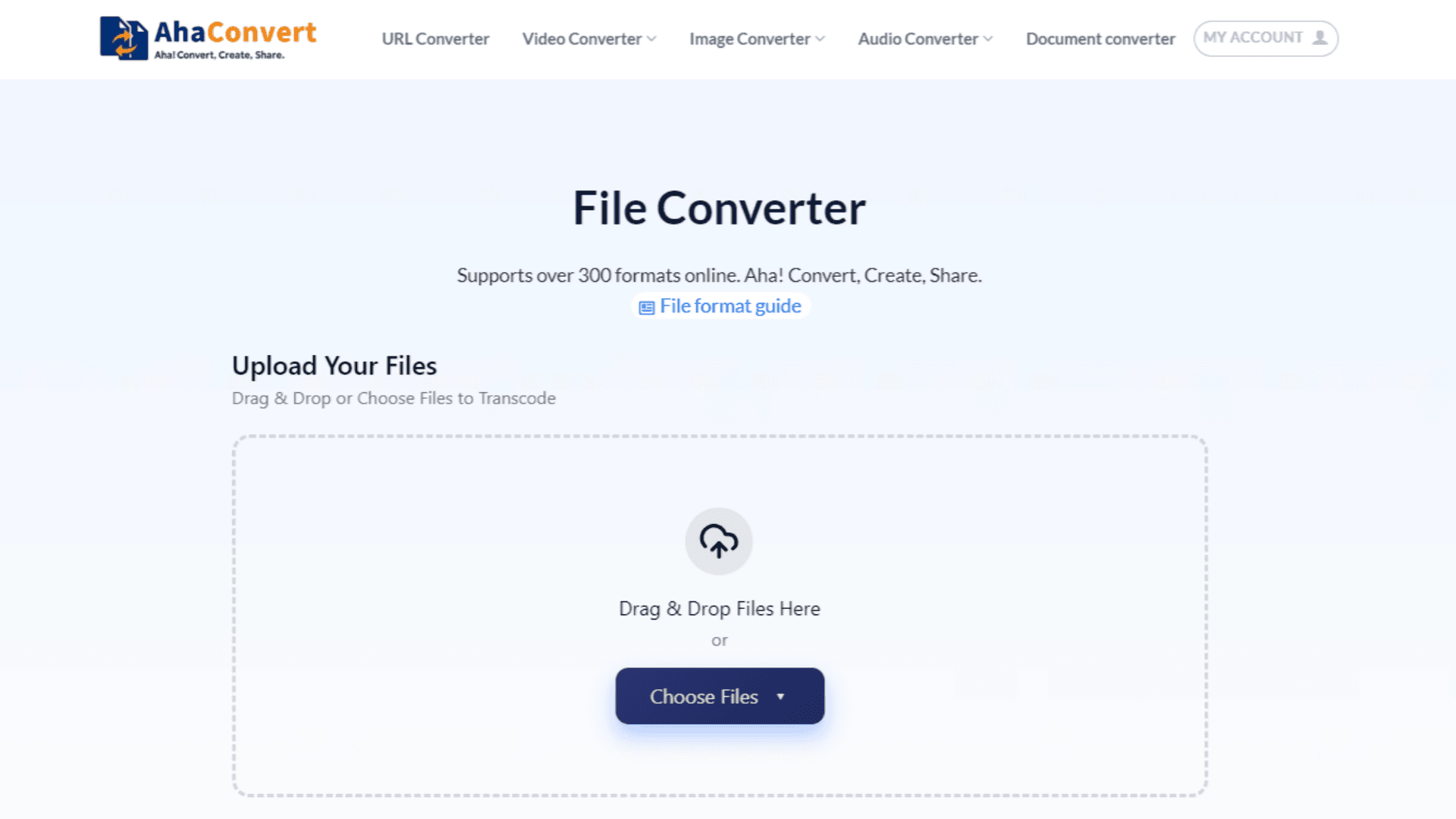
About this app
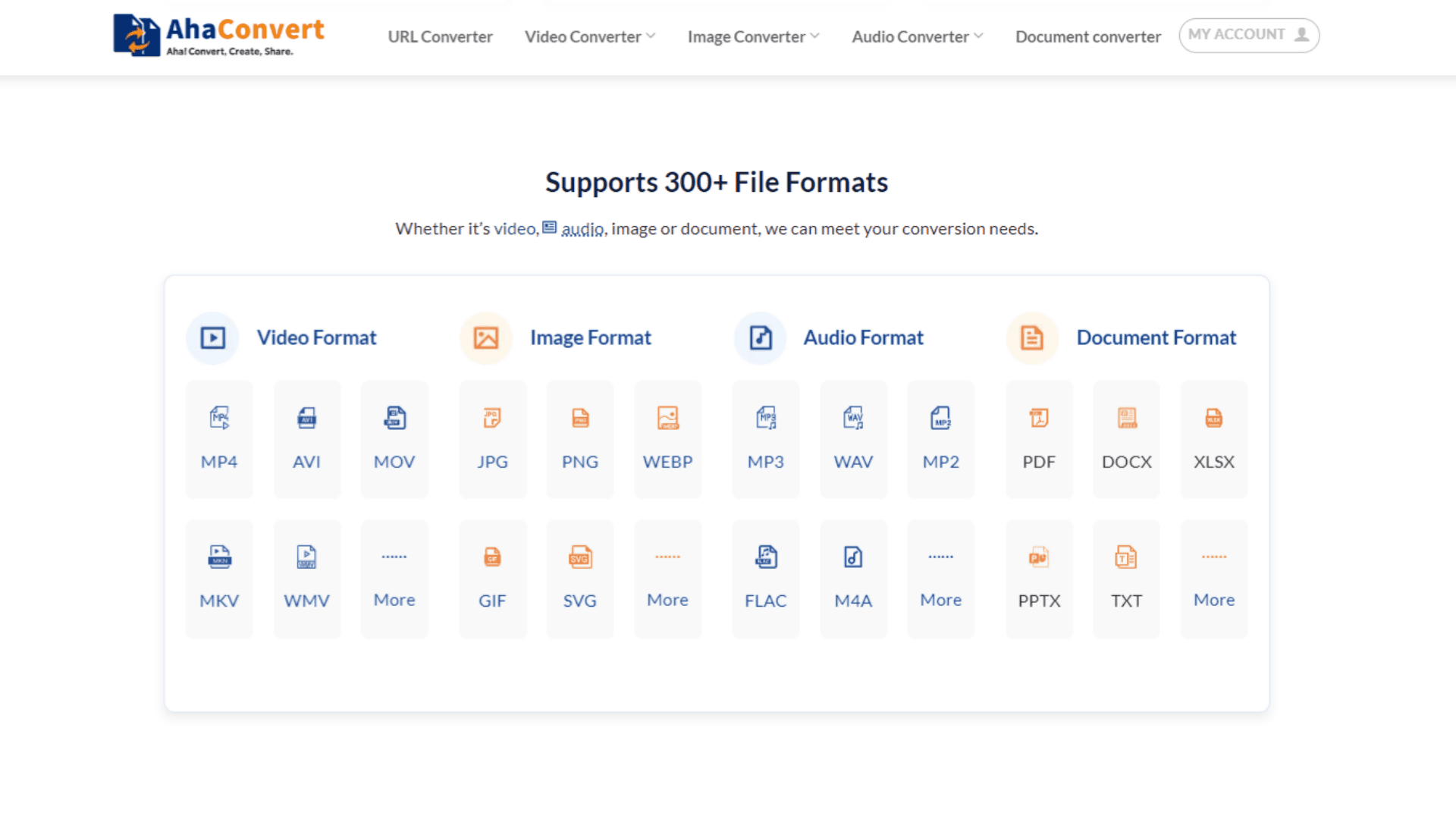
AhaConvert is a versatile, browser-based file conversion tool that handles over 300 file types without needing to install any software. It supports everything from video (MP4, MOV, AVI, MKV) and audio (MP3, WAV, FLAC, M4A) to images (JPG, PNG, SVG, HEIC) and documents (PDF, DOCX, XLSX). The platform offers advanced settings for granular control, batch conversion capabilities, and strong privacy protections, including 256-bit SSL encryption during transfer and automatic file deletion within 24 hours. It works seamlessly across all major operating systems and devices. I've personally found it incredibly handy for converting large PSD files and compressing videos without quality loss—definitely a go-to for quick, reliable conversions.
Key features
- 1300+ formats including PSD, AI, video bitrate control, and document batch support.
- 2No registration, drag-and-drop, works on all major OS and mobile.
- 3256-bit SSL encryption with automatic file deletion within 24 hours.
Target customer profile
Drawn from the product itself, not from a survey.
Demographic
Graphic designers and creative professionals
Pain points
Need to convert high-resolution files between formats without losing quality; often deal with large file sizes.
Primary needs
High-quality output, batch conversion, support for design formats like PSD, AI, and SVG.
Demographic
Video editors and content creators
Pain points
Frequent need to convert video files for editing, uploading, or sharing across platforms.
Primary needs
Support for common video formats (MP4, MOV, AVI), fast conversion speeds, and advanced settings like resolution and bitrate control.
Demographic
Busy professionals and students
Pain points
Need to quickly convert documents and images for presentations, submissions, or cloud storage.
Primary needs
Simple drag-and-drop interface, no registration required, and cross-platform accessibility.
Scout Review
Written by AI from measured evidence, scored out of 100.
AhaConvert is a capable free online converter supporting 300+ formats with strong speed and no-signup convenience. It meets core needs for designers and editors seeking quick, private conversions but trails peers in verified security, reviews, and polished discovery. Solid for occasional use; still maturing.
Measure by measure
Usability
62No-signup drag-and-drop works immediately; extensive format-specific pages exist but main flow lacks search or batch visibility on homepage.
Design
58Clean hero and upload zone with grouped format cards, but generic feature copy, low-contrast dropzone, and flat nav hierarchy hold it back.
Speed
85Excellent Lighthouse scores (98 mobile / 100 desktop) with quick LCP and zero TBT; feels snappy for a conversion tool.
Security
40HTTPS + SSL claims and 24-hour auto-delete; missing security headers and any third-party audits or compliance badges.
Accessibility
68Solid 90 Lighthouse score but three failing audits around headings and link names; responsive site with no explicit a11y docs.
Growth
32Launched late 2025 with zero third-party reviews or community; homepage '1M users' claim unverified and no GitHub or social traction.
Improvement areas
- Add visible search/filter for 300+ formats and batch queue management.
- Implement missing security headers and publish compliance documentation.
- Build real user reviews and community channels beyond homepage testimonials.
Design & Usability
AhaConvert delivers a straightforward browser-based converter with an immediate drag-and-drop experience and no account required. The homepage clearly groups video, image, audio, and document support while offering dozens of specific format converters in the navigation. Design is functional but unremarkable—feature cards feel templated and navigation lacks hierarchy. Usability benefits from cross-platform access and privacy messaging, yet the sheer number of dropdown links buries discovery. It serves graphic designers needing PSD/SVG handling and video editors wanting bitrate control without friction, though batch tools and advanced settings visibility could improve.
Speed & Security
Performance stands out with near-perfect Lighthouse scores indicating fast loads and smooth interactions, ideal for quick conversions of large PSDs or videos. Security relies on standard SSL encryption and automatic deletion claims, but lacks modern headers or independent audits, placing it behind more established peers like CloudConvert. For busy professionals converting documents on the go, the speed is a genuine plus while privacy promises remain self-reported. Overall the tool feels responsive but would benefit from transparent security practices to match its 'enterprise-grade' language.
Accessibility & Growth
Accessibility scores well on automated checks yet shows common issues with heading order and link labeling that could affect screen-reader users. Growth is minimal for a product launched in late 2025—zero independent reviews and unverified user claims limit credibility compared to alternatives with established G2 presence. It targets students and creators needing simple cross-device access, but building trust through real community feedback or accessibility statements would help. The product is young and functional, yet traction remains the weakest area.
Conclusion
If you need fast, no-frills conversions today, it works well. For teams requiring audited security or proven scale, look at the alternatives first.
Suggestions for improvement
- Add a format search bar and visible batch controls on the homepage.
- Publish a security page with headers, GDPR details, and any audit results.
- Collect and display real user reviews on G2 or Trustpilot.
- Improve heading structure and add aria-labels to navigation links.
Alternatives comparison
Named competitors, point by point. Nobody paid to appear here or to be left out.
 AhaConvert AhaConvert |  CloudConvert CloudConvert |  Zamzar Zamzar |  Online-Convert Online-Convert | |
|---|---|---|---|---|
| Pricing model | 100% free, no sign-up | Free tier + paid credits | Free with daily limits | Free with ads |
| Formats supported | 300+ | 200+ | 1200+ | 100+ |
| Privacy / deletion | Auto-delete 24h, SSL | Configurable retention | Files deleted after 24h | No clear policy |
| Advanced settings | Bitrate, resolution, quality | Extensive options | Basic only | Limited |
CloudConvert
A paid online converter with a free tier; supports many formats but has file size limits and conversion credits.
Zamzar
A well-known online converter that supports a wide range of formats, but requires email for large files and has daily limits.
Online-Convert
A free online converter with a good selection of formats, but often slower and includes ads.
Comparing options? See AhaConvert alternatives, scored side by side
Sources
What the review was written against. A verdict with no sources is an opinion.
More Productivity apps
View all Productivity
Qamarero
92An all-in-one hospitality software for restaurants and ba...

The Stack Newsletter
92A weekly newsletter delivering curated tech jobs, intervi...

EmbedMyReviews
92White-label reputation management software for agencies s...

StoryPad
92Privacy-first open source journal app with a continuous t...

Puzzly – B2B Lead Generation & Sales Intelligence Platform
92Puzzly is an all-in-one B2B lead generation platform that...

Notion
92All-in-one AI workspace for docs, projects, and knowledge...

Vibe Coding Agent Skills
92A free, open-source platform offering 110 AI agent skills...

CC Switch
91Open-source desktop app for switching AI coding providers...

username.md
90One verified handle for your online identity, readable by...

What the GIF
89Frame-perfect video-to-GIF maker that runs entirely in yo...

AuditCloser
89White-label website audits that close deals for digital a...

NudgeWin
89Automated quote follow-up for trades and service businesses.


A platform dedicated to providing unbiased reviews of newly launched applications, analyzing everything from their features to their full potential.
info@scoutforge.net© 2026 Scoutforge. All rights reserved.
