Cycling through all six. Tap any point to stop.
Measured on six things
Frame-perfect video-to-GIF maker that runs entirely in yo...
Growth
68Real problem, clear wedge: privacy-first, frame-perfect GIF editor for presenters. Category has headroom, but no network effects or data moat; incumbents could copy the privacy angle.
Screenshots
1 / 1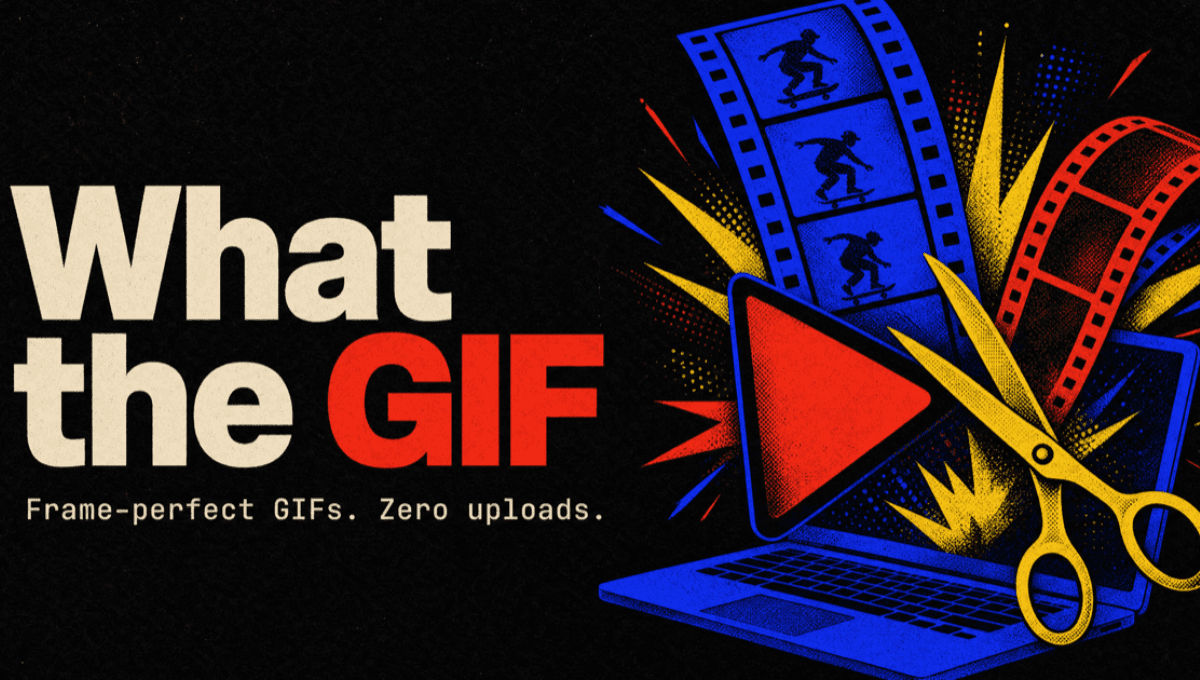
About this app
What the GIF is a free, in-browser GIF and video editor that never uploads your file. Drop in a video, a photo, or an existing GIF and turn it into a clean GIF, MP4, or APNG, with frame-accurate trimming, a multi-clip timeline, captions, filters, and more. The entire conversion runs inside your browser tab, so nothing is ever sent to a server, and the site's security policy enforces that. It does what ezgif does, but private: no signup, no account, no watermark, no install. No need to worry about sketchy downloads, IT or security. Made for creatives who present for a living. Nothing uploads: the whole conversion runs in your browser, enforced by the site's content security policy
Key features
- 1Frame-accurate trimming with frame-by-frame navigation and keyboard shortcuts
- 2Multi-clip timeline with speed controls, bounce, spin, mirror, and split
- 3Local processing: files never leave the browser, enforced by CSP
Target customer profile
Drawn from the product itself, not from a survey.
Demographic
Creative professionals
Pain points
Need to convert videos to GIFs for presentations but struggle with privacy concerns, upload limits, and lack of editing precision.
Primary needs
A secure, browser-based tool that offers frame-perfect trimming, no watermark, and works with confidential content.
Demographic
Marketing and sales teams
Pain points
Embedded videos often fail in emails and on social media; need visually engaging content that autoplays and loops without buffering.
Primary needs
A simple way to create eye-catching GIFs for campaigns, with features like captions and resizing for platform-specific requirements.
Demographic
Educators and corporate trainers
Pain points
Need to create instructional GIFs for tutorials and slide decks but lack time and technical know-how for complex editing software.
Primary needs
An intuitive tool that allows quick video-to-GIF conversion and editing with minimal learning curve, while ensuring content stays private.
Scout Review
Written by AI from measured evidence, scored out of 100.
What the GIF is a refreshing take on a tired category: a free, privacy-first GIF editor that runs entirely in your browser. It delivers on its core promise—no uploads, no signup, no watermark—with a polished interface and a surprisingly deep feature set. Performance is good, security is above average, and accessibility is solid. The main weaknesses are minor design inconsistencies and a lack of community or network effects. For creatives who need to convert confidential footage into GIFs without IT approval, this is a compelling tool. It's not a platform yet, but it's a damn good utility.
Measure by measure
Usability
78Exceptionally easy to start: big red drop button, no signup, instant local processing. Deep feature set with keyboard shortcuts and destination-specific guides. Slight learning curve for advanced timeline editing.
Design
70Polished, playful design with clear visual hierarchy (yellow underline, red CTA). Custom illustrations match tone, but hero is dense and button colors conflict slightly.
Speed
70Lighthouse mobile 83/100 (LCP 3.6s, TBT 56ms), desktop 87/100. Site is lightweight and snappy; conversion runs locally, so speed depends on user's device. No lag complaints found.
Security
78Strong security posture: HTTPS, HSTS, CSP, frame protection, and more (10/12 checklist). Files never leave browser by design. Missing SPF/DMARC and no SOC 2, but privacy is the core promise and it's enforced.
Accessibility
80Lighthouse a11y 95/100 with minor issues: color contrast, heading order, accessible names. Keyboard shortcuts documented. No formal WCAG statement, but strong baseline.
Growth
68Real problem, clear wedge: privacy-first, frame-perfect GIF editor for presenters. Category has headroom, but no network effects or data moat; incumbents could copy the privacy angle.
Improvement areas
- Add community features or user showcase to build engagement
- Improve hero illustration clarity and unify button colors
- Publish formal accessibility statement and fix contrast/heading issues
Design & Usability
What the GIF nails the core promise: a fast, private, in-browser GIF editor that feels polished. The design is playful and modern, with a clear hero CTA and custom illustrations that match the tone. Usability is strong—no signup, instant drop-and-convert, and a surprisingly deep feature set (frame-accurate trim, multi-clip timeline, captions, filters, speed controls). The learning curve for advanced editing is real, but the destination-specific guides (Slides, PowerPoint, Slack) are a thoughtful touch that reduces friction. Minor design inconsistencies (two button colors, dense hero) don't detract much from an otherwise smooth experience.
Speed & Security
Performance is solid: Lighthouse mobile 83/100 with a lightweight site and fast local processing. The conversion runs entirely in-browser, so speed depends on the user's device, but the site itself is snappy. Security is a standout: HTTPS, HSTS, CSP, and frame protection are all in place, and the 'nothing uploads' promise is enforced by the CSP. Missing SPF/DMARC and no SOC 2 are minor gaps, but for a free tool that never touches your files, the security posture is above average.
Accessibility & Growth
Accessibility is strong with a 95/100 Lighthouse score, though minor contrast and heading-order issues remain. Keyboard shortcuts are documented, and the site is responsive. Growth potential is real: the problem (embedded video failing in decks/emails) is common, and the privacy angle is a genuine differentiator against EZGIF and Giphy. However, the tool lacks network effects or a data moat, and incumbents could copy the local-processing feature. Still, the targeted segments (presenters, marketers, educators) are underserved, giving it room to grow.
Conclusion
If you're tired of uploading client footage to sketchy servers or fighting with embedded video in your pitch deck, What the GIF is worth a try. It's free, fast, and respects your privacy. The guides are genuinely useful, and the frame-accurate trimming is a game-changer for precise cuts. It won't replace a full video editor, but for its niche, it's hard to beat. Give it a shot—your next presentation might thank you.
Suggestions for improvement
- Add a community forum or user showcase to build engagement and loyalty.
- Consider a premium tier with advanced features (e.g., batch processing, custom fonts) to sustain revenue.
- Improve hero illustration clarity and unify button colors for stronger visual hierarchy.
- Publish a formal accessibility statement and fix contrast/heading issues to reach 100%.
Alternatives comparison
Named competitors, point by point. Nobody paid to appear here or to be left out.
 What the GIF What the GIF |  EZGIF.com EZGIF.com |  Giphy Giphy |  CloudConvert CloudConvert | |
|---|---|---|---|---|
| Privacy (files never uploaded) | Files never leave browser; enforced by CSP | Requires upload to server | Requires upload to platform | Requires upload to server |
| Frame-accurate trimming | Frame-by-frame navigation, keyboard shortcuts | Basic trimming, not frame-accurate | Limited trimming options | No specialized GIF trimming |
| No signup required | No signup, no account | No signup required | Signup required for uploads | No signup for basic use |
| Watermark-free export | No watermark, free | No watermark, but ads | Watermark on some exports | No watermark, but paid plans |
| Multi-clip timeline editing | Multi-clip timeline with speed, bounce, spin, mirror | Single clip editing only | No timeline editing | No timeline editing |
EZGIF.com
A popular online GIF maker and editor that supports video to GIF conversion, but requires uploads and offers less precise frame editing.
Giphy
A well-known GIF platform with a creator tool, but it's primarily for sharing and may not offer the same level of privacy or advanced editing.
CloudConvert
A versatile online converter that handles many formats, but it's file-based and lacks the specialized GIF editing features like frame-accurate trimming and captioning.
Comparing options? See What the GIF alternatives, scored side by side
More Design & Creativity apps
View all Design & Creativity
RoomCreator
92An AI-powered interior and exterior design tool that tran...

QRBliss
91Branded QR codes with AI Brand Sync, 15 free dynamic code...

ThumbnailMaker
90AI YouTube thumbnail maker: paste a video link, get the brief, the thumbnail, and a check at feed size.

English Test Coach
89English Test Coach checks your IELTS essays and letters, gives an estimated band score across all four criteria, and tells you exactly what to revise next.

All of Us
89Add deceased loved ones to photos with AI and see free pr...

FontPlop
89Browser-based font viewer & tester for TTF, OTF, WOFF, WO...

Tracé slides
89Interactive math & physics slides with live graphs and an...

BeartIMAGE
88BeartIMAGE is a free, web-based image processing platform engineered for fast, bulk photo editing and conversion directly in your browser.

Portrait Gift
88AI-powered personalized face swap art platform creating c...

RestorePhotosApp
88An AI-powered photo restoration app that brings old, blur...

Pixelimg
88A free online AI-powered tool that instantly converts ima...

TranscriptYou
88Free YouTube transcript generator with timestamps and AI ...


A platform dedicated to providing unbiased reviews of newly launched applications, analyzing everything from their features to their full potential.
info@scoutforge.net© 2026 Scoutforge. All rights reserved.
