Cycling through all six. Tap any point to stop.
Measured on six things
Privately record any tab region as GIF/WebM, no cloud upl...
Security
30Local-only processing with explicit no-collection privacy policy and minimal permissions. Site itself lacks basic security headers per probe.
Screenshots
1 / 4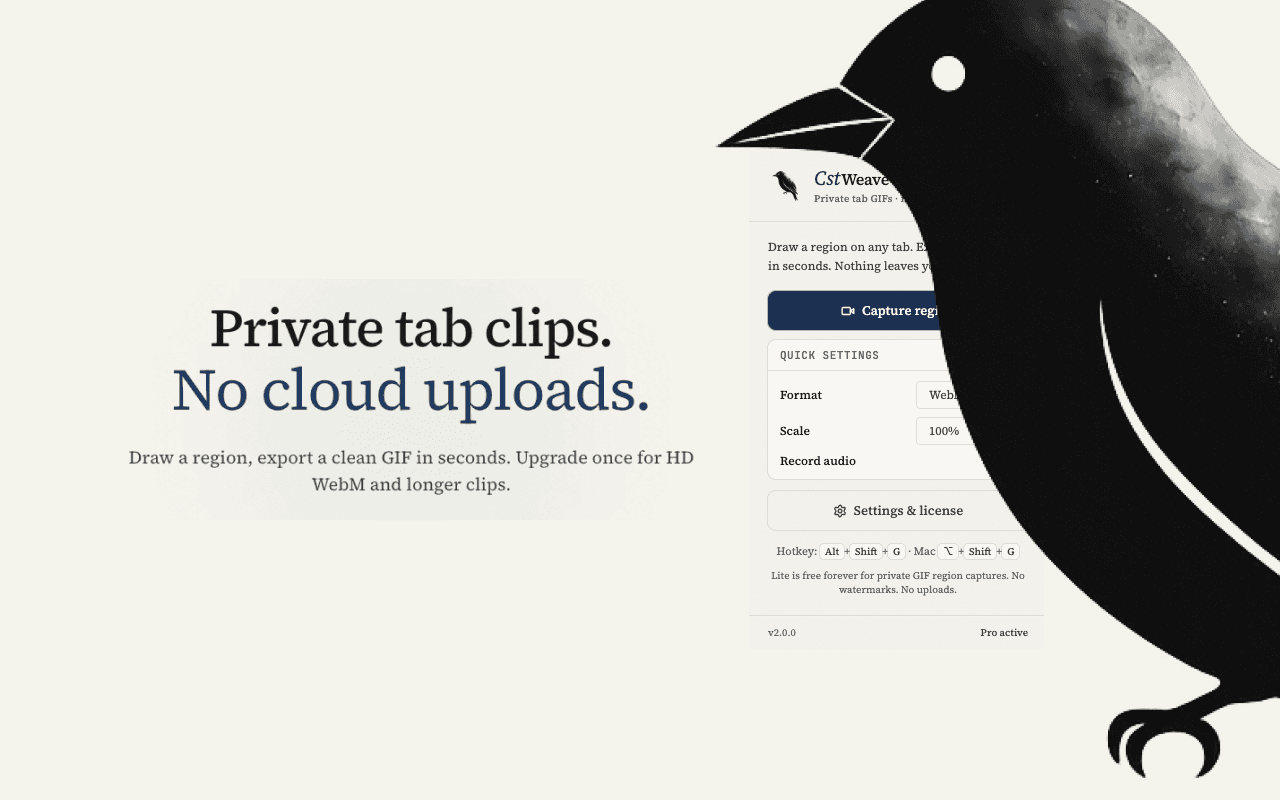
About this app
CstWeave is a browser extension that lets you draw a rectangle over any tab and instantly record that region as a clean GIF or HD WebM video. Everything is encoded entirely on your device using Chrome Offscreen Documents — zero data ever touches the cloud. No watermarks, no tracking. Lite is free; Pro unlocks unlimited recordings and higher quality for a one-time $9.99 fee. Perfect for creating quick tutorials, bug reports, or shareable animations without privacy concerns.
Key features
- 1100% on-device tab region recording to GIF or HD WebM with zero uploads or watermarks
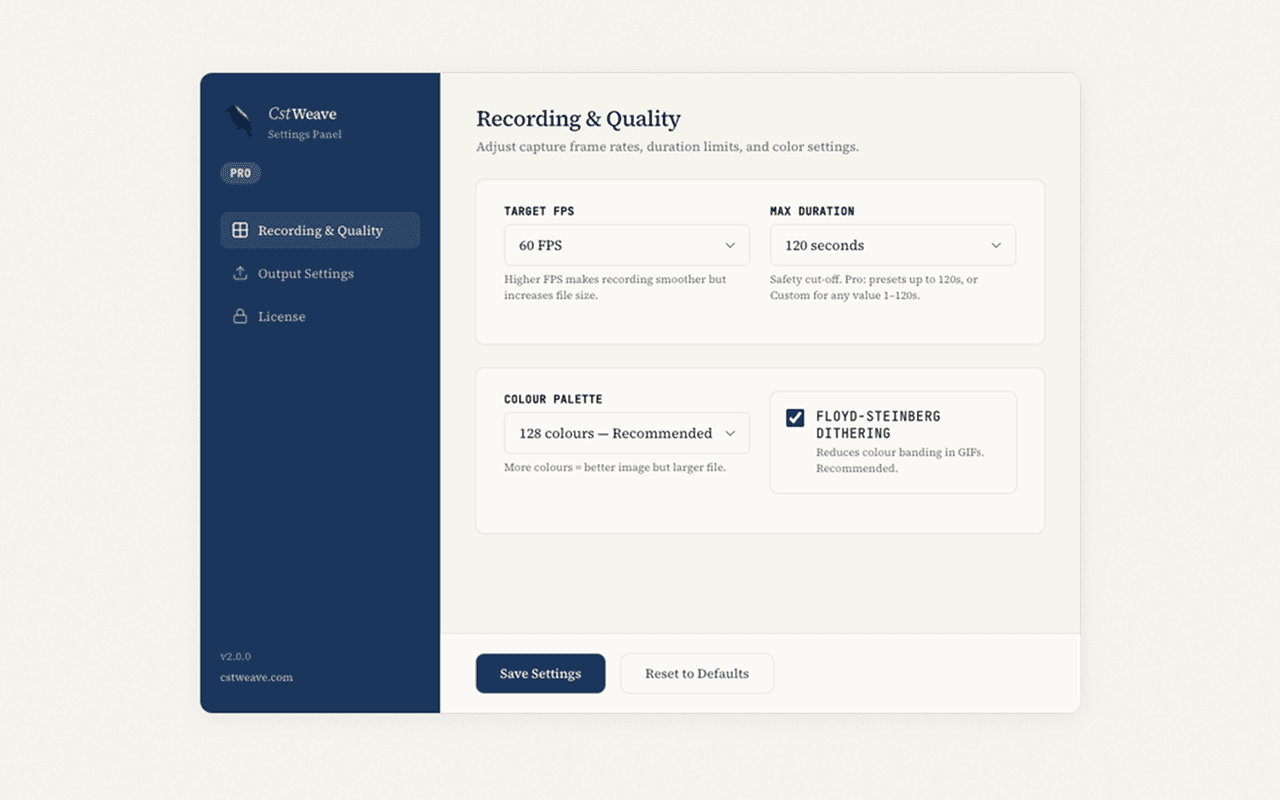
- 2One-time $9.99 Pro unlock for unlimited length, 60 FPS, audio, and full resolution
- 3Keyboard shortcut (Alt+Shift+G), clipboard copy, and customizable palettes/FPS
Target customer profile
Drawn from the product itself, not from a survey.
Demographic
Tech-savvy professionals and developers
Pain points
Needing to record screen regions for bug reports or demos but wary of cloud privacy and watermarks
Primary needs
On-device recording with no data leakage, high-quality output, and quick workflow
Demographic
Content creators and educators
Pain points
Creating tutorials or GIFs for social media but tired of watermarked or slow upload-based tools
Primary needs
Fast, watermark-free recordings with flexible region selection and multiple export formats
Demographic
Privacy-conscious users and remote workers
Pain points
Avoiding cloud services that might expose sensitive information during screen captures
Primary needs
100% local processing, no sign-up, and a simple interface with zero tracking
Scout Review
Written by AI from measured evidence, scored out of 100.
CstWeave is a privacy-first Chrome extension that delivers exactly what it promises—fast, local tab-region recording with no cloud involvement or watermarks. The one-time $9.99 Pro unlock and generous free tier make it accessible, while solid documentation and a clean UI support quick adoption. Its biggest strengths are the on-device guarantees and straightforward workflow. Weaknesses center on its extreme newness (launched mid-July 2026) and the marketing site's missing security headers. For developers and privacy-conscious users needing quick GIFs or WebM clips, it fills a genuine gap left by cloud-heavy alternatives.
Measure by measure
Usability
68Straightforward extension install with hotkey, docs covering core flows, and transparent free/Pro limits. Quick region select to export workflow.
Design
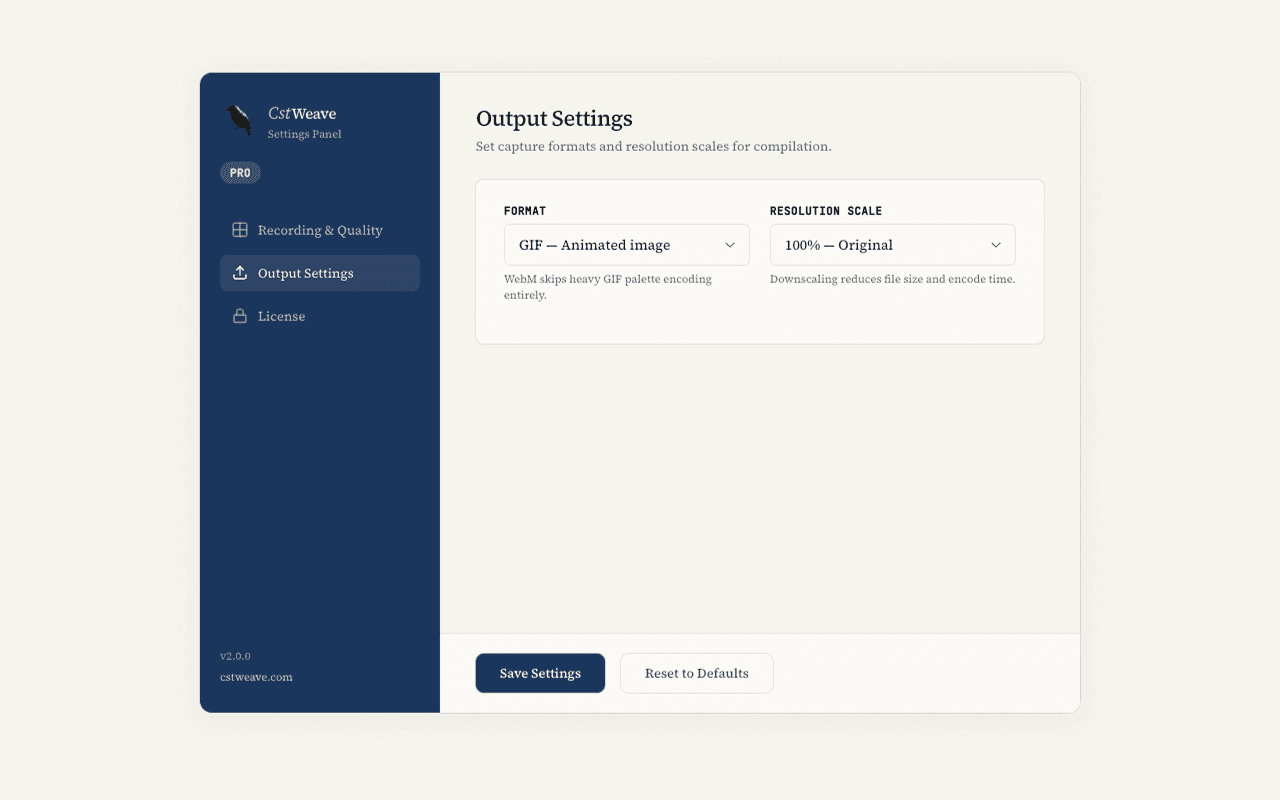
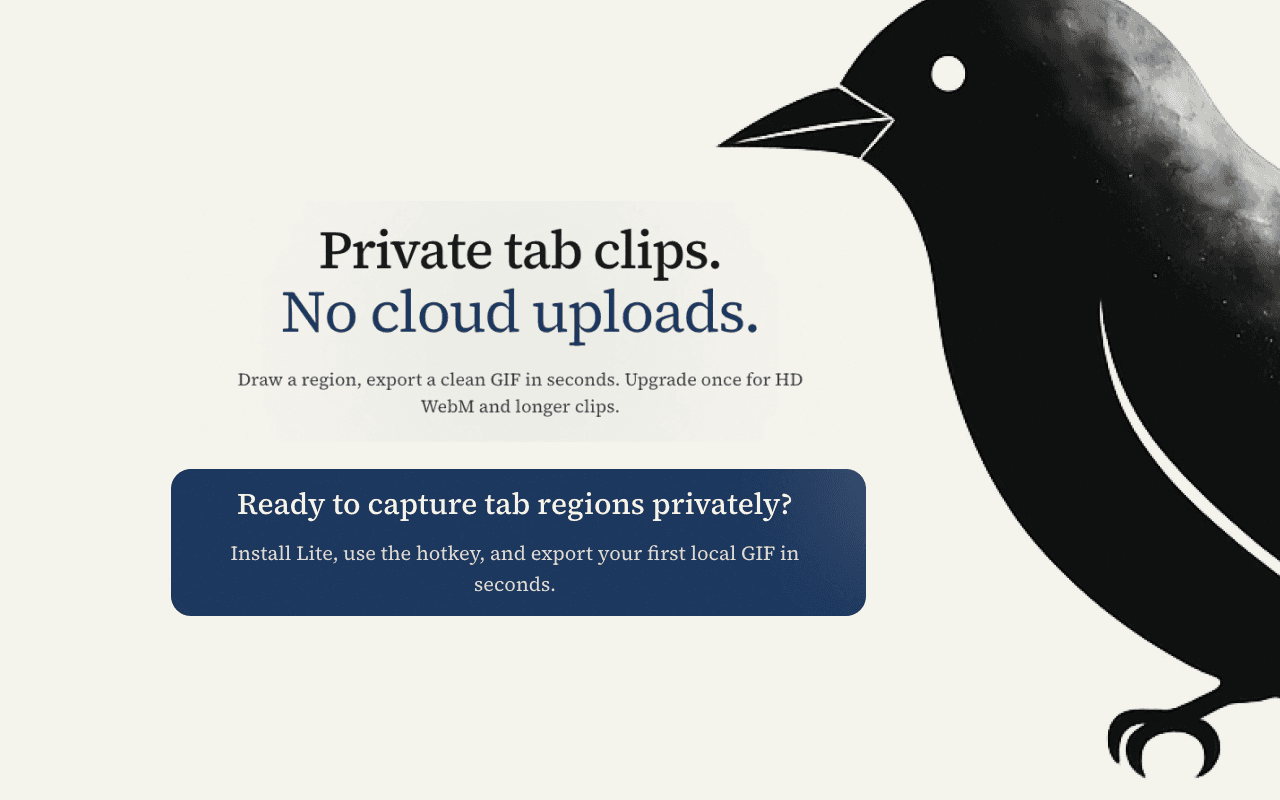
70Clean navy/off-white palette with consistent buttons and card-based settings UI. Minor visual disconnects from overlapping illustration and cropped hero screenshot.
Speed
75Fully local Chrome Offscreen encoding avoids network latency. Background thread and memory caps keep it responsive for short clips.
Security
30Local-only processing with explicit no-collection privacy policy and minimal permissions. Site itself lacks basic security headers per probe.
Accessibility
80Perfect 100/100 Lighthouse score. Keyboard shortcut available and clean extension UI, though English-only with no a11y statement.
Growth
35Brand new (domain July 20 2026). Early Reddit/HN self-posts and 3 Chrome ratings provide initial signals but no reviews, community, or GitHub presence yet.
Improvement areas
- Add security headers to marketing site and publish SOC-style transparency report
- Expand accessibility documentation and multi-language support
- Build visible community channels and gather independent reviews
Design & Usability
CstWeave presents a polished, consistent visual identity with a focused navy/off-white scheme and well-organized settings cards that make options easy to scan. The extension's core workflow—hotkey trigger, rectangle selection, instant local export—is simple and matches the privacy-first promise. Documentation covers customization and licensing clearly, while the Chrome store listing provides a solid how-to and feature breakdown. Minor polish issues like the overlapping illustration and cropped hero image slightly detract from an otherwise professional landing experience. For a brand-new tool, the interface feels intentional rather than rushed.
Speed & Security
Speed benefits directly from the 100% on-device architecture using Chrome's Offscreen Documents, eliminating upload delays and keeping captures responsive for short clips. Memory protection features suggest thoughtful engineering for stability. Security is a mixed bag: the product itself never touches the network or collects data, backed by a transparent privacy policy and minimal permissions. However, the marketing site scores zero on standard HTTP security headers, which is a notable gap for a privacy-focused project. Overall, the local-first design delivers on its core security claim even if the web presence lags behind.
Accessibility & Growth
Accessibility earns strong marks with a perfect Lighthouse score and a usable keyboard shortcut, though the lack of multi-language support or explicit WCAG documentation keeps it from higher territory. Growth is typical for a product launched days ago: a handful of self-promotion posts on Reddit and Hacker News plus three early ratings on the Chrome store. No independent reviews, community channels, or GitHub activity yet. The trajectory looks promising given the focused niche and quick store presence, but absolute traction remains minimal at this stage.
Conclusion
Early signals are positive for a tool this specialized. If the maker keeps shipping (v2.1.0 already) and addresses the header gaps, it could carve out a loyal niche. Worth watching the Chrome store ratings as real usage data arrives.
Suggestions for improvement
- Add security headers (HSTS, CSP) to the marketing site to match the privacy messaging.
- Publish a short accessibility statement or test with common screen readers.
- Create a public changelog or GitHub presence to build developer trust.
- Gather and display more user testimonials once ratings grow beyond three.
Alternatives comparison
Named competitors, point by point. Nobody paid to appear here or to be left out.
 CstWeave CstWeave |  LICEcap LICEcap |  OBS Studio OBS Studio |  Cloud-based recorders (e.g., Screencastify, Loom) Cloud-based recorders (e.g., Screencastify, Loom) | |
|---|---|---|---|---|
| Recording method | Browser extension, 100% on-device via Chrome Offscreen | Desktop app, local GIF capture only | Desktop software, full local recording with setup | Browser extension, cloud upload required |
| Output formats | GIF (Lite) + HD WebM + audio (Pro) | GIF only | Many formats including MP4, WebM | MP4 with cloud hosting |
| Pricing model | Free Lite + $9.99 one-time Pro | Free | Free open source | Subscription with watermarks on free plan |
| Privacy / data handling | Zero cloud, no tracking, local only | Local desktop app | Local desktop app | Uploads to cloud servers |
LICEcap
Lightweight GIF screen capture tool for Windows/Mac, but lacks WebM output and browser integration.
OBS Studio
Powerful open-source recorder with many features, but overly complex for quick region recording and requires setup.
Cloud-based recorders (e.g., Screencastify, Loom)
Popular but uploads videos to the cloud, often free plans add watermarks or limitations.
Comparing options? See CstWeave alternatives, scored side by side
Sources
What the review was written against. A verdict with no sources is an opinion.
More Productivity apps
View all Productivity
Qamarero
92An all-in-one hospitality software for restaurants and ba...

The Stack Newsletter
92A weekly newsletter delivering curated tech jobs, intervi...

EmbedMyReviews
92White-label reputation management software for agencies s...

StoryPad
92Privacy-first open source journal app with a continuous t...

Puzzly – B2B Lead Generation & Sales Intelligence Platform
92Puzzly is an all-in-one B2B lead generation platform that...

Notion
92All-in-one AI workspace for docs, projects, and knowledge...

Vibe Coding Agent Skills
92A free, open-source platform offering 110 AI agent skills...

CC Switch
91Open-source desktop app for switching AI coding providers...

username.md
90One verified handle for your online identity, readable by...

What the GIF
89Frame-perfect video-to-GIF maker that runs entirely in yo...

AuditCloser
89White-label website audits that close deals for digital a...

NudgeWin
89Automated quote follow-up for trades and service businesses.


A platform dedicated to providing unbiased reviews of newly launched applications, analyzing everything from their features to their full potential.
info@scoutforge.net© 2026 Scoutforge. All rights reserved.
