Cycling through all six. Tap any point to stop.
Measured on six things
Extract Outlook email attachments to save space and organ...
Security
42HTTPS is enforced, but HSTS, CSP, frame protection and secure cookies are all missing — 3/13 on the header checklist, with SPF but no DMARC. No SOC 2, ISO or pen-test claim anywhere.
Screenshots
1 / 9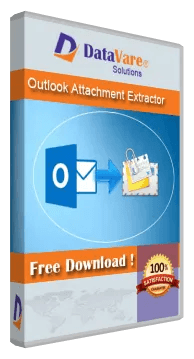
About this app
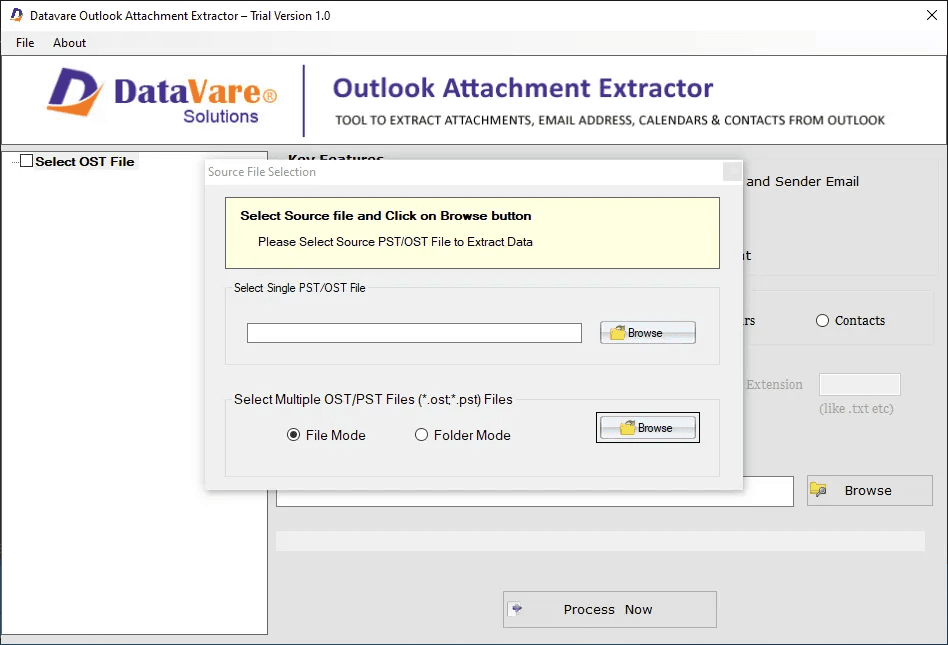
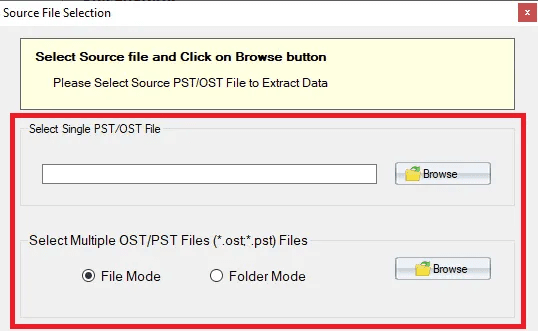
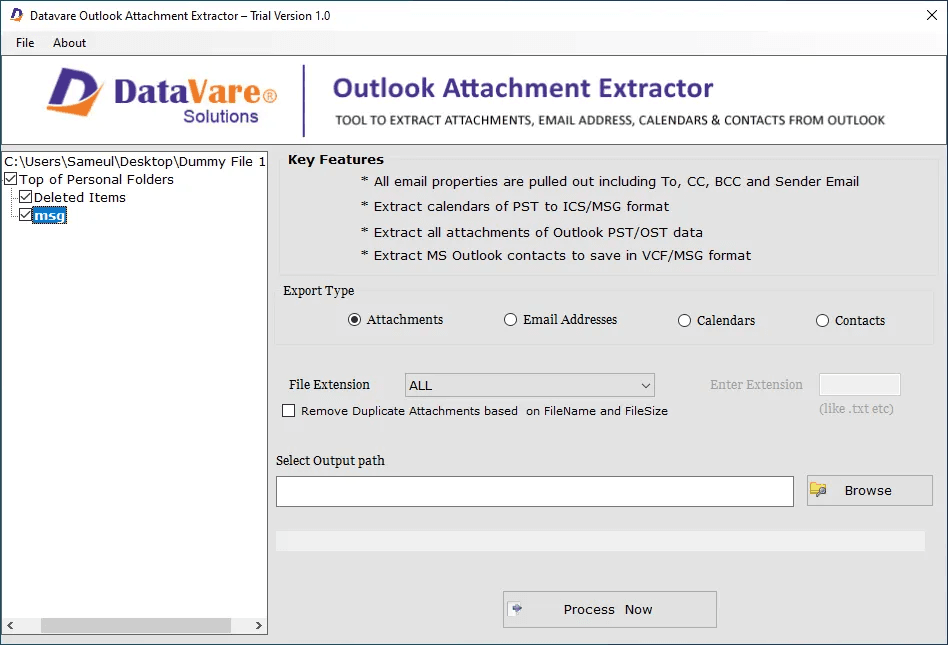
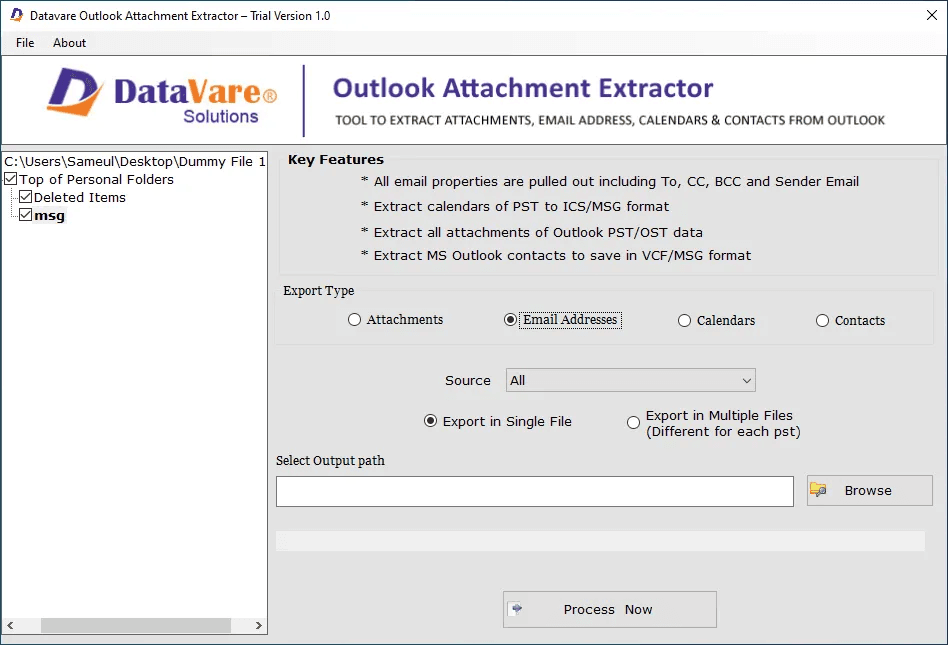
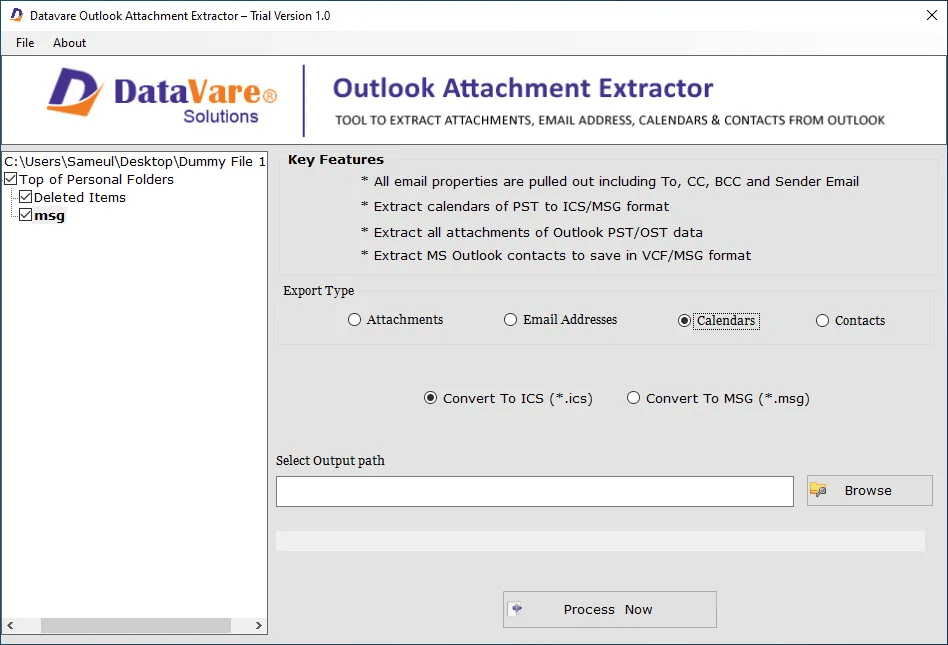
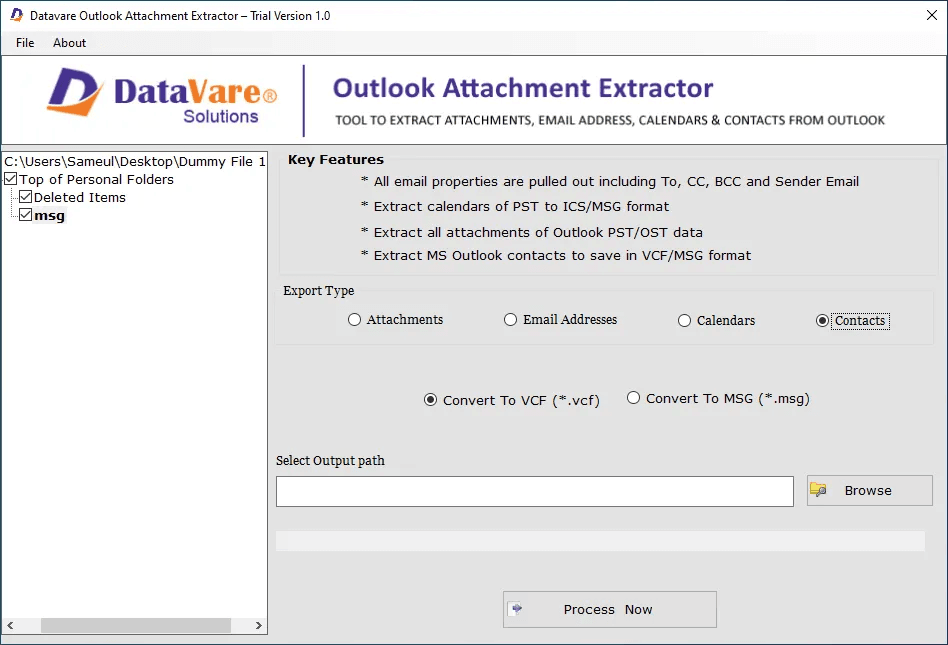
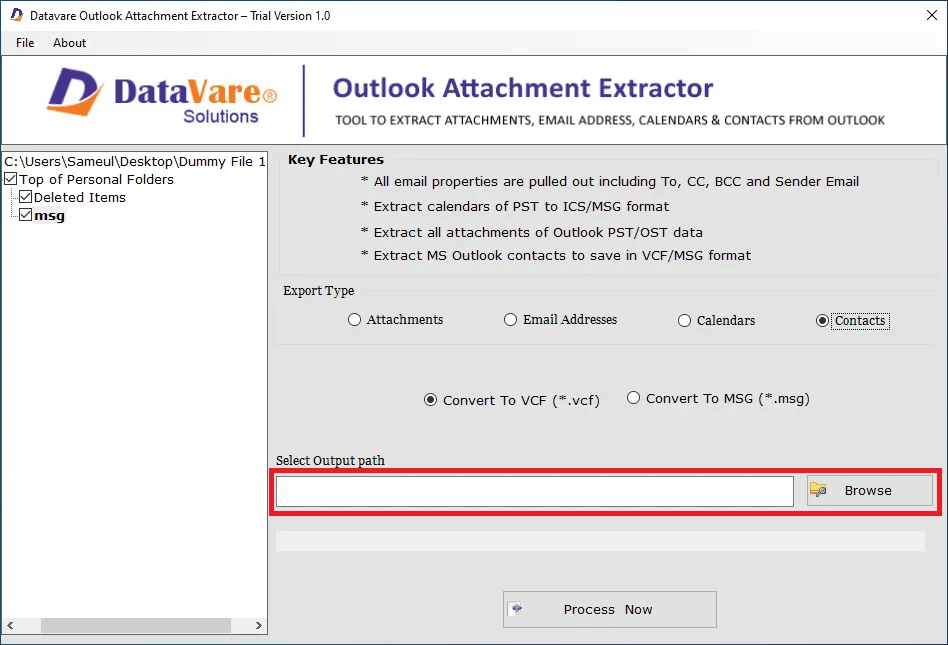
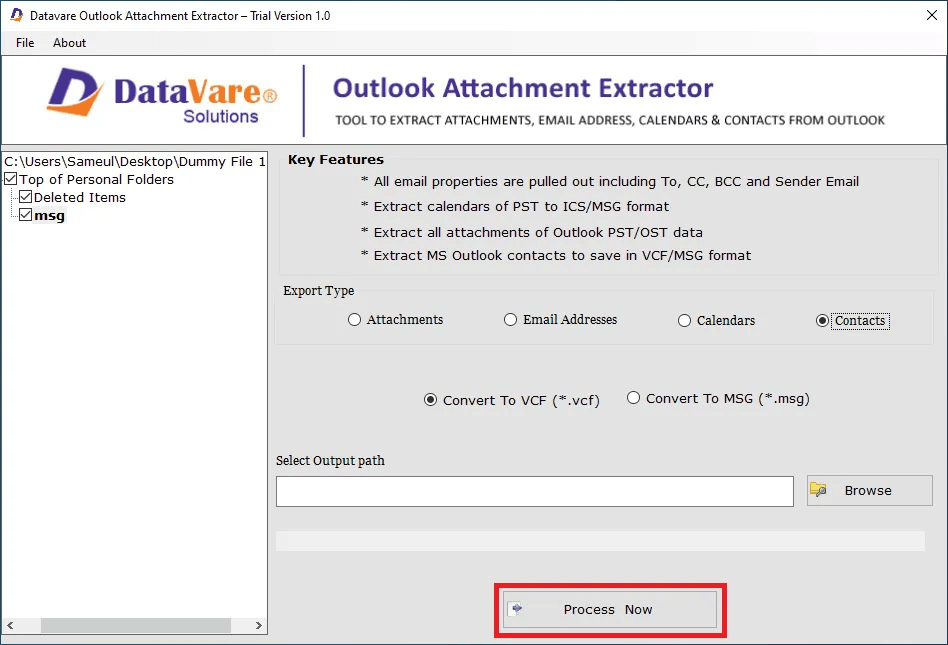
DataVare Outlook Attachment Extractor extracts attachments from Outlook PST files without opening each email individually. Choose a PST file, scan it, and store extracted files at your desired location. It supports PST files generated in Outlook 2003, 2007, 2010, 2013, 2016, 201,9 and 2021. Attachments may be saved as XLS, PNG, TXT, and so on. An optional function eliminates duplicate attachments by file name/size. The program supports accessible PST files and doesn’t require installing Microsoft Outlook. It works with Windows 11, 10, 8.1, 8 & 7. Main Features: Extract attachments from Outlook .PST files Select PST files to extract Save findings to selected local folder Support Multiple Outlook versions Export files in XLS, PNG & TXT formats Optionally remove duplicates by name and size No Outlook installation needed.
Key features
- 1Extracts attachments from Outlook PST files without opening each email individually.
- 2Works without Microsoft Outlook installed; supports PSTs from Outlook 2003 through 2021.
- 3Optional duplicate removal by file name and size; saves output to a chosen local folder.
Target customer profile
Drawn from the product itself, not from a survey.
Demographic
IT administrators managing corporate email servers
Pain points
PST files becoming oversized and corrupt due to large attachments
Primary needs
Efficiently extract and archive attachments without disrupting email flow
Demographic
Small business owners using Outlook for client communication
Pain points
Limited mailbox storage and difficulty organizing important documents
Primary needs
Save attachments locally in organized folders to free up space
Demographic
Legal professionals needing to preserve email evidence
Pain points
Risk of losing critical attachments when cleaning up mailboxes
Primary needs
Securely extract and store attachments in original formats for compliance
Scout Review
Written by AI from measured evidence, scored out of 100.
DataVare Outlook Attachment Extractor is a competent, narrowly-scoped Windows utility wrapped in a dated marketing page. The core promise is honest and specific: pull attachments out of PST files without opening each email, without needing Outlook installed, with optional duplicate removal by name and size. The site is genuinely fast and the 4.9/391 rating gives it a trust signal above the fold. What holds it back is execution polish — competing CTAs, placeholder icons, grammatical errors in the feature copy, an empty docs page — and a security posture that stops at HTTPS. Against eSoftTools and Remo it is on par on the core job and behind on filtering, which makes it a reasonable pick for a simple extraction and a harder sell for anyone with compliance requirements.
Measure by measure
Usability
52CTAs are above the fold and support channels exist, but the free-vs-paid choice is unexplained, screenshots have no captions, and the docs page is a heading with nothing under it.
Design
46A 2010s download-page aesthetic: navy hero, competing green/purple CTAs, five identical shield icons and an orphaned grid slot. The product's own Windows UI looks unstyled against the marketing gradients.
Speed
88Lighthouse mobile 95/100 with 2.9s LCP and 0ms TBT; desktop 99/100. The site is genuinely fast and light, with no lag complaints in the collected evidence.
Security
42HTTPS is enforced, but HSTS, CSP, frame protection and secure cookies are all missing — 3/13 on the header checklist, with SPF but no DMARC. No SOC 2, ISO or pen-test claim anywhere.
Accessibility
68Lighthouse accessibility 93/100, but buttons lack accessible names and headings skip levels. English-only interface, no WCAG statement or a11y page found.
Growth
54A real, narrow pain — PST bloat and corruption — with one honest wedge: no Outlook install needed. But eSoftTools and Remo do the same job with better filtering, so the moat is thin.
Improvement areas
- Security headers are 3/13 — no HSTS, CSP, frame protection, secure cookies or DMARC.
- Documentation is effectively absent; the /docs page contains only a heading.
- No filtering by date, size or attachment type, which both listed alternatives offer.
Design & Usability
The landing page does the one job it must: product name, 4.9-star rating with 391 ratings, and both CTAs sit above the fold. Past that it's a 2010s download page — a navy hero with a dense bullet list, five feature cards sharing one generic shield icon, and an orphaned empty slot in the grid. The green Download and purple Buy buttons compete instead of guiding. Usability is functional but thin: the free-vs-paid distinction is never explained, screenshots carry no captions, and the docs page is a single heading with no content beneath it. Support via email, chat and Skype is listed, and the software ships electronically.
Speed & Security
Speed is the standout: Lighthouse mobile 95/100 with a 2.9s LCP, 0.001 CLS and 0ms total blocking time, and desktop at 99/100. The site is light and snappy, and nothing in the collected evidence suggests lag complaints. Security is the weak flank. HTTPS is enforced and SPF is published, but HSTS, CSP, frame protection, X-Content-Type-Options, Referrer-Policy and Permissions-Policy are all absent, secure cookies are not set, and DMARC is missing — 3 of 13 header checks. No SOC 2, ISO 27001, penetration test or bug bounty is claimed anywhere on the site, which for a tool that ingests email attachments is a gap worth closing.
Accessibility & Growth
Accessibility scores 93/100 on Lighthouse, which is strong, but two real failures remain: buttons without accessible names and headings that skip levels. The interface is English-only and there is no WCAG statement or accessibility page. Growth is a judgement on the idea: PST files bloating and corrupting from large attachments is a genuine, specific pain, and 'no Outlook installation required' plus optional duplicate removal is a real wedge. But the alternatives list tells the story — eSoftTools and Remo both extract attachments and both offer filtering by date, size and type, which this product's material does not claim. The category is crowded and the differentiator is one checkbox deep, so the ceiling is modest unless it leans into compliance and legal-preservation workflows where the target customers actually live.
Conclusion
If you need to strip attachments out of a PST once and don't want Outlook installed, this does the job and the site won't waste your time loading. If you need date/size/type filtering, batch workflows, or any assurance that a vendor handling your email attachments has been audited, look at Remo or eSoftTools first. The free download makes trying it cheap — just read the FAQ carefully, since three of its four answers are collapsed and the docs page won't help you.
Suggestions for improvement
- Publish real documentation under /docs — the current page is a heading with no steps, video or text.
- Add HSTS, CSP, X-Content-Type-Options and DMARC; the header checklist is 3/13 and it shows.
- Replace the five identical shield icons with feature-specific visuals and fix the orphaned grid slot.
- Explain the free-vs-paid difference next to the CTAs and caption the screenshots with workflow steps.
Alternatives comparison
Named competitors, point by point. Nobody paid to appear here or to be left out.
 DataVare Outlook Attachment Extractor Tool |  Outlook Attachments Extractor by eSoftTools | Remo Attachment Extractor | |
|---|---|---|---|
| Extracts attachments from Outlook PST files | Yes | Yes | Yes |
| Works without Microsoft Outlook installed | Yes, stated explicitly | Yes | Yes |
| Batch processing of multiple PST files | Not claimed on site | Yes | Yes |
| Filter attachments by date, size or type | Not claimed; only duplicate removal by name/size | Yes | Yes |
| Duplicate attachment removal | Yes, optional, by name and size | Not stated | Not stated |
| Supported Outlook versions | 2003, 2007, 2010, 2013, 2016, 2019, 2021 | Multiple versions supported | Multiple versions supported |
Outlook Attachments Extractor by eSoftTools
A tool that extracts attachments from Outlook PST files and saves them in various formats, with support for batch processing.
Remo Attachment Extractor
Software to extract attachments from Outlook emails and save them to a local drive, with options to filter by date, size, and type.
Comparing options? See DataVare Outlook Attachment Extractor Tool alternatives, scored side by side
More Productivity apps
View all Productivity
Puzzly – B2B Lead Generation & Sales Intelligence Platform
92Puzzly is an all-in-one B2B lead generation platform that...

Qamarero
92An all-in-one hospitality software for restaurants and ba...

EmbedMyReviews
92White-label reputation management software for agencies s...

StoryPad
92Privacy-first open source journal app with a continuous t...

Notion
92All-in-one AI workspace for docs, projects, and knowledge...

The Stack Newsletter
92A weekly newsletter delivering curated tech jobs, intervi...

Vibe Coding Agent Skills
92A free, open-source platform offering 110 AI agent skills...

QRBliss
91Branded QR codes with AI Brand Sync, 15 free dynamic code...

Gerty
91Private, local AI assistant for Mac that runs offline

Strukchad Property Management
91Property management for Kenyan letting agents: rent invoices raised every month, M-Pesa rent prompts to tenants, arrears tracking and landlord statements.

CC Switch
91Open-source desktop app for switching AI coding providers...

PitchWhip
90AI cold call scripts & direct dials from LinkedIn


A platform dedicated to providing unbiased reviews of newly launched applications, analyzing everything from their features to their full potential.
info@scoutforge.net© 2026 Scoutforge. All rights reserved.
