Cycling through all six. Tap any point to stop.
Measured on six things
ExtSpace is a catalog of free, single-purpose Chrome extensions — PDF unlock and form filling, video trimming, image and audio conversion, fonts, timers, world clock and more. Everything runs locally in the browser: no account, no upload. One optional Pro subscription unlocks unlimited use of every extension.
Security
41HTTPS is enforced and SPF is set, but HSTS, CSP, frame protection, Referrer-Policy and Permissions-Policy are all missing and the header checklist scores 3/12. No SOC 2, ISO or security page found.
Screenshots
1 / 3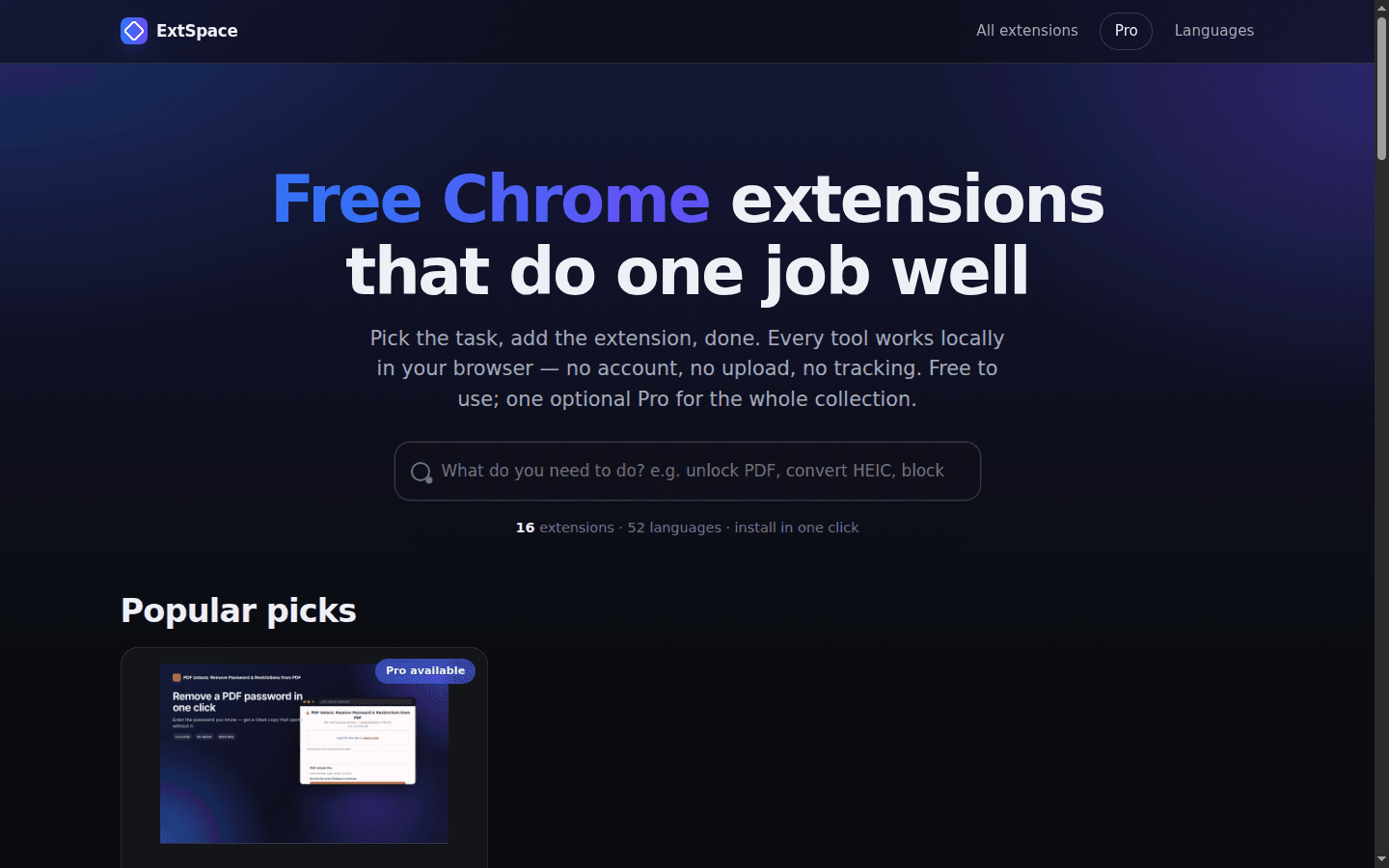
About this app
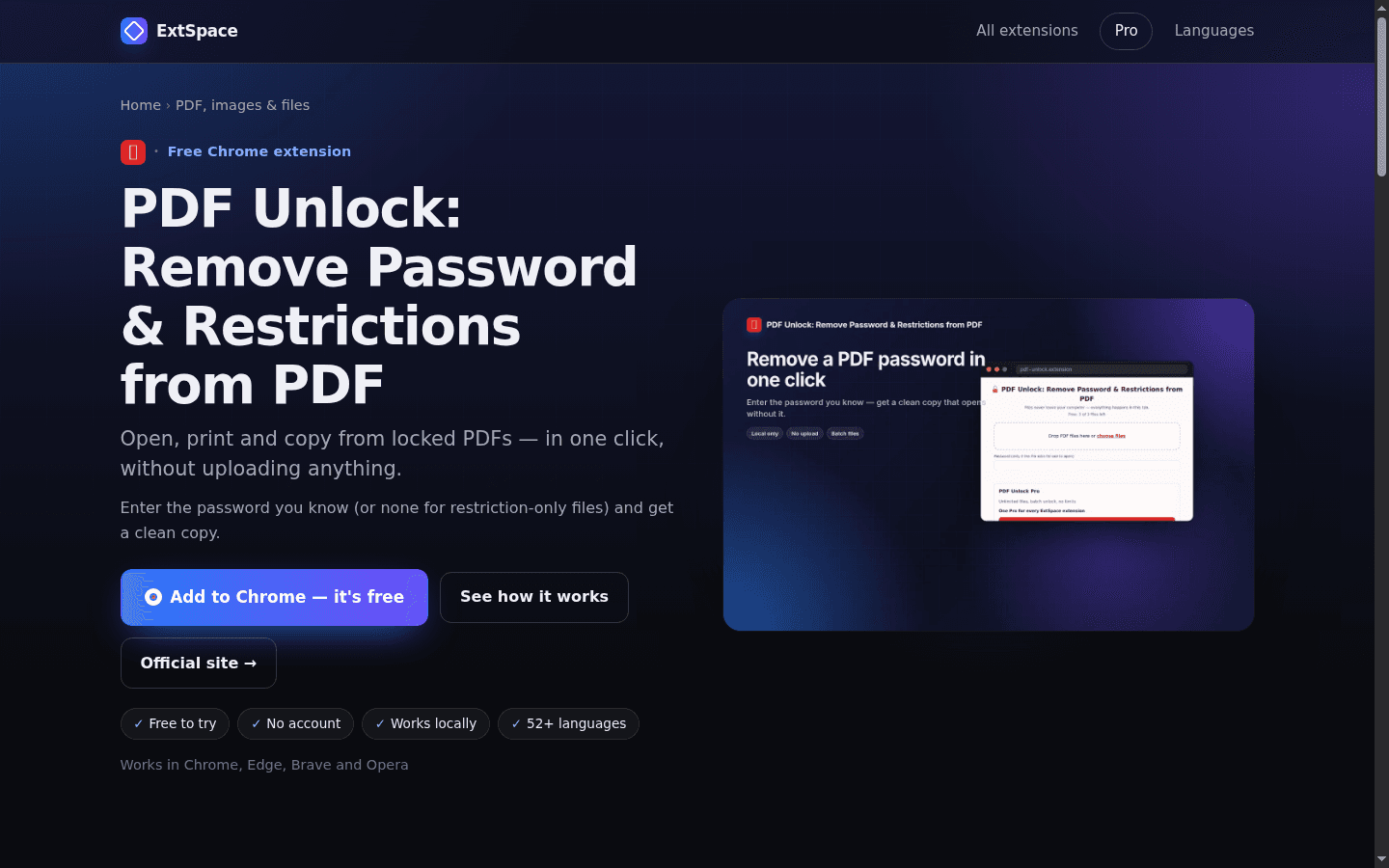
ExtSpace (extspace.io) is a family of free Chrome extensions, each built to do exactly one job well: unlock or fill a PDF, convert documents to PDF, trim a video, convert JFIF to JPG or audio to MP3, turn a web page into Markdown, change fonts, play focus noise, run a Pomodoro timer, show world clocks, check UV and air quality, ping a host, audit headings for SEO, convert units, sign documents and more. New extensions are added regularly. Everything is processed inside the browser — files never leave the user's machine, there is no account to create and no upload, so there is no file-size limit and no privacy risk. Every extension ships in 54 languages and has a plain-language how-to page. Pricing: each extension is free to install and use (3 free actions per extension); one optional ExtSpace Pro subscription unlocks unlimited use of every ExtSpace extension at once — users never buy ten separate upgrades. Built by an indie developer; works in Chrome, Edge, Brave and Opera.
Key features
- 125 free single-purpose Chrome extensions: PDF unlock/fill, doc-to-PDF, video trim, JFIF/HEIC to JPG, audio to MP3, page to Markdown and more.
- 2Everything processed in-browser — no account, no upload, no file-size limit, files never leave the machine.
- 3One optional ExtSpace Pro subscription unlocks unlimited use of every extension at once (3 free actions per tool otherwise).
- 4Search-first catalogue with browse-by-task pills and per-category counts; every extension ships in 54 languages with a how-to page.
Target customer profile
Drawn from the product itself, not from a survey.
Demographic
Tech-savvy professionals who use multiple browser extensions daily
Pain points
Browser clutter, slow performance due to many extensions, difficulty managing extensions
Primary needs
A centralized dashboard to organize and toggle extensions quickly
Demographic
Remote workers and researchers who keep many tabs open for projects
Pain points
Tab overload, losing track of important tabs, inefficient workflow
Primary needs
Tab management and session organization within the browser
Demographic
Developers and power users who customize their browser extensively
Pain points
Managing extension permissions and updates, toggling extensions for testing
Primary needs
Quick access to extension settings and bulk actions
Scout Review
Written by AI from measured evidence, scored out of 100.
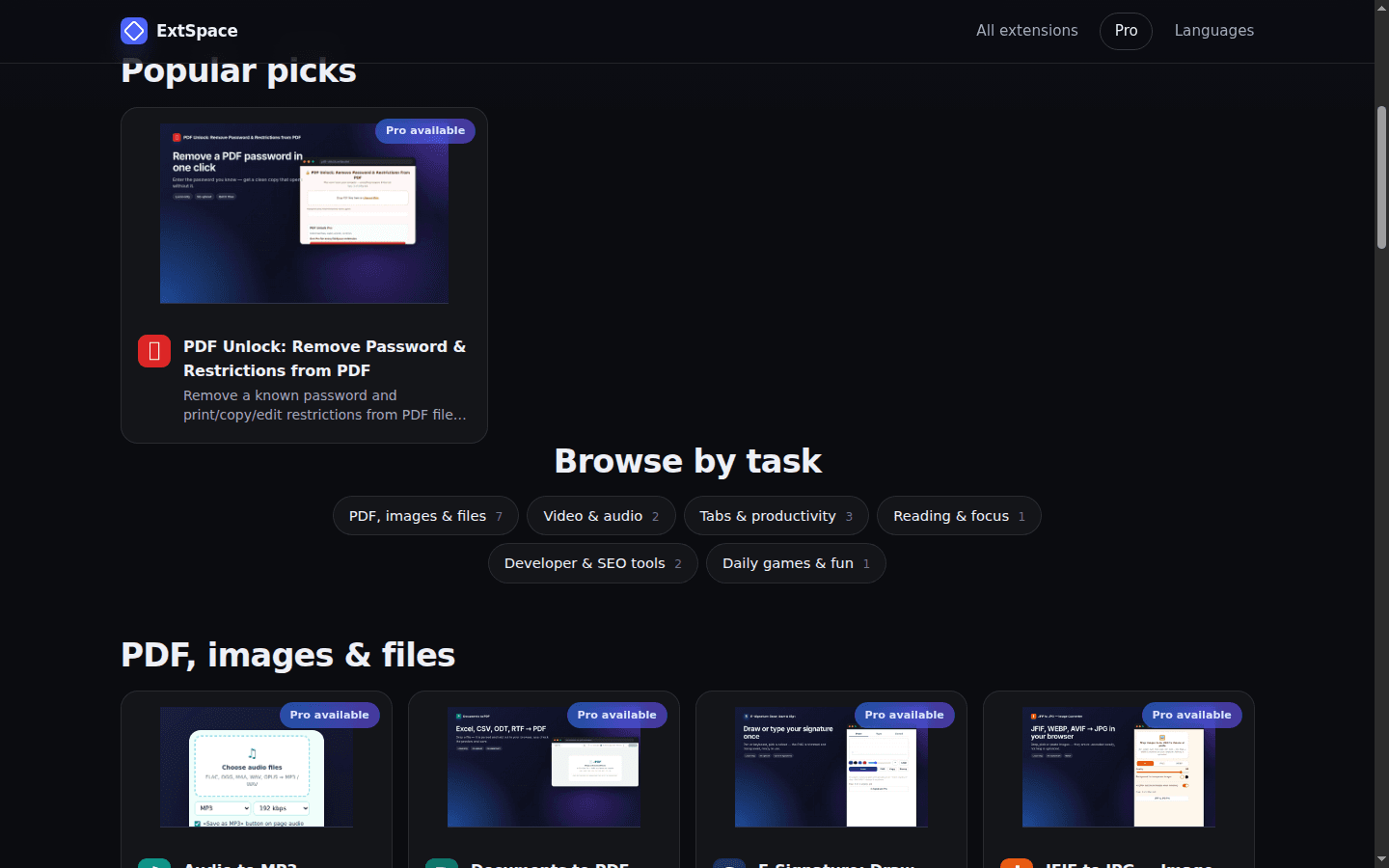
ExtSpace is a catalogue of 25 free, single-purpose Chrome extensions — unlock PDFs, convert documents, trim video, JFIF to JPG, page to Markdown, Pomodoro, world clocks, UV/air quality and more — with in-browser processing, no account, no uploads and no file-size limit, plus one optional Pro subscription for unlimited use across all of them. The site is fast (desktop 100, mobile 87) and accessible (100/100), the search-first catalogue is well organised, and the privacy model is a real differentiator. It's held back by a landing page that looks half-built — placeholder icons, empty grid columns, a one-card 'Popular picks' — and by thin security headers (3/12 checklist).
Measure by measure
Usability
63Search plus browse-by-task pills with real per-category counts make the 25-tool catalogue scannable, and the FAQ is tidy — but unreadable card thumbnails force a click on every tool to learn what it does.
Design
57Coherent dark brand with a gradient hero and a search-first catalogue layout, but placeholder gradient icons, a lone card in Popular picks, empty grid columns and a badge on every card make it read unfinished.
Speed
71Desktop Lighthouse is a clean 100/100 and mobile hits 87 with CLS 0 and TBT 60ms — genuinely snappy. The 4.1s mobile LCP is the one metric dragging it below the top of the band.
Security
41HTTPS is enforced and SPF is set, but HSTS, CSP, frame protection, Referrer-Policy and Permissions-Policy are all missing and the header checklist scores 3/12. No SOC 2, ISO or security page found.
Accessibility
79Lighthouse accessibility lands a perfect 100/100 and the extensions claim 54-language coverage — strong signals. No published WCAG statement, so it sits high in the band rather than at the ceiling.
Growth
58A real problem (browser clutter, one-off file chores) with a genuine wedge: in-browser processing, no account, no upload, no size limit, one Pro sub for all 25 tools. Differentiated, but a crowded utility category.
Improvement areas
- Landing page polish: placeholder gradient icons, empty grid columns, duplicate PDF Unlock card and a badge on every card.
- Security headers: HSTS, CSP, frame protection, X-Content-Type-Options, Referrer-Policy, Permissions-Policy and DMARC all missing (3/12).
- Card thumbnails are too small to read, forcing a click on every tool to learn what it does.
- No published WCAG/accessibility statement despite a perfect automated score; mobile LCP 4.1s needs work.
Design & Usability
ExtSpace's homepage is a dark, gradient-accented catalogue built around a search bar and browse-by-task pills with honest per-category counts (PDF 7, Video 4, Tabs 4, Reading 3, Dev 4, Daily 3) — a sensible information architecture for 25 single-purpose tools. The execution undercuts it: four 'principles' icons are identical blank gradient squares, Popular picks holds one lonely card beside 800px of empty space, several grid rows leave dead columns, PDF Unlock appears twice, and the 'Pro available' badge is on nearly every card so it signals nothing. Card thumbnails are too small to read, so every tool requires a click to understand. The FAQ is compact and the first answer is open, which is the one place the page feels finished.
Speed & Security
Speed is the strongest measured dimension: desktop Lighthouse 100/100, mobile 87/100 with CLS 0, TBT 60ms and FCP 1.1s. The single blemish is a 4.1s mobile LCP, above the 2.5s 'good' threshold, which is what keeps mobile off the top. Security is the weak spot: HTTPS is enforced and SPF is set, but HSTS, CSP, frame protection, X-Content-Type-Options, Referrer-Policy and Permissions-Policy are all absent, DMARC is missing, and the header checklist scores 3/12. No SOC 2, ISO, bug bounty or security page turned up. The in-browser processing model genuinely reduces risk — no uploads, no accounts, no stored files — but the server-side hardening doesn't reflect that care.
Accessibility & Growth
Accessibility scores a perfect 100/100 on Lighthouse's axe-core audit, and the extensions claim 54-language coverage — solid signals, though no published WCAG conformance statement means the ceiling isn't proven. Growth is a judgement on the idea: ExtSpace names a real problem (browser clutter and one-off file chores) and has a genuine wedge — everything processed in-browser, no account, no upload, no file-size limit, and one Pro subscription covering all 25 tools instead of ten separate upgrades. That's a real reason to pick it over a random free converter. The limit is the category: free PDF/video/audio utilities are the most crowded shelf in the Chrome Web Store, and the listed alternatives (Extension Manager, Tab Manager Plus) are a different product entirely, so the positioning is clear but the moat is thin.
Conclusion
If you live in Chrome and keep hitting one-off file chores, ExtSpace is a genuinely useful, privacy-friendly toolbox with a fair single-subscription model. Go in expecting a catalogue that's still being finished: check each tool's how-to page before relying on it, and don't expect enterprise-grade server hardening. The bones — speed, accessibility, in-browser processing — are better than most indie extension bundles.
Suggestions for improvement
- Replace the four blank gradient 'principles' icons with real iconography or drop the section entirely.
- Fill or collapse the empty grid columns and the single-card Popular picks row so the catalogue looks curated, not unfinished.
- Add HSTS, CSP, X-Content-Type-Options, Referrer-Policy and Permissions-Policy headers, plus DMARC.
- Publish a short WCAG/accessibility statement and enlarge card thumbnails so tools are legible without clicking.
Alternatives comparison
Named competitors, point by point. Nobody paid to appear here or to be left out.
 ExtSpace |  Extension Manager | Tab Manager Plus | |
|---|---|---|---|
| Primary purpose | Catalogue of 25 single-purpose utility extensions (PDF, video, audio, text, focus, dev tools) | Manage and group installed Chrome extensions with profiles | Organize tabs into groups and windows |
| Free tier | Free to install; 3 free actions per extension, Pro for unlimited | Free Chrome extension | Free Chrome extension |
| Account required | No account; files processed in-browser, never uploaded | No account; runs locally in the browser | No account; runs locally in the browser |
| Number of tools | 25 extensions across PDF, video, tabs, reading, dev and daily categories | Single-purpose extension manager | Single-purpose tab manager |
| Multi-language support | Every extension ships in 54 languages (maker claim) | Not stated in collected evidence | Not stated in collected evidence |
Extension Manager
A Chrome extension that allows you to group and manage extensions with profiles.
Tab Manager Plus
A tab management extension that helps organize tabs into groups and windows.
Comparing options? See ExtSpace alternatives, scored side by side
More Productivity apps
View all Productivity
Puzzly – B2B Lead Generation & Sales Intelligence Platform
92Puzzly is an all-in-one B2B lead generation platform that...

Qamarero
92An all-in-one hospitality software for restaurants and ba...

EmbedMyReviews
92White-label reputation management software for agencies s...

StoryPad
92Privacy-first open source journal app with a continuous t...

Notion
92All-in-one AI workspace for docs, projects, and knowledge...

The Stack Newsletter
92A weekly newsletter delivering curated tech jobs, intervi...

Vibe Coding Agent Skills
92A free, open-source platform offering 110 AI agent skills...

QRBliss
91Branded QR codes with AI Brand Sync, 15 free dynamic code...

Gerty
91Private, local AI assistant for Mac that runs offline

Strukchad Property Management
91Property management for Kenyan letting agents: rent invoices raised every month, M-Pesa rent prompts to tenants, arrears tracking and landlord statements.

CC Switch
91Open-source desktop app for switching AI coding providers...

PitchWhip
90AI cold call scripts & direct dials from LinkedIn


A platform dedicated to providing unbiased reviews of newly launched applications, analyzing everything from their features to their full potential.
info@scoutforge.net© 2026 Scoutforge. All rights reserved.
