Is this your app?
Claim Formify to manage its page, add your badge and see your traffic — free, and it stays free.
Cycling through all six. Tap any point to stop.
Measured on six things
A no-code AI form builder with deep integrations for automating data collection and workflows.
Accessibility
70Mobile-responsive but lacks screen-reader optimization and multi-language support, limiting global accessibility.
Screenshots
1 / 3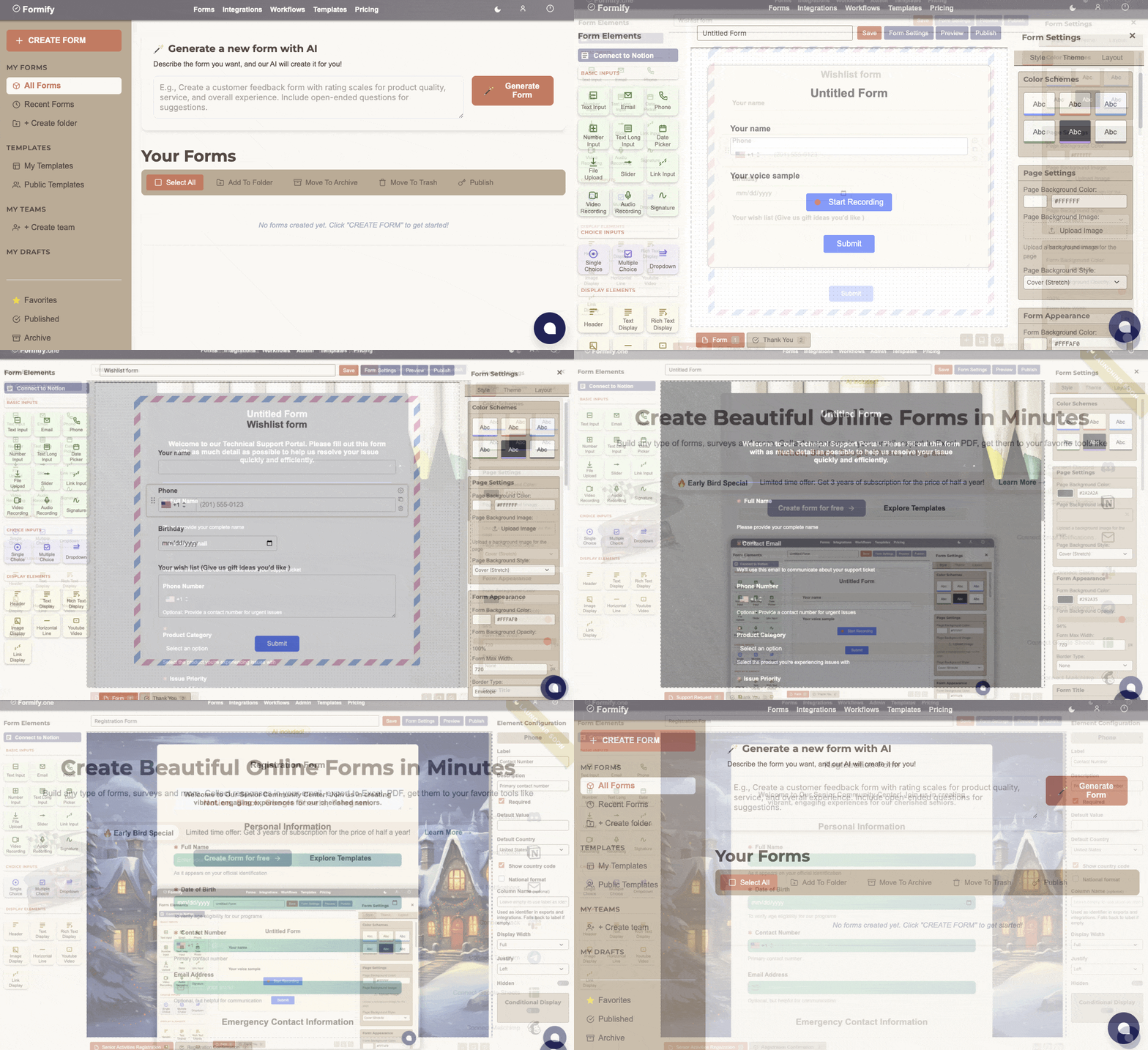
About this app
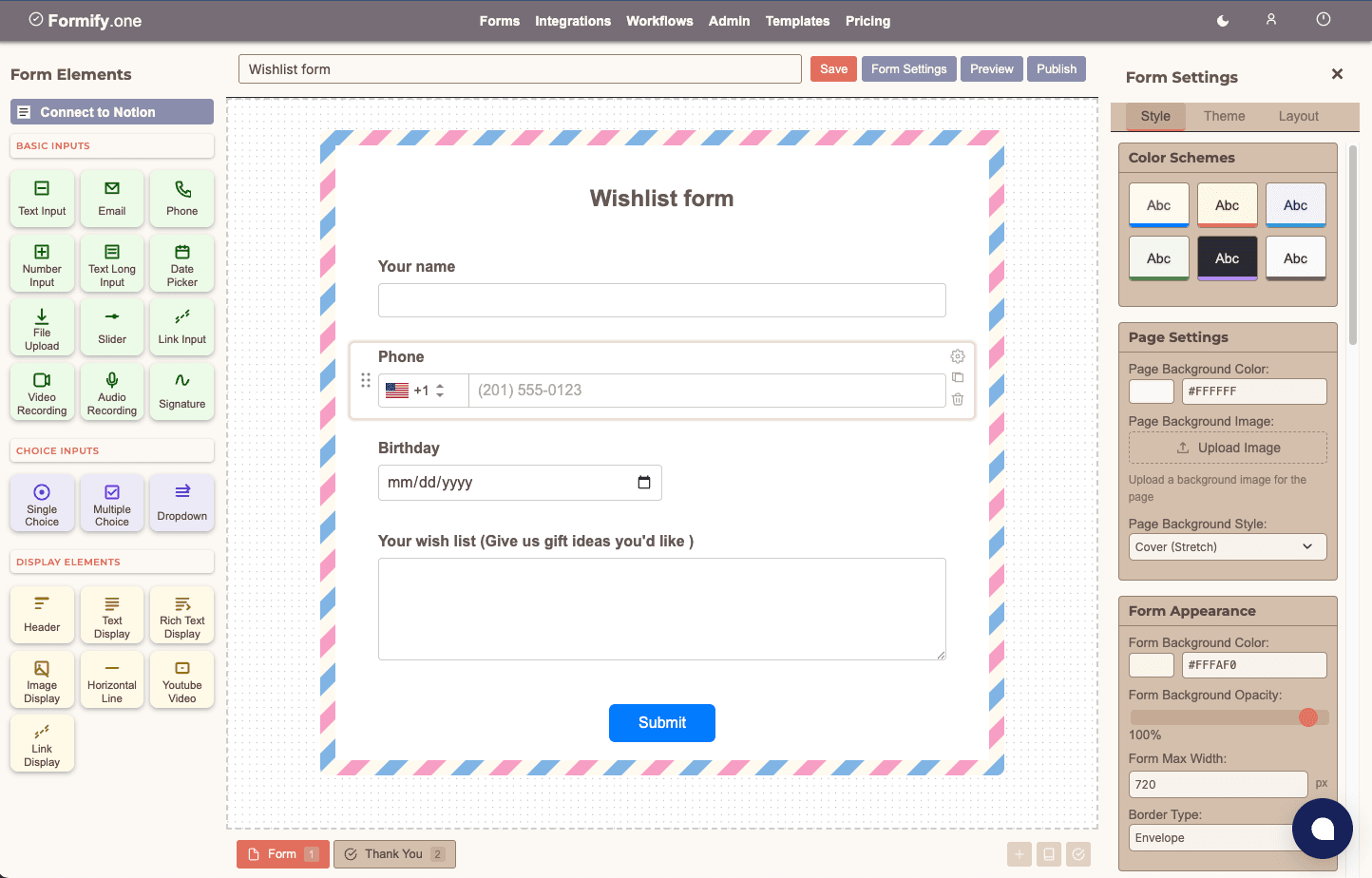
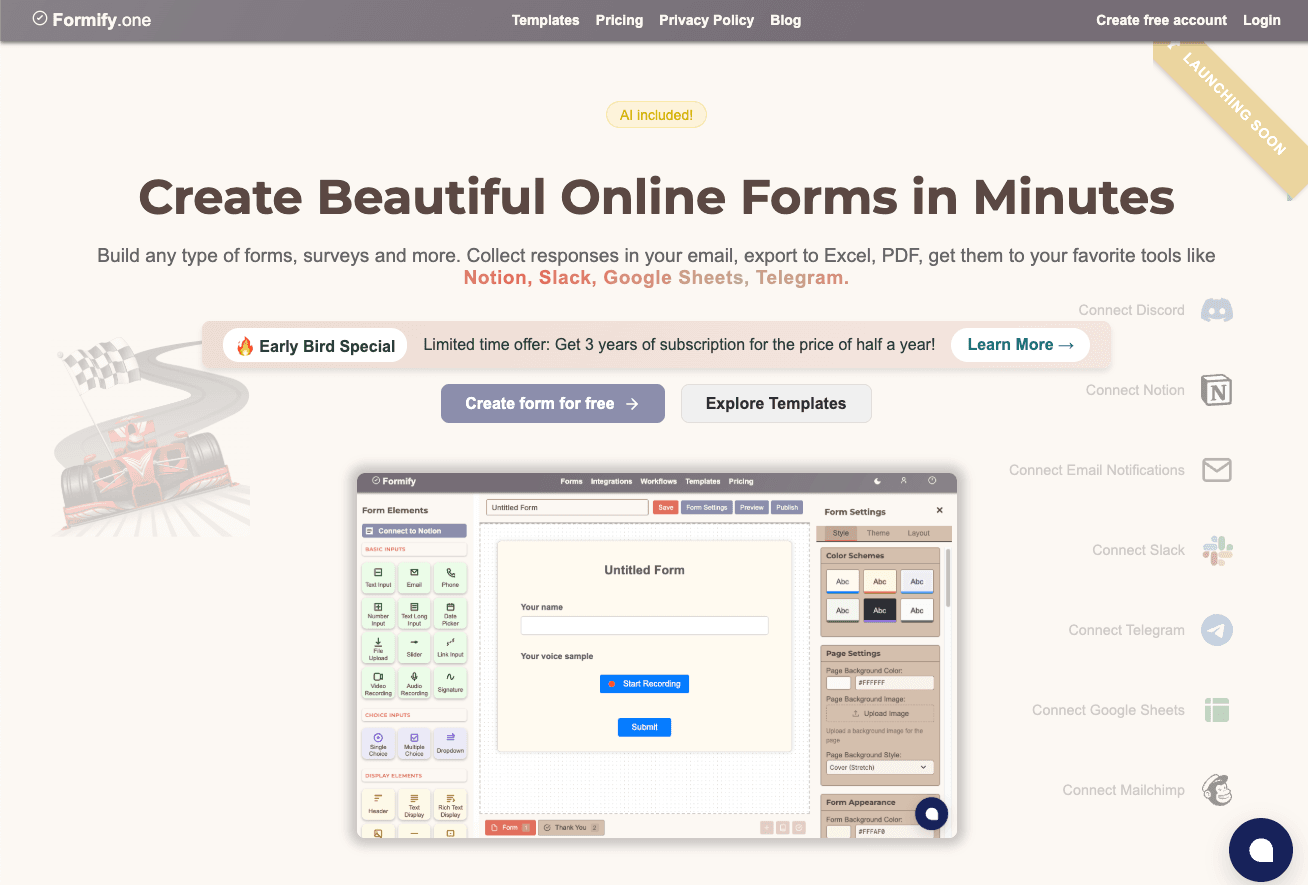
Formify is a powerful tool designed for teams and solopreneurs who need to quickly create forms without coding. Its standout feature is an AI generator that drafts forms in seconds based on descriptions, and it integrates seamlessly with tools like Notion, Slack, and Google Sheets to automate data entry and notifications. With a clean interface, it's easy to use and offers a generous free tier, making it ideal for small projects, while the Pro plan handles high-volume needs. It excels in speed and security with 256-bit encryption and GDPR compliance, though it lacks some accessibility features like screen-reader support. Overall, it's a game-changer for anyone tired of manual workflows.
Key features
- 1AI generator creates forms in seconds from text descriptions
- 2Clean minimalist interface with drag-and-drop editor and real-time mobile previews
- 3Strong integrations with Notion, Slack, and Google Sheets for workflow automation
Target customer profile
Drawn from the product itself, not from a survey.
Demographic
Small business owners and solopreneurs
Pain points
Time-consuming manual data transfers between tools; limited coding skills
Primary needs
Automated workflows, budget-friendly pricing, ease of use
Demographic
Marketing teams and community managers
Pain points
Disconnected tools for surveys, lead gen, and CRM syncs
Primary needs
Slack/Notion integrations, mobile-responsive forms, bulk data handling
Demographic
Freelancers and consultants
Pain points
Inefficient data collection and client feedback processes
Primary needs
Quick setup, professional form designs, integration with productivity apps
Scout Review
Written by AI from measured evidence, scored out of 100.
Formify delivers exactly what it promises: ridiculously fast form creation with deep workflow automation. The AI generator is genuinely useful rather than gimmicky, and the integrations with productivity tools create tangible time savings. It's clearly designed for people who value efficiency over exhaustive feature sets.
Measure by measure
Usability
94AI generator creates forms in seconds, 2-minute setup, intuitive workflow automation with Notion/Slack integrations.
Design
80Clean minimalist interface with drag-and-drop editor and real-time mobile previews. Pro features are somewhat hidden behind menus.
Speed
90Lightning-fast load times with lightweight code, occasional slowdowns only with heavy media uploads like video responses.
Security
90256-bit encryption, GDPR compliance, enterprise-grade security measures for all form submissions.
Accessibility
70Mobile-responsive but lacks screen-reader optimization and multi-language support, limiting global accessibility.
Growth
90Strong integration roadmap, AI-focused development, positioned well in no-code automation market with clear scaling path.
Improvement areas
- Lacks screen-reader optimization and multi-language support, limiting accessibility
- Pro features are somewhat hidden behind menus, making them hard to find
- Occasional slowdowns with heavy media uploads like video responses
Design & Usability
Formify's design philosophy clearly prioritizes simplicity and speed over flashy aesthetics. The clean, minimalist interface features a drag-and-drop editor that feels intuitive rather than overwhelming. The AI generator takes center stage, inviting users to describe their form needs in plain English and delivering functional drafts in seconds—a genuinely impressive feature that lives up to the hype. Real-time mobile previews ensure forms look great on any device, though advanced elements like video capture are frustratingly tucked behind 'Pro Elements' menus. The 2-minute setup claim isn't marketing fluff; between the AI assistance and straightforward integration setup, you can genuinely go from idea to live form faster than ordering lunch delivery.
Speed & Security
Performance is where Formify truly shines. Forms load almost instantly thanks to lightweight, optimized code that doesn't bog down even on slower connections. The only noticeable slowdown occurs with heavy media uploads like video responses, which is understandable given the bandwidth requirements. Security measures are enterprise-grade with 256-bit encryption protecting all submissions and full GDPR compliance—essential for teams handling sensitive customer data or operating in regulated markets. The automated data flows to Notion, Slack, and Google Sheets maintain these security standards throughout the workflow, making it a trustworthy solution for business-critical data collection.
Accessibility & Growth
Accessibility is Formify's most significant weakness. While forms are mobile-responsive and generally easy to navigate, the platform lacks screen-reader optimization and multi-language support, effectively excluding non-English speakers and users with visual impairments. This oversight feels particularly glaring in 2025 when inclusive design should be table stakes. However, the growth potential is substantial—the AI foundation and expanding integration ecosystem position Formify well in the booming no-code automation space. The roadmap suggests continued investment in smart features rather than just incremental improvements.
Conclusion
If you're tired of manual data entry between your favorite tools and need forms that actually talk to your existing workflow, Formify is absolutely worth trying. The free tier is generous enough for serious testing, and the Pro plan scales sensibly for business use. Just temper expectations around accessibility if that's a priority for your audience.
Suggestions for improvement
- Prioritize screen-reader compatibility and multi-language support to make the platform truly inclusive.
- Introduce a mid-tier pricing plan around $19/month to bridge the gap between Free and Pro offerings.
- Expand template variety for niche use cases like nonprofit donations, event ticketing, or medical intake forms.
- Consider adding collaborative editing features for teams building forms together.
Alternatives comparison
Named competitors, point by point. Nobody paid to appear here or to be left out.
 Formify |  Google Forms |  Jotform |  Tally | |
|---|---|---|---|---|
| AI Form Generation | Yes - generates forms from text descriptions | No | No | Limited templates only |
| Notion/Slack Integration | Direct native integration | Basic Google Sheets only | Requires third-party connectors | Limited native integration |
| Free Tier Limit | Generous for small projects | Completely free | Limited forms in free tier | Free with limitations |
| Setup Time | 2 minutes with AI | 5-10 minutes | 15+ minutes with templates | 5-15 minutes |
| Enterprise Security | 256-bit encryption + GDPR | Basic security | Good security features | Adequate security |
Google Forms
Free but lacks advanced integrations and AI features. Formify’s automation with Notion/Slack saves hours.
Jotform
More templates but clunkier interface. Formify’s 2-minute setup and AI generator prioritize speed.
Tally
Similar no-code approach, but Formify’s direct Zapier/Mailchimp syncs offer better scalability.
Comparing options? See Formify alternatives, scored side by side
More Productivity apps
View all Productivity
Notion
92All-in-one AI workspace for docs, projects, and knowledge...

Qamarero
92An all-in-one hospitality software for restaurants and ba...

EmbedMyReviews
92White-label reputation management software for agencies s...

StoryPad
92Privacy-first open source journal app with a continuous t...

Puzzly – B2B Lead Generation & Sales Intelligence Platform
92Puzzly is an all-in-one B2B lead generation platform that...

The Stack Newsletter
92A weekly newsletter delivering curated tech jobs, intervi...

Vibe Coding Agent Skills
92A free, open-source platform offering 110 AI agent skills...

QRBliss
91Branded QR codes with AI Brand Sync, 15 free dynamic code...

Gerty
91Private, local AI assistant for Mac that runs offline

CC Switch
91Open-source desktop app for switching AI coding providers...

username.md
90One verified handle for your online identity, readable by...

PitchWhip
90AI cold call scripts & direct dials from LinkedIn


A platform dedicated to providing unbiased reviews of newly launched applications, analyzing everything from their features to their full potential.
info@scoutforge.net© 2026 Scoutforge. All rights reserved.
