Cycling through all six. Tap any point to stop.
Measured on six things
HowLongHowManyDays.com is a free online countdown timer that lets you track the time remaining until specific times, dates, holidays, and special even
Growth
58Real, specific problem (how long until X) with a genuine long-tail wedge: 1,440 time pages and 366 date pages. Free and no-account, but the category is crowded and monetization is unclear.
Screenshots
1 / 1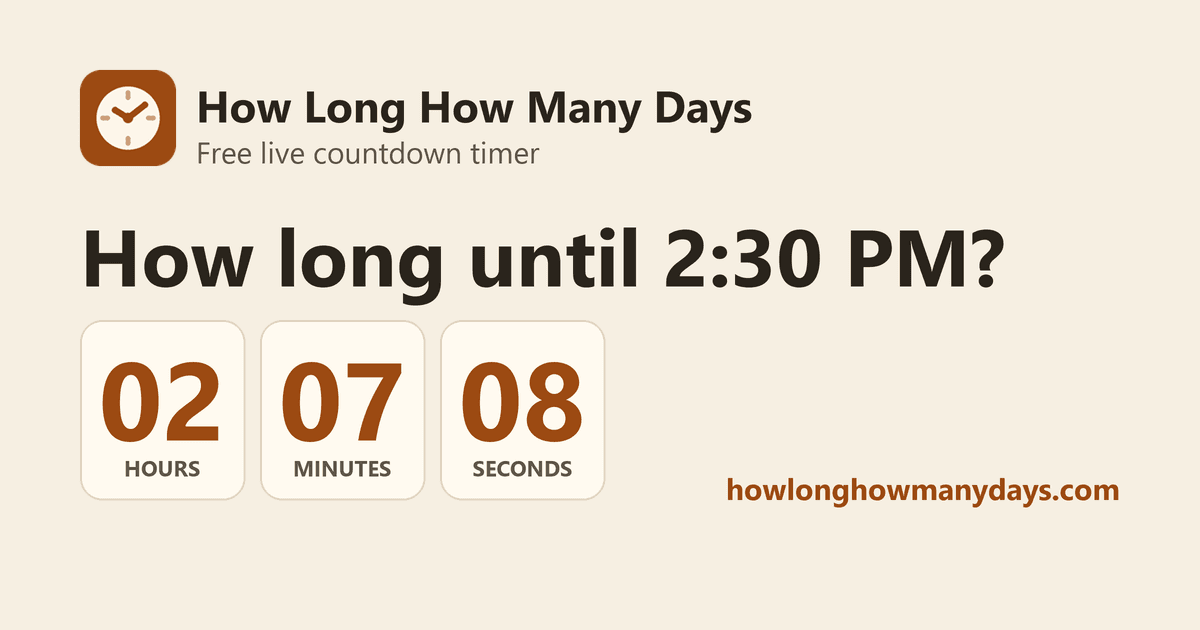
About this app
HowLongHowManyDays.com is a free online countdown timer and time-tracking tool that helps users see exactly how long remains until a particular time, date, or special occasion. Whether you want to count down to an upcoming holiday, check how many days remain until a specific date, track the time until a daily event, or set a timer for work or study sessions, the website offers a simple and convenient solution. The website features live countdowns for every minute of the day, a calendar with countdowns for every date of the year, and popular countdowns for holidays and upcoming events. Users can view the remaining time in days, weeks, hours, minutes, and seconds, with additional information such as weekdays and weekend days remaining for date-based countdowns. HowLongHowManyDays.com also includes a collection of ready-made online timers ranging from one minute to 24 hours, along with customizable timers that can be paused or restarted. Additional features include full-screen countdown
Key features
- 1Live countdown to any time of day, with a dedicated page for every one of the 1,440 minutes.
- 2Date countdowns for all 366 days of the year, showing weeks, weekdays and weekend days remaining.
- 3Ready-made timers from 1 minute to 24 hours, pausable and restartable, with full-screen and beep alerts.
Target customer profile
Drawn from the product itself, not from a survey.
Demographic
Students and self-studiers (ages 16-30)
Pain points
Losing track of time during study sessions; need for Pomodoro-style focus blocks
Primary needs
Quick, free custom timers with visible countdowns and sound alerts
Demographic
Teachers and remote instructors (ages 25-55)
Pain points
Keeping a class on schedule; projecting a readable timer to a room or screen share
Primary needs
Full-screen countdown mode and no-install access from any classroom browser
Demographic
Event planners and holiday hosts (ages 25-60)
Pain points
Manually calculating days until a date; tracking anticipation for upcoming events
Primary needs
Accurate day-count pages for specific dates like Christmas or New Year's
Demographic
Remote workers and streamers (ages 20-45)
Pain points
Structuring work sprints; needing an on-stream visual timer for breaks
Primary needs
Pausable timers, dark mode, and shareable countdown links
Scout Review
Written by AI from measured evidence, scored out of 100.
How Long Timer is a focused, fast, free countdown tool that does exactly what its name says without asking for an account. The long-tail page strategy (every minute, every date) is a smart SEO wedge, the accessibility score is perfect, and the security headers are better than most indie tools bother with. The weaknesses are cosmetic and strategic: dated form controls, a headerless popular grid, a missing DMARC record, and no visible monetization or brand moat against timeanddate.com and Google's built-in timer. For students, teachers and streamers who just need a readable countdown, it's a genuinely good pick.
Measure by measure
Usability
72No signup, no install, three obvious modes, and an FAQ that actually answers the time-zone and passed-time questions. Full-screen and beep make it classroom-ready.
Design
70Clean beige-and-green palette with big readable time displays and clear separation of the three input modes. Native selects and headerless popular grid hold it back from great.
Speed
88Lighthouse mobile 96/100 with 2.8s LCP, 37ms TBT and near-zero CLS. Desktop score of 74 is the only soft spot on an otherwise snappy static page.
Security
74Full header stack — HSTS, CSP, frame protection, Referrer-Policy, Permissions-Policy — plus SPF. DMARC is the one gap; no SOC 2 or security page, but no accounts to protect either.
Accessibility
82Lighthouse a11y 100/100, skip link, readable contrast, responsive layout. No WCAG statement or localization, but the automated and manual signals are strong.
Growth
58Real, specific problem (how long until X) with a genuine long-tail wedge: 1,440 time pages and 366 date pages. Free and no-account, but the category is crowded and monetization is unclear.
Improvement areas
- Dated native select dropdowns and a headerless popular-countdown grid weaken the otherwise clean design.
- Missing DMARC record is the sole gap in an otherwise complete security-header stack.
- No accessibility statement, localization, or visible monetization path despite strong long-tail SEO coverage.
Design & Usability
The homepage does the one job it promises: three clearly separated input cards (time, date, timer), each with its own green CTA, sitting under a live local-time display that anchors the whole thing. The beige-and-brown palette with green buttons is cohesive and the big numerals are instantly readable. Where it slips is in the details — native select dropdowns feel dated, the popular-countdown grid mixes times of day with holidays without headers, and dense explanatory paragraphs sit right under the interactive area with no visual break. Usability is the stronger half: no signup, no install, an FAQ that actually answers the time-zone and passed-time edge cases, plus full-screen and beep for classroom use.
Speed & Security
Speed is the standout. Lighthouse mobile scores 96/100 with a 2.8s LCP, 37ms total blocking time and a CLS of 0.002 — the page is essentially static and behaves like it. Desktop drops to 74, which is the one blemish on an otherwise snappy build. Security is solid for a no-account tool: HTTPS enforced with HSTS, CSP, frame protection, X-Content-Type-Options, Referrer-Policy and Permissions-Policy all present, plus SPF. The single gap is missing DMARC. There's no SOC 2 or security page, but with no login and no stored user data, the attack surface is genuinely small — the header discipline is the real story here.
Accessibility & Growth
Accessibility is a genuine strength: Lighthouse scores 100/100, there's a skip-to-content link, readable contrast throughout, and a responsive layout that works on classroom projectors and phones alike. The gaps are soft — no WCAG conformance statement and no localization. Growth is the interesting question. The problem is real and specific ('how long until 3:15 PM', 'days until Christmas'), and the wedge is exhaustive long-tail coverage — 1,440 time pages and 366 date pages — that generic timers like Google's built-in don't match. Against timeanddate.com and Online Stopwatch it's leaner and cleaner but has no brand, no world clocks, and no obvious monetization. The idea can grow; the path to revenue is the open question.
Conclusion
If you need a countdown to 3:15 PM, Christmas, or a 25-minute focus block, this does it in one click with no friction and no signup — and it loads fast enough that you won't lose the minute you came for. It won't replace timeanddate.com for world clocks or Google for a quick 'set a timer,' but as a clean, accessible, ad-light alternative it earns its place in the bookmarks bar. The next step is turning 1,806 SEO pages into something people come back to on purpose.
Suggestions for improvement
- Replace native select dropdowns with styled custom pickers to match the polished card design.
- Add section headers to the popular countdowns grid — separate times of day from holidays.
- Publish a DMARC record to close the last security-header gap.
- Add an accessibility statement and a couple of language options to widen reach.
Alternatives comparison
Named competitors, point by point. Nobody paid to appear here or to be left out.
 How Long Timer How Long Timer |  Timeanddate.com Timers Timeanddate.com Timers |  Online Stopwatch Online Stopwatch |  Google Search Timer Google Search Timer | |
|---|---|---|---|---|
| Countdown to a specific time of day | Yes — dedicated page for every minute of the day | Yes — general countdown timer | Yes — countdown timer | Yes — via 'set a timer for X' |
| Countdown to a specific date (e.g. Christmas) | Yes — page for all 366 dates plus holidays | Yes — event countdowns | Limited — mostly duration timers | No — durations only |
| Full-screen / classroom display mode | Yes — full-screen countdown mode | Yes — full-screen timer | Yes — classroom timers | No |
| Account required | No — free, no signup | No | No | No |
| World clocks / date calculators | No — countdowns and timers only | Yes — world clocks, date calculators, event countdowns | No — stopwatch and timers only | No |
Timeanddate.com Timers
A broader reference site offering countdowns to major events, world clocks, and date calculators alongside its timer tools.
Online Stopwatch
A well-known free tool for stopwatches, countdowns, and classroom timers with a simple, ad-supported interface.
Google Search Timer
Built-in countdown triggered directly from a Google search (e.g., 'set a timer for 10 minutes'), convenient but limited to durations rather than specific clock times or dates.
Comparing options? See How Long Timer alternatives, scored side by side
More Productivity apps
View all Productivity
Qamarero
92An all-in-one hospitality software for restaurants and ba...

The Stack Newsletter
92A weekly newsletter delivering curated tech jobs, intervi...

EmbedMyReviews
92White-label reputation management software for agencies s...

StoryPad
92Privacy-first open source journal app with a continuous t...

Puzzly – B2B Lead Generation & Sales Intelligence Platform
92Puzzly is an all-in-one B2B lead generation platform that...

Notion
92All-in-one AI workspace for docs, projects, and knowledge...

Vibe Coding Agent Skills
92A free, open-source platform offering 110 AI agent skills...

CC Switch
91Open-source desktop app for switching AI coding providers...

username.md
90One verified handle for your online identity, readable by...

What the GIF
89Frame-perfect video-to-GIF maker that runs entirely in yo...

AuditCloser
89White-label website audits that close deals for digital a...

NudgeWin
89Automated quote follow-up for trades and service businesses.


A platform dedicated to providing unbiased reviews of newly launched applications, analyzing everything from their features to their full potential.
info@scoutforge.net© 2026 Scoutforge. All rights reserved.
