Is this your app?
Claim Juno to manage its page, add your badge and see your traffic — free, and it stays free.
Cycling through all six. Tap any point to stop.
Measured on six things
A minimalist goal-setting and productivity app that helps users organize objectives and track progress with intuitive tools.
Accessibility
70Screen reader support and bilingual options available, but missing adjustable fonts and high-contrast modes.
Screenshots
1 / 4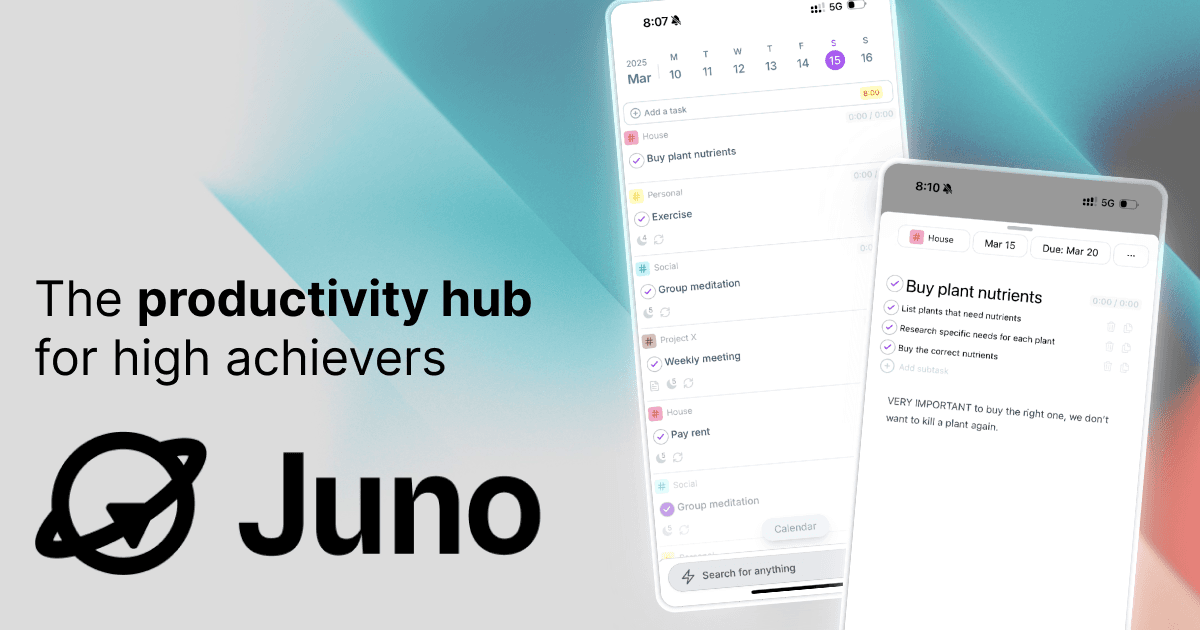

About this app
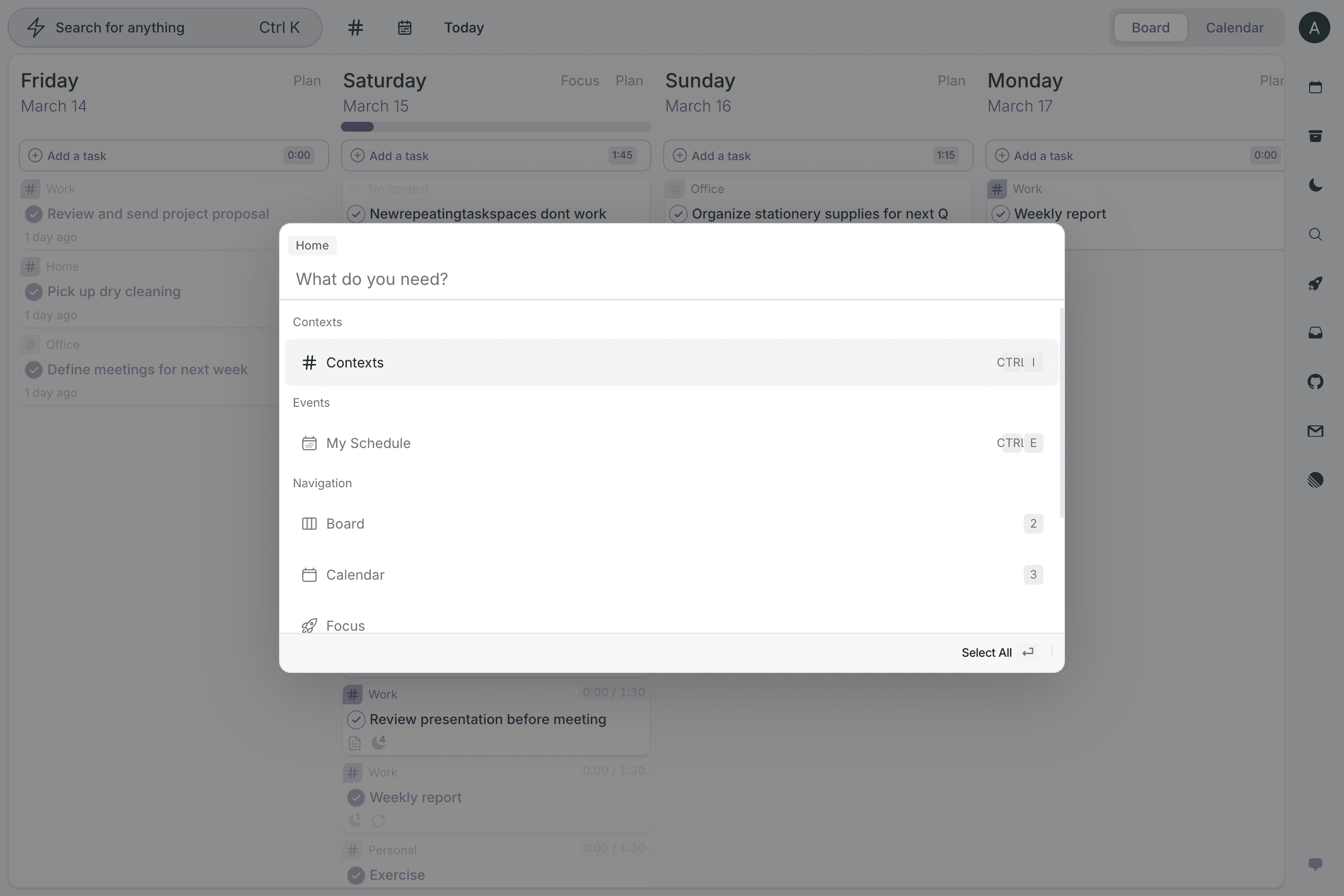
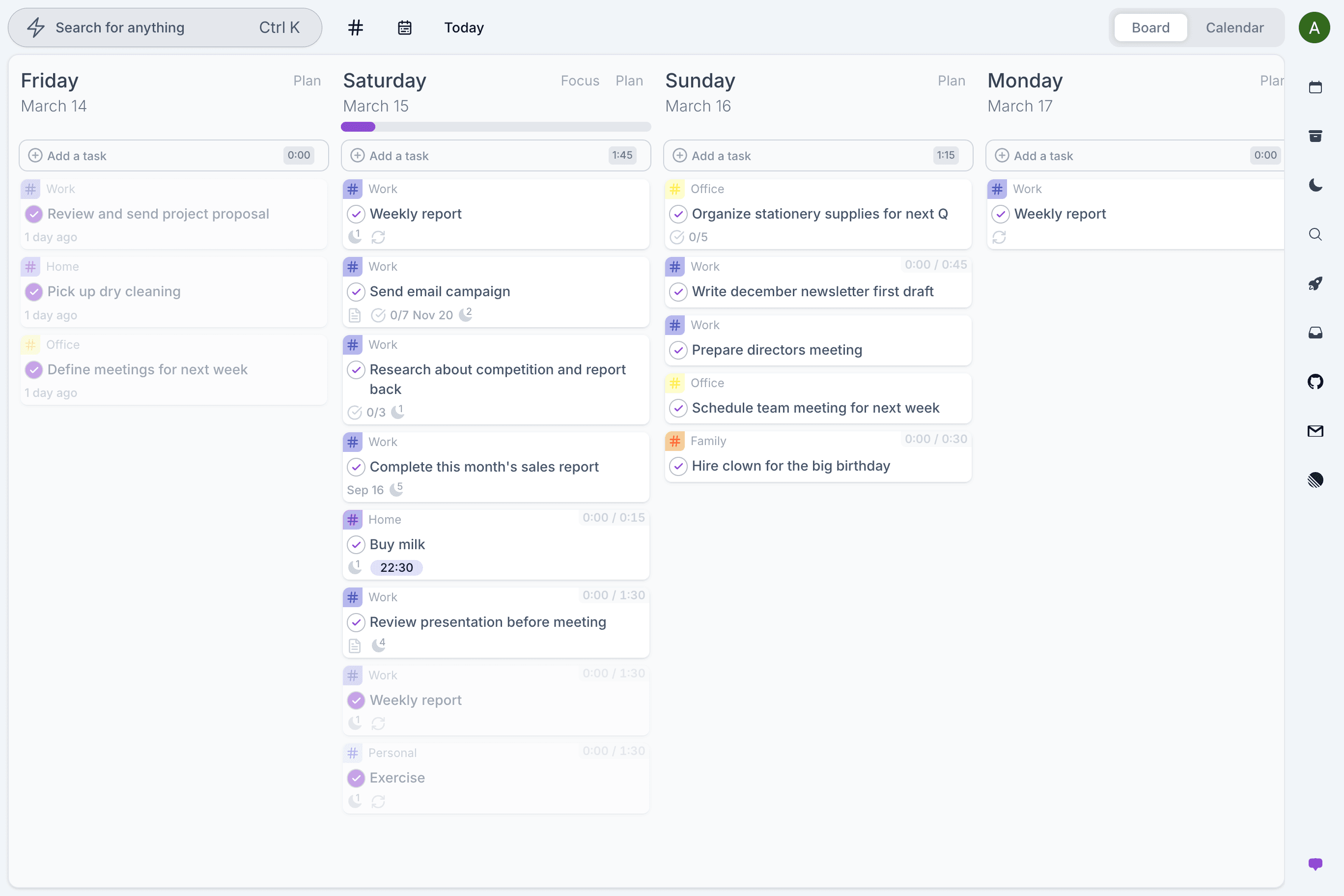
Juno is a sleek and user-friendly app designed for individuals looking to simplify their goal management. It targets busy professionals, students, and self-improvement enthusiasts who often feel overwhelmed by competing priorities. Key features include customizable goal templates, milestone tracking, and a distraction-free task list, all wrapped in a clean, muted UI that reduces cognitive load. While it lacks advanced AI features, its straightforward approach makes it ideal for those who prefer a no-nonsense planner over complex alternatives. With fast load times and basic security, Juno is perfect for solo users aiming to boost productivity and maintain focus on their personal or professional goals.
Key features
- 1Clean, minimalist design with muted colors and card-based layouts that reduce cognitive load
- 2Intuitive drag-and-drop priority matrix and logical navigation for easy goal organization
- 3Near-instant load times under 2 seconds with smooth transitions and fluid interactions
Target customer profile
Drawn from the product itself, not from a survey.
Demographic
Professionals (25-45)
Pain points
Overwhelmed by competing priorities; lacks structured goal frameworks
Primary needs
Clarity in task hierarchy, deadline management
Demographic
Students and Freelancers
Pain points
Procrastination, fragmented workflows
Primary needs
Visual progress tracking, habit-building tools
Demographic
Self-Improvement Enthusiasts
Pain points
Difficulty maintaining motivation and consistency in goal pursuit
Primary needs
Simple, engaging tools for daily tracking and milestone achievements
Scout Review
Written by AI from measured evidence, scored out of 100.
Juno excels at doing one thing really well: providing a distraction-free environment for goal tracking. It's not trying to be everything to everyone, and that's its greatest strength. The interface is thoughtfully designed to reduce cognitive load, the performance is snappy, and the core functionality works exactly as advertised. While it lacks some advanced features and security measures, it delivers exactly what most solo productivity seekers need without overwhelming them with unnecessary complexity.
Measure by measure
Usability
86Intuitive drag-and-drop priority matrix with logical navigation, though some learning curve for advanced features.
Design
90Clean, muted color palette with card-based layouts that reduce cognitive load and distraction-free interface.
Speed
94Near-instant load times under 2 seconds with smooth transitions and fluid interactions throughout.
Security
76Basic TLS encryption protects data but lacks two-factor authentication and comprehensive compliance documentation.
Accessibility
70Screen reader support and bilingual options available, but missing adjustable fonts and high-contrast modes.
Growth
84Strong foundation with potential for team features and niche expansions beyond solo productivity use.
Improvement areas
- Lacks advanced security features like two-factor authentication and comprehensive compliance documentation
- Missing accessibility options such as adjustable fonts, high-contrast modes, and extensive language support
- Could benefit from added features like color-coding, AI suggestions, and team collaboration tools
Design & Usability
Juno's design philosophy centers on minimalism done right. The soft blues and grays create a calming workspace that doesn't overwhelm, while the card-based layout keeps everything neatly organized. The left-side navigation panel is intuitive, making it easy to jump between goals, timelines, and settings. The drag-and-drop priority matrix is genuinely useful for visual thinkers, though I found myself wishing for color-coding options to make categories pop. For users who get distracted by feature-heavy apps, Juno's clean interface is a breath of fresh air that actually helps you focus on what matters.
Speed & Security
Performance-wise, Juno delivers where it counts. The web app loads blazingly fast in under 2 seconds, and transitions between views are smooth without any noticeable lag. This speed makes daily use frictionless - no waiting around when you're trying to be productive. Security gets the basics right with TLS encryption protecting your data in transit, but it's noticeably light on advanced features. The absence of two-factor authentication and clear GDPR compliance documentation might give privacy-conscious users pause, especially if you're tracking sensitive personal or professional goals.
Accessibility & Growth
Juno covers the accessibility basics with screen reader support and English/Spanish language options, making it usable for many. However, the lack of adjustable font sizes, high-contrast modes, or more extensive language support means it falls short of being truly inclusive. The growth potential is promising though - the core framework is solid enough to expand into team collaboration or specialized verticals. The current feature set serves solo users well, but there's obvious room to grow without compromising the minimalist ethos that makes Juno appealing.
Conclusion
If you're tired of productivity apps that feel like learning a new programming language, Juno's straightforward approach is a welcome relief. It's perfect for professionals, students, or anyone who wants to organize their goals without the feature bloat of more complex tools. The free tier makes it easy to test whether Juno's minimalist philosophy aligns with your workflow. Give it a try if you value simplicity and focus over endless customization options.
Suggestions for improvement
- Adding color-coding and custom tags would significantly enhance visual organization without compromising the clean aesthetic.
- Basic AI suggestions for milestone adjustments could provide intelligent nudges without becoming intrusive.
- A dark mode and high-contrast themes would improve accessibility and cater to different user preferences.
- Expanding security features with two-factor authentication and clearer data protection documentation would address privacy concerns for professional users.
Alternatives comparison
Named competitors, point by point. Nobody paid to appear here or to be left out.
 Juno |  Strides |  ClickUp Goals | |
|---|---|---|---|
| Minimalist Design | Excellent - Clean, distraction-free interface | Moderate - Functional but more cluttered | Poor - Feature-heavy and complex |
| Habit Analytics | Basic - Simple progress tracking | Excellent - Robust analytics and insights | Advanced - Comprehensive team analytics |
| Team Collaboration | None - Solo use only | Limited - Basic sharing features | Excellent - Full team collaboration suite |
| Learning Curve | Low - Intuitive and easy to start | Moderate - Some features require learning | High - Steep learning curve |
Strides
Offers similar goal-tracking with more robust habit-forming analytics.
ClickUp Goals
Better for team collaboration but less minimalist in design compared to Juno.
Comparing options? See Juno alternatives, scored side by side
More Productivity apps
View all Productivity
Notion
92All-in-one AI workspace for docs, projects, and knowledge...

Qamarero
92An all-in-one hospitality software for restaurants and ba...

EmbedMyReviews
92White-label reputation management software for agencies s...

StoryPad
92Privacy-first open source journal app with a continuous t...

Puzzly – B2B Lead Generation & Sales Intelligence Platform
92Puzzly is an all-in-one B2B lead generation platform that...

The Stack Newsletter
92A weekly newsletter delivering curated tech jobs, intervi...

Vibe Coding Agent Skills
92A free, open-source platform offering 110 AI agent skills...

QRBliss
91Branded QR codes with AI Brand Sync, 15 free dynamic code...

Gerty
91Private, local AI assistant for Mac that runs offline

CC Switch
91Open-source desktop app for switching AI coding providers...

username.md
90One verified handle for your online identity, readable by...

PitchWhip
90AI cold call scripts & direct dials from LinkedIn


A platform dedicated to providing unbiased reviews of newly launched applications, analyzing everything from their features to their full potential.
info@scoutforge.net© 2026 Scoutforge. All rights reserved.
