Cycling through all six. Tap any point to stop.
Measured on six things
Convert MBOX files to PDF on Mac with attachments and bat...
Design
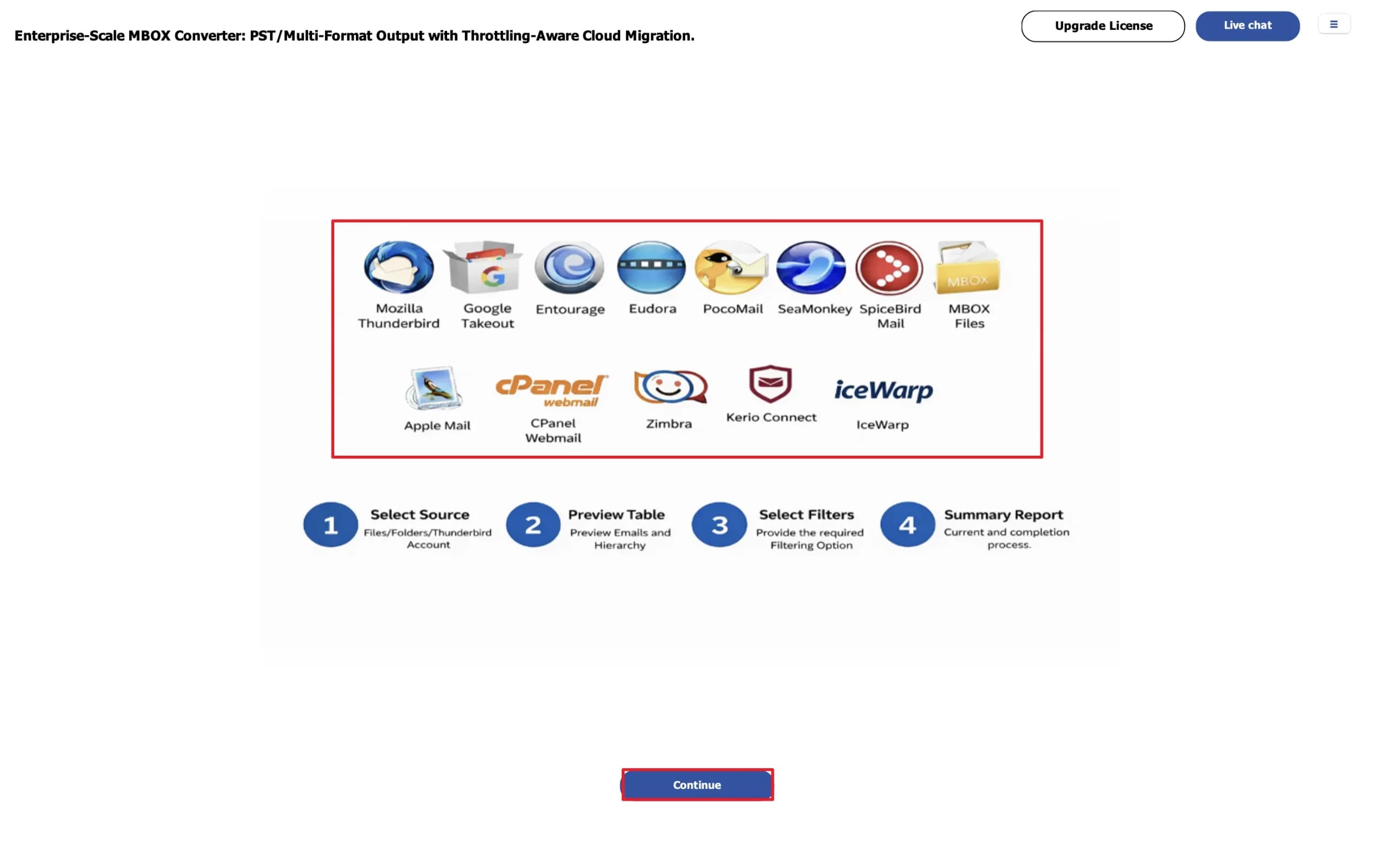
46Dated landing page with a coherent blue accent, but a mismatched wizard screenshot, a 'License Tyes' typo, and a chat widget colliding with footer contacts undercut polish.
Screenshots
1 / 3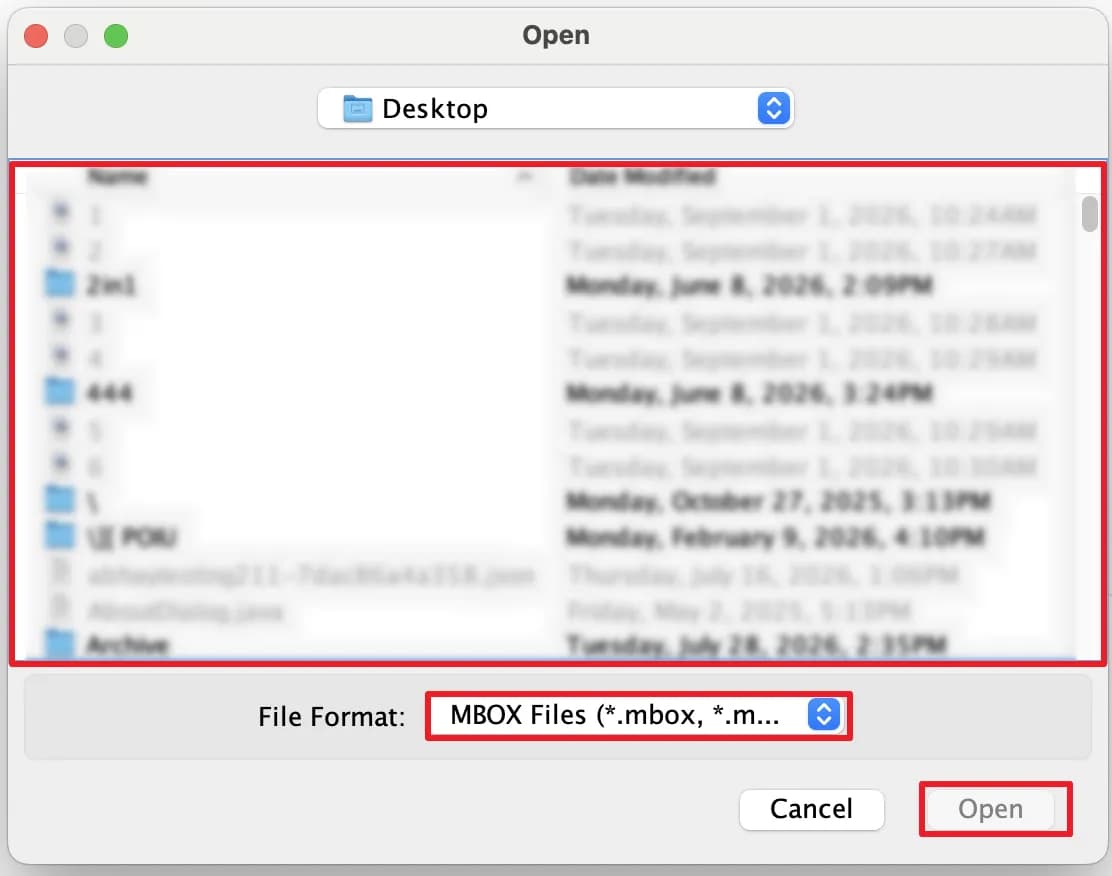
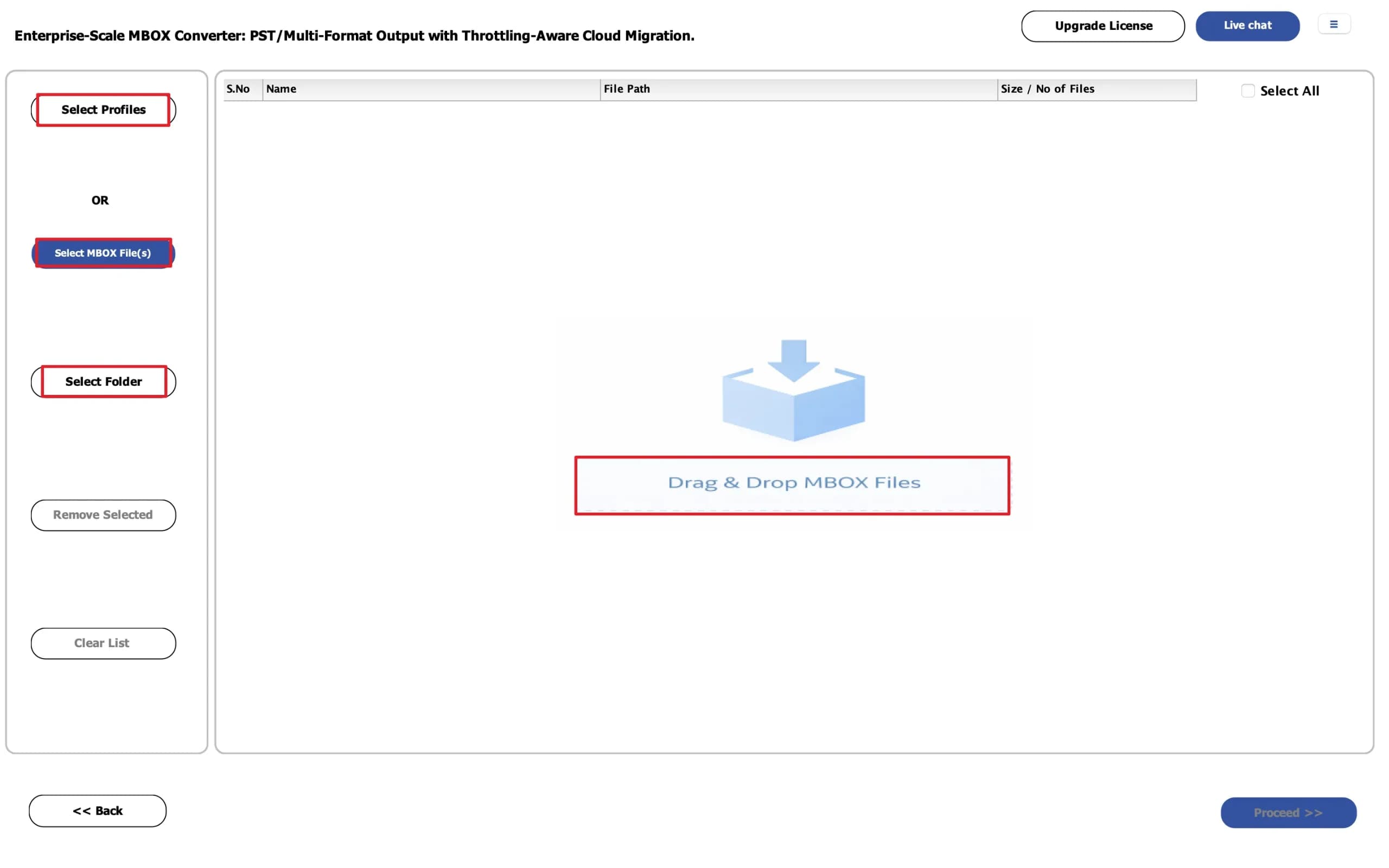
About this app
MacSonik MBOX to PDF Converter for Mac is a dedicated utility that transforms MBOX email archives into PDF documents while preserving attachments and folder hierarchy. It supports bulk conversion from clients like Thunderbird, Apple Mail, and Google Takeout, and includes features like duplicate removal, date-range filtering, and optional attachment handling. The tool is designed for users who need to archive, share, or secure email data in a universally accessible format, and it works on both macOS and Windows with no file size limits.
Key features
- 1Bulk MBOX to PDF conversion with attachments and original folder hierarchy preserved
- 2Duplicate removal based on To, From, Subject, Bcc and Body fields
- 3Date-range filtering, optional attachment handling, and custom output folder naming
- 4Cross-platform (macOS and Windows) with no file size limit and no email client required
Target customer profile
Drawn from the product itself, not from a survey.
Demographic
IT administrators and email archivists
Pain points
Managing large MBOX backups and ensuring long-term readability across platforms
Primary needs
Bulk conversion, duplicate removal, and preserving folder structure
Demographic
Legal and compliance professionals
Pain points
Needing immutable, portable records of email communications for audits or litigation
Primary needs
Date-filtered exports, attachment inclusion, and PDF output with integrity
Demographic
Small business owners and freelancers
Pain points
Migrating from desktop email clients to paperless workflows without technical expertise
Primary needs
Simple UI, batch processing, and cross-platform compatibility
Scout Review
Written by AI from measured evidence, scored out of 100.
MacSonik MBOX to PDF Converter is a competent, narrowly-scoped desktop utility for turning MBOX archives into PDFs with attachments and folder structure intact. The marketing site is fast and the security headers are clean, but the design is dated and carries a mismatched screenshot and a spec-sheet typo. Usability is the strongest dimension thanks to a clear wizard flow, FAQ, live chat and a numbered guide. The product's real risk is differentiation: it competes against a free MailStore Home and a more capable Aid4Mail, and its own setup instructions (disable firewall, disable antivirus) undercut trust.
Measure by measure
Usability
62Clear Mac/Windows toggle, four-step wizard, seven-item FAQ, live chat and a step-by-step guide. Small grey body copy forces scanning, but the path to a download is obvious.
Design
46Dated landing page with a coherent blue accent, but a mismatched wizard screenshot, a 'License Tyes' typo, and a chat widget colliding with footer contacts undercut polish.
Speed
88Lighthouse mobile 99/100 (LCP 961ms, CLS 0.019, TBT 85ms) and desktop 95/100. The marketing site is genuinely fast with no lag complaints in the collected evidence.
Security
74Full header hygiene: HTTPS enforced, HSTS, CSP, frame protection, Referrer-Policy, Permissions-Policy, plus SPF and DMARC — 12/12 on the probe. No published audits or bug bounty found.
Accessibility
58Lighthouse 81/100 with six failing audits: contrast, heading order, missing alt text, unnamed links, small touch targets, no main landmark. No accessibility statement published.
Growth
54Real, specific problem (portable email archives for legal/IT) with concrete differentiators like duplicate removal and date filters — but MailStore Home is free and Aid4Mail is broader.
Improvement areas
- Dated landing page with a mismatched wizard screenshot and a 'License Tyes' spec typo
- Setup guide advises disabling the Mac firewall and antivirus — a trust red flag
- Six failing accessibility audits (contrast, alt text, heading order, unnamed links, touch targets, landmark)
- No published security certifications (SOC 2, ISO) or bug bounty to reassure compliance buyers
Design & Usability
The homepage is functional but visibly dated: a coherent blue accent and a clear 'Free Download' primary button are undermined by a wizard screenshot advertising a different product ('Enterprise-Scale MBOX Converter'), a 'License Tyes' typo in the specs, and a chat widget overlapping footer contacts. Usability is stronger than design — the Mac/Windows toggle precedes the CTAs, the wizard shows a four-step flow, and there's a seven-item FAQ, live chat with a phone number, and a numbered software guide. The main drag is small grey body copy across the feature grid that forces scanning rather than reading.
Speed & Security
Speed is the standout: Lighthouse mobile 99/100 (LCP 961ms, CLS 0.019, TBT 85ms) and desktop 95/100, with no lag complaints in the collected evidence. Security is solid on the wire — HTTPS enforced, HSTS, CSP, frame protection, Referrer-Policy, Permissions-Policy, SPF and DMARC, a clean 12/12 on the header probe. What's missing is depth: no SOC 2, ISO, pen-test or bug bounty is published, and the setup instructions ask users to disable the Mac firewall and temporarily disable antivirus, which is a real trust signal pointing the wrong way.
Accessibility & Growth
Accessibility lands at 58: Lighthouse 81/100 with six failing audits — insufficient contrast, non-sequential headings, missing alt attributes, links without discernible names, small touch targets, and no main landmark — and no accessibility statement anywhere. Growth is a judgement on the idea: MBOX-to-PDF for legal, compliance and IT archiving is a real, specific problem, and the product names concrete differentiators (duplicate removal, date filters, attachment handling, folder hierarchy preservation, no file size limit). The limit is the competitive field — MailStore Home is free and Aid4Mail is broader and scriptable — so the wedge is real but narrow.
Conclusion
If you need a straightforward MBOX-to-PDF batch converter with date filters and duplicate removal, this does the job and the site won't waste your time loading. If you're a compliance buyer who needs audit trails, certifications, or scripting, look at Aid4Mail or MailStore Home first. The free tier's 50-emails-per-folder cap is honest and visible, which is worth something — but fix the screenshot, the typo, and the 'turn off your firewall' advice before asking anyone to trust you with their email archive.
Suggestions for improvement
- Replace the wizard screenshot — it advertises 'Enterprise-Scale MBOX Converter' on an MBOX-to-PDF page.
- Fix the 'License Tyes' typo and the chat widget overlapping footer contact details.
- Remove the advice to disable the Mac firewall and antivirus; explain allowlisting instead.
- Publish an accessibility statement and fix the six failing Lighthouse audits (alt text, contrast, landmarks).
Alternatives comparison
Named competitors, point by point. Nobody paid to appear here or to be left out.
 MacSonik MBOX to PDF Converter |  Aid4Mail |  MailStore Home | |
|---|---|---|---|
| MBOX to PDF conversion | Yes — core feature, bulk supported | Yes — one of many supported formats | Yes — via import and export |
| Bulk conversion | Yes — single or multiple MBOX files | Yes — batch with scripting | Yes — batch import/export |
| Duplicate removal | Yes — by To/From/Subject/Bcc/Body | Yes — via filtering and scripting | Limited — archiving focus |
| Date-range filtering | Yes — start/end date filter | Yes — advanced filtering | Yes — search and filter |
| Free tier | Yes — 50 emails per folder | Trial available | Yes — free for home use |
| Cross-platform (Mac + Windows) | Yes — macOS and Windows | Yes — Windows (Mac via VM) | Windows only |
Aid4Mail
A versatile email conversion tool that supports MBOX to PDF among many other formats, with advanced filtering and scripting options.
MailStore Home
A free email archiving solution that can import MBOX files and export to PDF, though it is more focused on backup and compliance.
Comparing options? See MacSonik MBOX to PDF Converter alternatives, scored side by side
More Productivity apps
View all Productivity
Puzzly – B2B Lead Generation & Sales Intelligence Platform
92Puzzly is an all-in-one B2B lead generation platform that...

Qamarero
92An all-in-one hospitality software for restaurants and ba...

EmbedMyReviews
92White-label reputation management software for agencies s...

StoryPad
92Privacy-first open source journal app with a continuous t...

Notion
92All-in-one AI workspace for docs, projects, and knowledge...

The Stack Newsletter
92A weekly newsletter delivering curated tech jobs, intervi...

Vibe Coding Agent Skills
92A free, open-source platform offering 110 AI agent skills...

QRBliss
91Branded QR codes with AI Brand Sync, 15 free dynamic code...

Gerty
91Private, local AI assistant for Mac that runs offline

Strukchad Property Management
91Property management for Kenyan letting agents: rent invoices raised every month, M-Pesa rent prompts to tenants, arrears tracking and landlord statements.

CC Switch
91Open-source desktop app for switching AI coding providers...

PitchWhip
90AI cold call scripts & direct dials from LinkedIn


A platform dedicated to providing unbiased reviews of newly launched applications, analyzing everything from their features to their full potential.
info@scoutforge.net© 2026 Scoutforge. All rights reserved.
