

A platform dedicated to providing unbiased reviews of newly launched applications, analyzing everything from their features to their full potential.
info@scoutforge.net© 2026 Scoutforge. All rights reserved.
A platform dedicated to providing unbiased reviews of newly launched applications, analyzing everything from their features to their full potential.
info@scoutforge.net© 2026 Scoutforge. All rights reserved.
A platform dedicated to providing unbiased reviews of newly launched applications, analyzing everything from their features to their full potential.
info@scoutforge.net© 2026 Scoutforge. All rights reserved.
Is this your app?
Claim OpusTools to manage its page, add your badge and see your traffic — free, and it stays free.
Cycling through all six. Tap any point to stop.
Measured on six things
Free, secure browser-based tools for converting, compressing, and managing images and PDF files without software installation.
Basic web standards with keyboard navigation, but lacks screen reader optimization, language options, or dedicated accessibility features.
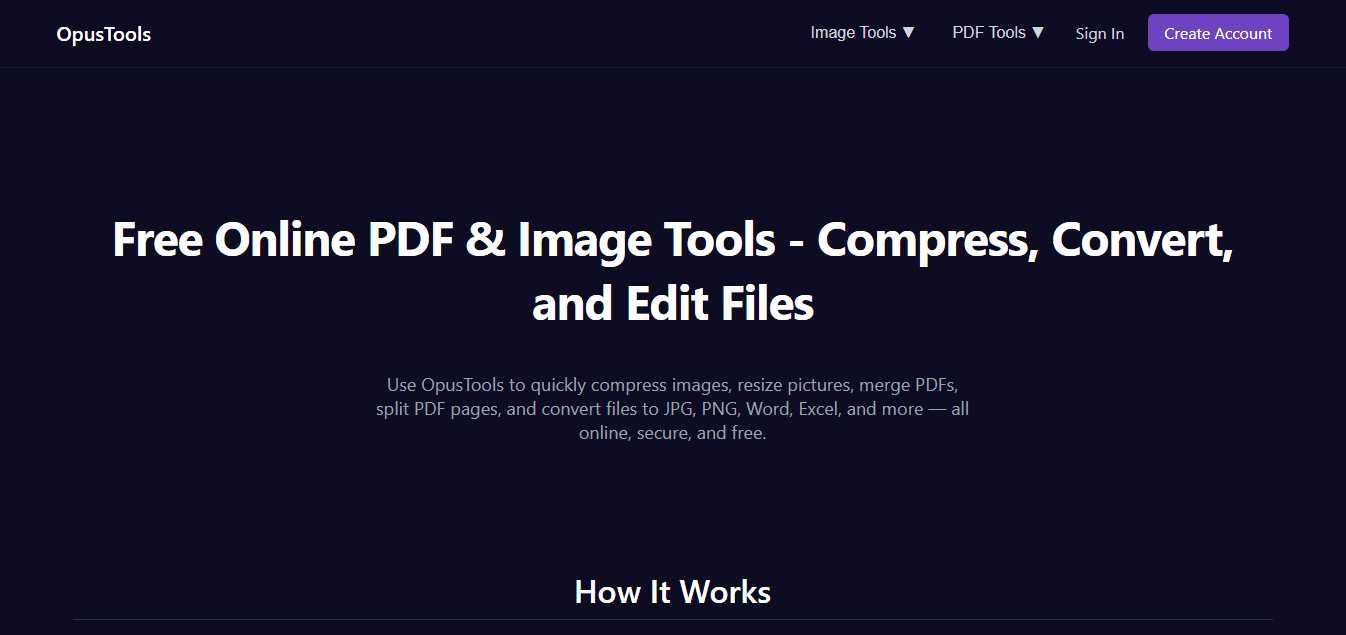
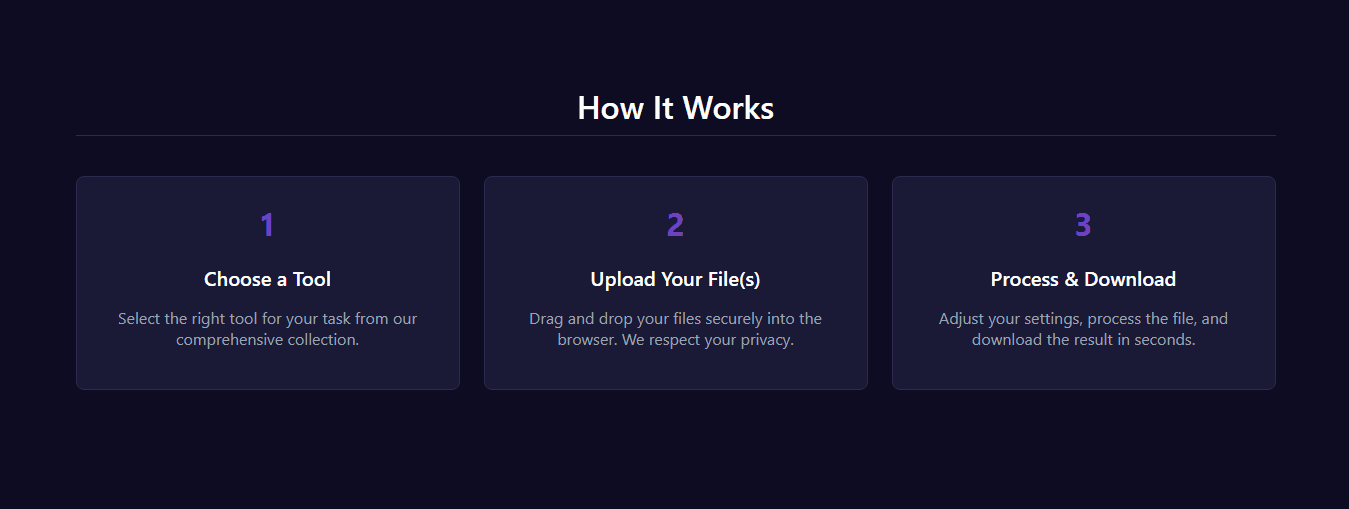
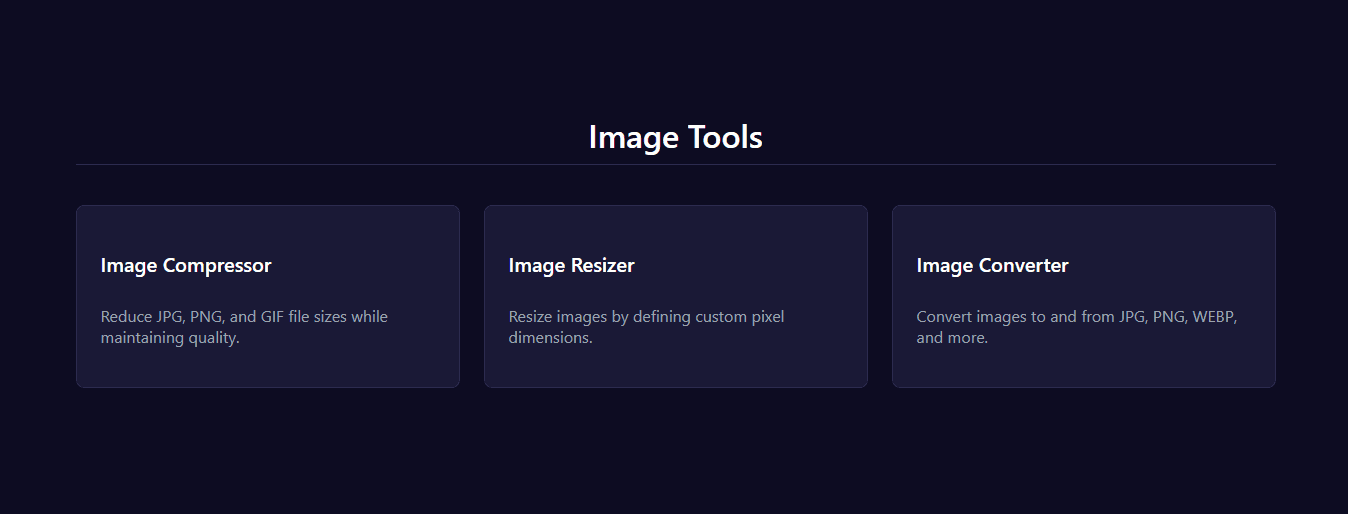
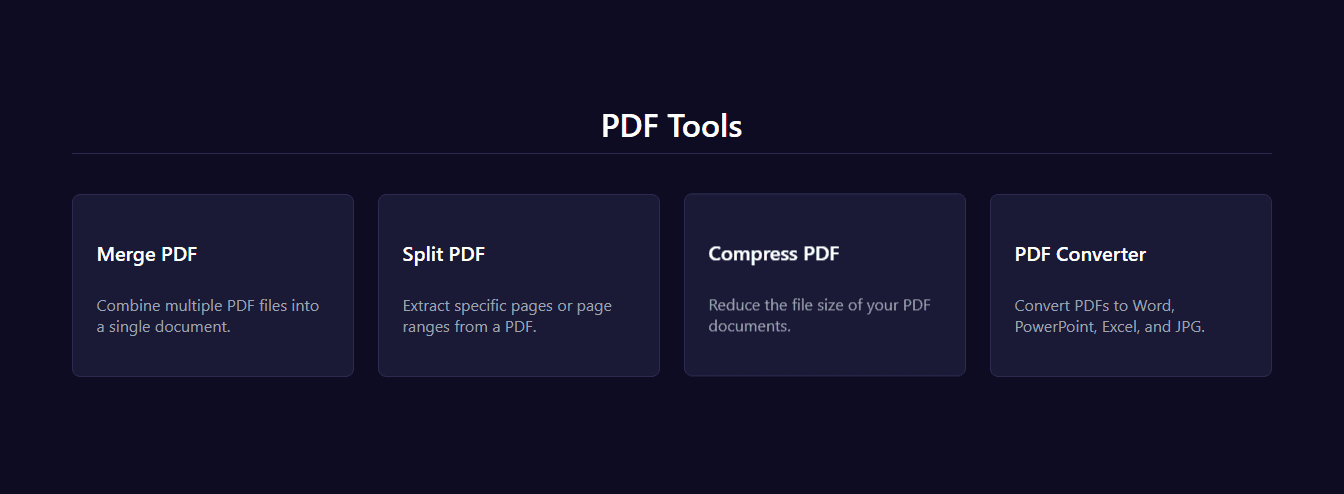
OpusTools is a straightforward, web-based platform that I've found incredibly handy for quick file tasks like resizing images, merging PDFs, and converting formats. It's completely free and emphasizes security by processing files server-side and automatically deleting them, which is a huge plus for privacy. The interface is clean and intuitive, making it easy for anyone to jump in without a learning curve. While it's not packed with advanced features, it excels at delivering reliable, no-fuss solutions for everyday needs, especially for students, freelancers, and general users who want to avoid subscription fees or complex software. It's a solid alternative to tools like CloudConvert or Smallpdf, offering similar core functionalities without the upsells.
Drawn from the product itself, not from a survey.
Demographic
Students and educators
Pain points
Limited budgets, frequent need for document and image adjustments for assignments or presentations
Primary needs
Free, quick PDF merging, image compression, and format conversion without technical complexity
Demographic
Small business owners and freelancers
Pain points
Handling client files securely, avoiding costly software subscriptions for infrequent use
Primary needs
Reliable PDF to Word/Excel conversion, image resizing for web use, and data privacy
Demographic
General users with basic tech skills
Pain points
Fear of downloading malware-filled software, confusion over advanced tools
Primary needs
User-friendly interface for simple tasks like compressing photos or splitting PDFs
Written by AI from measured evidence, scored out of 100.
OpusTools delivers exactly what it promises: a no-fuss, secure solution for basic file conversions without the bloat of premium software. It excels at quick PDF merging, image compression, and format changes with an intuitive interface that anyone can navigate immediately. The automatic file deletion provides peace of mind for privacy-conscious users, while the completely free model makes it accessible to students, freelancers, and casual users alike. While it won't replace professional suites for complex workflows, it's perfectly positioned for the 80% of file tasks that don't require advanced features.
Intuitive workflow with pick-tool-upload-process simplicity. Zero learning curve makes it accessible for all skill levels.
Clean, minimalist interface with white-dominated layout and clear tool sections. Functional but lacks visual polish or customizability.
Fast processing for individual files (10MB image in 5 seconds) but slows with larger batches due to server limitations.
Strong privacy with automatic file deletion and server-side processing. Files aren't stored long-term, minimizing risks.
Basic web standards with keyboard navigation, but lacks screen reader optimization, language options, or dedicated accessibility features.
High demand for free, secure tools. Strong foundation but needs expanded format support and mobile optimization to compete.
OpusTools embraces a minimalist design philosophy with a clean, white-dominated interface that organizes tools into clear sections for images and PDFs. The navigation follows a straightforward pick-tool-upload-process workflow that eliminates any learning curve. While the design prioritizes function over visual flair, the prominent placement of buttons and upload zones ensures users can accomplish tasks without confusion. The lack of clutter makes it ideal for quick file conversions, though those seeking a more polished aesthetic might find it somewhat basic. The usability shines for everyday tasks where efficiency matters more than elaborate features.
Performance-wise, OpusTools handles small to medium files impressively fast—compressing a 10MB image in under 5 seconds demonstrates solid server capabilities. However, processing larger batches reveals some limitations, with noticeable slowdowns likely due to server load constraints. Security is where this platform truly excels, employing server-side processing with automatic file deletion to protect user privacy. This approach minimizes data retention risks compared to competitors that might store uploads longer. The combination of reasonable speed for individual files and strong security measures makes it reliable for privacy-conscious users who need quick conversions without compromising their data.
Accessibility remains a development area, with only basic web standards implemented—keyboard navigation works, but there's no screen reader optimization, multiple language support, or dedicated accessibility features. The platform relies on browser defaults, which may limit usability for those with visual impairments. Growth potential is substantial given the increasing demand for free, secure file tools. The foundation is solid, but expanding format support beyond images and PDFs, improving mobile responsiveness, and adding user accounts could significantly boost its competitive edge against established alternatives in the productivity tools market.
Conclusion
If you're tired of subscription fees, complex software installations, or privacy concerns with online converters, OpusTools offers a refreshingly simple alternative. It's particularly well-suited for students working on assignments, freelancers handling client files, or anyone who needs occasional file adjustments without technical overhead. The platform proves that sometimes the best tools are the ones that do a few things exceptionally well rather than everything mediocrely. Give it a try for your next PDF merge or image resize—you might just find it becomes your go-to solution for everyday file management needs.
Named competitors, point by point. Nobody paid to appear here or to be left out.
 OpusTools OpusTools |  CloudConvert CloudConvert |  PDF24 Tools PDF24 Tools |  Smallpdf Smallpdf | |
|---|---|---|---|---|
| Pricing Model | Completely Free | Freemium with paid plans | Free with ads/premium prompts | Freemium with limitations |
| File Format Support | Images and PDFs | 200+ formats | PDF-focused with some image support | PDF-focused with office formats |
| Privacy & Data Handling | Automatic file deletion | Variable retention policies | Mixed policies with ads | Premium-focused data handling |
CloudConvert
A comprehensive converter supporting 200+ formats but often requires paid plans for heavy usage.
PDF24 Tools
Free PDF utilities with similar features but may include ads or prompts for premium upgrades.
Smallpdf
Popular for PDF tasks but limits free users with processing delays and subscription nudges.
Comparing options? See OpusTools alternatives, scored side by side

An all-in-one hospitality software for restaurants and ba...

A weekly newsletter delivering curated tech jobs, intervi...

White-label reputation management software for agencies s...

Privacy-first open source journal app with a continuous t...

Puzzly is an all-in-one B2B lead generation platform that...

All-in-one AI workspace for docs, projects, and knowledge...

A free, open-source platform offering 110 AI agent skills...

Open-source desktop app for switching AI coding providers...

One verified handle for your online identity, readable by...

Frame-perfect video-to-GIF maker that runs entirely in yo...

White-label website audits that close deals for digital a...

Automated quote follow-up for trades and service businesses.
A platform dedicated to providing unbiased reviews of newly launched applications, analyzing everything from their features to their full potential.
info@scoutforge.net© 2026 Scoutforge. All rights reserved.
