Cycling through all six. Tap any point to stop.
Measured on six things
pdfpix is a set of 31 free PDF tools that run in your browser. Your files are never uploaded, and every result is verified.
Growth
62A real, specific wedge: local-only processing for people who won't upload contracts, medical or financial PDFs. 56 guides and 24 comparisons give it an SEO surface, but the free-forever, no-account model leaves the monetisation path unstated.
Screenshots
1 / 1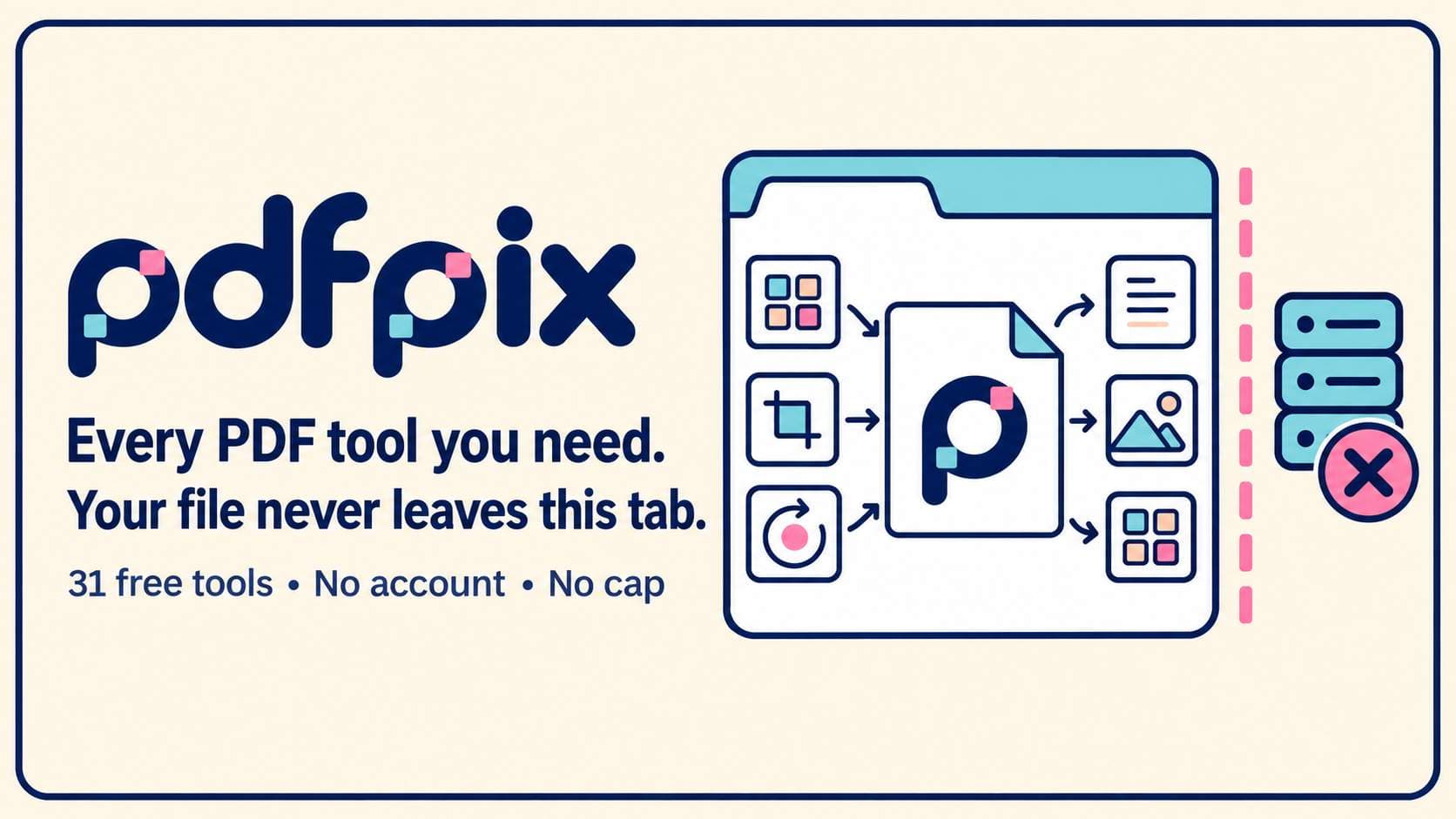
About this app
dfpix helps you merge, split, compress, convert, organize, sign, protect, repair and inspect PDFs without sending them to a server. Each free tool runs in your browser, requires no account and has no usage cap. Before offering a download, the tool opens its result again, reads it back and compares it with your original. If verification fails, it refuses the output. Tools that rewrite text preserve its selectability instead of turning the document into page images. The 31 tools cover common jobs including page organization, image conversion, forms, password protection, metadata removal, redaction checks and print preflight.
Key features
- 132 browser-only PDF tools covering merge, split, compress, convert, sign, protect, repair and inspect with no upload.
- 2Every tool re-opens its own output and compares it against the original before offering a download.
- 3No account, no usage cap and no file-size limit tied to a paid tier; processing runs on the user's machine.
Target customer profile
Drawn from the product itself, not from a survey.
Demographic
Privacy-conscious professionals
Pain points
Concerned about uploading sensitive documents to unknown servers.
Primary needs
Secure PDF processing without cloud uploads.
Demographic
Small business owners
Pain points
Limited budget for expensive PDF software subscriptions.
Primary needs
Free, unlimited access to essential PDF tools.
Demographic
Students and educators
Pain points
Need to convert, merge, and compress PDFs for assignments and research.
Primary needs
Easy-to-use tools without account creation or file limits.
Scout Review
Written by AI from measured evidence, scored out of 100.
pdfpix is a browser-only PDF suite that does the work on your machine instead of someone else's server. It ships 32 tools covering merge, split, compress, convert, sign, protect, repair and inspect, with no account, no usage cap and no upload. Every tool re-opens its own output and compares it against the original before offering a download, and text-rewriting tools keep text selectable rather than flattening pages to images. The measured numbers back the pitch: Lighthouse mobile and desktop performance both 100/100, accessibility 100/100, and 11/12 on the security header probe with only DMARC missing. The guides hub adds 56 articles and the homepage carries a hand-built comparison table against Sejda, Smallpdf, iLovePDF, Adobe and PDF24. The weak spot is not the product, it is the business: a free-forever, no-account model with no stated paid tier leaves the growth path unclear.
Measure by measure
Usability
72No account, no cap, no queue: open a tool, pick a file, get a verified result. 56 guides cover the jobs, and the site admits when it has no tool for one. Onboarding is effectively zero-friction.
Design
68Clean, text-first layout with a strong all-caps hero, a numbered 3-step explainer and a hand-built competitor table. Functional and on-brand, but no captured render means polish is judged from structure, not pixels.
Speed
88Lighthouse mobile 100/100 with LCP 955ms, CLS 0 and TBT 24ms; desktop also 100/100. Processing runs locally, so heavy files are bounded by the user's machine, not a server queue.
Security
76HTTPS enforced with HSTS, CSP, frame protection, Referrer-Policy and Permissions-Policy; 11/12 on the header probe. Files never leave the browser, which removes the biggest breach surface. DMARC is missing.
Accessibility
80Lighthouse accessibility 100/100, skip-to-content link, text-first structure and no reliance on heavy media. No published WCAG statement or multi-language support, so the ceiling is capped below the top of the band.
Growth
62A real, specific wedge: local-only processing for people who won't upload contracts, medical or financial PDFs. 56 guides and 24 comparisons give it an SEO surface, but the free-forever, no-account model leaves the monetisation path unstated.
Improvement areas
- No published WCAG conformance statement or multi-language support despite a 100/100 automated accessibility score.
- DMARC record missing from the email authentication stack, leaving the header checklist at 11/12.
- Monetisation path is unstated: no paid tier, donation link or support model is visible on the site.
Design & Usability
pdfpix is a browser-only PDF suite with 32 tools and a design language that prioritises clarity over decoration. The homepage leads with the core promise in all caps, then walks through a three-step explainer that makes the local-processing model obvious. There is no signup, no dashboard and no queue: you open a tool, pick a file, and the result is verified against your original before download. The guides hub adds 56 how-to articles, each linked to a live tool where one exists, and the site openly names other software when it has no tool for the job. The comparison table against Sejda, Smallpdf, iLovePDF, Adobe and PDF24 is hand-built and specific about per-vendor limits. Usability is the strongest part of the product because there is almost nothing to learn. The main gap is that no captured render was available, so visual polish is judged from structure rather than pixels.
Speed & Security
Speed is where pdfpix posts its best numbers. Lighthouse mobile performance is 100/100 with an LCP of 955ms, CLS of 0 and TBT of 24ms; desktop also scores 100/100. Because the tools download once and then run on the user's own processor, heavy files are bounded by the machine in front of you rather than a server queue or a free-tier throttle. On security, the HTTP probe shows HTTPS enforced with HSTS, a Content-Security-Policy, frame protection, X-Content-Type-Options, Referrer-Policy and Permissions-Policy, scoring 11/12 on the checklist. The missing item is DMARC. The architectural choice to never upload the document removes the largest breach surface a PDF site normally has, and the homepage is explicit that servers only serve code and count one anonymous page view. There is no published SOC 2, ISO or pen-test report, which is normal for a product at this stage but does cap the score below the top of the band.
Accessibility & Growth
Accessibility scores 100/100 on the Lighthouse audit, and the site is text-first with a skip-to-content link and no dependence on heavy media. What is missing is a published WCAG conformance statement and any multi-language support, so the automated score is the ceiling rather than the floor. On growth, the idea is sharper than most PDF utilities: local-only processing is a real wedge for anyone who will not upload a contract, a bank statement or a medical record to an unknown server. The target segments are named clearly, and the 56 guides plus 24 competitor comparisons give it a genuine SEO acquisition surface. The honest limit is monetisation: the site promises no cap, no account and no paid tier, so it is not obvious how the product converts the traffic it earns. The category is crowded with iLovePDF and Smallpdf, but both upload files, which is exactly the gap pdfpix is aimed at.
Conclusion
If you regularly handle PDFs you would rather not hand to a stranger's server, pdfpix is the most direct answer in this category. It is fast, it is free, it does not ask who you are, and it verifies its own output before letting you download it. The trade-off is that a product this generous has to fund itself somehow, and nothing on the site explains how. For now that is the user's win. Watch whether a paid tier or a support model appears, because that is the signal of whether this stays around. Until then, it is a genuinely useful tool with a genuinely unresolved business model.
Suggestions for improvement
- Publish a WCAG 2.2 conformance statement so the 100/100 automated score is backed by a real accessibility commitment.
- Add a DMARC record to complete the email authentication stack alongside the existing SPF.
- State the monetisation path explicitly, even if it is just a donation link or a future paid tier, so users know the project is sustainable.
- Add a lightweight changelog or tool-status page so users can see which of the 32 tools are actively maintained.
Alternatives comparison
Named competitors, point by point. Nobody paid to appear here or to be left out.
 pdfpix pdfpix |  iLovePDF iLovePDF |  Smallpdf Smallpdf | |
|---|---|---|---|
| Where the file is processed | Entirely in the user's browser; the file is never uploaded to a server. | On iLovePDF servers; files are deleted within two hours. | On Smallpdf servers; files are deleted after one hour. |
| Free tier limits | No cap, no daily count, no task count, no account required. | Per-tool size caps (merge 100 MB, compress 200 MB) and batch limits of 1 to 25 tasks. | Unlimited during a 7-day trial, then limited to a small number of free tasks. |
| Account requirement | No account, no signup and no email required for any tool. | No account needed for basic tools; account required for premium features. | No account for the trial; account required to continue after it ends. |
| Output verification before download | Every tool re-opens its result, reads it back and compares it with the original; failing output is refused. | No published self-verification step; the processed file is offered directly. | No published self-verification step; the processed file is offered directly. |
| Text selectability after rewriting | Tools that rewrite text preserve selectability instead of converting pages to images. | Varies by tool; some conversions flatten content to images. | Varies by tool; some conversions flatten content to images. |
| Documentation and guides | 56 how-to guides grouped by job, each linked to a live tool where one exists. | Help centre and FAQ articles; less task-specific step-by-step coverage. | Blog and help centre with tutorials; broader marketing content. |
iLovePDF
Online PDF tools with server-side processing; offers free tier with size limits.
Smallpdf
Popular online PDF suite with free trial and server-based processing; deletes files after one hour.
Comparing options? See pdfpix alternatives, scored side by side
More Productivity apps
View all Productivity
Notion
92All-in-one AI workspace for docs, projects, and knowledge...

Qamarero
92An all-in-one hospitality software for restaurants and ba...

EmbedMyReviews
92White-label reputation management software for agencies s...

StoryPad
92Privacy-first open source journal app with a continuous t...

Puzzly – B2B Lead Generation & Sales Intelligence Platform
92Puzzly is an all-in-one B2B lead generation platform that...

The Stack Newsletter
92A weekly newsletter delivering curated tech jobs, intervi...

Vibe Coding Agent Skills
92A free, open-source platform offering 110 AI agent skills...

QRBliss
91Branded QR codes with AI Brand Sync, 15 free dynamic code...

Gerty
91Private, local AI assistant for Mac that runs offline

CC Switch
91Open-source desktop app for switching AI coding providers...

username.md
90One verified handle for your online identity, readable by...

PitchWhip
90AI cold call scripts & direct dials from LinkedIn


A platform dedicated to providing unbiased reviews of newly launched applications, analyzing everything from their features to their full potential.
info@scoutforge.net© 2026 Scoutforge. All rights reserved.
