Cycling through all six. Tap any point to stop.
Measured on six things
Free video and MP3 downloader for 28 sites. Paste a link, no signup.
Growth
58Real, named pain (watermarks, split audio, ad-walled downloaders) with a concrete wedge: no signup, 28 platforms, trim/frame/QR extras. Category is crowded and free, so the moat is thin.
Screenshots
1 / 1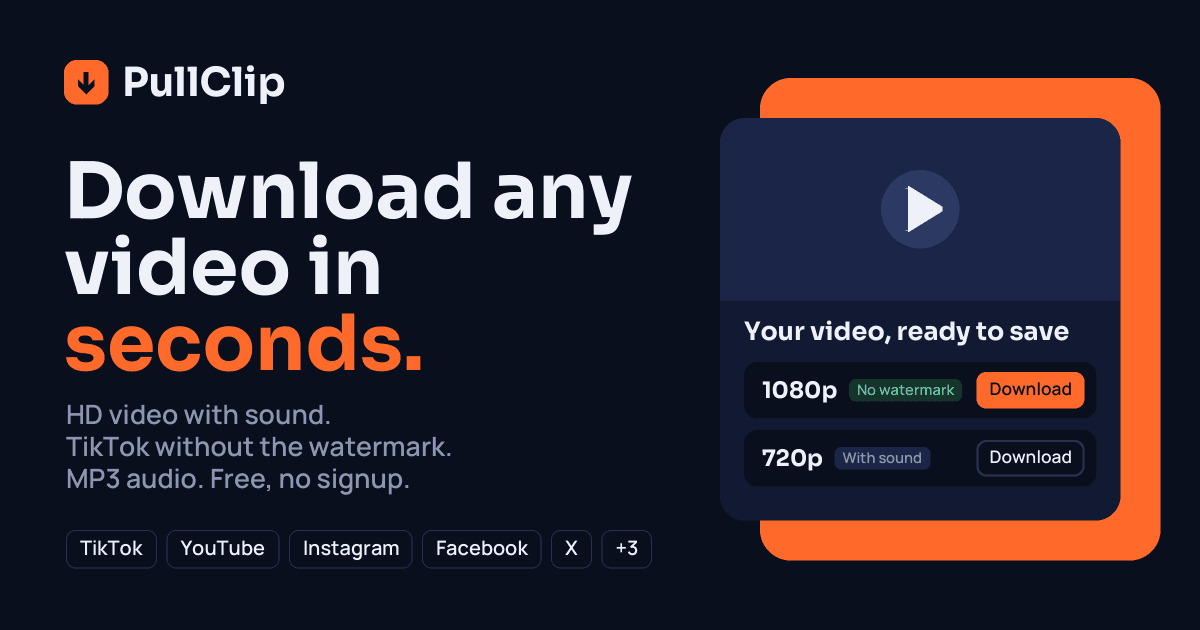
About this app
PullClip is a free video downloader that runs in your browser. Paste a link from TikTok, Instagram, YouTube, Facebook, X, Pinterest, Reddit, VK, OK.ru, Rutube, Bilibili, Kick or any of the 28 supported sites, and it detects the platform for you. Pick a size from 144p up to 1080p, or MP3 if you only want the audio. TikTok videos download without the watermark, and on sites that keep picture and sound in separate streams, PullClip joins them back into one MP4. A few extras help with everyday use: trim a clip before you save it, save a single frame as a JPG, or scan a QR code to send a video from your computer to your phone. There is no account, no app and no paywall. It works on Android, iPhone and desktop. Recent links stay only in your browser, and PullClip only downloads public videos.
Key features
- 128 supported platforms including TikTok, Instagram, YouTube, X, Reddit, VK, Bilibili and Kick — auto-detected from a pasted link.
- 2Watermark-free TikTok downloads and joined audio/video MP4s on sites that split the streams, plus MP3 at 320 or 128 kbps.
- 3Extras beyond downloading: trim before save, grab a single frame as JPG, QR-to-phone transfer, bookmarklet and Ctrl+V paste-anywhere.
Target customer profile
Drawn from the product itself, not from a survey.
Demographic
Social media content creators & influencers
Pain points
Platform watermarks, in-app-only saves, and clipped audio on reposts
Primary needs
Clean watermark-free TikTok/Instagram clips and reliable MP4 with sound
Demographic
Students & researchers compiling video sources
Pain points
Lectures and TED talks locked online; no offline access for study
Primary needs
Fast MP3/MP4 extraction from YouTube, TED, and Archive.org
Demographic
Casual mobile & desktop users (non-technical)
Pain points
Pop-up-heavy downloaders, sketchy installs, and account signups
Primary needs
One-paste, no-signup downloading that works in any browser
Scout Review
Written by AI from measured evidence, scored out of 100.
PullClip is a browser-based video downloader covering 28 platforms with no account, no install and no paywall — paste a link, pick a quality, save an MP4 with sound or an MP3. It handles the annoying cases well: watermark-free TikTok, joined audio/video on YouTube and Reddit, plus trim, frame-grab and QR-to-phone extras. The site is fast and cleanly designed, the guides library is unusually thorough, and the zero-signup flow is exactly what this category should be. The weaknesses are execution and trust: a placeholder-looking hero player, uneven layout, four accessibility failures, and a security posture that stops at the basics with no published audit.
Measure by measure
Usability
72Zero-signup flow with the input and Download button above the fold, a clean three-step explainer, and a real /guides/ library in English and Russian. Video/Audio toggle and 'Multiple links' tab are small and easy to miss.
Design
68Disciplined navy-and-orange palette, strong display headline and a scannable 28-platform grid. Undercut by an empty black hero player, uneven bento cards and a logo-less 'Works with' text cloud.
Speed
70Lighthouse mobile 89/100 and desktop 91/100 with TBT at a healthy 60ms. LCP of 2.8s is the one soft spot — just past the 2.5s 'good' line, likely a heavy hero asset.
Security
62HTTPS enforced with CSP, Permissions-Policy, SPF and DMARC in place (7/12 header checks). Missing HSTS, frame protection, nosniff and Referrer-Policy; no security page, audit or bug bounty published.
Accessibility
68Lighthouse a11y 91/100, but four real failures: low-contrast text, out-of-order headings, colour-only link distinction and no main landmark. Responsive and bilingual, yet no WCAG statement anywhere.
Growth
58Real, named pain (watermarks, split audio, ad-walled downloaders) with a concrete wedge: no signup, 28 platforms, trim/frame/QR extras. Category is crowded and free, so the moat is thin.
Improvement areas
- Security headers incomplete (no HSTS, X-Frame-Options, nosniff, Referrer-Policy) and no published security page or audit.
- Four Lighthouse accessibility failures: contrast, heading order, colour-only links, missing main landmark.
- Hero mock player is an empty black rectangle and the bento grid has uneven card heights — polish the landing page.
- Video/Audio toggle and 'Multiple links' tab are too small and low-contrast to find easily.
Design & Usability
The landing page has real craft: a heavy display headline with 'seconds.' in burnt orange, a restrained navy-and-orange palette applied consistently across hero, steps and cards, and a 28-platform grid that communicates scope at a glance. Usability is the stronger half — the URL field and Download button sit in the first viewport with 'Free, no signup' reassurance, a three-step explainer needs no account, and /guides/ carries genuine platform-specific how-tos in English and Russian. The drags are execution details: an empty black hero player that reads as a placeholder, uneven bento cards, a logo-less 'Works with' text cloud, and a Video/Audio toggle so small it's easy to miss.
Speed & Security
Speed is genuinely good: Lighthouse mobile 89/100, desktop 91/100, TBT a healthy 60ms. The one soft metric is LCP at 2.8s, just past the 2.5s 'good' threshold, pointing at a heavy hero asset. Security is competent-but-thin: HTTPS enforced with CSP, Permissions-Policy, SPF and DMARC (7/12 header checks), but HSTS, X-Frame-Options, nosniff and Referrer-Policy are all absent. For a tool that fetches arbitrary user-supplied URLs, the missing frame protection and the lack of any security page, audit or bug bounty are the gaps worth closing first.
Accessibility & Growth
Accessibility scores 91/100 on Lighthouse but fails four real audits: insufficient colour contrast, non-sequential headings, links distinguished by colour alone, and no main landmark. The site is responsive and bilingual (English and Russian guides), yet publishes no WCAG statement. Growth is a judgement on the idea: PullClip names a real pain — watermarks, split audio/video streams, ad-walled downloaders — and differentiates concretely against y2mate and SaveFrom (no pop-ups) and 4K Downloader (no install, no paid tier) with trim, frame-grab, QR-to-phone and a bookmarklet. The category is crowded, free and hard to monetize, so the wedge is real but shallow.
Conclusion
If you want a downloader that doesn't fight you with pop-ups or demand an account, PullClip is a solid pick and the guides alone beat most competitors' entire sites. If you need compliance guarantees or a hardened security posture, look elsewhere for now. The foundation is good — tighten the hero, fix the contrast and heading order, add HSTS and frame protection, and publish a short security page. That's a weekend of work between a competent tool and a trustworthy one.
Suggestions for improvement
- Replace the empty black hero player with a real animated preview or a looping demo clip so the mock stops reading as a placeholder.
- Add HSTS, X-Frame-Options, X-Content-Type-Options and Referrer-Policy headers — four lines of config for a meaningful security bump.
- Fix the four Lighthouse a11y failures: contrast ratios, heading order, colour-only links, and add a <main> landmark.
- Enlarge and darken the Video/Audio toggle and 'Multiple links' tab — they're core input modes hidden at 11px grey.
Alternatives comparison
Named competitors, point by point. Nobody paid to appear here or to be left out.
 PullClip | y2mate |  SaveFrom.net |  4K Video Downloader | |
|---|---|---|---|---|
| Account required | No — no signup, no account | No account, but ad-heavy | No account, occasional redirects | No account; paid tier for advanced features |
| Installation required | No — runs in any browser | No — browser-based | No — browser helper/online | Yes — desktop app install |
| Supported platforms | 28 sites incl. TikTok, Instagram, YouTube, X, Reddit, VK, Bilibili, Kick | YouTube and a handful of others | Many platforms | Many platforms, strong on YouTube playlists |
| Watermark-free TikTok | Yes — stated on site | Limited TikTok support | Supported on some platforms | Supported via desktop app |
| Extra tools (trim, frame grab, QR) | Trim, frame-to-JPG, QR-to-phone, bookmarklet | Basic download only | Basic download only | Playlists, subtitles, format conversion (paid tier) |
| Ad experience | No pop-up-heavy ad model described | Heavy ads and pop-ups | Heavier interface, occasional redirects | Clean; paid tier required for advanced features |
y2mate
Popular free online downloader for YouTube and a handful of other sites, though it leans heavily on ads and pop-ups.
SaveFrom.net
Long-standing browser-helper and online downloader supporting many platforms, with a heavier interface and occasional redirects.
4K Video Downloader
Desktop app for high-quality downloads and playlists, but requires installation and has a paid tier for advanced features.
Comparing options? See PullClip alternatives, scored side by side
More Productivity apps
View all Productivity
Puzzly – B2B Lead Generation & Sales Intelligence Platform
92Puzzly is an all-in-one B2B lead generation platform that...

Qamarero
92An all-in-one hospitality software for restaurants and ba...

EmbedMyReviews
92White-label reputation management software for agencies s...

StoryPad
92Privacy-first open source journal app with a continuous t...

Notion
92All-in-one AI workspace for docs, projects, and knowledge...

The Stack Newsletter
92A weekly newsletter delivering curated tech jobs, intervi...

Vibe Coding Agent Skills
92A free, open-source platform offering 110 AI agent skills...

QRBliss
91Branded QR codes with AI Brand Sync, 15 free dynamic code...

Gerty
91Private, local AI assistant for Mac that runs offline

Strukchad Property Management
91Property management for Kenyan letting agents: rent invoices raised every month, M-Pesa rent prompts to tenants, arrears tracking and landlord statements.

CC Switch
91Open-source desktop app for switching AI coding providers...

PitchWhip
90AI cold call scripts & direct dials from LinkedIn


A platform dedicated to providing unbiased reviews of newly launched applications, analyzing everything from their features to their full potential.
info@scoutforge.net© 2026 Scoutforge. All rights reserved.
