

A platform dedicated to providing unbiased reviews of newly launched applications, analyzing everything from their features to their full potential.
info@scoutforge.net© 2026 Scoutforge. All rights reserved.
A platform dedicated to providing unbiased reviews of newly launched applications, analyzing everything from their features to their full potential.
info@scoutforge.net© 2026 Scoutforge. All rights reserved.
A platform dedicated to providing unbiased reviews of newly launched applications, analyzing everything from their features to their full potential.
info@scoutforge.net© 2026 Scoutforge. All rights reserved.
Cycling through all six. Tap any point to stop.
Measured on six things
Diagnose and fix dead pixels, spots, lines, and screen de...
HTTPS enforced with X-Content-Type-Options, Referrer-Policy, and SPF in place. But no HSTS, no CSP, no frame protection, no DMARC, and no published audits — 5/12 checklist points.
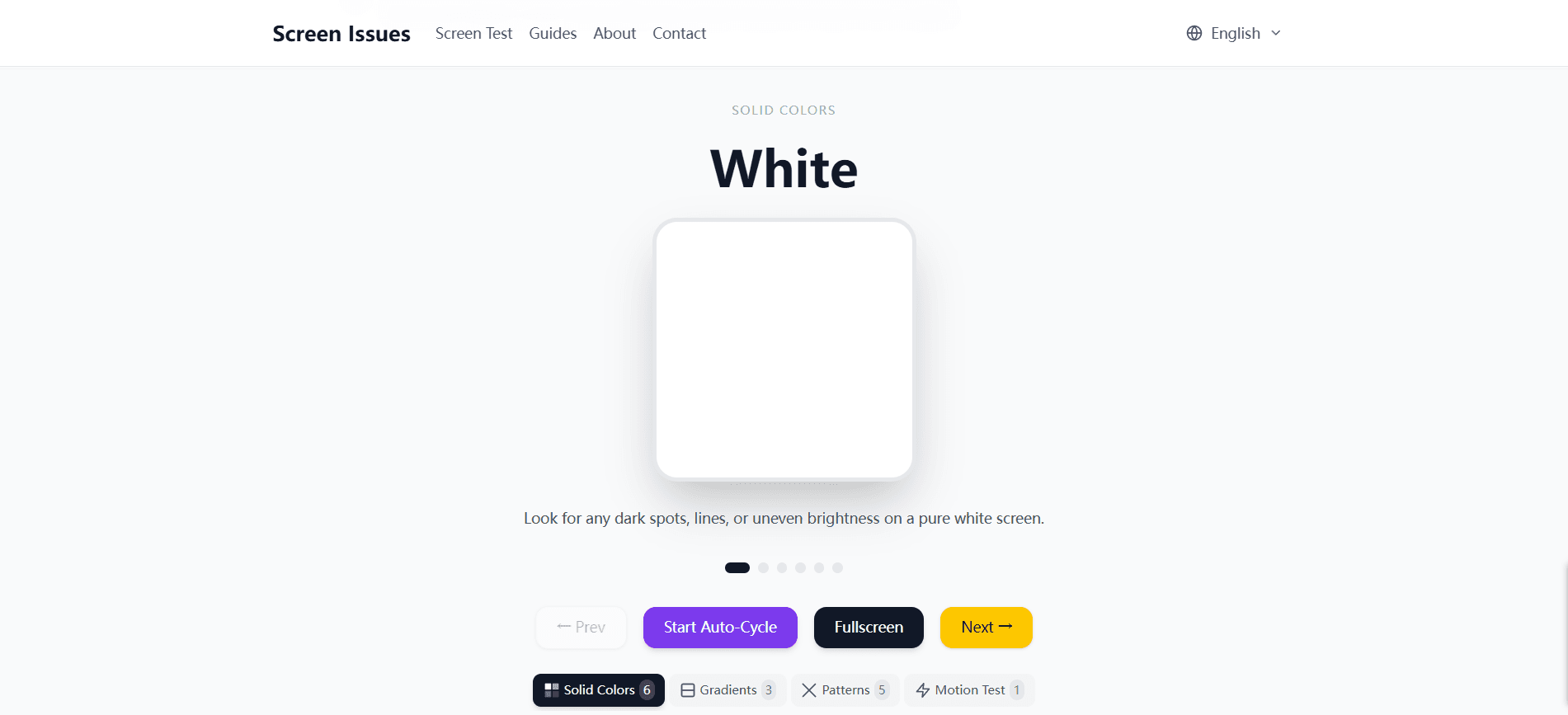
Screen Issues is a comprehensive online resource for diagnosing and repairing display problems on phones, laptops, monitors, and tablets. It offers a free browser-based screen test tool that cycles through solid colors to help you identify dead pixels, bright spots, backlight bleed, and burn-in. Beyond the tool, the site features over 120 expert guides covering everything from white spots and black lines to flickering screens and color tints. Each guide provides step-by-step troubleshooting, causes, and repair options. The platform is designed for DIYers, tech enthusiasts, and anyone dealing with screen defects, offering solutions in multiple languages. While it doesn't replace professional repair for severe hardware damage, it empowers users to diagnose issues accurately and often fix them without costly repairs. The site is completely free, requires no downloads, and works on any device with a browser. Its AI-powered assistant helps users describe their issue and get personalized ...
Drawn from the product itself, not from a survey.
Demographic
DIY enthusiasts and tech-savvy users
Pain points
Uncertain if screen issue is hardware or software; want to avoid expensive repairs.
Primary needs
Free diagnostic tools and step-by-step repair guides to fix issues themselves.
Demographic
Students and budget-conscious individuals
Pain points
Cannot afford professional repair; need to determine if warranty claim is possible.
Primary needs
Cost-effective solutions and clear advice on when to repair vs. replace.
Demographic
IT support and repair professionals
Pain points
Need quick, reliable diagnostic references and repair procedures for multiple devices.
Primary needs
Comprehensive, well-organized guides and testing tools for efficient troubleshooting.
Written by AI from measured evidence, scored out of 100.
Screen Issues is a free, browser-based diagnostic tool and guide library for display problems — dead pixels, bright spots, backlight bleed, burn-in, flickering, and more. It does the core job well: one click to run a color-cycling test, no signup, no download, works on any device. Around that sits a substantial content operation of 126+ guides organized by issue and device, plus an AI assistant that helps users describe their problem. The site is clean, fast on desktop, and accessible by default. Where it falls short: mobile performance is sluggish (4.7s LCP), security headers are incomplete, and the AI assistant — the most differentiated feature — is presented as a demo rather than a usable tool. Growth potential is real but capped by a crowded category and a thin moat. For DIYers and budget-conscious users who need a quick answer before deciding whether to repair or replace, it's a solid free resource. It won't replace a technician, and it doesn't pretend to.
One-click screen test, no signup, no download, and 126+ guides sorted by issue and device. The AI assistant demo is a nice touch. Navigation is clear and the value is immediate.
Clean, modern template with a prominent 'Run Screen Test' CTA and a tidy topic grid. Branding is consistent but generic — it reads like a well-built content site, not a distinctive product.
Desktop Lighthouse 91/100 is strong, but mobile sits at 71/100 with a 4.7s LCP — well past the 2.5s 'good' line. Fine on a laptop, sluggish on the phone most people will actually use.
HTTPS enforced with X-Content-Type-Options, Referrer-Policy, and SPF in place. But no HSTS, no CSP, no frame protection, no DMARC, and no published audits — 5/12 checklist points.
Lighthouse a11y 96/100 with multi-language support (EN/DE/ES/+1) and a responsive browser-based design. Two real failures: insufficient color contrast and mismatched accessible names on text labels.
A real, recurring problem with a free tool plus 126+ guides — a genuine wedge over tool-only competitors. But the category is crowded and the moat is thin; content is copyable and the AI assistant is table stakes now.
Screen Issues presents a clean, modern interface built around a single obvious action: run the screen test. The homepage leads with the tool, then funnels into a well-organized grid of 126+ guides sorted by issue type and device. There's no signup, no download, and no friction between landing and testing — which is exactly right for a diagnostic utility people reach for in a panic. The AI 'Screen Assistant' demo on the homepage is a smart way to show the product thinking, though it's presented as a scripted conversation rather than something a visitor can immediately try. Branding is consistent but generic; nothing here signals a distinctive product identity, and the layout leans on a familiar content-site template. Usability is the stronger half: clear navigation, immediate value, and multi-language support that widens the audience. The main gap is depth of interactive help — the assistant looks promising but the homepage doesn't let you actually use it.
Speed is a tale of two devices. Desktop Lighthouse performance lands at a strong 91/100, but mobile drops to 71/100 with an LCP of 4.7 seconds — nearly double the 2.5s threshold Google considers good. For a tool whose primary use case is testing a phone screen, a slow mobile load is a real friction point, even if CLS is a perfect 0 and TBT is a reasonable 227ms. Security is functional but thin. HTTPS is enforced and the site sets X-Content-Type-Options, Referrer-Policy, and SPF records — good baseline hygiene. But there's no HSTS, no Content-Security-Policy, no frame protection, no Permissions-Policy, and no DMARC, landing at 5 of 12 checklist points. No SOC 2, ISO certification, or bug bounty program is published. For a free diagnostic site handling no payments or accounts, this is defensible, but the AI assistant collects user-described issues, which raises the bar slightly. Neither dimension is broken; both have clear room to tighten.
Accessibility is a genuine strength: Lighthouse scores 96/100, the site is fully responsive, and content ships in English, German, Spanish, and a fourth language. Two real failures remain — insufficient color contrast and visible text labels without matching accessible names — which is a pointed irony for a site built around displaying colors. Fixing contrast is a one-afternoon job and would push this into the high 80s. Growth is where the picture gets murkier. The problem is real and recurring: screens break, and people want to know if it's a dead pixel or a warranty claim before they pay a technician. The wedge over Dead Pixel Test (tool only) and EIZO Monitor Test (pro-focused) is the combination of a free consumer tool plus 126+ plain-language repair guides. That's a legitimate position. But content is copyable, the category is crowded, and the AI assistant — the one asset a competitor can't clone overnight — is underdeveloped and buried. The domain is roughly half a year old with only a LinkedIn profile as a social footprint, so there's no distribution engine yet. The idea can grow; the execution needs a sharper hook than 'more articles.'
Conclusion
If your screen has a weird spot and you're not sure whether to panic, this is a reasonable first stop. The test tool is instant, the guides are thorough, and it costs nothing. Just don't expect the AI assistant to be more than a preview, and don't judge it on mobile load times. Fix the contrast, ship the assistant, and tighten the headers — the bones are good.
Named competitors, point by point. Nobody paid to appear here or to be left out.
 Screen Issues Screen Issues |  Dead Pixel Test Dead Pixel Test |  EIZO Monitor Test EIZO Monitor Test | |
|---|---|---|---|
| Free browser-based screen test tool | Yes — auto-cycles through 6 solid colors, no signup or download | Yes — displays solid colors for dead pixel detection | Yes — advanced patterns for uniformity, color, and sharpness |
| Repair and troubleshooting guides | 126+ guides covering causes, step-by-step fixes, and repair options | Minimal — tool-focused, lacks extensive guides | None — pure testing tool, no repair content |
| AI-powered diagnostic assistant | Yes — helps describe issue and get personalized guidance (demo on homepage) | No | No |
| Multi-language support | Yes — English, German, Spanish, and a fourth language | English only | English only |
| Target audience | DIYers, budget-conscious users, students, and IT/repair professionals | General consumers needing a quick dead pixel check | Professionals and enthusiasts calibrating monitors |
| Cost | Completely free, no downloads | Free | Free |
Dead Pixel Test
Simple online tool for detecting dead pixels by displaying solid colors; lacks extensive guides.
EIZO Monitor Test
Advanced monitor testing tool with patterns for uniformity, color, and sharpness; geared towards professionals.
Comparing options? See Screen Issues alternatives, scored side by side

An all-in-one hospitality software for restaurants and ba...

A weekly newsletter delivering curated tech jobs, intervi...

White-label reputation management software for agencies s...

Privacy-first open source journal app with a continuous t...

Puzzly is an all-in-one B2B lead generation platform that...

All-in-one AI workspace for docs, projects, and knowledge...

A free, open-source platform offering 110 AI agent skills...

Open-source desktop app for switching AI coding providers...

One verified handle for your online identity, readable by...

Frame-perfect video-to-GIF maker that runs entirely in yo...

White-label website audits that close deals for digital a...

Automated quote follow-up for trades and service businesses.
A platform dedicated to providing unbiased reviews of newly launched applications, analyzing everything from their features to their full potential.
info@scoutforge.net© 2026 Scoutforge. All rights reserved.
