Cycling through all six. Tap any point to stop.
Measured on six things
Press Command-L and a soft screen covers every display. Touch ID opens it again with every window where you left it. $14 once.
Security
41HTTPS enforced and the product needs no permissions, account, or analytics — a genuinely small attack surface. But headers are near-absent (3/12), no HSTS, CSP, or DMARC, and no published audit.
Screenshots
1 / 3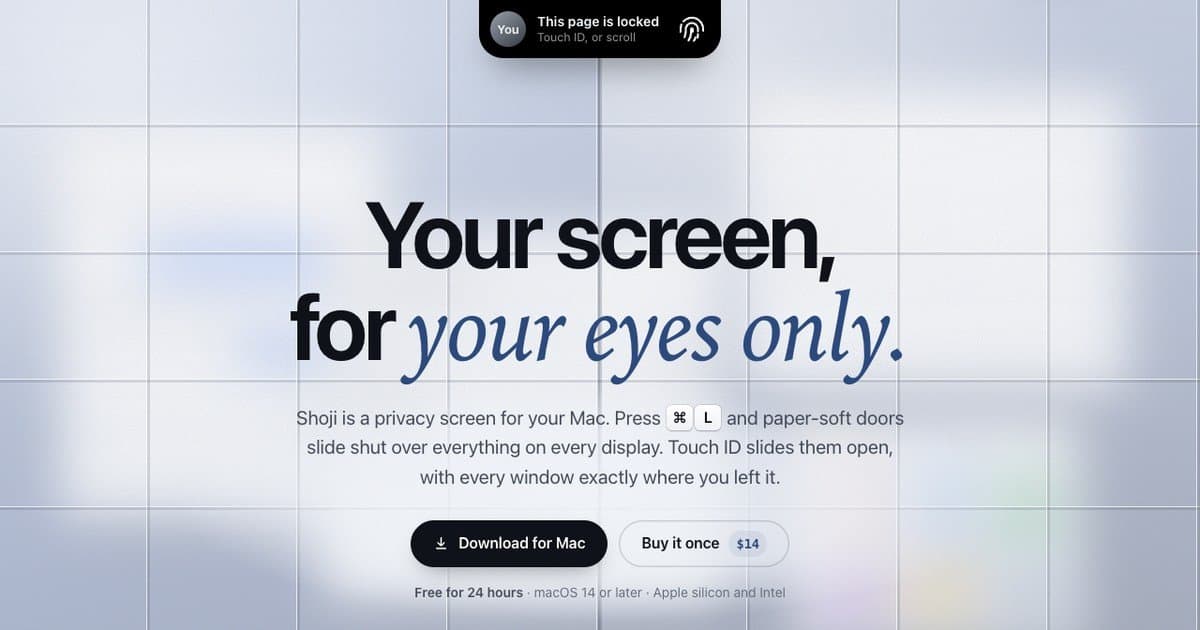
About this app
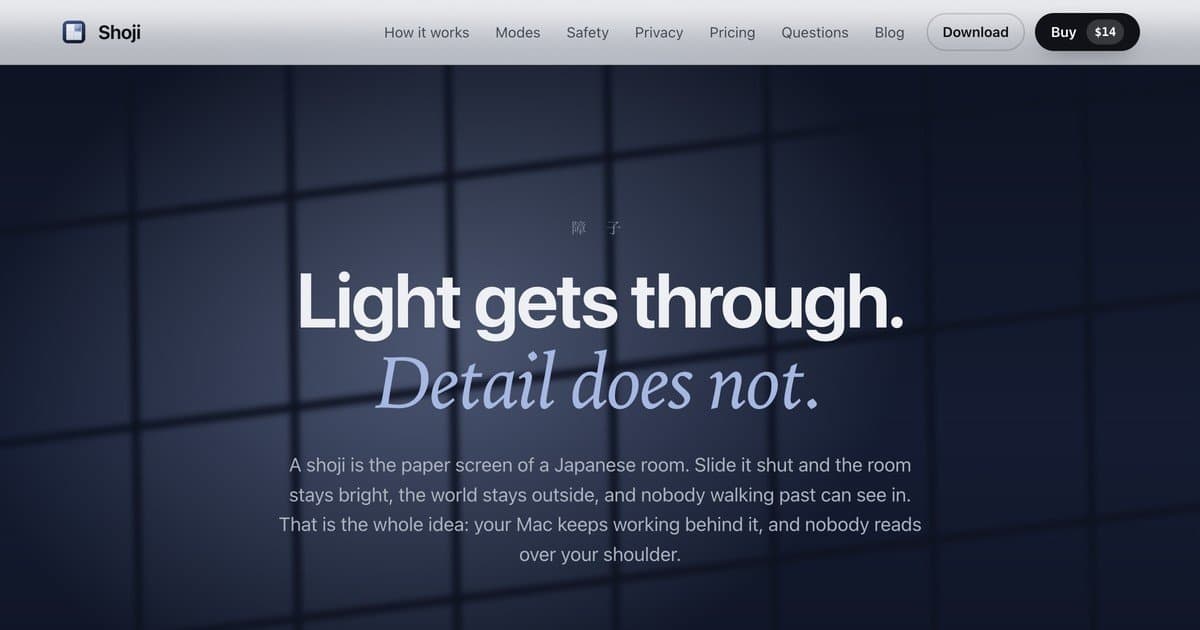
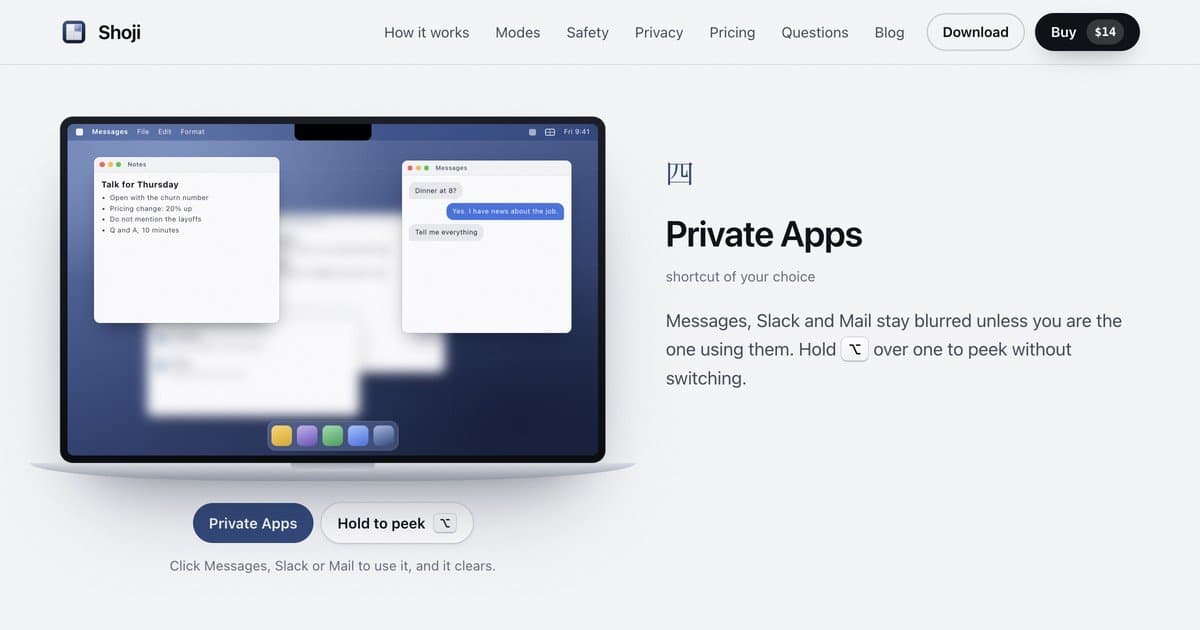
Shoji is a privacy screen for your Mac. Press Command-L and a soft screen slides shut over everything on every display; Touch ID slides it open again with every window exactly where you left it. Focus Blur keeps only the window you are using sharp, so you can work in a cafe, on a plane or in a shared room without people reading over your shoulder. You can blur one app, everything but the window in use, or the whole Mac. Shoji needs no macOS permissions, no account and has no analytics. $14 once, with a free 24-hour trial.
Key features
- 1⌘L locks every display instantly; Touch ID or password restores windows exactly where they were.
- 2Focus Blur keeps only the active window sharp; Private Apps blurs Messages, Slack, and Mail unless you're using them.
- 3Guard process re-locks via macOS lock if Shoji is force-quit; hands off to full lock after a set away time.
- 4No macOS permissions, no account, no analytics; $14 one-time with a free 24-hour trial.
Target customer profile
Drawn from the product itself, not from a survey.
Scout Review
Written by AI from measured evidence, scored out of 100.
Shoji is a focused, well-argued Mac privacy utility with a landing page that actually explains the idea instead of gesturing at it. The five modes are distinct and useful, the free trial lowers the bar, and the one-time $14 price is refreshing. The weak spots are the marketing site's security headers, a couple of accessibility contrast issues, and a mobile LCP that drags an otherwise fast page. None of these are fatal; all are fixable in an afternoon.
Measure by measure
Usability
68Five clearly named modes with their own shortcuts, a free 24-hour trial, and a comparison table that explains why not just use the macOS lock. No visible help center or docs link.
Design
71Frosted striped background mirrors the shoji metaphor without extra illustration; calm blue-gray palette and balanced hero. Sparse hero and a lock pill that reads like a browser warning hold it back.
Speed
74Desktop Lighthouse 96/100 and mobile 80/100 with CLS 0 and TBT 51ms. Mobile LCP of 3.9s is the weak spot on an otherwise light, snappy marketing page.
Security
41HTTPS enforced and the product needs no permissions, account, or analytics — a genuinely small attack surface. But headers are near-absent (3/12), no HSTS, CSP, or DMARC, and no published audit.
Accessibility
79Lighthouse 97/100 with only contrast and label-name failures flagged. No accessibility statement or multi-language support found, but the automated baseline is strong.
Growth
63A real, specific problem — macOS lock shuffles your windows — with a concrete fix and five modes. One-time $14 against subscription peers is a wedge; the Mac-only niche caps the ceiling.
Improvement areas
- Marketing site security headers are near-absent (3/12): no HSTS, CSP, frame protection, or DMARC.
- Two Lighthouse accessibility failures: insufficient contrast and mismatched accessible names.
- No visible docs/help center; mode details live only in scroll animations.
- Mobile LCP 3.9s drags an otherwise fast page.
Design & Usability
Shoji's site commits to its metaphor: frosted vertical stripes, a soft blue-gray palette, and a headline that lands. The visual audit called it good, and the restraint mostly works — though the hero leaves a lot of empty frosted space and the persistent 'This page is locked' pill reads like a browser warning rather than a product demo. Usability is where the product's thinking shows: five named modes (Lock Mac, Blur Screen, Focus Blur, Private Apps, App Lock), each with its own shortcut, a free 24-hour trial, and a comparison table that argues why the macOS lock screen isn't enough. What's missing is a docs or help center link — the page explains the concept well but leaves the details to scroll animations.
Speed & Security
Speed is solid: desktop Lighthouse 96/100, mobile 80/100, CLS 0, TBT 51ms. The one blemish is a 3.9s mobile LCP, which matters little for a Mac utility but keeps the mobile score out of the nineties. Security is the split personality. On one hand, the product genuinely needs no macOS permissions, no account, and runs no analytics — a tiny data surface, which is the right architecture for a privacy tool. On the other, the site's own headers are thin: 3/12 on the probe, no HSTS, no CSP, no frame protection, no DMARC. There's no published audit or security page either. For a product whose entire pitch is 'nobody sees your screen,' the marketing site should be the hardened one.
Accessibility & Growth
Accessibility scores 97/100 on Lighthouse, with only two failures: insufficient color contrast and visible text labels without matching accessible names. Both are fixable and both are ironic for a product about clarity. No accessibility statement or multi-language support was found. Growth is the interesting one. The problem is real and specific — the macOS lock screen puts your Mac to sleep and shuffles windows, while Shoji just draws a screen over everything so your layout survives. Focus Blur, Private Apps, and App Lock target cafe, plane, and shared-room work with a concrete differentiator, and $14 once against subscription competitors is a clear wedge. The limit is structural: it's a Mac-only utility in a category Apple could absorb into the OS, and the domain is only months old.
Conclusion
If you work in cafes, on planes, or in shared rooms and you're tired of the lock screen rearranging your desktop, Shoji is a cheap, honest fix with a trial that costs nothing to test. If you need enterprise compliance paperwork before you install anything, this isn't that product yet. For everyone in between: download it, press ⌘L, and see if the metaphor holds up in practice the way it does on the page.
Suggestions for improvement
- Add HSTS, CSP, and DMARC to the marketing site — a privacy product should pass its own header check.
- Fix the two Lighthouse contrast/label failures; they're small and directly undercut the pitch.
- Publish a docs or help page covering each mode and its shortcut, not just scroll animations.
- Tighten mobile LCP below 2.5s; the desktop score is already excellent.
Alternatives comparison
Named competitors, point by point. Nobody paid to appear here or to be left out.
 Shoji Shoji |  | |
|---|---|---|
| Pricing model | $14 one-time, free 24-hour trial | Not provided |
| Preserves window layout on lock | Yes — draws a screen over everything, windows stay put | Not provided |
| Selective blur (one app / focus window) | Yes — Focus Blur, Private Apps, App Lock | Not provided |
| Requires account or permissions | No permissions, no account, no analytics | Not provided |
Comparing options? See Shoji alternatives, scored side by side
More Productivity apps
View all Productivity
Qamarero
92An all-in-one hospitality software for restaurants and ba...

The Stack Newsletter
92A weekly newsletter delivering curated tech jobs, intervi...

EmbedMyReviews
92White-label reputation management software for agencies s...

StoryPad
92Privacy-first open source journal app with a continuous t...

Puzzly – B2B Lead Generation & Sales Intelligence Platform
92Puzzly is an all-in-one B2B lead generation platform that...

Notion
92All-in-one AI workspace for docs, projects, and knowledge...

Vibe Coding Agent Skills
92A free, open-source platform offering 110 AI agent skills...

CC Switch
91Open-source desktop app for switching AI coding providers...

username.md
90One verified handle for your online identity, readable by...

What the GIF
89Frame-perfect video-to-GIF maker that runs entirely in yo...

AuditCloser
89White-label website audits that close deals for digital a...

NudgeWin
89Automated quote follow-up for trades and service businesses.


A platform dedicated to providing unbiased reviews of newly launched applications, analyzing everything from their features to their full potential.
info@scoutforge.net© 2026 Scoutforge. All rights reserved.
