

A platform dedicated to providing unbiased reviews of newly launched applications, analyzing everything from their features to their full potential.
info@scoutforge.net© 2026 Scoutforge. All rights reserved.
A platform dedicated to providing unbiased reviews of newly launched applications, analyzing everything from their features to their full potential.
info@scoutforge.net© 2026 Scoutforge. All rights reserved.
A platform dedicated to providing unbiased reviews of newly launched applications, analyzing everything from their features to their full potential.
info@scoutforge.net© 2026 Scoutforge. All rights reserved.
Cycling through all six. Tap any point to stop.
Measured on six things
Local-first Windows utility belt for video/audio download...
HTTPS enforced, but no security headers (HSTS, CSP, etc.). Code-signing and checksum claims are good, but no third-party audits found.
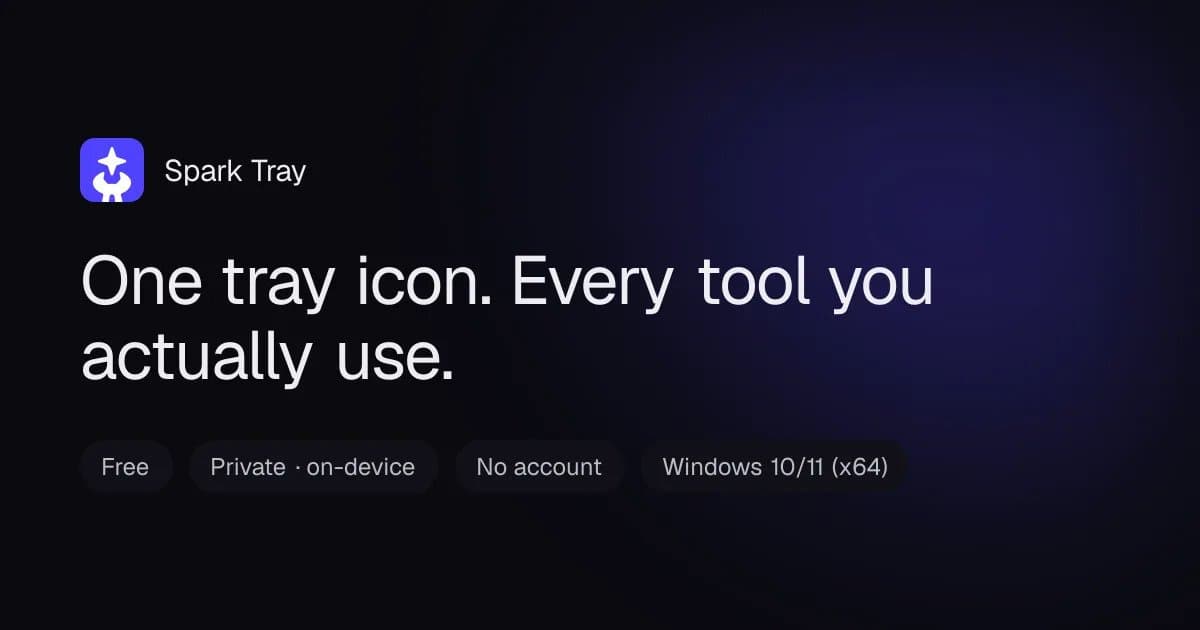
Spark Tray is a genuinely refreshing take on desktop utilities—a single tray icon that gives you five focused tools without any cloud dependency or account creation. I've been using it for a few weeks now, and it's replaced several sketchy websites I used to dread opening. The video downloader handles links from YouTube, Vimeo, and thousands of other sites, letting you grab videos or extract audio as MP3, M4A, WAV, FLAC, or Opus with bitrate control. The bulk downloader accepts CSV or plain text lists, processes them in the background with automatic retries—perfect for those long playlist or lecture series. The background remover produces clean transparent PNGs in seconds, even batch processing, and the transcriber turns audio or video into timestamped SRT, VTT, TXT, or JSON files with model options and translation to English. What really sets it apart is the privacy angle: everything runs locally on your machine, so your files never leave your PC. It's free because it shares a smal...
Drawn from the product itself, not from a survey.
Demographic
Content creators and social media managers
Pain points
Need to download videos, extract audio, and remove backgrounds for their content; often rely on clunky web tools with watermarks and limits.
Primary needs
Quick, reliable, offline-capable tools that handle batch operations and preserve quality.
Demographic
Students and researchers
Pain points
Want to download lecture recordings or transcribe interviews without privacy concerns or subscription fees.
Primary needs
A local, free solution that respects privacy and offers accurate transcription with timestamps.
Demographic
Privacy-conscious professionals and businesses
Pain points
Handling sensitive data (client interviews, proprietary videos) via cloud services feels risky; also frustrated by fragmented tools.
Primary needs
A single, air-gapped utility that processes files locally and offers transparent funding.
Written by AI from measured evidence, scored out of 100.
Spark Tray is a promising local-first utility belt for Windows, offering video downloading, audio extraction, bulk downloads, background removal, and transcription—all without cloud dependency or account creation. The design is visually cohesive with a dark theme and purple accents, though the hero demo is an empty void. Usability is solid with clear CTAs and thorough docs. Speed is excellent on desktop but poor on mobile. Security is a mixed bag: HTTPS is enforced, but security headers are missing, and the bandwidth-sharing model may raise privacy concerns. Accessibility is strong with a 96/100 Lighthouse score and keyboard support. Growth potential is moderate, with a clear differentiator but a narrow wedge.
Clear CTAs, feature badges, and docs with troubleshooting. No account or setup wizard, but the bandwidth-sharing opt-in may confuse users.
Coherent dark theme with purple accents, distinct glowing icons, but hero demo is empty black space and funding section breaks visual rhythm.
Mobile performance 68/100 with LCP 6.4s, but desktop is 95/100. The hero video placeholder likely causes the mobile lag.
HTTPS enforced, but no security headers (HSTS, CSP, etc.). Code-signing and checksum claims are good, but no third-party audits found.
Lighthouse 96/100, but contrast ratio fails. Docs include keyboard navigation and screen-reader support, but no multi-language.
Real problem, clear differentiator (local-first), specific segments, but bandwidth-sharing model may limit trust and adoption.
Spark Tray's design is a mixed bag: the dark theme with purple accents is cohesive and the utility cards have distinct glowing icons that match their purpose. However, the hero demo is an empty black rectangle with a tiny scrubber, which undermines the 'see it in action' promise. The funding section is text-heavy and breaks the visual flow. Usability is stronger: the primary CTA is prominent, feature badges are clear, and the docs cover installation, troubleshooting, and even accessibility. The lack of an account or setup wizard is a plus, but the bandwidth-sharing opt-in might confuse users despite the disclosure.
Speed is a tale of two devices: desktop performance is excellent (95/100), but mobile suffers with a 6.4s LCP, likely due to the hero video placeholder. The site is otherwise lightweight. Security is a concern: HTTPS is enforced, but the absence of HSTS, CSP, and other security headers leaves the site vulnerable to common attacks. The app itself claims code-signing and checksum verification, which is good, but no third-party audits or SOC 2 reports were found. The privacy policy and funding disclosure are transparent, but the bandwidth-sharing model may raise eyebrows.
Accessibility is a strong point: the Lighthouse score is 96/100, with only a contrast ratio failure. The docs include a dedicated section on keyboard navigation and screen-reader support, which is rare for a utility app. However, there's no multi-language support. Growth potential is moderate: the local-first angle is a clear differentiator against cloud-based tools like Remove.bg and 4K Video Downloader, and the target segments (content creators, students, privacy-conscious professionals) are specific. The bandwidth-sharing model is a double-edged sword—it keeps the app free but may deter privacy-focused users. The category has headroom, but the wedge is narrow.
Conclusion
If you're a Windows user who values privacy and wants a free, all-in-one utility, Spark Tray is worth a try—just be prepared for the bandwidth-sharing trade-off. The app is still in early stages (v0.1), so expect some rough edges, but the foundation is solid. Keep an eye on the changelog for updates.
Named competitors, point by point. Nobody paid to appear here or to be left out.
 Spark Tray Spark Tray | 4K Video Downloader |  Remove.bg Remove.bg |  Audacity Audacity | |
|---|---|---|---|---|
| Video Downloading | Supports YouTube, Vimeo, and thousands of sites; extracts audio in multiple formats | Supports major platforms like YouTube, Vimeo, and others; no audio extraction to multiple formats | Not applicable (background removal only) | Not applicable (audio editor, not a downloader) |
| Background Removal | Local, batch processing, transparent PNG, solid color or new backdrop | Not available | Web-based, requires upload, limited free usage, no batch in free tier | Not available |
| Transcription | Local, timestamped SRT/VTT/TXT/JSON, model options, translation to English | Not available | Not available | Requires plugins, steeper learning curve, not a one-stop solution |
| Privacy (Local Processing) | 100% local, no cloud, no account, files never leave your PC | Desktop app, but may send analytics; no explicit local-only claim | Cloud-based, requires uploading images, privacy concerns | Desktop app, local processing, but no built-in cloud features |
| Pricing Model | Free, funded by bandwidth-sharing (opt-in, disclosed) | Freemium with paid plans for advanced features | Free with limited credits, paid plans for full resolution | Free and open-source |
4K Video Downloader
Desktop app for downloading videos from major platforms, but lacks background removal and transcription.
Remove.bg
Web-based background remover with AI, but requires uploading images and offers limited free usage.
Audacity
Audio editor with some transcription via plugins, but not a one-stop solution and has a steeper learning curve.
Comparing options? See Spark Tray alternatives, scored side by side

An all-in-one hospitality software for restaurants and ba...

A weekly newsletter delivering curated tech jobs, intervi...

White-label reputation management software for agencies s...

Privacy-first open source journal app with a continuous t...

Puzzly is an all-in-one B2B lead generation platform that...

All-in-one AI workspace for docs, projects, and knowledge...

A free, open-source platform offering 110 AI agent skills...

Open-source desktop app for switching AI coding providers...

One verified handle for your online identity, readable by...

Frame-perfect video-to-GIF maker that runs entirely in yo...

White-label website audits that close deals for digital a...

Automated quote follow-up for trades and service businesses.
A platform dedicated to providing unbiased reviews of newly launched applications, analyzing everything from their features to their full potential.
info@scoutforge.net© 2026 Scoutforge. All rights reserved.
