Is this your app?
Claim Taim to manage its page, add your badge and see your traffic — free, and it stays free.
Cycling through all six. Tap any point to stop.
Measured on six things
Automated time-tracking app for freelancers and teams, simplifying billing and productivity with passive monitoring.
Accessibility
65No evident support for screen readers, high-contrast modes, or keyboard navigation - significant accessibility gap.
Screenshots
1 / 5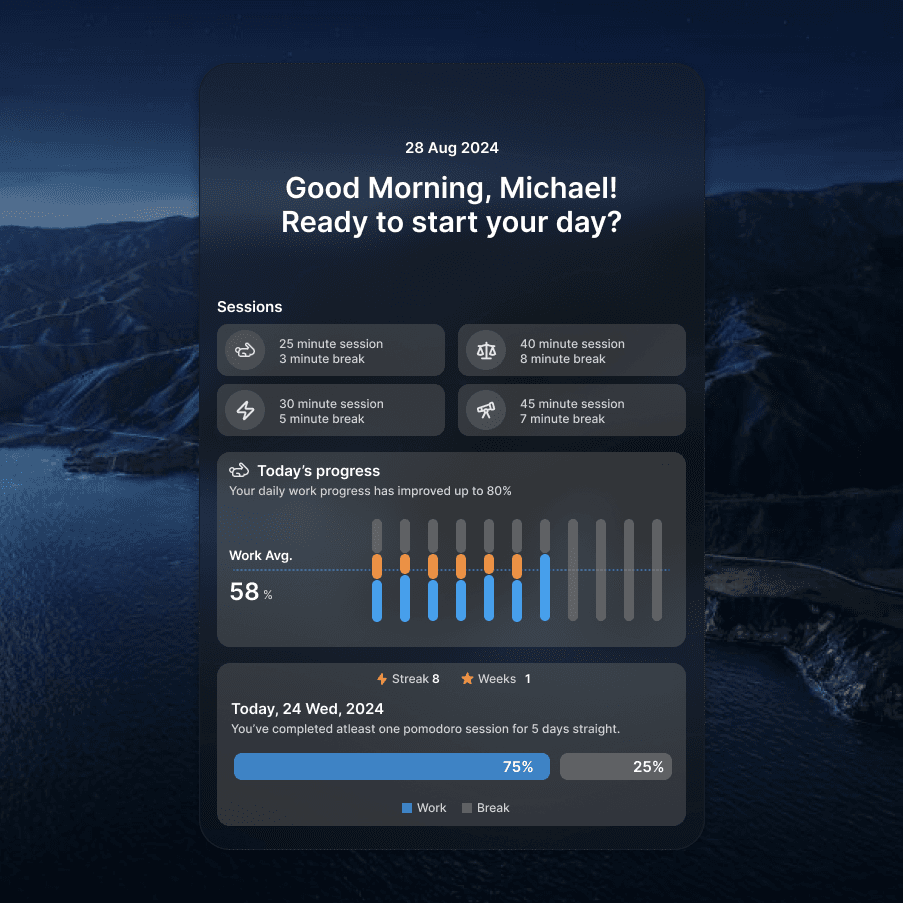
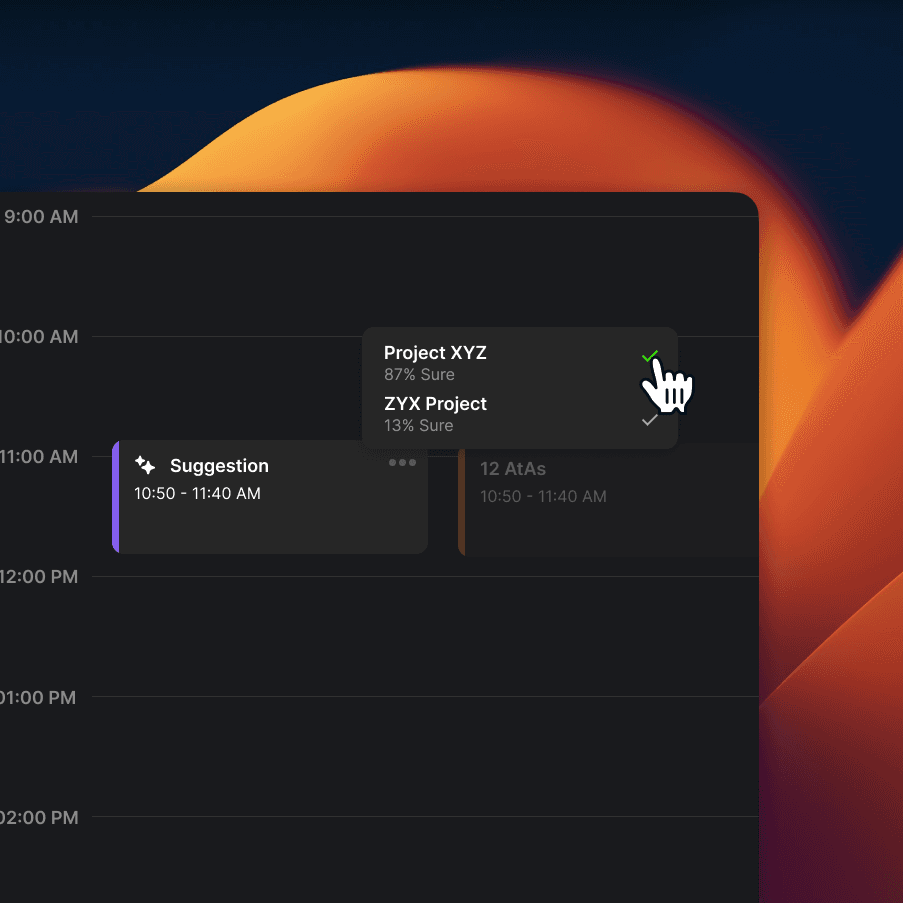
About this app
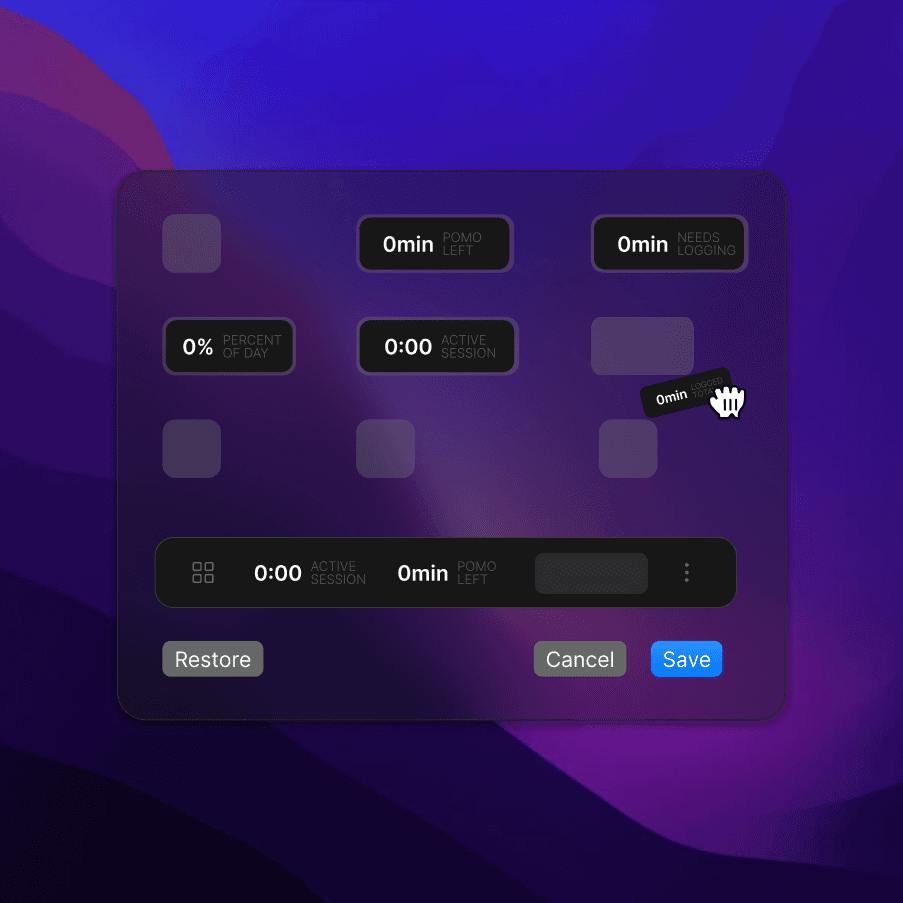
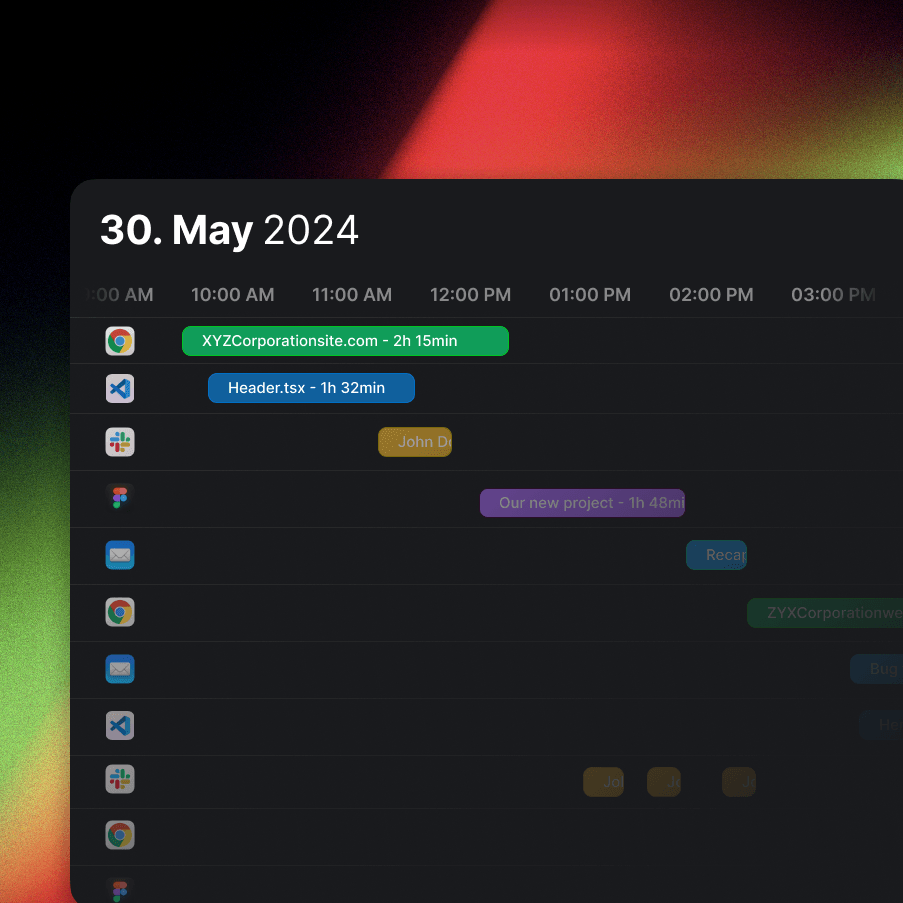
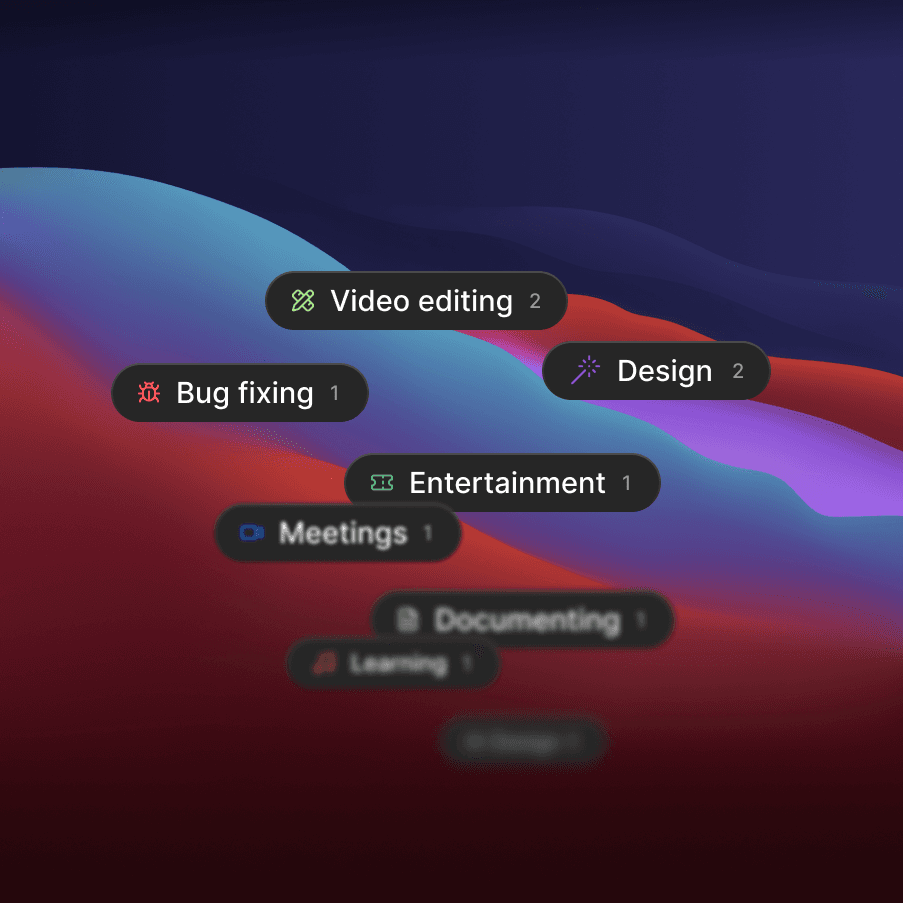
Taim is a game-changer for anyone tired of manual time logging. As a tech-savvy user, I've found it incredibly useful for its silent background tracking that captures work hours without any effort. It's perfect for freelancers and remote teams who need accurate billing and detailed reports. The app integrates with project management tools and offers granular analytics, making it ideal for optimizing workflows. While it lacks in accessibility and has some security concerns, its automation and ease of use are top-notch. If you're billing by the hour or just want to see where your time goes, Taim is definitely worth a try.
Key features
- 1Excellent automation with passive tracking for effortless time logging
- 2Intuitive navigation and clear data visualization for effective workflow management
- 3Strong integration capabilities with project management tools for seamless use
Target customer profile
Drawn from the product itself, not from a survey.
Demographic
Freelancers
Pain points
Manual time logging inaccuracies
Primary needs
Automated billing, client reports
Demographic
Remote Teams
Pain points
Tracking distributed work hours
Primary needs
Centralized analytics, integrations
Demographic
Agencies
Pain points
Project cost estimation
Primary needs
Time allocation insights
Scout Review
Written by AI from measured evidence, scored out of 100.
Taim delivers exceptional automated time tracking that eliminates the pain of manual logging, making it ideal for freelancers and remote teams who bill by the hour. Its strength lies in the seamless background monitoring and useful analytics, though it falls short on accessibility and could improve security transparency. The utilitarian design serves its purpose well without distracting from functionality.
Measure by measure
Usability
90Excellent automation with passive tracking, intuitive session adjustments, and seamless project management integrations.
Design
80Functional, workflow-centric interface with clear data visualization and intuitive navigation, though lacks visual customization options.
Speed
85Efficient background tracking performance, though browser monitoring may cause lag on older hardware.
Security
75Offline-first approach with local data storage reduces cloud risks, but lacks explicit encryption details.
Accessibility
65No evident support for screen readers, high-contrast modes, or keyboard navigation - significant accessibility gap.
Growth
85Strong remote work market demand with excellent automation foundation and room for feature expansion.
Improvement areas
- Lacks accessibility features such as screen reader support and high-contrast modes
- Insufficient security transparency with no explicit encryption details
- Performance issues on older hardware, particularly with browser monitoring
Design & Usability
Taim's design philosophy clearly prioritizes function over form, delivering a no-nonsense interface that gets the job done without unnecessary flourishes. The workflow-centric approach makes navigation intuitive for power users, with features like session adjustments and tag filters that feel natural once you're familiar with the system. While the utilitarian aesthetic won't win any design awards, the clear data visualization through stacked charts and time allocation graphics effectively communicates complex information. The automation is where Taim truly shines - the passive background tracking eliminates the mental overhead of manual time logging, making it perfect for focused work sessions where you don't want constant interruptions.
Speed & Security
Performance-wise, Taim handles its core function of background monitoring efficiently, running smoothly without noticeable resource hogging on modern systems. However, the browser monitoring feature can introduce performance overhead, particularly on older hardware where every CPU cycle counts. Security presents a mixed bag - the offline-first approach and local data storage significantly reduce cloud-based vulnerability risks, which is a smart architectural choice. But the lack of explicit encryption details or clear privacy policy communication leaves questions unanswered about database protection. For an app that potentially captures sensitive work patterns and client information, this ambiguity is concerning and needs addressing.
Accessibility & Growth
Accessibility is Taim's most significant weakness, with no evident support for assistive technologies, customizable contrast, or keyboard navigation alternatives. This exclusionary approach limits its usability for users with visual or motor impairments, which is disappointing in 2025. However, the growth potential remains strong due to increasing remote work trends and the solid automation foundation. The app's integration capabilities with project management tools provide a scalable framework that could easily expand to include more platforms and features. The market demand for hands-off time tracking solutions continues to grow, positioning Taim well if it addresses its current limitations.
Conclusion
If you're a freelancer or team lead tired of constantly remembering to track time manually, Taim's automated approach is genuinely transformative. The passive monitoring captures work hours accurately while you focus on actual work, and the reporting features make client billing surprisingly painless. While it has room for improvement in accessibility and security communication, the core functionality delivers exactly what promises - effortless time tracking that actually works.
Suggestions for improvement
- Implement basic accessibility features including screen reader support, high-contrast mode, and keyboard navigation to make the app inclusive.
- Add explicit encryption for local data storage and clearly communicate privacy policies to build user trust.
- Optimize browser monitoring performance to reduce impact on older hardware.
- Expand integration options to include more project management platforms like Trello and Asana for broader workflow compatibility.
Alternatives comparison
Named competitors, point by point. Nobody paid to appear here or to be left out.
 Taim |  Toggl |  Harvest |  Clockify | |
|---|---|---|---|---|
| Automation Level | Full passive tracking | Manual with some automation | Manual primary | Manual with reminders |
| Free Tier | Limited free version | Generous free plan | Freemium model | Completely free |
| Team Features | Strong team analytics | Excellent collaboration | Basic team functions | Limited team options |
| Integration Options | Select project tools | Extensive integrations | Good integration range | Basic integrations |
Toggl
A popular time-tracking tool with manual and automated features, great for teams and freelancers.
Harvest
Time tracking and invoicing software that integrates with various apps for seamless workflow management.
Clockify
Free time tracker with reporting and project management capabilities, suitable for small businesses.
Comparing options? See Taim alternatives, scored side by side
More Productivity apps
View all Productivity
Notion
92All-in-one AI workspace for docs, projects, and knowledge...

Qamarero
92An all-in-one hospitality software for restaurants and ba...

EmbedMyReviews
92White-label reputation management software for agencies s...

StoryPad
92Privacy-first open source journal app with a continuous t...

Puzzly – B2B Lead Generation & Sales Intelligence Platform
92Puzzly is an all-in-one B2B lead generation platform that...

The Stack Newsletter
92A weekly newsletter delivering curated tech jobs, intervi...

Vibe Coding Agent Skills
92A free, open-source platform offering 110 AI agent skills...

QRBliss
91Branded QR codes with AI Brand Sync, 15 free dynamic code...

Gerty
91Private, local AI assistant for Mac that runs offline

CC Switch
91Open-source desktop app for switching AI coding providers...

username.md
90One verified handle for your online identity, readable by...

PitchWhip
90AI cold call scripts & direct dials from LinkedIn


A platform dedicated to providing unbiased reviews of newly launched applications, analyzing everything from their features to their full potential.
info@scoutforge.net© 2026 Scoutforge. All rights reserved.
