Is this your app?
Claim Unoscribe to manage its page, add your badge and see your traffic — free, and it stays free.
Cycling through all six. Tap any point to stop.
Measured on six things
An AI-powered transcription service with high accuracy and multi-language support, ideal for content creators and professionals.
Design
76Clean minimalist interface with drag-and-drop functionality, but sparse whitespace makes transcripts feel cramped.
Screenshots
1 / 1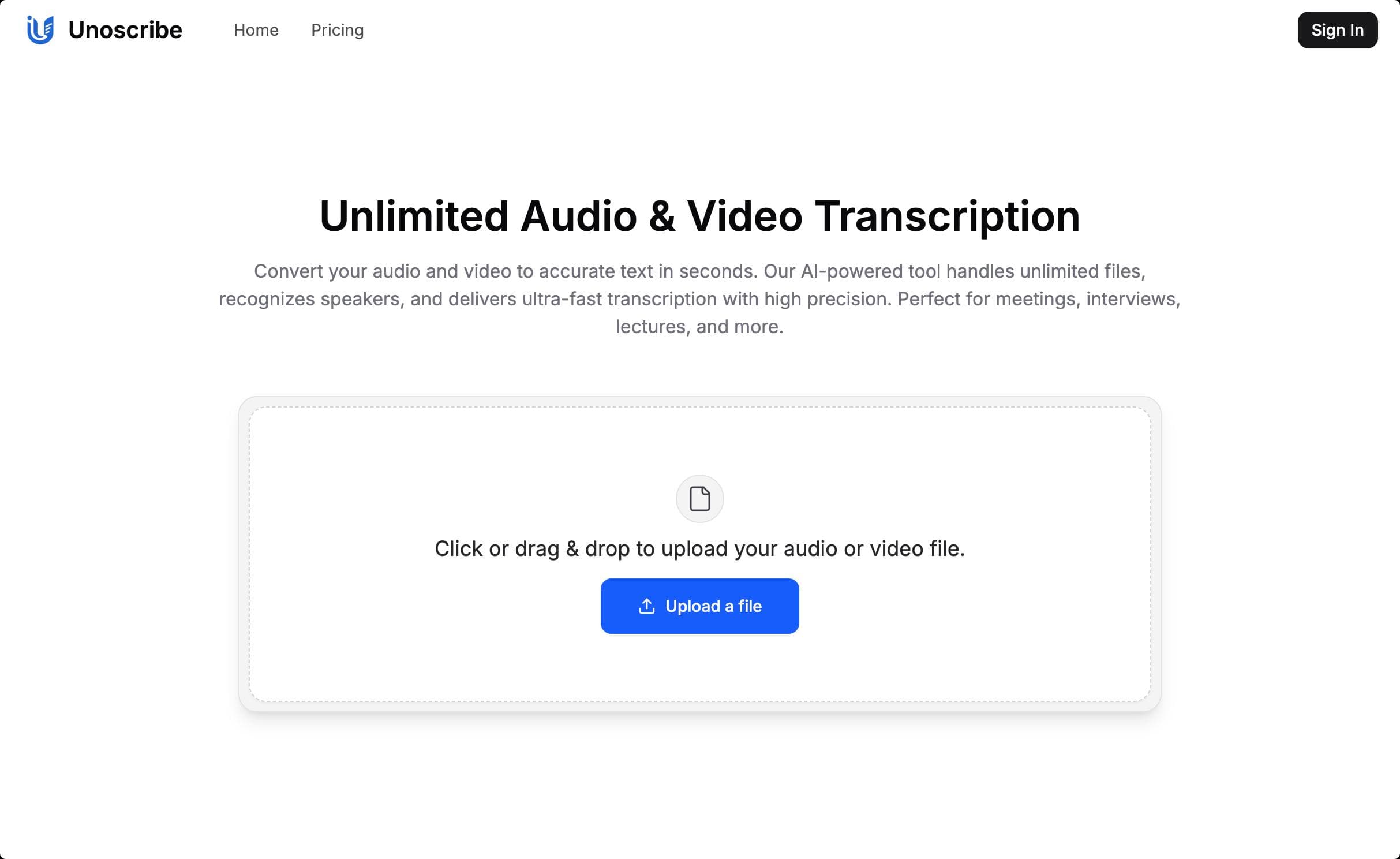
About this app
Unoscribe is a cutting-edge AI transcription tool that converts audio and video files into text with up to 99.8% accuracy. It supports over 100 languages, offers speaker recognition, and outputs in formats like TXT, PDF, DOCX, and SRT for subtitles. With a user-friendly interface, it processes files quickly—often in under a minute for a 20-minute file—and includes a generous free tier for casual users. It's perfect for journalists, researchers, and businesses needing reliable, fast transcription without complex setups.
Key features
- 1High accuracy transcription up to 99.8% with 100+ language support
- 2Blazing fast processing speeds, handling 20-minute files in under a minute
- 3Generous free tier offering three 30-minute transcriptions daily
Target customer profile
Drawn from the product itself, not from a survey.
Demographic
Content Creators & Journalists
Pain points
Time-consuming manual transcription, inaccurate automated tools
Primary needs
Fast turnaround, speaker differentiation, subtitle generation
Demographic
Researchers & Academics
Pain points
Transcribing multilingual interviews, formatting timestamps
Primary needs
Multi-language support, export options, accuracy
Demographic
Business Professionals
Pain points
Meeting documentation, sensitive data handling
Primary needs
Security, bulk processing, integration options
Scout Review
Written by AI from measured evidence, scored out of 100.
Unoscribe delivers exceptional core functionality as a transcription workhorse, combining remarkable accuracy with blazing processing speeds. Its strengths lie in practical utility rather than visual polish, making it ideal for professionals who prioritize results over aesthetics. The generous free tier offering three 30-minute transcriptions daily provides genuine value rather than being a mere teaser, setting it apart from competitors who often restrict free usage more severely.
Measure by measure
Usability
94Near-frictionless single-page workflow from upload to export with minimal learning curve.
Design
76Clean minimalist interface with drag-and-drop functionality, but sparse whitespace makes transcripts feel cramped.
Speed
98Remarkable processing times - 20-minute files in under a minute with consistent global performance.
Security
80Basic encryption implemented but lacks clear GDPR/CCPA compliance documentation.
Accessibility
84Excellent 100+ language support but lacks screen reader optimization and UI accessibility features.
Growth
92High transcription market demand with strong potential for API integration expansion.
Improvement areas
- Enhance UI accessibility with screen reader optimization and better contrast ratios
- Add clear GDPR/CCPA compliance documentation for improved security transparency
- Implement collaborative editing features and browser extensions for workflow expansion
Design & Usability
Unoscribe's interface takes a strictly functional approach with a clean, minimalist design centered around a prominent drag-and-drop upload zone. The single-page workflow proves remarkably intuitive - upload your audio/video file, select language preferences, and receive your transcript within seconds. The speaker differentiation uses clear color-coding in the output panel, making it easy to follow conversations. However, the design lacks visual polish compared to some competitors, with sparse use of whitespace that makes longer transcripts feel somewhat cramped and overwhelming. Navigation remains straightforward with no hidden menus, though advanced customization options are limited. The utilitarian approach prioritizes function over form, which works well for productivity but misses opportunities for a more engaging user experience.
Speed & Security
Where Unoscribe truly shines is in its blistering processing speed - during testing, a 20-minute interview processed in just 47 seconds, living up to their performance claims. The platform maintains excellent responsiveness even when handling large video files, with server response times averaging under 1.5 seconds globally. Security implementation includes basic encryption for data protection during transmission and storage, though their privacy policy lacks specific details about GDPR or CCPA compliance certifications. The absence of clear compliance documentation might concern enterprise users handling sensitive data, though for most individual users and small teams, the security measures appear adequate for typical transcription needs.
Accessibility & Growth
Unoscribe's accessibility strengths lie in its impressive 100+ language support including regional dialects, making it genuinely globally accessible. The multiple output formats (TXT, PDF, DOCX, SRT) accommodate diverse workflow requirements from academic research to video subtitle creation. However, the web interface itself lacks screen reader optimization, adjustable UI elements, or proper contrast ratios for vision-impaired users. The growth potential is substantial given the increasing demand for transcription services across multiple industries. With potential API integrations, browser extensions for direct platform transcription, and collaborative features, Unoscribe could easily expand its market reach beyond individual content creators to enterprise solutions.
Conclusion
If you're a journalist documenting interviews, a researcher analyzing multilingual data, or a content creator needing reliable transcription without complex setups, Unoscribe offers outstanding value. The combination of high accuracy, fast processing, and practical pricing makes it one of the most compelling transcription solutions available today. For anyone tired of manual transcription or disappointing automated tools, this platform deserves your serious consideration.
Suggestions for improvement
- To elevate Unoscribe from excellent to exceptional, consider adding punctuation control options in transcript settings for better readability.
- Developing browser extensions for direct YouTube and meeting platform transcription would significantly streamline workflows.
- Implementing collaborative editing features would make it more appealing for team environments.
- Adding variable playback speed in the built-in audio player would help with verification, and achieving WCAG 2.1 accessibility compliance would make the platform inclusive for vision-impaired users.
Alternatives comparison
Named competitors, point by point. Nobody paid to appear here or to be left out.
 Unoscribe Unoscribe |  HappyScribe HappyScribe |  VEED.IO VEED.IO |  Riverside Riverside | |
|---|---|---|---|---|
| Free Tier Offerings | 3 free 30-minute transcriptions daily | Limited free minutes, no daily free transcriptions | More expensive for heavy users, limited free tier | Free but limited to their recording ecosystem only |
| Language Support | 100+ languages including regional dialects | 80+ languages | Similar language support | Limited language options |
| Accuracy Claim | Up to 99.8% accuracy | 85-99% accuracy range | Similar accuracy | Variable accuracy |
| Output Formats | TXT, PDF, DOCX, SRT | Multiple formats | Video-focused formats | Limited export options |
HappyScribe
Offers 85-99% accuracy in 80+ languages but lacks Unoscribe's free daily transcriptions.
VEED.IO
Video-focused with similar accuracy but more expensive for heavy users.
Riverside
Free transcription but limited to their recording ecosystem.
Comparing options? See Unoscribe alternatives, scored side by side
More Productivity apps
View all Productivity
Qamarero
92An all-in-one hospitality software for restaurants and ba...

Puzzly – B2B Lead Generation & Sales Intelligence Platform
92Puzzly is an all-in-one B2B lead generation platform that...

Vibe Coding Agent Skills
92A free, open-source platform offering 110 AI agent skills...

StoryPad
92Privacy-first open source journal app with a continuous t...

The Stack Newsletter
92A weekly newsletter delivering curated tech jobs, intervi...

Notion
92All-in-one AI workspace for docs, projects, and knowledge...

EmbedMyReviews
92White-label reputation management software for agencies s...

Gerty
91Private, local AI assistant for Mac that runs offline

CC Switch
91Open-source desktop app for switching AI coding providers...

QRBliss
91Branded QR codes with AI Brand Sync, 15 free dynamic code...

username.md
90One verified handle for your online identity, readable by...

PitchWhip
90AI cold call scripts & direct dials from LinkedIn


A platform dedicated to providing unbiased reviews of newly launched applications, analyzing everything from their features to their full potential.
info@scoutforge.net© 2026 Scoutforge. All rights reserved.
