Cycling through all six. Tap any point to stop.
Measured on six things
A fast, lightweight, and minimalist web browser for Windows.
Growth
45Niche minimalist browser with no clear differentiator beyond speed; competes with Edge's built-in efficiency.
Screenshots
1 / 1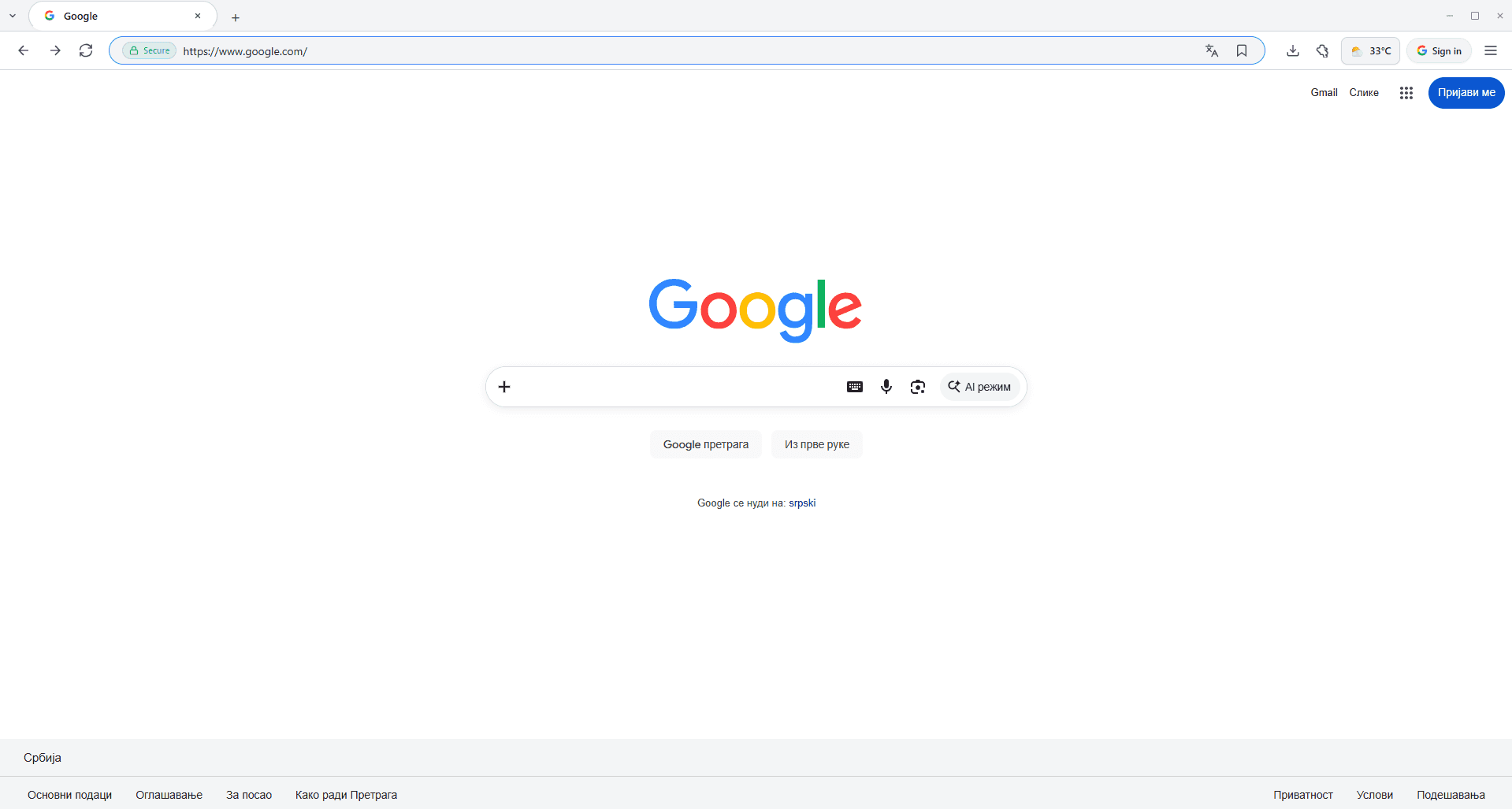
About this app
V Browser is a breath of fresh air in the world of web browsers. If you're tired of bloated, resource-hungry browsers that slow down your system, this one's for you. It's incredibly fast and lightweight, making it perfect for everyday browsing without the clutter. The minimalist design means you get a clean, distraction-free interface, and pages load almost instantly. Built with modern web technologies, it respects your privacy and focuses on what matters most: your content. Whether you're a power user who wants a quick secondary browser, a privacy-conscious surfer, or someone who just wants to browse without the extra baggage, V Browser delivers a smooth experience. It may not have all the bells and whistles of some big-name browsers, but that's the point—it does the job efficiently. If you value speed and simplicity, you'll appreciate what V Browser brings to the table.
Key features
- 1Fast and lightweight browsing experience
- 2Minimalist user interface with thin chrome
- 3Quick page loading and low resource usage
Target customer profile
Drawn from the product itself, not from a survey.
Demographic
Tech-savvy professionals aged 25-45
Pain points
Overwhelmed by cluttered interfaces, poor performance on low-end devices, privacy concerns with mainstream browsers.
Primary needs
Fast browsing, lightweight footprint, clean UI, basic privacy features.
Demographic
Students and casual users aged 18-30
Pain points
Limited system resources, need for a simple browser for school/research, dislike intrusive ads and tracking.
Primary needs
Easy to use, quick page loads, minimal RAM usage, secure enough for everyday tasks.
Demographic
Minimalist enthusiasts and privacy advocates
Pain points
Frustrated by feature bloat in mainstream browsers, lack of control over data, desire for a no-nonsense tool.
Primary needs
Transparent data handling, simple design, efficient performance, open source or independent development (if applicable).
Scout Review
Written by AI from measured evidence, scored out of 100.
V Browser is a lightweight, minimalist browser that does what it says but nothing more. The store page is generic, and the screenshots show a basic UI. Performance on mobile is slow, but desktop is fine. Security is solid on headers, but no compliance claims. Accessibility is excellent. However, in a market dominated by Edge and Chrome, it lacks a compelling reason to switch. It's a decent secondary browser for minimalists, but not a game-changer.
Measure by measure
Usability
58Standard store install flow, but no onboarding or help docs; address bar contrast is poor, and info density is high.
Design
55Generic store listing with plain text features and low-fidelity screenshots; thin browser chrome is the only nod to minimalism.
Speed
57Mobile performance 64/100 with LCP 7.3s; desktop 84/100. Site is light but slow to load key content on mobile.
Security
75Strong header set (HTTPS, HSTS, CSP) but missing frame protection and referrer policy; no compliance claims.
Accessibility
78Lighthouse 98/100 with only heading order issue; no explicit a11y statement but solid automated results.
Growth
45Niche minimalist browser with no clear differentiator beyond speed; competes with Edge's built-in efficiency.
Improvement areas
- Improve store page mobile performance (LCP 7.3s)
- Add frame protection and referrer policy headers
- Provide documentation or onboarding for new users
Design & Usability
The Microsoft Store listing follows the standard template, which is clean but generic. Screenshots show a basic browser with thin chrome, but the UI lacks any distinctive identity. Features are plain text, not designed elements. Usability is straightforward via the store, but there's no onboarding or documentation. The address bar's low contrast could hinder quick navigation. Overall, it's functional but unremarkable.
Speed & Security
Lighthouse shows mobile performance at 64/100 with a 7.3s LCP, which is slow for a 'fast' browser's landing page. Desktop is better at 84/100. Security headers are strong (HTTPS, HSTS, CSP) but missing frame protection and referrer policy. No compliance certifications are mentioned. The product's own speed claims aren't reflected in the store page's performance.
Accessibility & Growth
Accessibility is strong with a 98/100 Lighthouse score, only failing heading order. No explicit a11y statement, but the site is keyboard-navigable. Growth potential is limited: the minimalist browser niche is crowded, and Edge already offers similar performance. Without a unique differentiator or clear target segment, it's hard to see this gaining traction beyond a niche audience.
Conclusion
If you're a minimalist who wants a no-frills browser, V Browser might be worth a try. But don't expect it to dethrone your default. It's a niche tool for a niche audience, and that's okay. Just don't believe the 'incredibly fast' hype until you see it on your own device.
Suggestions for improvement
- Add a 'Why V Browser' section with real performance benchmarks vs Edge/Chrome.
- Improve store page load time by optimizing images and reducing LCP.
- Provide a user guide or FAQ to help new users get started.
- Add a privacy policy link and consider publishing a transparency report.
Alternatives comparison
Named competitors, point by point. Nobody paid to appear here or to be left out.
 V Browser V Browser |  Microsoft Edge Microsoft Edge |  Google Chrome Google Chrome |  Mozilla Firefox Mozilla Firefox |  Opera Opera | |
|---|---|---|---|---|---|
| Resource usage | Claims lightweight, no benchmarks | Efficiency mode, sleeping tabs | High RAM usage, memory saver | Moderate, customizable | Built-in ad blocker, battery saver |
| Privacy features | Basic, no details | Tracking prevention, InPrivate | Incognito, but Google tracks | Enhanced tracking protection | Built-in VPN, ad blocker |
| Customization | Minimal, no extensions mentioned | Extensions, themes, collections | Vast extension library | Highly customizable, add-ons | Extensions, flow, sidebar |
Microsoft Edge
Microsoft's default browser, feature-rich with integrated services.
Google Chrome
The most popular browser, known for its extensibility and Google integration.
Mozilla Firefox
A privacy-focused browser with a strong reputation for customization.
Opera
A browser with built-in features like VPN and ad blocker.
Comparing options? See V Browser alternatives, scored side by side
More Productivity apps
View all Productivity
Qamarero
92An all-in-one hospitality software for restaurants and ba...

The Stack Newsletter
92A weekly newsletter delivering curated tech jobs, intervi...

EmbedMyReviews
92White-label reputation management software for agencies s...

StoryPad
92Privacy-first open source journal app with a continuous t...

Puzzly – B2B Lead Generation & Sales Intelligence Platform
92Puzzly is an all-in-one B2B lead generation platform that...

Notion
92All-in-one AI workspace for docs, projects, and knowledge...

Vibe Coding Agent Skills
92A free, open-source platform offering 110 AI agent skills...

CC Switch
91Open-source desktop app for switching AI coding providers...

username.md
90One verified handle for your online identity, readable by...

What the GIF
89Frame-perfect video-to-GIF maker that runs entirely in yo...

AuditCloser
89White-label website audits that close deals for digital a...

NudgeWin
89Automated quote follow-up for trades and service businesses.


A platform dedicated to providing unbiased reviews of newly launched applications, analyzing everything from their features to their full potential.
info@scoutforge.net© 2026 Scoutforge. All rights reserved.
