Cycling through all six. Tap any point to stop.
Measured on six things
Loud alarm clock with missions to wake heavy sleepers.
Speed
58No Lighthouse performance run was captured, so no measured load data exists. The marketing site is a light static page, and object recognition plus calendar reads are documented as on-device, which avoids network calls. Scored in the category-typical band on indirect signals only.
Screenshots
1 / 4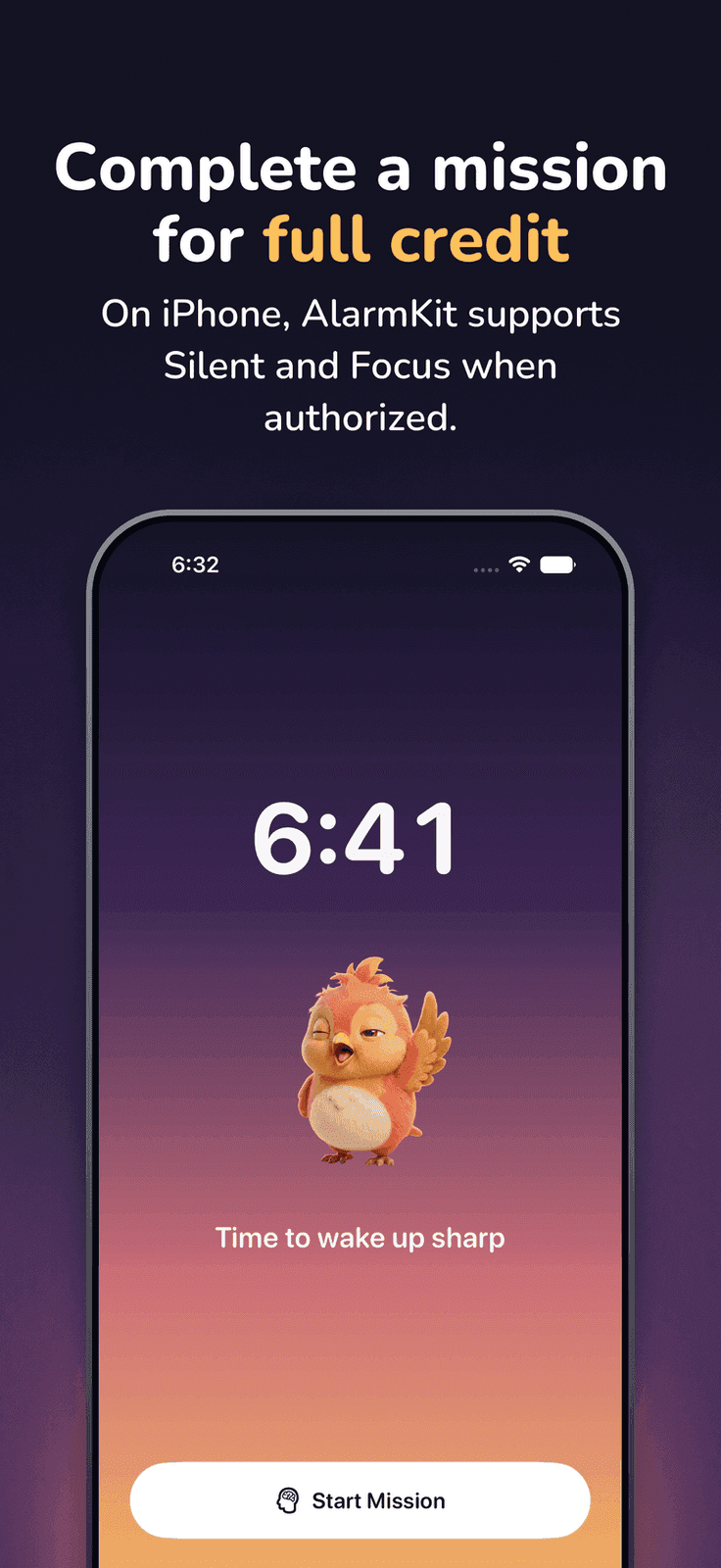
About this app
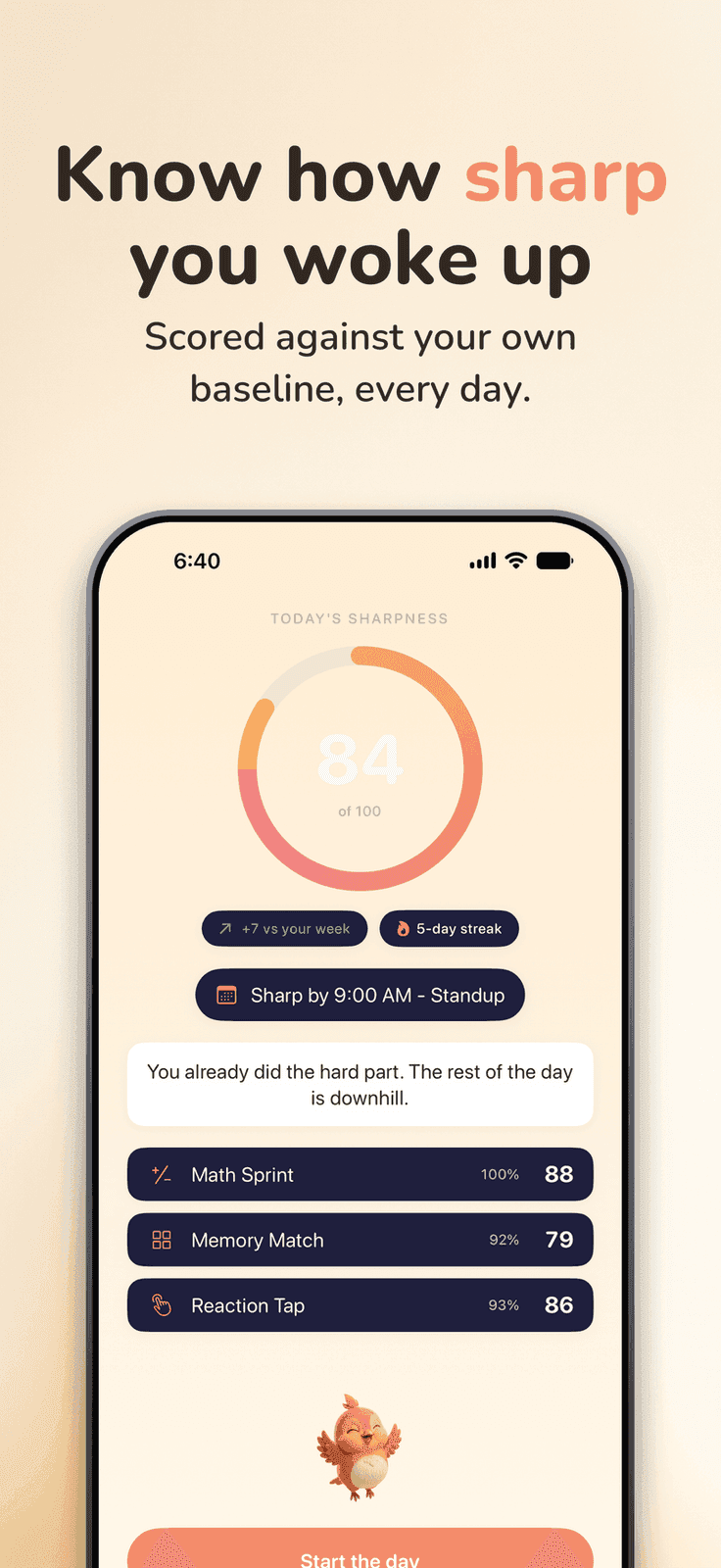
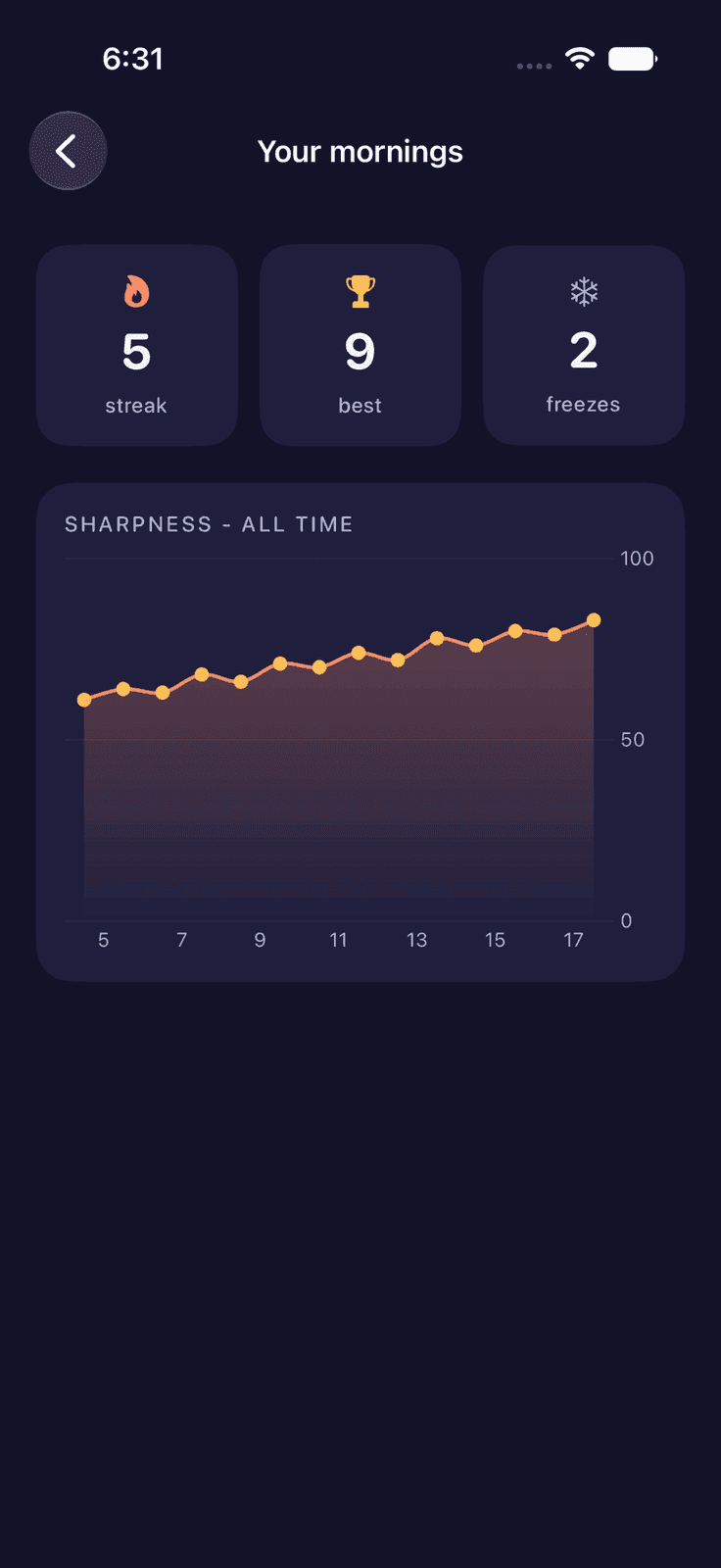
WakeSharp is a no-nonsense alarm clock app designed for heavy sleepers who struggle to get out of bed. It combines loud alarm tones with interactive missions like solving math problems, scanning objects, or walking to ensure you're fully awake. The app also offers smart features like calendar integration and shift work profiles. With a focus on reliability and privacy, WakeSharp is a great alternative to standard alarm apps.
Key features
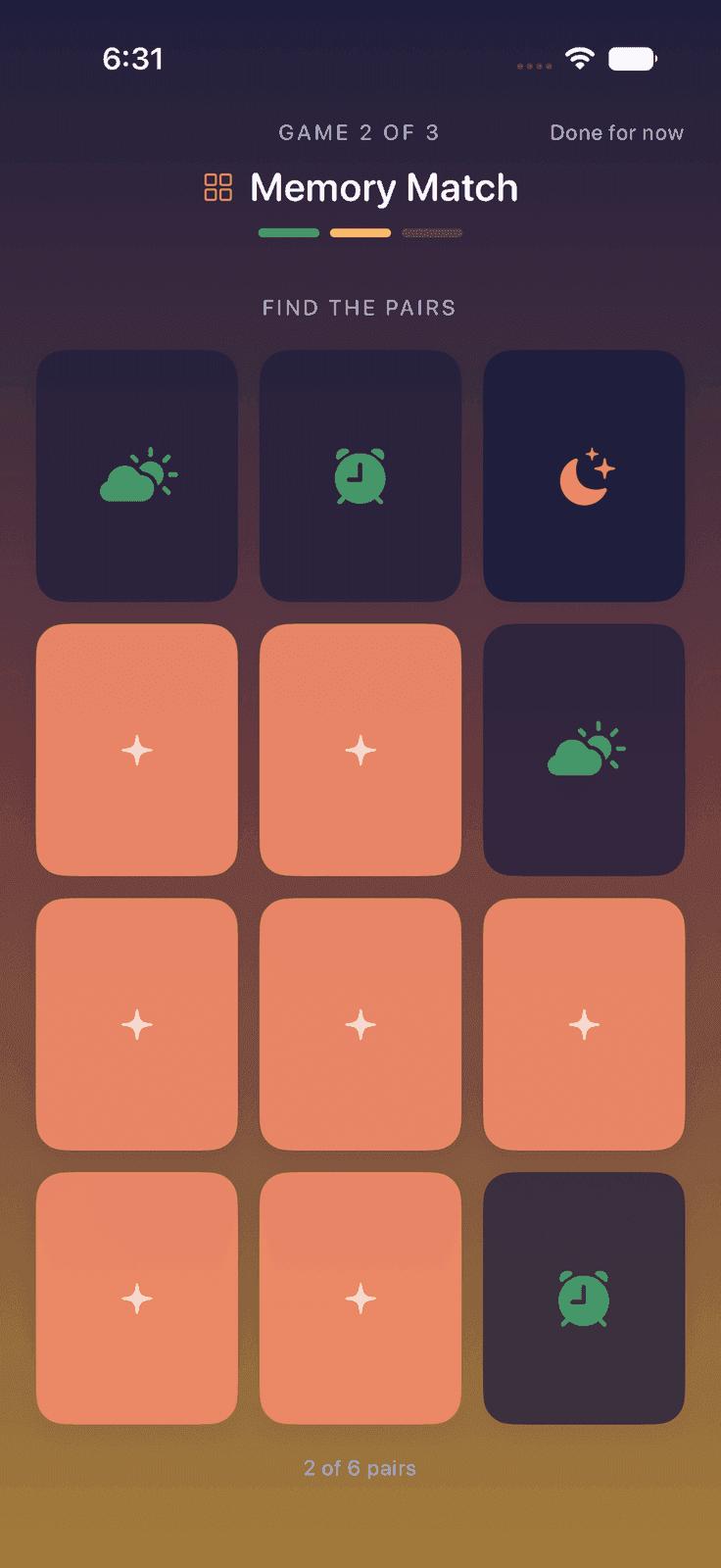
- 114 alarm missions across Mind, Camera, Movement and Voice categories, sequenceable and repeatable until completed.
- 2Shift rotation profiles with preview calendar and skip-a-date, plus profiles that swap whole alarm sets for work, vacation or on-call.
- 3Read-only on-device calendar integration that re-checks overnight and moves the alarm when your first meeting moves.
Target customer profile
Drawn from the product itself, not from a survey.
Demographic
Heavy Sleepers
Pain points
Often sleep through alarms, feel groggy, struggle to get up.
Primary needs
Loud alarm, engaging wake-up missions, reliability.
Demographic
Shift Workers
Pain points
Irregular schedules, difficulty adjusting alarms, forgetting to change alarms.
Primary needs
Flexible alarm scheduling, shift rotations, easy adjustments.
Demographic
Professionals with Early Meetings
Pain points
Waking up on time for meetings, adjusting alarms when meetings change.
Primary needs
Calendar integration, automatic alarm adjustments, reliability.
Scout Review
Written by AI from measured evidence, scored out of 100.
WakeSharp is a well-built alarm app for people who genuinely cannot get out of bed, and it knows its audience. The mission library is broad — math, memory, sequence recall, colour clash, typing, photo proof, object scan, fetch, face check, fruit slash, walking, first light, name five — and the smart features (shift rotations, profiles, read-only calendar alarms) target shift workers and early-meeting professionals rather than trying to be everything to everyone. The measured evidence backs up the polish: a 100/100 accessibility audit and 10/12 security headers are strong numbers for an indie app. The weaknesses are structural rather than sloppy: no CSP, no published security or accessibility documentation, no web demo, and a crowded competitive field where Alarmy already owns the mission-alarm mindshare. It is a competent, honest product that needs to lead with its shift-work and calendar features instead of its fourteenth mission.
Measure by measure
Usability
7014 missions across Mind, Camera, Movement and Voice, sequenceable, plus shift rotations, profiles and read-only calendar alarms. Onboarding is spelled out: pick a tone, pick a mission, test the volume. No web demo, so value requires an install.
Design
72Judging the app UI from store screenshots: a dark, high-contrast alarm editor with a clear Loud sound category and a well-organized mission picker. Consistent iconography across 8 screens. Landing page is clean marketing, but the app is the product here.
Speed
58No Lighthouse performance run was captured, so no measured load data exists. The marketing site is a light static page, and object recognition plus calendar reads are documented as on-device, which avoids network calls. Scored in the category-typical band on indirect signals only.
Security
74Probe shows HTTPS enforced, HSTS, frame protection, X-Content-Type-Options, Referrer-Policy, Permissions-Policy, SPF and DMARC — 10/12 checklist points. CSP is missing. Calendar is read-only and on-device; no SOC 2 or pen-test claim published.
Accessibility
80Lighthouse accessibility audit scored a perfect 100/100 on automated axe-core checks. Site offers 12 languages, app localized in 7. Missions include voice and camera input paths. No published WCAG statement, so this sits at the top of the measured band rather than above it.
Growth
58A real problem with a specific segment (heavy sleepers, shift workers) and a genuine differentiator: 14 missions plus shift-rotation profiles and calendar-driven alarm moves. But it's crowded — Alarmy and Sleep Cycle already own this space. Context: domain 0.1 years old, 2 store ratings.
Improvement areas
- No CSP header and no published security page, SOC 2, pen-test or bug bounty despite calendar and camera access.
- No web demo or free trial — value requires an install, and the mission list is hard to evaluate from screenshots alone.
- No accessibility statement or WCAG conformance claim, despite a 100/100 automated audit score.
Design & Usability
WakeSharp ships as an iOS and Android app, so the app UI is the product and the website is marketing — and the app UI, judged from eight store screenshots, is competent: a dark, high-contrast alarm editor with a clearly separated 'Loud' sound category and a mission picker that groups 14 tasks under Mind, Camera, Movement and Voice. The landing page is clean and honest, even warning users that iOS controls system alarm volume and that they should test tones on their own phone. Usability is where the product earns its keep: missions are sequenceable, shift rotations handle non-weekly patterns with a skip-a-date option, profiles swap whole alarm sets, and calendar integration is read-only and on-device. The friction is that there is no web demo or trial — you install to find out if it works for you — and the mission list, while long, is mostly variations on 'do a thing before the alarm stops.'
Speed & Security
Speed is the least verifiable dimension here: no Lighthouse performance run was captured for this app, so there is no measured load data to cite. What the evidence does show is architectural good sense — object recognition and calendar reads are documented as running on-device, which avoids network round-trips and keeps the alarm functional without a connection. The marketing site itself is a light static page with no heavy media player. Security is genuinely above average for an indie alarm app: the HTTP probe found HTTPS enforced, HSTS, frame protection, X-Content-Type-Options, Referrer-Policy, Permissions-Policy, plus SPF and DMARC — 10 of 12 checklist points. The gap is CSP, which is absent, and the absence of any published SOC 2, ISO, pen-test or bug bounty program. For an app that touches your calendar and camera, that transparency gap matters more than it would for a notes app.
Accessibility & Growth
Accessibility is the strongest measured signal: Lighthouse's axe-core audit scored a perfect 100/100, and the site ships in 12 languages while the app is localized in 7. Missions span voice, camera and movement inputs, which gives users multiple ways to dismiss an alarm. The caveat is that automated audits cover only part of WCAG, and no accessibility statement or conformance claim is published, so this sits at the top of the measured band rather than above it. Growth is a judgement on the idea: the problem is real and the segment is specific — heavy sleepers who sleep through standard alarms, plus shift workers whose schedules don't fit a weekly pattern. The differentiator is breadth: 14 missions, shift-rotation profiles, and calendar-driven alarm moves that re-check overnight. But the category is crowded — Alarmy, Sleep Cycle and I Can't Wake Up! all occupy adjacent ground, and 'more missions' is a feature race, not a moat. The shift-rotation and calendar wedges are the more defensible angle.
Conclusion
If you're a heavy sleeper who has tried and abandoned three alarm apps, WakeSharp is worth the install — the mission variety and on-device processing are real, and the shift-rotation support is genuinely uncommon. If you're a shift worker whose schedule never repeats, that feature alone may justify it over Alarmy. But go in knowing what you're getting: no trial, no web preview, and a security posture that's solid on headers but silent on audits. The app is free to try on both stores, so the cost of finding out is an install and one bad morning. That's a fair trade for a product that at least tells you the truth about iOS volume controls instead of pretending it can override them.
Suggestions for improvement
- Publish a security page with your data-handling practices and, if feasible, a third-party pen-test or bug bounty program.
- Add a CSP header to close the one gap in an otherwise strong 10/12 header checklist.
- Ship a short web demo or 60-second video showing a real mission dismissal — the install-only funnel loses curious users.
- Lead the marketing with shift rotations and calendar-driven alarms; the mission list is table stakes against Alarmy.
Alternatives comparison
Named competitors, point by point. Nobody paid to appear here or to be left out.
 WakeSharp |  Alarmy |  Sleep Cycle |  I Can't Wake Up! | |
|---|---|---|---|---|
| Wake-up missions | 14 missions: math, memory, sequence, colour clash, typing, photo, object scan, fetch, face check, fruit slash, walking, first light, name five, random. | Math problems, photo tasks, shaking, typing and memory games. | No missions; wakes you during light sleep via motion/sound tracking. | Math, memory, typing and other task-based dismissals. |
| Shift work / irregular schedule support | Shift rotations with preview calendar, skip-a-date, and profiles that swap whole alarm sets. | Standard recurring alarms; no dedicated shift-rotation model. | Smart alarm window based on sleep cycle; not built around shift rotations. | Standard recurring alarms; no shift-rotation profiles. |
| Calendar integration | Read-only, on-device; re-checks overnight and moves alarm when first meeting moves. | Not a core advertised feature. | Not a core advertised feature. | Not a core advertised feature. |
| Pricing | Free on App Store and Google Play; no pricing page found on site. | Free with premium subscription tiers. | Free with premium subscription. | Free with optional paid upgrade. |
| Platforms | iOS and Android; Apple Watch companion for 'I'm up' delay. | iOS and Android. | iOS and Android. | Android (Google Play). |
Alarmy
Alarm clock app with missions like math problems, photo tasks, and shaking to wake up.
Sleep Cycle
Smart alarm that tracks sleep cycles and wakes you during light sleep.
I Can't Wake Up!
Alarm app with various tasks like math, memory, and typing to dismiss.
Comparing options? See WakeSharp alternatives, scored side by side
More Health & Wellness apps
View all Health & Wellness
StoryPad
92Privacy-first open source journal app with a continuous t...

Pushup RPG: Fitness Quest
90Pushup RPG is a camera-based push-up counter and fitness RPG for home workouts. Real push-ups and squats become attacks as you defeat 48 foes across 8 biomes, earn XP and loot, join guilds, and battle in live 40-second duels. Free on iOS and Android.

Gryper
89Workout tracker with muscle heatmaps and volume landmarks

Snapkin: Photo Calorie Counter
88Snapkin is a calorie tracker you use by photographing your plate.

Innermost
87An AI-powered emotional support app that acts as a person...

Cat Years to Human Years
86Free cat age calculator converting cat years to human years.

Mantra Meditation Timer
85A minimalist, distraction-free meditation timer for mantr...

TDEE Calculator
84Free TDEE calculator that estimates maintenance calories, weight loss targets, muscle gain calories, and macro recommendations based on your body stats and activity level.

FitLifeBud
84AI meal plans for your week, with one aisle-sorted shopping list

WellWired
84AI explained simply for older adults, with safety lessons...

TheBean.ai
84Adaptive AI personal trainer that evolves with your progr...

SayLift
84Voice workout log and calorie counter for iPhone


A platform dedicated to providing unbiased reviews of newly launched applications, analyzing everything from their features to their full potential.
info@scoutforge.net© 2026 Scoutforge. All rights reserved.
