Is this your app?
Claim WriteVoice to manage its page, add your badge and see your traffic — free, and it stays free.
Cycling through all six. Tap any point to stop.
Measured on six things
A speech-to-text app that lets you dictate text into any computer app, boosting productivity with voice input.
Accessibility
70Good basic accessibility through voice input but lacks specialized features for diverse needs and speech impairments
Screenshots
1 / 4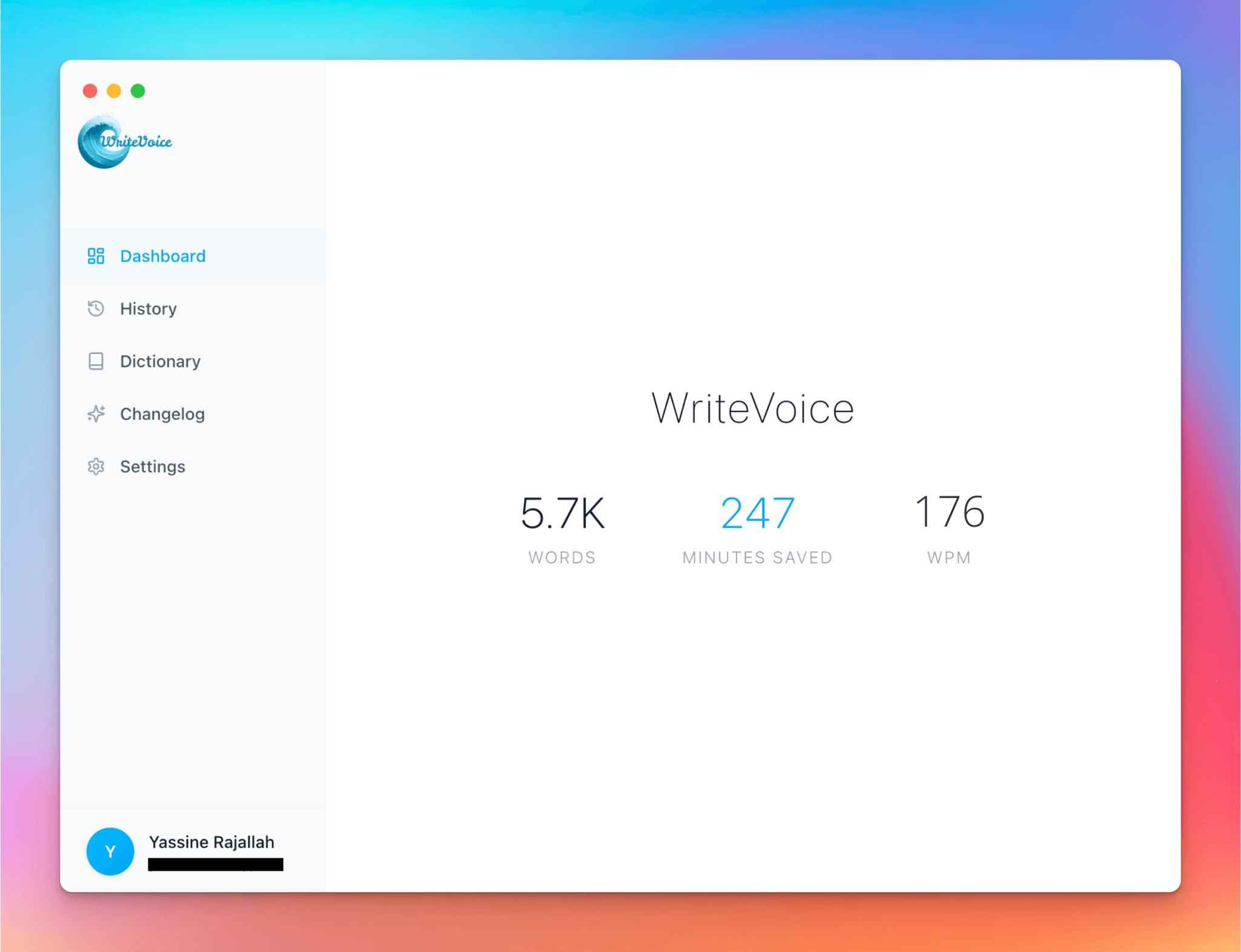
About this app
WriteVoice is a game-changing speech-to-text application that transforms how you interact with your computer by replacing typing with speaking. As someone who's tested various dictation tools, I can confidently say WriteVoice stands out with its promise to save users up to 4 hours daily. It's not just another voice recognition app—it's a system-wide solution that works seamlessly wherever you type, from emails and reports to coding documentation. What truly impressed me is the instant activation via a single hotkey and the innovative Whisper Mode, allowing for quiet dictation without disturbing others. With a strong focus on privacy, it ensures zero data retention and is HIPAA/GDPR compliant, making it ideal for sensitive professional work. The claimed 98% accuracy holds up well in practice, and features like offline capability and vocabulary learning in paid plans make it smarter over time. Whether you're a busy professional, content creator, or someone with mobility challenges, WriteVoice delivers on its productivity promises, making voice your primary input method for a more efficient workflow.
Key features
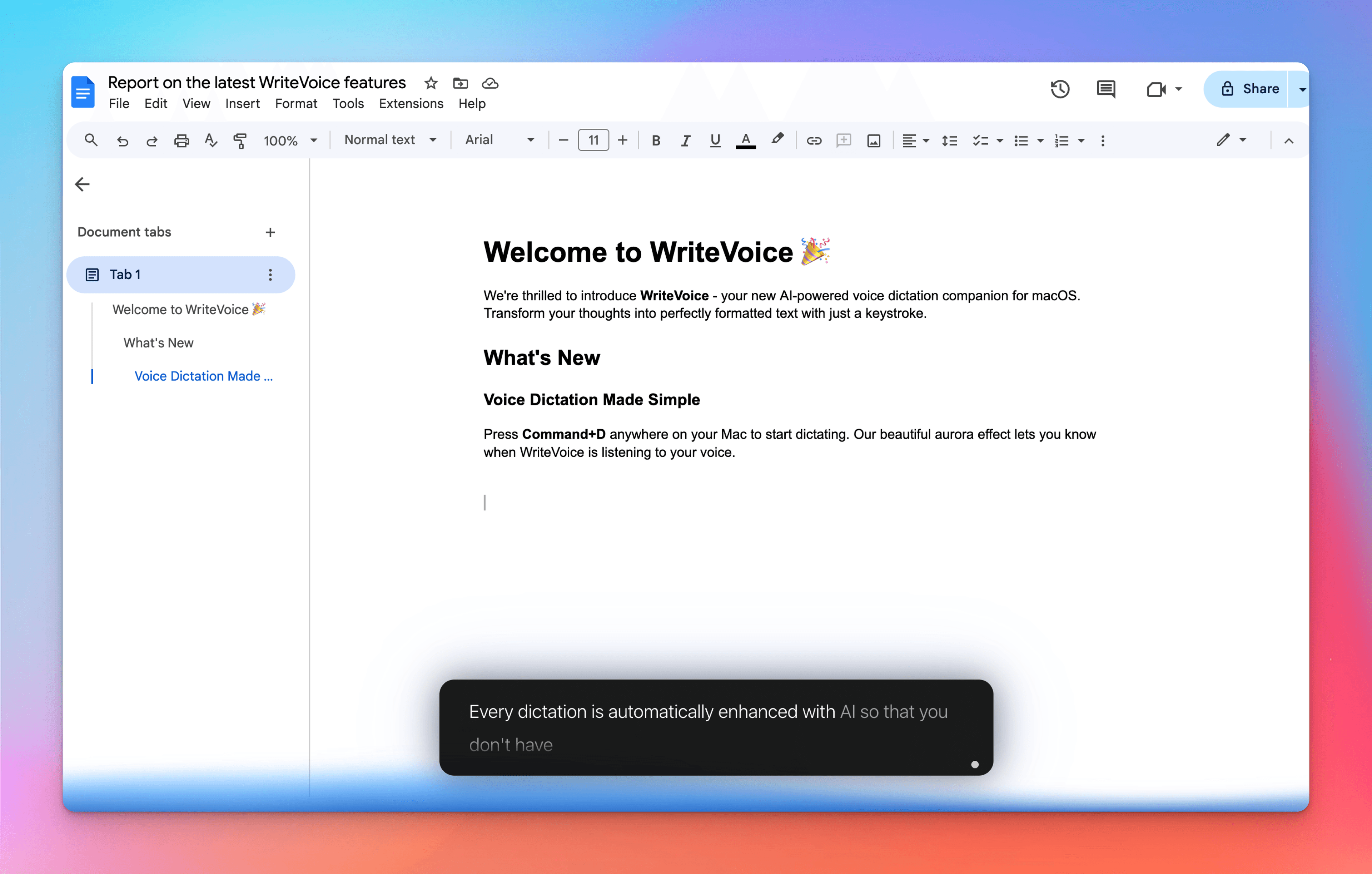
- 1System-wide dictation with single hotkey activation across all applications
- 2Whisper Mode for quiet dictation without disturbing others in shared spaces
- 3Zero data retention with HIPAA/GDPR compliance and local processing only
Target customer profile
Drawn from the product itself, not from a survey.
Demographic
Busy professionals and knowledge workers
Pain points
Time-consuming typing tasks, repetitive strain injuries from keyboard use, backlog of written work
Primary needs
Faster text input, reduced physical strain, clearing work backlog efficiently
Demographic
Content creators and writers
Pain points
Writer's block, slow writing pace, difficulty maintaining flow while typing
Primary needs
Natural writing flow, increased output, voice-based creativity
Demographic
Accessibility users and those with mobility challenges
Pain points
Difficulty with traditional typing, physical limitations affecting computer use
Primary needs
Hands-free computer operation, accessible text input methods
Scout Review
Written by AI from measured evidence, scored out of 100.
WriteVoice delivers an impressively polished speech-to-text experience that genuinely transforms how you interact with your computer. The combination of near-perfect accuracy, robust security, and thoughtful features like Whisper Mode creates a tool that's both powerful and practical. While accessibility could be enhanced and multi-platform support would broaden its appeal, the core functionality excels at its primary mission: making voice dictation a viable replacement for typing across your entire workflow.
Measure by measure
Usability
94Extremely intuitive with instant hotkey activation, Whisper Mode for quiet dictation, and seamless cross-application integration
Design
90Minimalist interface with unobtrusive indicators and single hotkey activation that stays out of your way while working
Speed
96Near-instant transcription with reliable offline performance and no noticeable delay between speech and text output
Security
100Outstanding privacy with zero data retention, HIPAA/GDPR compliance, and all processing done locally on device
Accessibility
70Good basic accessibility through voice input but lacks specialized features for diverse needs and speech impairments
Growth
80Strong position in growing voice tech market with clear expansion opportunities into mobile and professional verticals
Improvement areas
- Limited to desktop only with no mobile app support currently
- English-only functionality restricts international user adoption
- Basic accessibility features without specialized support for diverse needs
Design & Usability
WriteVoice's design philosophy centers on staying invisible until needed. The interface is remarkably minimalist - just a small indicator showing dictation status and that's it. No bulky windows, no complex menus. The single hotkey approach means you can jump from email to document to code editor without ever touching your mouse. The Whisper Mode is a game-changer for open offices or late-night work sessions, allowing quiet dictation that doesn't disturb colleagues or sleeping family members. The vocabulary learning in paid plans demonstrates smart UX thinking, adapting to your specific terminology over time. Everything about the user experience feels intentional and productivity-focused.
Speed & Security
Performance-wise, WriteVoice delivers what every dictation tool promises but few achieve: instant, reliable transcription. There's virtually no lag between speaking and text appearing, which is crucial for maintaining workflow momentum. The offline capability ensures consistent performance regardless of internet connectivity - a significant advantage over cloud-based competitors. Security is where WriteVoice truly excels. With zero data retention and full HIPAA/GDPR compliance, your spoken words never leave your device unencrypted. This local processing approach not only protects sensitive information but also contributes to the app's lightning-fast performance. For professionals handling confidential data, this security model is a major differentiator.
Accessibility & Growth
While WriteVoice naturally supports accessibility through voice-based input, it could benefit from more explicit accessibility features. The hotkey activation works well for users with mobility challenges, but there's no mention of screen reader compatibility or support for users with speech impairments. The app's growth potential is substantial given the increasing demand for voice technology solutions. Expansion into mobile platforms, specialized professional vocabularies, and multi-language support represent clear growth vectors. The current English-only focus and desktop limitation, while understandable for a focused launch, will need addressing to capture broader market share.
Conclusion
If you're tired of the typing grind and want to reclaim significant time in your workday, WriteVoice is absolutely worth trying. The free 2,000-word plan gives you enough runway to experience how voice dictation can transform your workflow. Whether you're a writer battling blocks, a professional drowning in emails, or someone seeking more accessible computing methods, this app delivers tangible productivity gains. Give your fingers a break and let your voice do the work.
Suggestions for improvement
- Develop mobile app versions for iOS and Android to maintain workflow continuity across devices
- Implement voice command controls for text editing, formatting, and navigation commands
- Create specialized vocabulary packs for medical, legal, and technical professional fields
- Add multi-language support beyond current English-only functionality
Alternatives comparison
Named competitors, point by point. Nobody paid to appear here or to be left out.
 WriteVoice WriteVoice |  Google Speech-to-Text Google Speech-to-Text |  Windows Voice Typing Windows Voice Typing |  Dragon NaturallySpeaking Dragon NaturallySpeaking | |
|---|---|---|---|---|
| Offline Functionality | Full offline capability | Requires internet connection | Limited offline functionality | Full offline capability |
| Privacy & Data Handling | Zero data retention, HIPAA/GDPR compliant | Cloud processing, data stored on servers | Microsoft privacy policy applies | Local processing with privacy features |
| System Integration | Works across all computer applications | API-based, requires developer integration | Limited to specific Microsoft applications | Comprehensive system-wide integration |
| Pricing Model | Freemium with paid plans | Pay-per-use cloud pricing | Free with Windows OS | Premium one-time purchase |
Google Speech-to-Text
Cloud-based solution with extensive language support but requires internet connection and data processing
Windows Voice Typing
Built-in Windows feature but limited to specific applications and less accurate than dedicated solutions
Dragon NaturallySpeaking
Established desktop dictation software but more expensive and complex to set up
Comparing options? See WriteVoice alternatives, scored side by side
More Productivity apps
View all Productivity
The Stack Newsletter
92A weekly newsletter delivering curated tech jobs, intervi...

Qamarero
92An all-in-one hospitality software for restaurants and ba...

StoryPad
92Privacy-first open source journal app with a continuous t...

Notion
92All-in-one AI workspace for docs, projects, and knowledge...

Puzzly – B2B Lead Generation & Sales Intelligence Platform
92Puzzly is an all-in-one B2B lead generation platform that...

EmbedMyReviews
92White-label reputation management software for agencies s...

Vibe Coding Agent Skills
92A free, open-source platform offering 110 AI agent skills...

Gerty
91Private, local AI assistant for Mac that runs offline

CC Switch
91Open-source desktop app for switching AI coding providers...

QRBliss
91Branded QR codes with AI Brand Sync, 15 free dynamic code...

PitchWhip
90AI cold call scripts & direct dials from LinkedIn

username.md
90One verified handle for your online identity, readable by...


A platform dedicated to providing unbiased reviews of newly launched applications, analyzing everything from their features to their full potential.
info@scoutforge.net© 2026 Scoutforge. All rights reserved.
