Is this your app?
Claim TrainCalc to manage its page, add your badge and see your traffic — free, and it stays free.
Cycling through all six. Tap any point to stop.
Measured on six things
Free online fitness and nutrition calculators for BMI, TDEE, and macros tracking with clarity.
Security
60Minimal risk due to no data storage, but lacks detailed privacy policy and advanced security assurances.
Screenshots
1 / 4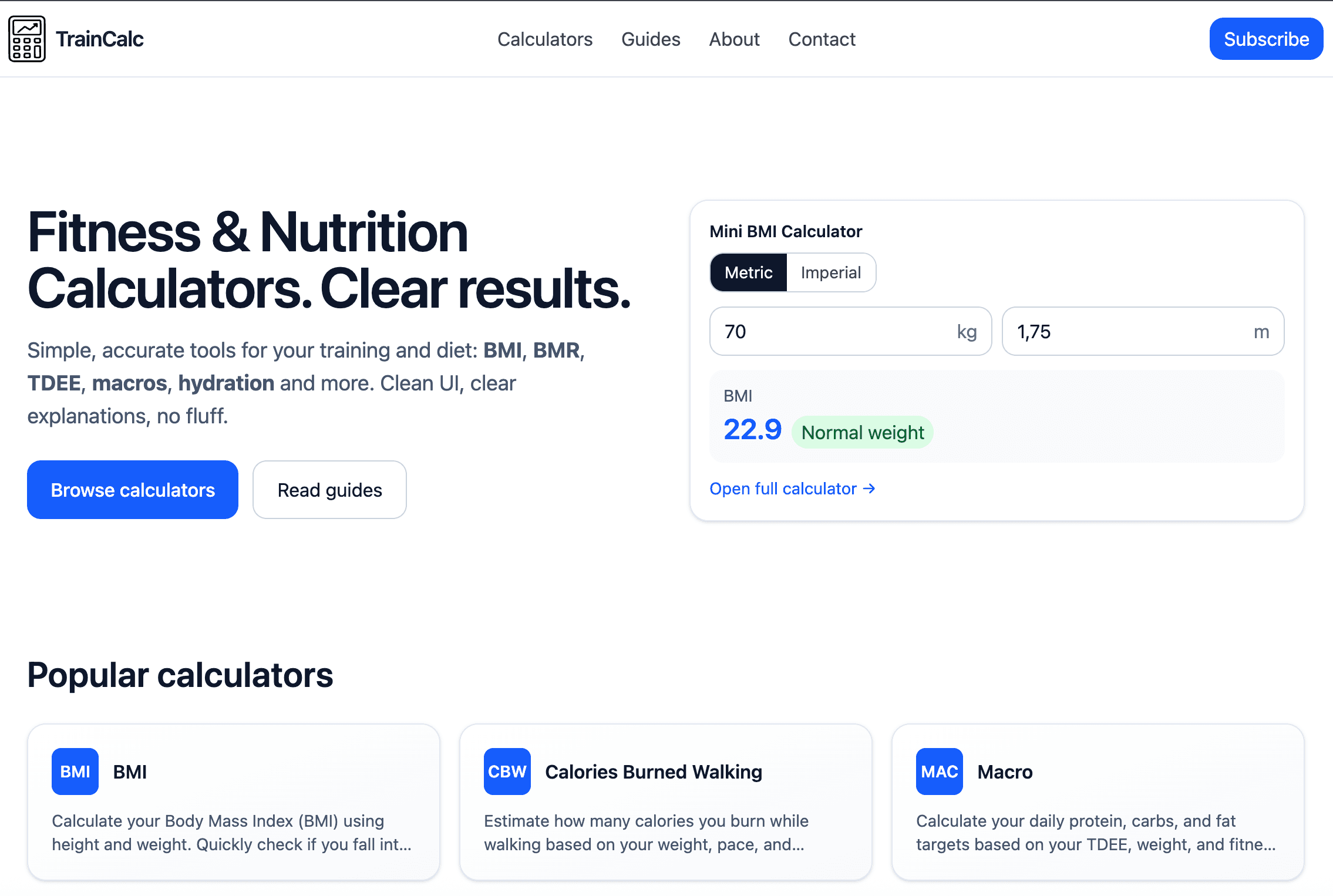
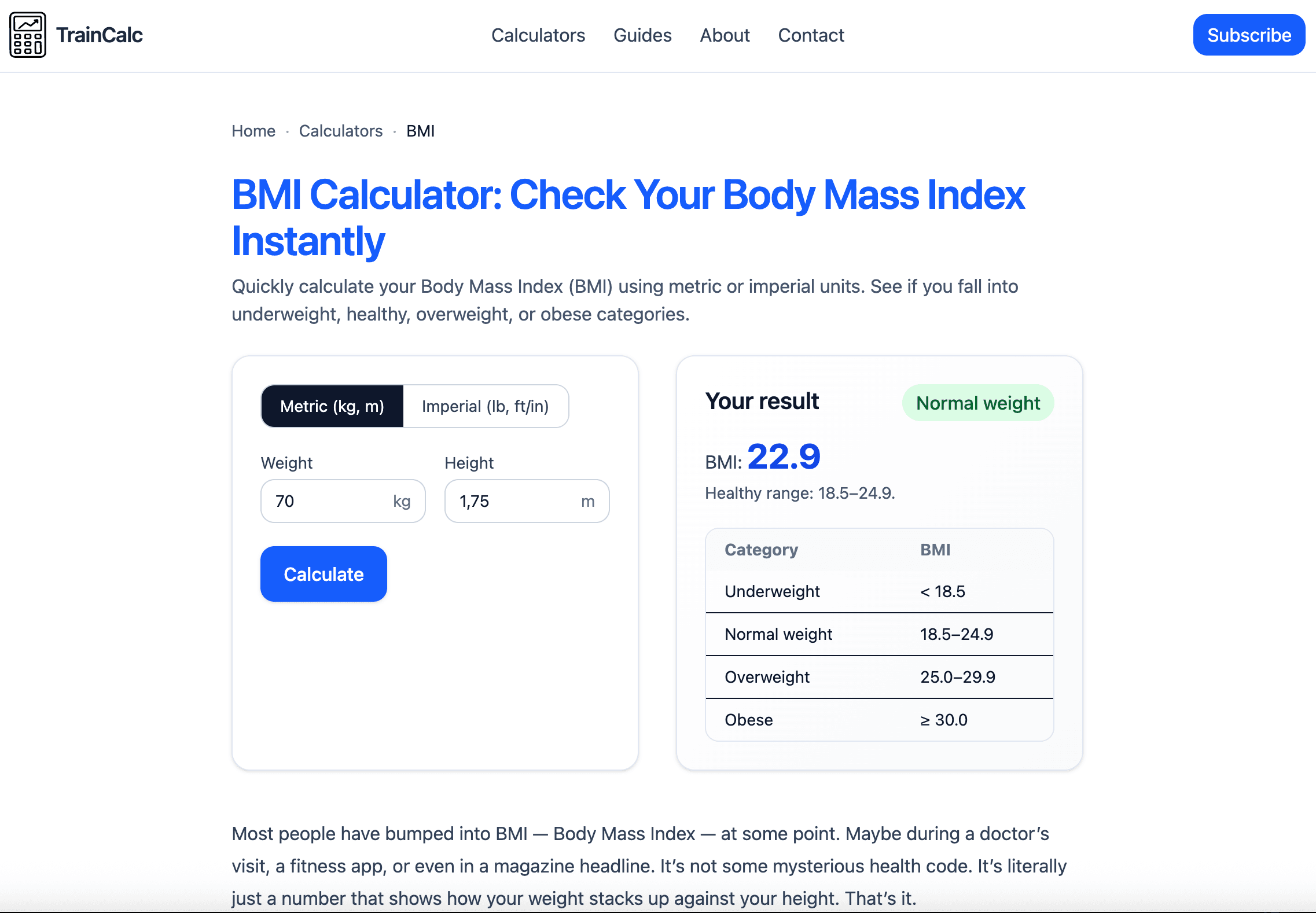
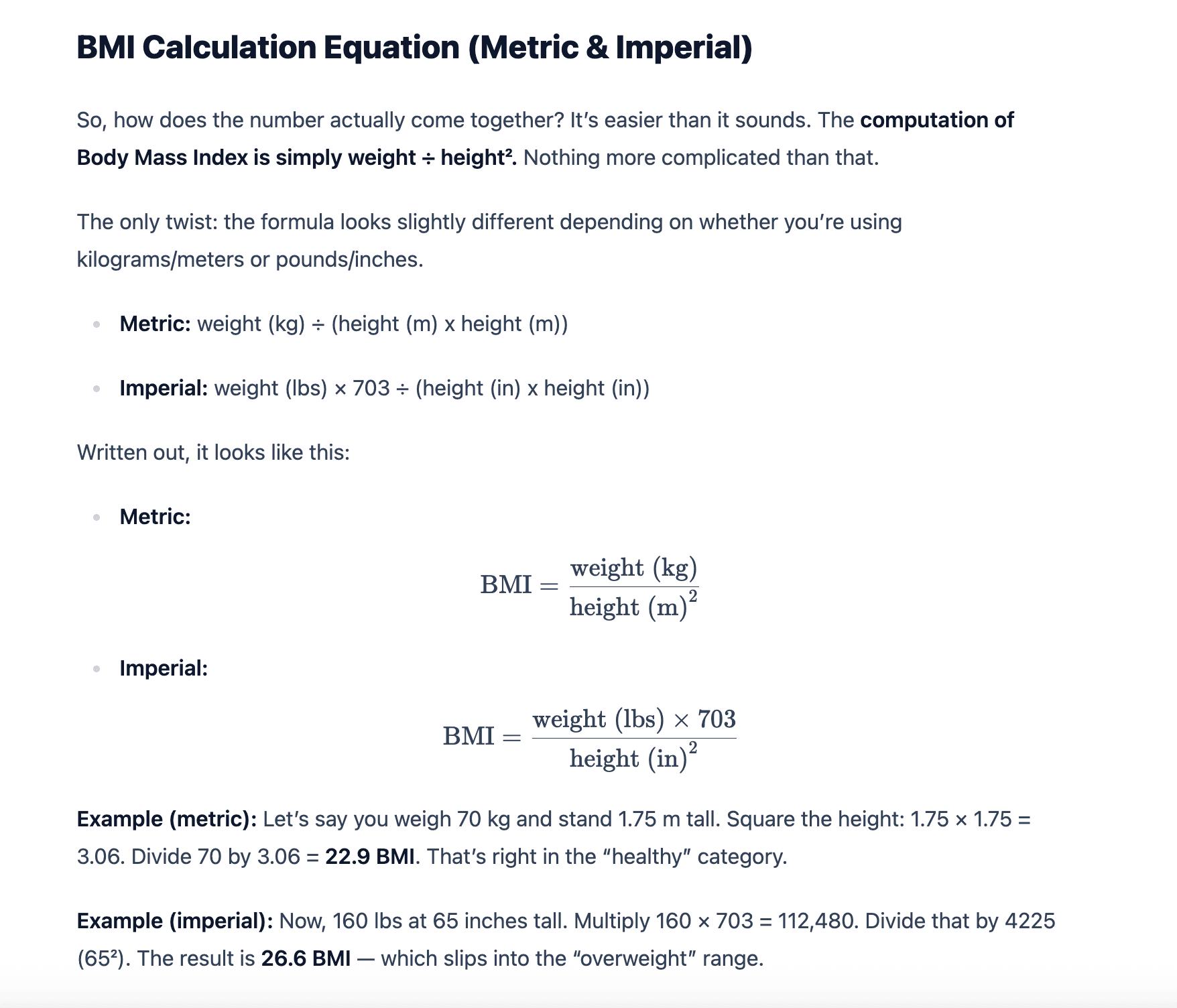
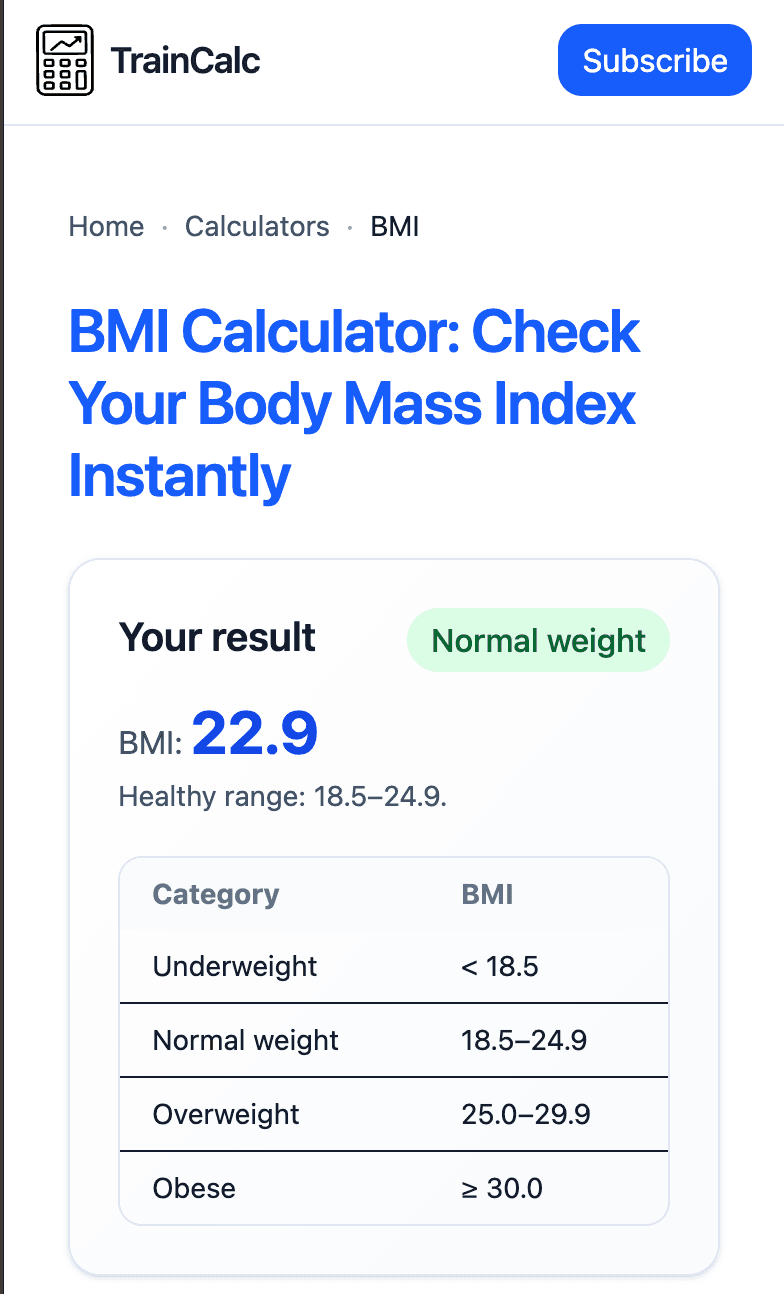
About this app
TrainCalc is a straightforward, no-cost web platform that simplifies health calculations for everyday users. As a tech-savvy reviewer, I find it refreshingly focused—offering tools like BMI, TDEE, and macro calculators without the clutter of ads or complex interfaces. It's perfect for fitness enthusiasts and beginners alike who need quick, reliable metrics to guide workouts and diets. The clean design and instant results make it a standout for SEO terms like 'free fitness calculators' and 'easy nutrition tracking,' though it lacks advanced features like mobile apps or multilingual support. Overall, it's a dependable resource for anyone prioritizing simplicity and accuracy in their health journey.
Key features
- 1Free BMI, TDEE, and macro calculators with instant results
- 2Clean, ad-free interface focused on functionality
- 3Clear instructional text explaining each calculation
- 4Lightweight design with fast loading times
Target customer profile
Drawn from the product itself, not from a survey.
Demographic
Fitness Enthusiasts
Pain points
Struggle with accurately calculating daily nutrition or exercise metrics; tired of ad-heavy sites
Primary needs
Precise calculators for macros, TDEE, and activity calories; easy-to-understand guides
Demographic
Health-Conscious Beginners
Pain points
Confused by technical fitness terms; need simple tools to start their wellness journey
Primary needs
User-friendly calculators for BMI and hydration; educational content to build knowledge
Demographic
Busy Professionals
Pain points
Limited time for complex health tracking; seek quick, no-fuss solutions for routine check-ins
Primary needs
Fast, accessible calculators without accounts; reliable data for maintaining fitness on-the-go
Scout Review
Written by AI from measured evidence, scored out of 100.
TrainCalc delivers exactly what it promises: reliable, no-fuss fitness calculators without the distractions of premium upsells or complex interfaces. It's the digital equivalent of a trusty workout notebook - straightforward, dependable, and focused on getting the job done. The platform excels at making complex health calculations accessible to everyone from fitness beginners to seasoned enthusiasts, though it stops short of being a comprehensive health tracking solution.
Measure by measure
Usability
90Intuitive navigation with logically grouped calculators and clear instructional text that makes complex calculations accessible.
Design
80Clean, minimalistic design with white background and blue accents that prioritizes functionality over visual flair.
Speed
90Lightweight static design delivers near-instantaneous calculation results with no noticeable lag.
Security
60Minimal risk due to no data storage, but lacks detailed privacy policy and advanced security assurances.
Accessibility
60Basic text-based content without screen reader optimization, multilingual support, or keyboard navigation enhancements.
Growth
70Solid foundation with opportunities for mobile apps, personalized accounts, and expanded language support.
Improvement areas
- Limited accessibility features for diverse user needs
- No mobile app version for on-the-go usage
- English-only interface restricts global accessibility
- Lacks personalized features and calculation history
Design & Usability
TrainCalc's design philosophy clearly prioritizes function over form, and it succeeds admirably. The clean white background with blue accent colors creates a distraction-free environment where the calculators take center stage. The logical organization into categories like 'Nutrition' and 'Fitness' makes finding the right tool intuitive, while the brief instructional text accompanying each calculator ensures users understand exactly what they're calculating. The responsive buttons and forms, combined with the complete absence of intrusive ads, create a user experience that feels both professional and genuinely helpful for fitness tracking.
Speed & Security
Performance is where TrainCalc truly shines. The lightweight, static design means calculations happen almost instantly, with no frustrating loading delays that plague more complex fitness platforms. From a security perspective, the lack of user accounts and data storage actually works in its favor for privacy-conscious users - there's simply no personal data to potentially leak. However, the absence of a detailed privacy policy might concern those inputting sensitive health information, though for most basic fitness calculations, the risk remains minimal given the transient nature of the data processing.
Accessibility & Growth
Accessibility represents TrainCalc's most significant area for improvement. While the simple text-based structure works adequately with basic assistive tools, there's no mention of screen reader optimization, keyboard navigation enhancements, or alternative text for visual elements. The English-only interface also limits its global reach. Looking forward, the platform has substantial growth potential through mobile app development, personalized account features for saving calculation history, and multilingual support that could transform it from a useful tool into an essential fitness companion.
Conclusion
If you're tired of ad-heavy fitness calculators that try to sell you supplements or require creating accounts, TrainCalc offers a refreshingly straightforward alternative. It's perfect for quick health metric checks, workout planning, or diet adjustments when you need accurate results without the digital baggage. For anyone prioritizing clarity and speed in their fitness tracking routine, this free tool is definitely worth bookmarking and returning to for regular health assessments.
Suggestions for improvement
- Develop a mobile app version to capitalize on the growing smartphone fitness market
- Implement screen reader compatibility and keyboard navigation for better accessibility
- Add multi-language support to serve international fitness communities
- Create optional user accounts with calculation history tracking features
Alternatives comparison
Named competitors, point by point. Nobody paid to appear here or to be left out.
 TrainCalc TrainCalc |  Calculator.net Fitness Calculators Calculator.net Fitness Calculators |  ExRx.net Calculators ExRx.net Calculators | |
|---|---|---|---|
| Ad Experience | Completely ad-free | Cluttered with ads | Minimal ads |
| Interface Modernity | Clean and modern | Functional but dated | Dated interface |
| Calculation Focus | Core fitness metrics | Broad health range | Specialized fitness tools |
Calculator.net Fitness Calculators
Offers a broad range of health calculators but can feel cluttered with ads and less focused explanations.
ExRx.net Calculators
Provides specialized fitness tools like one-rep max calculators, though the interface is more dated and less intuitive.
Comparing options? See TrainCalc alternatives, scored side by side
More Health & Wellness apps
View all Health & Wellness
StoryPad
92Privacy-first open source journal app with a continuous t...

Snapkin: Photo Calorie Counter
88Snapkin is a calorie tracker you use by photographing your plate.

Innermost
87An AI-powered emotional support app that acts as a person...

Mantra Meditation Timer
85A minimalist, distraction-free meditation timer for mantr...

WellWired
84AI explained simply for older adults, with safety lessons...

TheBean.ai
84Adaptive AI personal trainer that evolves with your progr...

TDEE Calculator
84Free TDEE calculator that estimates maintenance calories, weight loss targets, muscle gain calories, and macro recommendations based on your body stats and activity level.

FitLifeBud
84AI meal plans for your week, with one aisle-sorted shopping list

FormBlends
82A personalized GLP-1 weight loss platform offering physic...

RAADS-R Test
82Free 80-item RAADS-R autism self-assessment for adults, with instant total and domain scores, privacy-first access, and clear non-diagnostic guidance.

Health Studio
81An AI-powered healthcare platform that centralizes remote patient monitoring, clinical trial management, and medical device integration for improved efficiency.

Body Type Calculator
81Find your body shape instantly from measurements—for men ...


A platform dedicated to providing unbiased reviews of newly launched applications, analyzing everything from their features to their full potential.
info@scoutforge.net© 2026 Scoutforge. All rights reserved.
