Is this your app?
Claim Atwork to manage its page, add your badge and see your traffic — free, and it stays free.
Cycling through all six. Tap any point to stop.
Measured on six things
A no-code Work OS for teams to manage projects, automate workflows, and centralize data with customizable views.
Accessibility
70Basic keyboard shortcuts and alt-text support, but limited language options and inconsistent screen reader compatibility.
Screenshots
1 / 3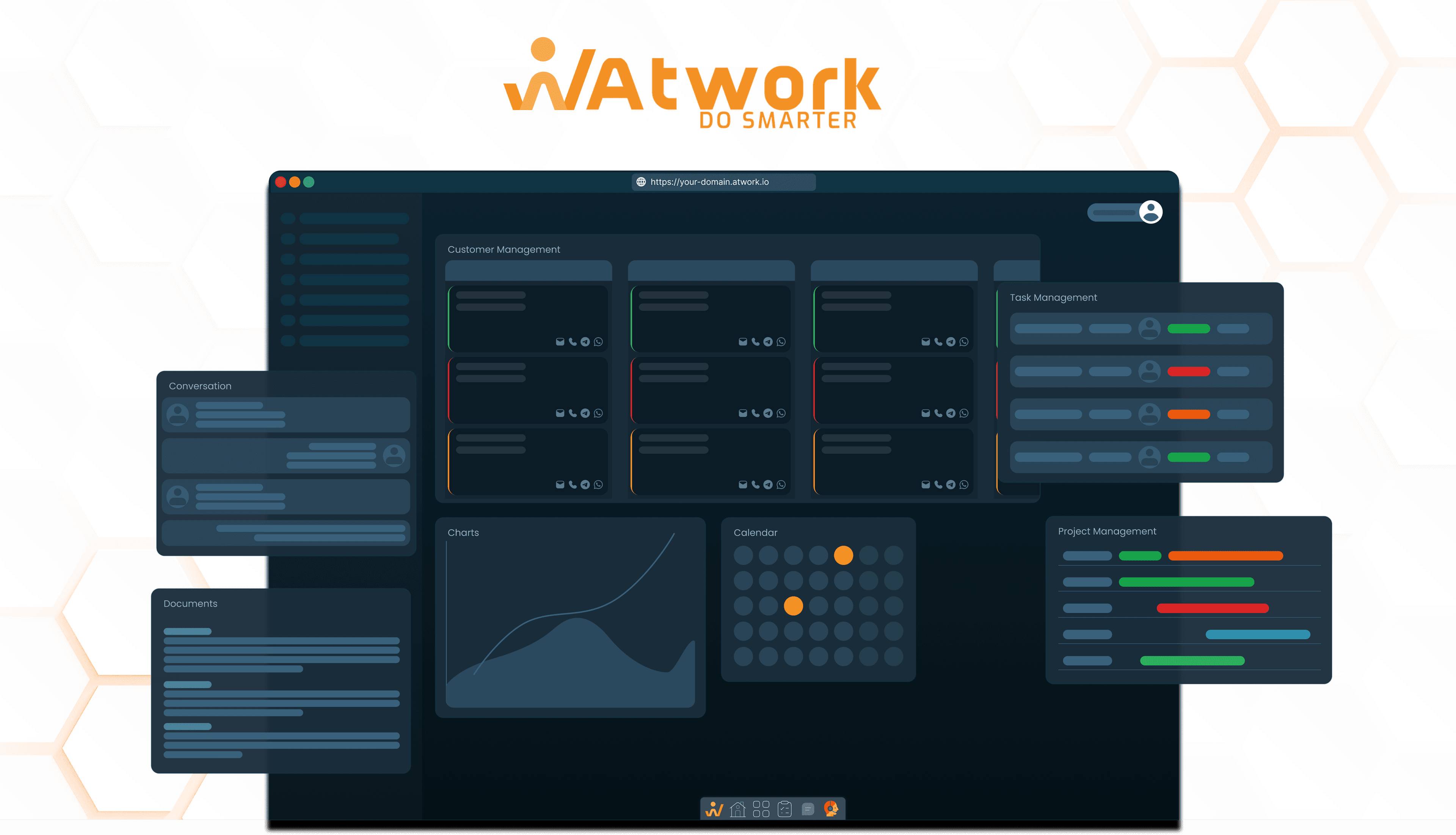
About this app
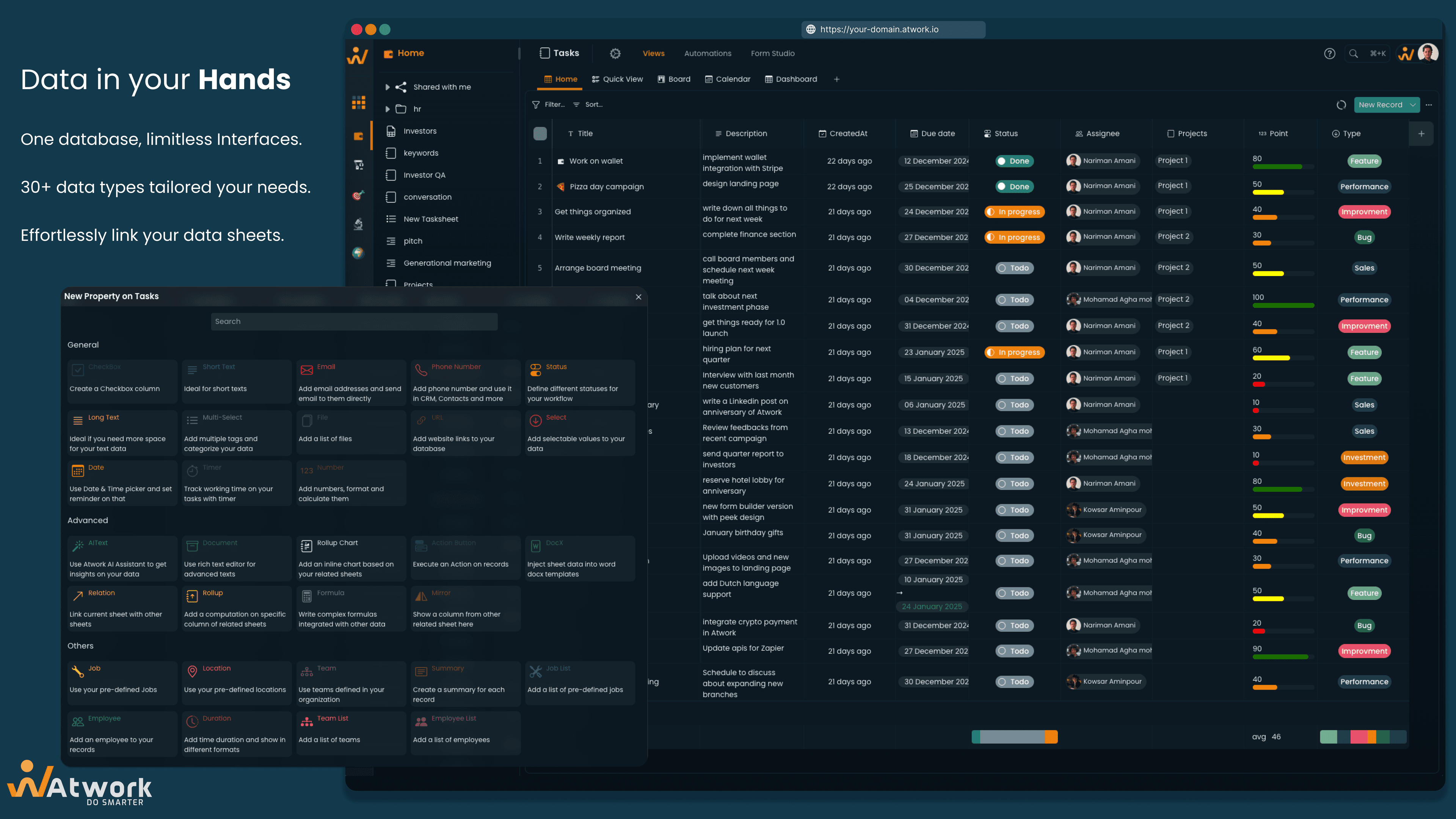
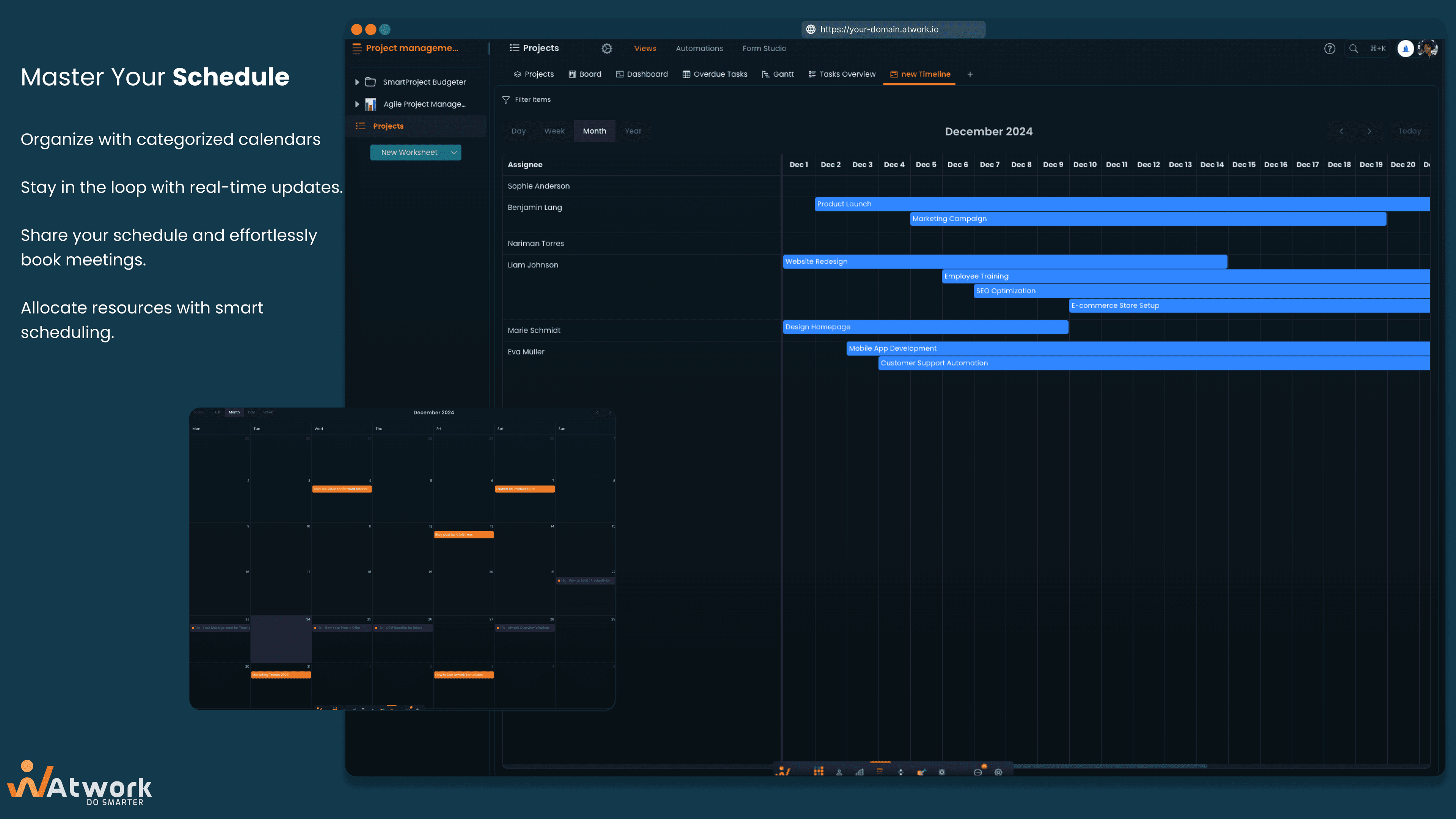
Atwork is a versatile no-code platform designed to help teams streamline their operations by offering tools for project management, CRM, and workflow automation. It features a drag-and-drop form builder, automated triggers, and multiple dashboard views like Kanban boards and Gantt charts, making it ideal for small to medium businesses and remote teams looking to replace fragmented tools with a centralized solution. With its focus on flexibility and ease of use, Atwork empowers users to create custom workflows without coding, though it may require some setup time for advanced features.
Key features
- 1Flexible no-code Work OS for project management and workflow automation
- 2Clean minimalist interface with intuitive drag-and-drop functionality
- 3Strong market demand and excellent customization potential for SMBs
Target customer profile
Drawn from the product itself, not from a survey.
Demographic
Startups & SMBs
Pain points
Disconnected tools, manual data entry, lack of workflow customization
Primary needs
Centralized platform for projects, CRM, and task automation
Demographic
Remote teams & project managers
Pain points
Collaboration bottlenecks, unclear task ownership
Primary needs
Real-time dashboards, task tracking, and team permissions
Demographic
No-code enthusiasts
Pain points
Limited flexibility in other no-code tools
Primary needs
Customizable fields, form builders, and automation triggers
Scout Review
Written by AI from measured evidence, scored out of 100.
Atwork delivers exactly what it promises: a flexible no-code Work OS that can adapt to various business processes without requiring technical expertise. The platform excels at centralizing project management, CRM, and workflow automation into a single environment, eliminating the need to juggle multiple disconnected tools. While it demands some initial setup time and lacks polish in certain areas, the core functionality is robust and genuinely useful for teams tired of spreadsheet-based solutions.
Measure by measure
Usability
90Intuitive for basic tasks, though advanced features require exploration and tutorials.
Design
90Clean minimalist interface with muted blues and grays, functional but lacks visual flair.
Speed
90Snappy performance for small teams but lags with large datasets and complex workflows.
Security
80Basic SSL encryption and role-based access, but lacks transparency on data storage policies.
Accessibility
70Basic keyboard shortcuts and alt-text support, but limited language options and inconsistent screen reader compatibility.
Growth
90Strong market demand for no-code workflow tools with excellent customization potential.
Improvement areas
- Expand accessibility features including high-contrast mode and improved screen reader support
- Publish detailed security documentation and compliance information for enterprise trust
- Optimize performance for handling large datasets to eliminate bottlenecks
Design & Usability
Atwork's interface prioritizes function over form with a clean, minimalist design that uses muted blues and grays to avoid visual clutter. The navigation feels intuitive for basic project management tasks, and the drag-and-drop functionality works well for simple workflows. However, when you dive into advanced features like conditional automation or nested form fields, the experience becomes less polished. The Kanban and Gantt views are responsive and practical, though the form builder occasionally feels finicky with complex configurations. It's clear this platform was built by people who understand workflow needs rather than design trends.
Speed & Security
Performance-wise, Atwork delivers snappy response times for small to medium-sized teams handling typical project loads. The platform uses standard SSL encryption and offers role-based access controls to keep your data secure. However, when dealing with large datasets or complex automated workflows, you might notice some loading delays. The security foundation is solid but could benefit from more transparent documentation about data storage practices and compliance certifications. For most SMB use cases, the speed and security measures are adequate, though enterprises might want more robust performance guarantees.
Accessibility & Growth
Accessibility features are where Atwork shows its relative youth as a platform. While it offers basic keyboard navigation and alt-text support for images, screen reader compatibility remains inconsistent across different modules. Language support is currently limited to English and a few European languages, which could be restrictive for global teams. Despite these limitations, Atwork's growth potential is significant given the booming demand for no-code workflow solutions. The platform's flexibility and customization capabilities position it well to capture market share from more rigid competitors.
Conclusion
If you're part of a small-to-medium business or remote team struggling with tool fragmentation and manual processes, Atwork offers a compelling solution worth exploring. The platform particularly shines for no-code enthusiasts who want to build custom workflows without developer assistance. Give it a try if you're ready to replace your patchwork of Trello boards, Google Sheets, and basic automation tools with something more integrated and powerful.
Suggestions for improvement
- To reach its full potential, Atwork should prioritize expanding accessibility features including high-contrast mode, improved screen reader support, and additional language options.
- Publishing detailed security documentation and compliance information would build greater trust with enterprise customers.
- Performance optimization for handling large datasets would eliminate current bottlenecks.
- Finally, adding industry-specific templates would significantly reduce the initial setup time that currently acts as a barrier for some teams.
Alternatives comparison
Named competitors, point by point. Nobody paid to appear here or to be left out.
 Atwork Atwork |  Wrike Wrike |  Airtable Airtable |  Notion Notion | |
|---|---|---|---|---|
| Learning Curve | Moderate - intuitive basics but advanced features require learning | Steep - robust but complex interface | Low - spreadsheet-like familiarity | Variable - simple for notes, complex for databases |
| Workflow Automation | Strong - built-in triggers and automation | Advanced - extensive but complex | Limited - requires integrations | Basic - simple rules and templates |
| CRM Features | Integrated - built-in CRM capabilities | Project-focused - limited native CRM | Limited - primarily database functionality | Basic - can be configured but not specialized |
| Customization Flexibility | High - no-code custom fields and forms | Moderate - structured but less flexible | High - extremely flexible fields | High - modular building blocks |
| Pricing Accessibility | Competitive - aimed at SMB market | Enterprise - higher cost structure | Mid-range - scaling costs | Freemium - accessible entry point |
Wrike
Robust project management but steeper learning curve and higher cost.
Airtable
Flexible spreadsheet-database hybrid but lacks built-in CRM features.
Notion
All-in-one workspace but less focused on workflow automation.
Comparing options? See Atwork alternatives, scored side by side
More Project Management apps
View all Project Management
Notion
92All-in-one AI workspace for docs, projects, and knowledge...

QRBliss
91Branded QR codes with AI Brand Sync, 15 free dynamic code...

Vendor Space
88Vendor Space is an all-in-one vendor management platform ...

TempGuru
87Managed event staffing across the US and Canada with loca...

Plori
87Cloud AI agents with persistent disk, memory, and real CL...

Nautis
87Nautis is an AI-native operating system that helps founders manage finance, fundraising, sales, teams, and operations with an AI Chief of Staff.

InviteVia
87InviteVia is a digital invitation platform for creating beautiful online invitations for weddings, birthdays, engagements, parties, and special events. Choose a template, customize your invitation, collect RSVPs, and share it instantly through WhatsApp, Instagram, SMS, or a simple link. No guest accounts or app downloads required.

Voice Memo Exporter
87Export all your Apple Voice Memos to one text file.

Trac
87Local-first time tracker for freelancers with invoicing, ...

Zeno.PM
87Project portfolio management with built-in portfolio inte...

GrantCue
86Grant discovery and management software: search federal, state and foundation grants, then track deadlines, tasks and awards with your team.

AirLST
86Event management software for corporate events: invitations, registration, guest lists, check-in, seating and event apps in one platform.


A platform dedicated to providing unbiased reviews of newly launched applications, analyzing everything from their features to their full potential.
info@scoutforge.net© 2026 Scoutforge. All rights reserved.
