Cycling through all six. Tap any point to stop.
Measured on six things
Free AI detector with no daily limit, plus an AI humanizer, rewriter and grammar checker. Start free in your browser — no signup.
Growth
58A real, growing problem (AI-text scrutiny) with a free unlimited detector as the wedge into paid humanizer/rewriter. Differentiated by price and no-signup entry, but the category is crowded and the wedge is copyable.
Screenshots
1 / 1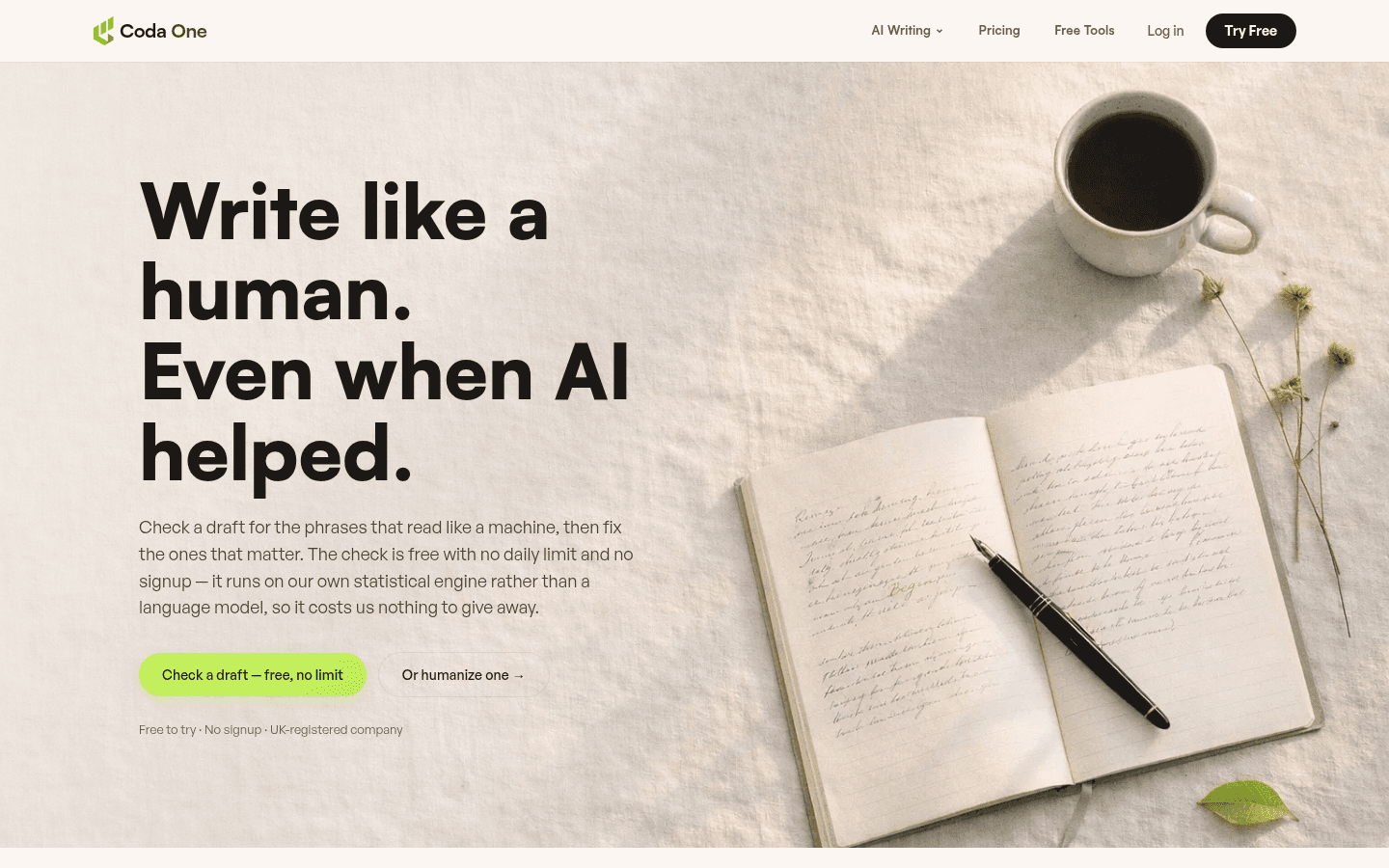
About this app
Coda One checks a draft for AI tells, then fixes what the check finds. The AI Detector is free with no daily limit and no signup, and highlights the sentences that read as machine-written. Around it sit an AI Humanizer (5 free modes), AI Rewriter (5 free tones) and Grammar Checker, also in a Chrome extension.
Key features
- 1Free, unlimited, no-signup AI Detector with sentence-level highlights and reasons.
- 2AI Humanizer with 9 modes (5 free) and AI Rewriter with 8 tones (5 free).
- 3Grammar Checker plus a Chrome extension for in-workflow use across docs, email, LMS and CMS.
Target customer profile
Drawn from the product itself, not from a survey.
Scout Review
Written by AI from measured evidence, scored out of 100.
Coda One is a browser-first AI writing toolkit built around a free, unlimited, no-signup AI Detector, with an AI Humanizer (9 modes), AI Rewriter (8 tones) and Grammar Checker behind it, plus a Chrome extension. The site is well-structured around three audiences and prices transparently from $0 to $31.99/mo with Stripe billing and a 7-day refund window. Technically it's solid on security (12/12 header checks) and desktop speed (98/100), with mobile performance (82/100, 4.2s LCP) and one contrast issue as the main blemishes. The honest caveats: no third-party security certifications, no accessibility statement, and a free tier capped at 3 writing uses/day that limits how much you can evaluate before paying.
Measure by measure
Usability
70Free detector with no signup and no daily cap is a genuinely low-friction entry point; Chrome extension meets writers in-place. Free tier's 3 uses/day and partial mode access is the main friction before paying.
Design
72Clean, intent-first homepage that routes Students, Creators and Teams to distinct flows, with a live before/after humanizer demo and a side-by-side pricing table. Polished and consistent, if a touch template-driven.
Speed
68Desktop Lighthouse 98/100 is excellent; mobile lands 82/100 with a 4.2s LCP that misses the 2.5s 'good' bar, though CLS 0 and TBT 0ms show a stable, non-blocking page.
Security
76Full security-header sweep passes 12/12 — HTTPS, HSTS, CSP, frame protection, Referrer and Permissions policies, plus SPF and DMARC. No published SOC 2, ISO or pen-test evidence found, which is normal at this stage.
Accessibility
82Lighthouse accessibility 96/100 with a single failing contrast audit; no WCAG statement or a11y page found, so keyboard and screen-reader depth is unverified beyond automated checks.
Growth
58A real, growing problem (AI-text scrutiny) with a free unlimited detector as the wedge into paid humanizer/rewriter. Differentiated by price and no-signup entry, but the category is crowded and the wedge is copyable.
Improvement areas
- Mobile performance: 4.2s LCP misses the 2.5s 'good' threshold despite a 98 desktop score.
- Free tier caps writing tools at 3 uses/day and partial modes, limiting pre-purchase evaluation.
- No published security certifications or accessibility/WCAG statement to back the strong header hygiene.
Design & Usability
Coda One's site is well-organized around intent: three persona cards (Students, Creators, Teams) each route to a relevant tool flow, and the homepage shows a live before/after humanizer example with an honest 'illustrative sample' disclaimer. Pricing is a clean four-tier table with an annual/monthly toggle and a side-by-side comparison. Usability is the stronger story — the AI Detector is free, unlimited and signup-free, so a first-time visitor gets value in one click, and the Chrome extension meets writers where they already work. The friction arrives at the free tier's ceiling: 3 writing uses per day and only 5 of 9 humanizer modes, which is enough to demo but not to rely on. Paid support is email-only; free users get a community channel.
Speed & Security
Measured Lighthouse results split sharply by device: desktop performance is 98/100, while mobile lands 82/100 with a 4.2s Largest Contentful Paint that misses Google's 2.5s 'good' threshold. The good news is stability — CLS 0 and TBT 0ms mean the page doesn't jump or block, it's just slow to paint its main element on a phone. Security is a genuine strength for a product that handles unpublished drafts: the HTTP probe passes all 12 checklist points, with HTTPS enforced, HSTS, a Content-Security-Policy, frame protection, Referrer and Permissions policies, plus SPF and DMARC on the domain. What's absent is third-party assurance — no SOC 2, ISO 27001 or published pen-test results appear in the site content, which is typical for an early-stage tool but worth noting for anyone pasting confidential material.
Accessibility & Growth
Automated accessibility is strong at 96/100, with a single failing audit for insufficient color contrast — a cheap, concrete fix. Beyond the automated run, there's no accessibility statement or WCAG conformance claim on the site, so keyboard navigation and screen-reader behavior are unverified rather than proven. Growth is the more interesting question: the underlying problem — people needing to know whether text reads as machine-written, and to fix it — is real and getting more scrutiny, not less. Coda One's wedge is a free, unlimited, no-signup detector that pulls users into a paid humanizer/rewriter/grammar stack at $7.99–$31.99/mo, undercutting many competitors. The limit is that the category is crowded and the free-detector hook is easy to copy; the domain is only about 0.6 years old, so there's no traction evidence either way yet.
Conclusion
If you want a quick, no-commitment way to check whether a draft reads as AI-generated, Coda One's free unlimited detector is the easiest on-ramp here, and the paid humanizer/rewriter tiers are priced below many rivals. Go in knowing the free writing tools are a sample, not a workflow, and that the security story rests on strong transport hygiene rather than published audits. For students, creators and small teams who want one browser-based toolchain instead of five tabs, it's a reasonable pick — just test the humanizer output against your own detector before committing to a plan.
Suggestions for improvement
- Publish a short accessibility statement and fix the one failing contrast audit flagged by Lighthouse.
- Improve mobile LCP (currently 4.2s) — compress or defer the largest above-the-fold element.
- Raise the free writing-tool cap above 3/day so users can properly evaluate the humanizer before paying.
- Add a security/trust page covering data retention and handling of pasted drafts, even without formal certifications.
Alternatives comparison
Named competitors, point by point. Nobody paid to appear here or to be left out.
 Coda One Coda One |  | |
|---|---|---|
| Free tier for AI detection | Unlimited, no signup, no daily limit | Not specified in provided details |
| AI Humanizer modes | 9 modes (5 free, 4 premium) | Not specified in provided details |
| Pricing range | Free / $7.99 / $15.99 / $31.99 per month (annual) | Not specified in provided details |
| Chrome extension | Yes — detector and humanizer in-browser | Not specified in provided details |
| Security posture | 12/12 headers, HSTS, CSP, SPF, DMARC; no SOC 2 | Not specified in provided details |
Comparing options? See Coda One alternatives, scored side by side
More Writing Assistants apps
View all Writing Assistants
Gerty
91Private, local AI assistant for Mac that runs offline

English Test Coach
89English Test Coach checks your IELTS essays and letters, gives an estimated band score across all four criteria, and tells you exactly what to revise next.

Book Cover Generator
87AI book cover generator for indie authors—turn your story...

ContentIQ
87AI writer that fact-checks before writing, with real sour...

Voice Memo Exporter
87Export all your Apple Voice Memos to one text file.

eety.ai — AI Patent Drafting Assistant
87An AI-powered patent drafting assistant that acts like a ...

Boost My Resume
85Build and export a base resume for free, then use AI to tailor it and a matching cover letter to each job from your real experience.

Voq
83Free text to speech for Chrome: listen to any webpage in a natural AI voice.

Hold Your Voice
82An AI-powered writing assistant that analyzes and fixes v...

PopTranslate
82AI-powered macOS translation app with OCR, multi-engine comparisons, and keyboard-friendly design for professionals and learners.

Private Text Assistant
82Private on-device grammar checker and AI rewriter for Chr...

HighGround
82An AI-powered WordPress plugin that automates content cre...


A platform dedicated to providing unbiased reviews of newly launched applications, analyzing everything from their features to their full potential.
info@scoutforge.net© 2026 Scoutforge. All rights reserved.
