Cycling through all six. Tap any point to stop.
Measured on six things
Fast, accurate jewelry photo retouching for clean catalogs.
Security
52HTTPS and DMARC present, but missing HSTS, CSP, and other headers; no security certifications found.
Screenshots
1 / 1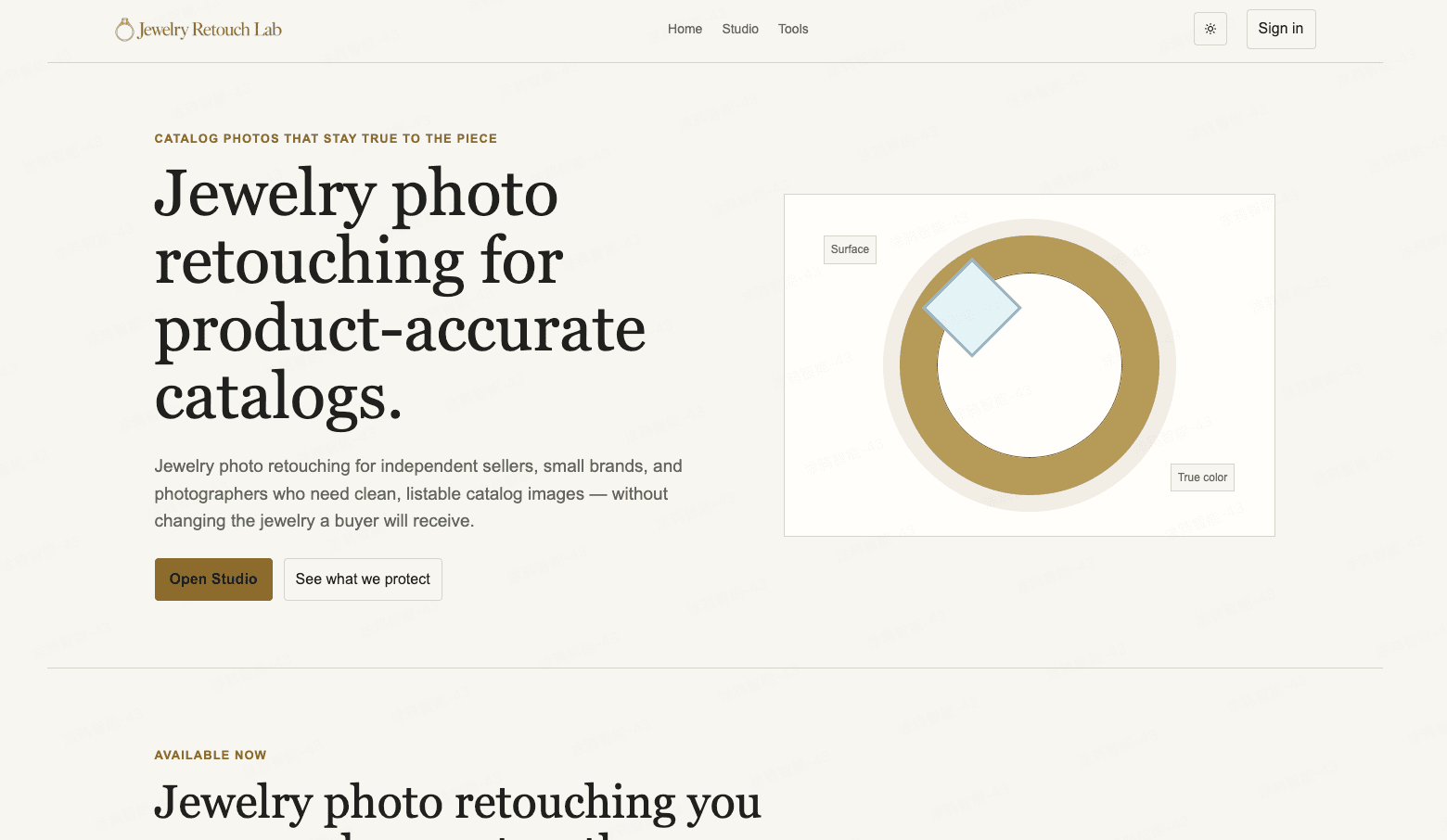
About this app
Jewelry Retouch Lab is a web-based tool designed for independent sellers, small brands, and photographers who need clean, product-accurate catalog images without the hassle of outsourcing. It offers two core features: dust and fingerprint cleanup, and white background with a soft contact shadow, both powered by AI and processed in under a minute. The tool prioritizes accuracy, ensuring that the jewelry you sell is exactly what the buyer receives—no recolor, no invented sparkle, and no restyling. With a simple interface, you can upload a photo, choose cleanup, white background, or both, and download the result. The service keeps your original and retouched files stored on your account, so you can re-download anytime. Early access includes credits on sign-in, no card required, and there's no per-image invoice. It's a fresh alternative to traditional retouching services, offering speed, transparency, and control.
Key features
- 1AI-powered dust and fingerprint cleanup with product-accuracy guardrails.
- 2White background with soft contact shadow in Amazon/Etsy catalog style.
- 3Early access with free credits, no card required, and original files kept on account.
Target customer profile
Drawn from the product itself, not from a survey.
Demographic
Independent jewelry sellers (on Etsy, eBay, Amazon)
Pain points
Need attractive product photos but don't have time or skills for retouching; often have inconsistent backgrounds and visible dust/fingerprints; outsourcing is slow and costly.
Primary needs
Quick, affordable image cleanup; consistent white background for listings; preserve item accuracy to avoid returns.
Demographic
Small jewelry brands and startups
Pain points
Limited budgets for professional photo editing; need to create a cohesive brand look across product catalog; in-house retouching is time-consuming.
Primary needs
Fast turnaround for product launches; clean, uniform images; easy-to-use tool for non-designers; accurate color representation.
Demographic
Photographers and retouchers specializing in jewelry
Pain points
Clients demand quick delivery; manual retouching is tedious and repetitive; need a tool to streamline workflow without compromising quality.
Primary needs
Bulk processing capability (future); precise control over retouching; reliable output for client work; time-saving features.
Scout Review
Written by AI from measured evidence, scored out of 100.
Jewelry Retouch Lab is a promising niche tool with a clear value proposition: fast, accurate jewelry photo retouching without the wait or cost of outsourcing. The design is polished, and the performance is excellent. However, it's early days - the tool requires sign-in to test, security headers are incomplete, and there's no social proof. The core idea is solid, but execution needs refinement, particularly around transparency and trust-building. If it delivers on its accuracy promise, it could carve out a loyal user base among independent sellers. For now, it's a competent MVP with room to grow.
Measure by measure
Usability
62Simple 3-step flow, but requires Google sign-in to try; no demo without account, limited guidance.
Design
70Polished cream-and-gold palette with strong typography, but basic diagrams and repetitive copy hold it back.
Speed
85Blazing fast: 100/100 on both mobile and desktop, LCP 1.1s, zero layout shift. Excellent performance.
Security
52HTTPS and DMARC present, but missing HSTS, CSP, and other headers; no security certifications found.
Accessibility
78Lighthouse 96/100, only contrast issue; no WCAG statement but solid baseline. Responsive and keyboard-friendly.
Growth
58Real problem, clear niche, but no demonstrated traction; differentiator is accuracy but unproven.
Improvement areas
- Add a live demo or sample workflow to let users test without sign-in.
- Implement missing security headers (HSTS, CSP) and publish security certifications.
- Provide real before/after examples and user testimonials to build trust.
Design & Usability
The design is a cut above typical indie tools: a cohesive cream-and-gold palette that feels premium without being kitschy, and a clear typographic hierarchy. However, the diagrams are laughably basic - they look like placeholder graphics from a 2010 PowerPoint template. The homepage is information-dense, with long 'does not' lists that feel more like legal disclaimers than marketing copy. Usability is straightforward: a clear 3-step process, but the requirement to sign in with Google before seeing any actual tool is a barrier. There's no live demo or sandbox, which is a missed opportunity for a product that's all about 'try before you buy.' The FAQ is truncated, and there's no visible help center. Overall, it's a competent but not exceptional experience.
Speed & Security
Performance is the standout: 100/100 on both mobile and desktop, with LCP at 1.1 seconds and zero layout shift. This is a featherweight site that loads instantly, which is great for users on slow connections. Security is a mixed bag: HTTPS is enforced, and SPF/DMARC are present, but the absence of HSTS, CSP, and frame protection is concerning for a tool that handles user-uploaded photos. There's no SOC 2 or ISO certification, which might be a dealbreaker for B2B clients. The privacy policy exists and explicitly states photos aren't used for training by default, which is a positive signal. However, the lack of security headers is a basic oversight that should be fixed.
Accessibility & Growth
Accessibility is strong: 96/100 on Lighthouse, with only a contrast issue. The site is responsive and keyboard-navigable, which is good. However, there's no WCAG statement or multi-language support, which limits its reach. Growth potential is real but unproven. The problem - tedious jewelry retouching for sellers - is genuine, and the target segments are specific. The differentiator is product accuracy ('no recolor, no invented sparkle'), which is a compelling pitch against generic AI tools like Fotor. But the product is brand new with zero traction, and the wedge is narrow. It could grow if it delivers on its promise and builds trust, but it faces stiff competition from established players like Photoshop and clipping path services.
Conclusion
If you're an Etsy seller drowning in dusty product photos, this could be your savior - but only if it actually works as promised. The free credits on sign-in are a smart hook, but the lack of a demo means you'll have to trust the process. I'd love to see a before/after gallery and more security hardening. For now, it's a promising start that needs to prove itself. Worth a try if you're in the niche, but don't cancel your Photoshop subscription just yet.
Suggestions for improvement
- Add a live demo or sample images so users can test the tool without signing in.
- Implement HSTS, CSP, and other security headers to build trust.
- Publish a WCAG accessibility statement and consider multi-language support.
- Showcase real before/after examples (with permission) to demonstrate accuracy.
Alternatives comparison
Named competitors, point by point. Nobody paid to appear here or to be left out.
 Jewelry Retouch Lab |  Adobe Photoshop |  Fotor | Clipping Path Services (e.g., Path) | |
|---|---|---|---|---|
| AI-powered retouching | AI-driven cleanup and white background, no manual skill needed | Manual retouching tools, requires skill and time | AI background removal and retouching, but may alter details | Manual outsourced retouching, precise but slow |
| Turnaround time | Under a minute per image | Depends on user skill, can be hours | Seconds to minutes, automated | 24 hours or more |
| Pricing model | Free credits on sign-in, no per-image invoice | Subscription-based, $20+/month | Freemium, paid plans for advanced features | Per-image cost, typically $0.50-$6 |
| Product accuracy | Explicitly avoids recolor, sparkle, or restyling | Full control, but user-dependent | May alter product details | High precision, but human error possible |
Adobe Photoshop
Industry-standard photo editing software with powerful retouching tools, but requires manual skill and time.
Fotor
Online photo editor with AI-powered background removal and retouching, but may alter product details.
Clipping Path Services (e.g., Path)
Outsourced manual retouching services offering precise edits, but with slow turnaround and per-image costs.
Comparing options? See Jewelry Retouch Lab alternatives, scored side by side
More E-commerce apps
View all E-commerce
Qamarero
92An all-in-one hospitality software for restaurants and ba...

Portrait Gift
88AI-powered personalized face swap art platform creating c...

Creastor
88An all-in-one platform for creators to sell digital produ...

CraftPilot
87AI tools for Etsy sellers — keyword research, listing optimization, and shop insights

StoreToAds
87AI ad generator that turns real product photos into multi...

Stripdo
87Stripdo is a smart invoicing tool that automatically gene...

Nano Banana 2.1 AI Image Generator
86Create and edit 4K images with AI, fuse up to 14 referenc...

BlueVetaUpright
86API that detects product photo rotation and tells you how...

Scale Ova
86AI agent that builds & runs your Shopify

Kaniva
85Your business is hard enough. Your software shouldn’t be.

Journeva: Multi Carts and Upsell
83A Shopify app with a free plan that lets a customer shop with more than one cart and share a cart, with room for upsell offers.

EchoWi
83Track and optimize your brand's visibility in AI answers.


A platform dedicated to providing unbiased reviews of newly launched applications, analyzing everything from their features to their full potential.
info@scoutforge.net© 2026 Scoutforge. All rights reserved.
