Cycling through all six. Tap any point to stop.
Measured on six things
Download TikTok videos without a watermark, save photo posts as images, and bulk download selected TikTok profile posts with KeepTik for Chrome and Edge.
Growth
58Real, specific problem (watermark-free TikTok saves + bulk profile backups) with a clear local-processing wedge and a generous free tier. Category is crowded and platform-dependent, which caps the ceiling.
Screenshots
1 / 1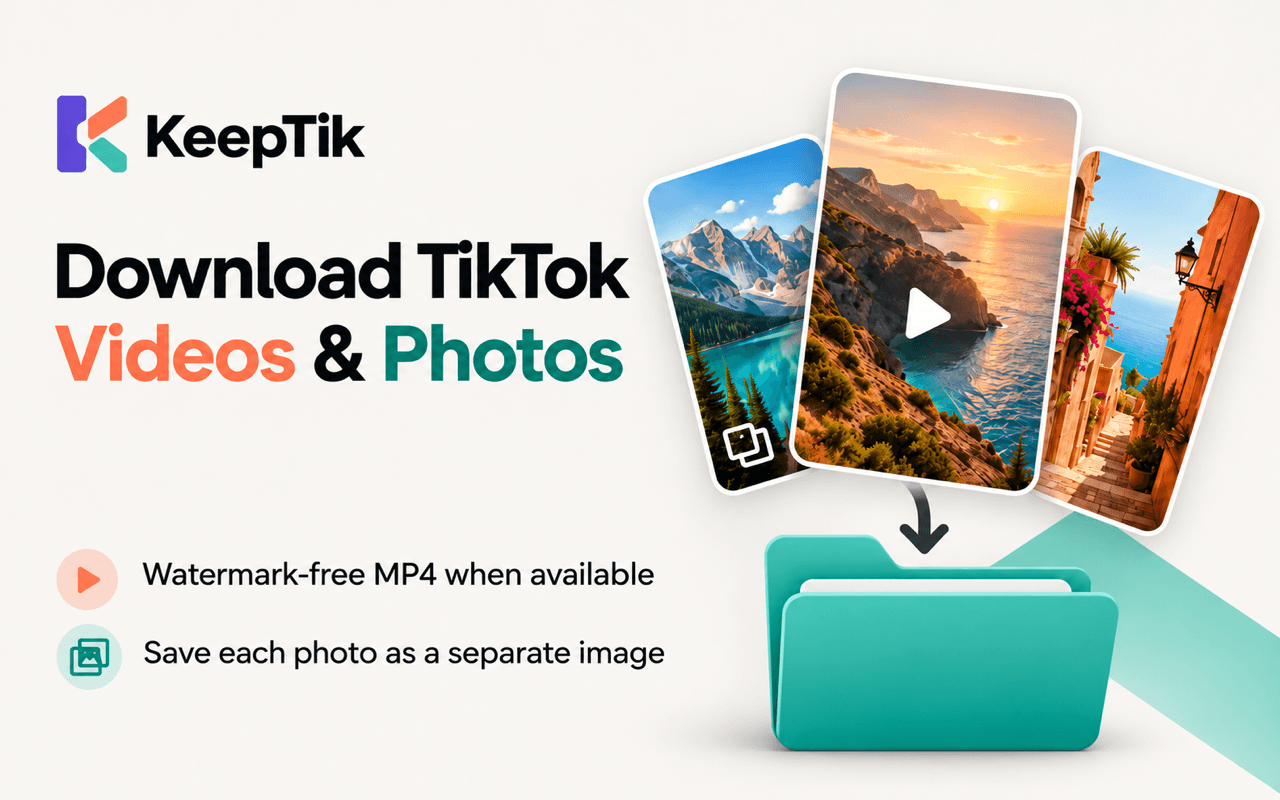
About this app
Download TikTok videos without a watermark, save photo posts as images, and bulk download selected TikTok profile posts with KeepTik for Chrome and Edge.
Key features
- 1One-click MP4 download of the TikTok video you're watching, without watermark, in HD where available.
- 2Photo posts and slideshows saved as separate numbered images, with missing photos reported not hidden.
- 3Bulk download from a profile's Videos, Reposts, Favorites and Liked lists with filters, sorting and a pause/resume/retry queue.
- 4CSV and JSON download reports with per-post status and reason; duplicate detection and custom naming templates.
- 5Runs locally in Chrome and Edge — files go straight from TikTok to your computer, nothing passes through keeptik.com.
Target customer profile
Drawn from the product itself, not from a survey.
Scout Review
Written by AI from measured evidence, scored out of 100.
KeepTik is a Chrome/Edge extension for downloading TikTok videos without a watermark, saving photo posts as images, and bulk-downloading selected posts from a profile's lists. The marketing site is fast (Lighthouse mobile 100), visually deliberate, and unusually honest about limits — it explicitly says it isn't a universal downloader and won't guarantee 4K. Pricing is fair: 20 free posts/day with no account, Pro removes the daily cap. Security is the weak spot (missing HSTS/CSP/frame protection, no audit claims), and accessibility is strong on automated checks but weak on contrast in practice. Growth hinges on whether the bulk-backup workflow is enough to stand out in a crowded, platform-dependent category.
Measure by measure
Usability
66Hero nails the job-to-be-done in one screen, pricing is honest (20 free posts/day, no account, failed downloads don't count), and 'what it doesn't do' copy sets expectations. Docs depth unverified.
Design
70Deliberate type system (heavy sans + italic serif accents), a dominant dual-browser install CTA, and real extension mockups. Held back by small low-contrast captions and gimmicky stat cards.
Speed
88Lighthouse mobile 100/100 with LCP 942ms, CLS 0, TBT 46ms; desktop 98/100. Marketing pages are lean and snappy — no measured lag or user complaints.
Security
62HTTPS enforced, SPF/DMARC present, and a credible '0 uploads to our servers' local-processing model. Missing HSTS, CSP and frame protection; no SOC 2/ISO/pen-test claims.
Accessibility
78Lighthouse a11y 100/100 and six-language support (EN, ES, ID, PT-BR, PT-PT, 中文) are strong. No published WCAG statement, and the visual audit flags low-contrast grey body copy.
Growth
58Real, specific problem (watermark-free TikTok saves + bulk profile backups) with a clear local-processing wedge and a generous free tier. Category is crowded and platform-dependent, which caps the ceiling.
Improvement areas
- Security headers: add HSTS, CSP and frame protection; publish a security/privacy page for the local-processing model.
- Accessibility in practice: raise body/caption contrast in feature sections to meet WCAG AA despite the 100/100 automated score.
- Design polish: replace or redesign the 4/1/2/0 stat cards and the generic stock-photo promo card.
- Documentation: expand beyond marketing pages with a real help center and troubleshooting guide for failed downloads.
Design & Usability
KeepTik's homepage is a genuinely well-built piece of marketing: a consistent heavy-sans-plus-italic-serif type system, a dominant dual-browser install pill, and real extension mockups that show the actual workflow instead of abstract art. The usability story is equally clear — the hero states the job, the browser support and the install action in one screen, and the pricing page is refreshingly honest (20 free posts/day, no account, failed downloads don't burn allowance). Where it slips: small low-contrast captions in the four-step and feature sections, and stat cards whose numerals (4/1/2/0) mean little without their tiny captions. Documentation depth beyond the marketing pages wasn't verified.
Speed & Security
Speed is the standout: Lighthouse mobile 100/100 with LCP 942ms, CLS 0 and TBT 46ms, desktop 98/100 — the marketing site is lean and snappy with no measured lag. Security is competent but not hardened: HTTPS is enforced, SPF and DMARC are present, and the '0 uploads to our servers' local-processing model is a real privacy win. But HSTS, CSP and frame protection are all missing, and there are no SOC 2, ISO or pen-test claims. For a tool that touches your TikTok session, a security page and a couple more headers would go a long way.
Accessibility & Growth
Accessibility scores well on paper — Lighthouse a11y 100/100 and six-language support (English, Spanish, Indonesian, both Portugueses, Chinese). The gap is human: no published WCAG conformance statement, and the visual audit flags small low-contrast grey body copy in the feature sections. Growth is a judgement call on the idea: watermark-free TikTok downloads is a real, specific need, and the bulk-list backup (Videos/Reposts/Favorites/Liked) with pause/resume/retry and CSV/JSON reports is a genuine wedge over generic single-video downloaders. The ceiling is capped by a crowded category and total dependence on TikTok's platform behavior — one API change and the product's core loop breaks.
Conclusion
If you regularly save TikToks for reference, editing or archiving, KeepTik's bulk-list workflow and local-only processing are a meaningfully better experience than pasting URLs into a sketchy web downloader. The free tier is generous enough to test the real workflow before paying. Just don't expect enterprise-grade hardening or a guarantee that TikTok won't change something next quarter — this is a well-executed indie tool in a category that lives and dies by platform goodwill.
Suggestions for improvement
- Add HSTS, a Content-Security-Policy and X-Frame-Options — cheap wins that would lift the security score materially.
- Publish a short security/privacy page explaining the local-processing model and how the extension handles your TikTok session.
- Bump body and caption contrast in the four-step and feature sections to meet WCAG AA — the automated score is perfect but humans are squinting.
- Replace the 4/1/2/0 stat cards with something that reads at a glance, or drop them — the '0 uploads' idea is good, the format isn't.
Alternatives comparison
Named competitors, point by point. Nobody paid to appear here or to be left out.
 KeepTik |  |  |  | |
|---|---|---|---|---|
| Watermark-free TikTok video download | Yes — one-click MP4 without watermark, HD where TikTok provides it | Not specified | Not specified | Not specified |
| Bulk download from profile lists | Yes — Videos, Reposts, Favorites, Liked with filters and queue | Not specified | Not specified | Not specified |
| Photo post / slideshow saving | Yes — each photo saved as a separate numbered image | Not specified | Not specified | Not specified |
| Free tier | 20 successful posts/day, no account required | Not specified | Not specified | Not specified |
| Local-only processing (no server upload) | Yes — files go TikTok to local computer, 0 uploads to keeptik.com | Not specified | Not specified | Not specified |
| Export reports (CSV/JSON) | Yes — per-post status and reason, CSV and JSON | Not specified | Not specified | Not specified |
Comparing options? See KeepTik alternatives, scored side by side
More Social Media apps
View all Social Media
Voqusa
89Transcribe social media video and audio links into text (free signup, 5 free credits, then pay-as-you-go)

TranscriptYou
88Free YouTube transcript generator with timestamps and AI ...

LurkAPI
88Public social media data as clean JSON, in one request

Evoriqa
88White-label AI customer service agent for small businesse...

ZombieTrend AI
87ZombieTrend AI turns two photos into an emotional zombie love story video with a heartfelt hug, memory flashback, sound, no watermark, and a free scene preview.

BlueVetaUpright
86API that detects product photo rotation and tells you how...

Music Visualizer
86Online music visualizer for audio-reactive videos.

Maeve Social
85Plan, approve, publish to nine social platforms, manage your inbox, and report from one social media workspace.

Xquik
85Search X tweets, export followers & monitor accounts through REST, MCP & SDKs.

CleanAudio AI
85Free AI background noise remover for audio and video with...

RepGet
85RepGet is an AI-powered platform for SEO automation, content publishing, backlink building and AI search visibility.

SnitchFeed
85AI-powered social listening for startups & SMBs to find h...


A platform dedicated to providing unbiased reviews of newly launched applications, analyzing everything from their features to their full potential.
info@scoutforge.net© 2026 Scoutforge. All rights reserved.
