Cycling through all six. Tap any point to stop.
Measured on six things
Weather app that explains the forecast
Usability
63Strong onboarding story: no account, on-device prefs, 56 free Academy topics, tap-any-reading explanations. But the homepage scatters conversion across five-plus download buttons, and body copy is small grey on near-black. Only 2 store ratings, so real-world learning curve is unverified.
Screenshots
1 / 6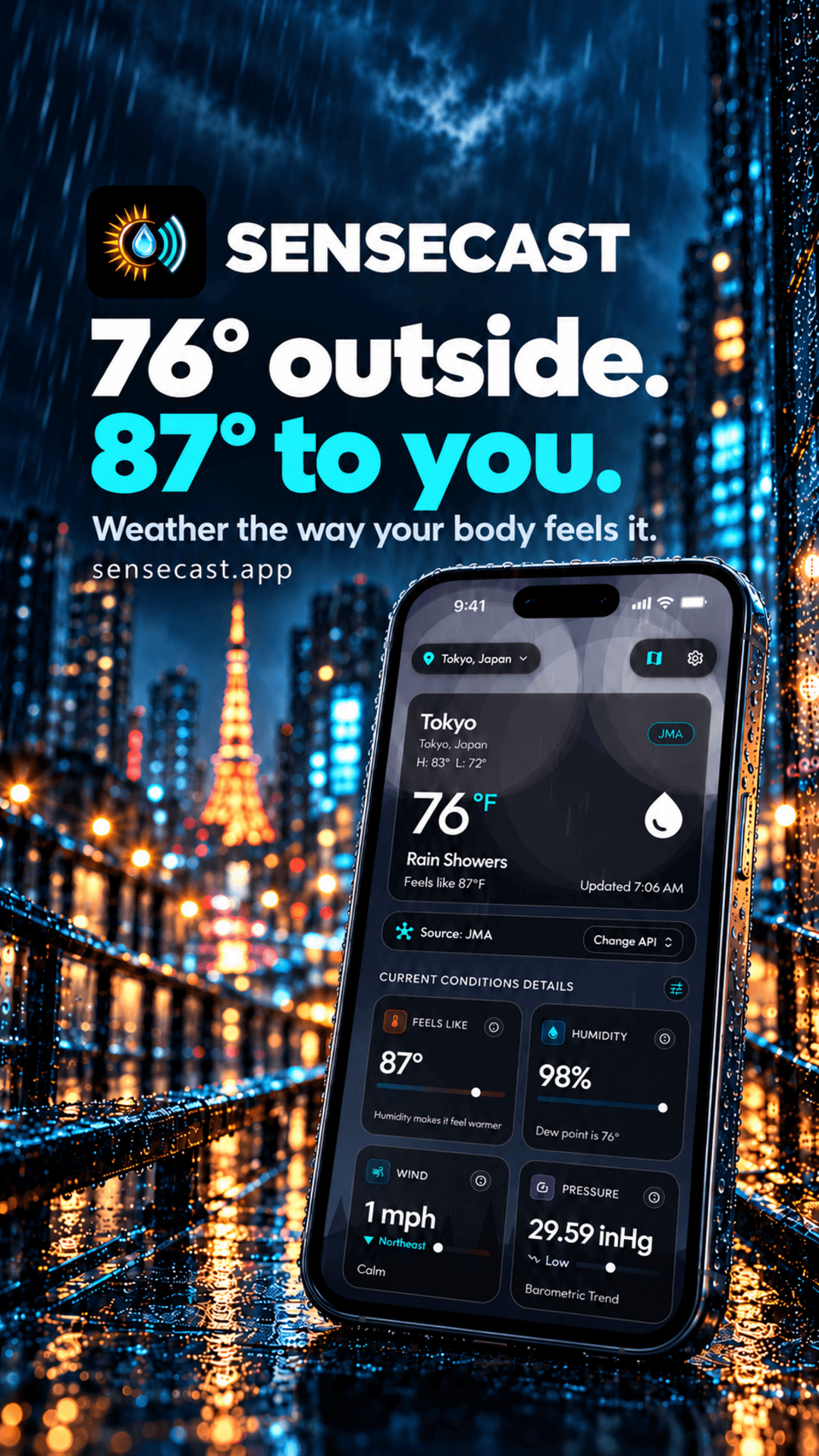
About this app
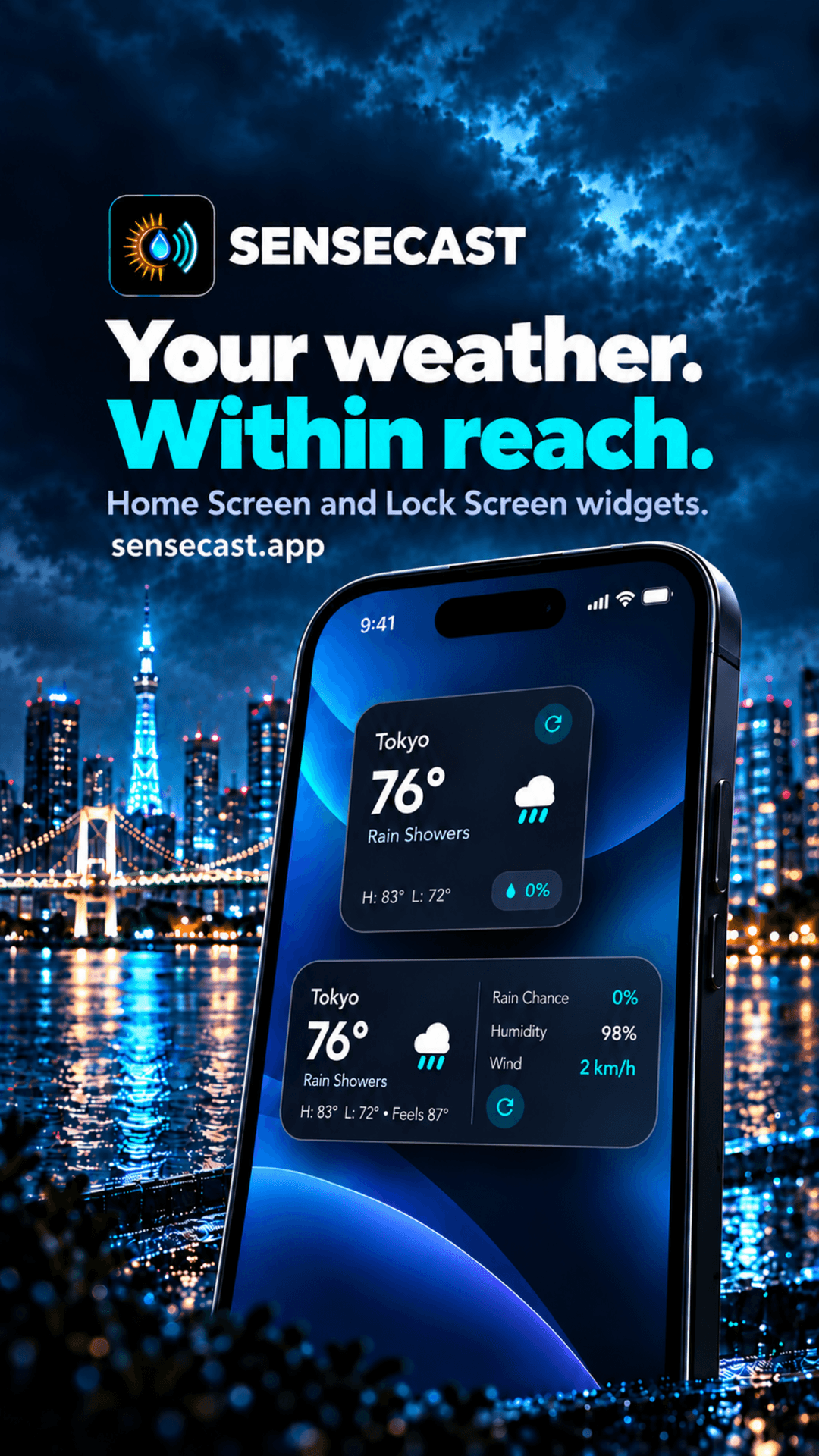
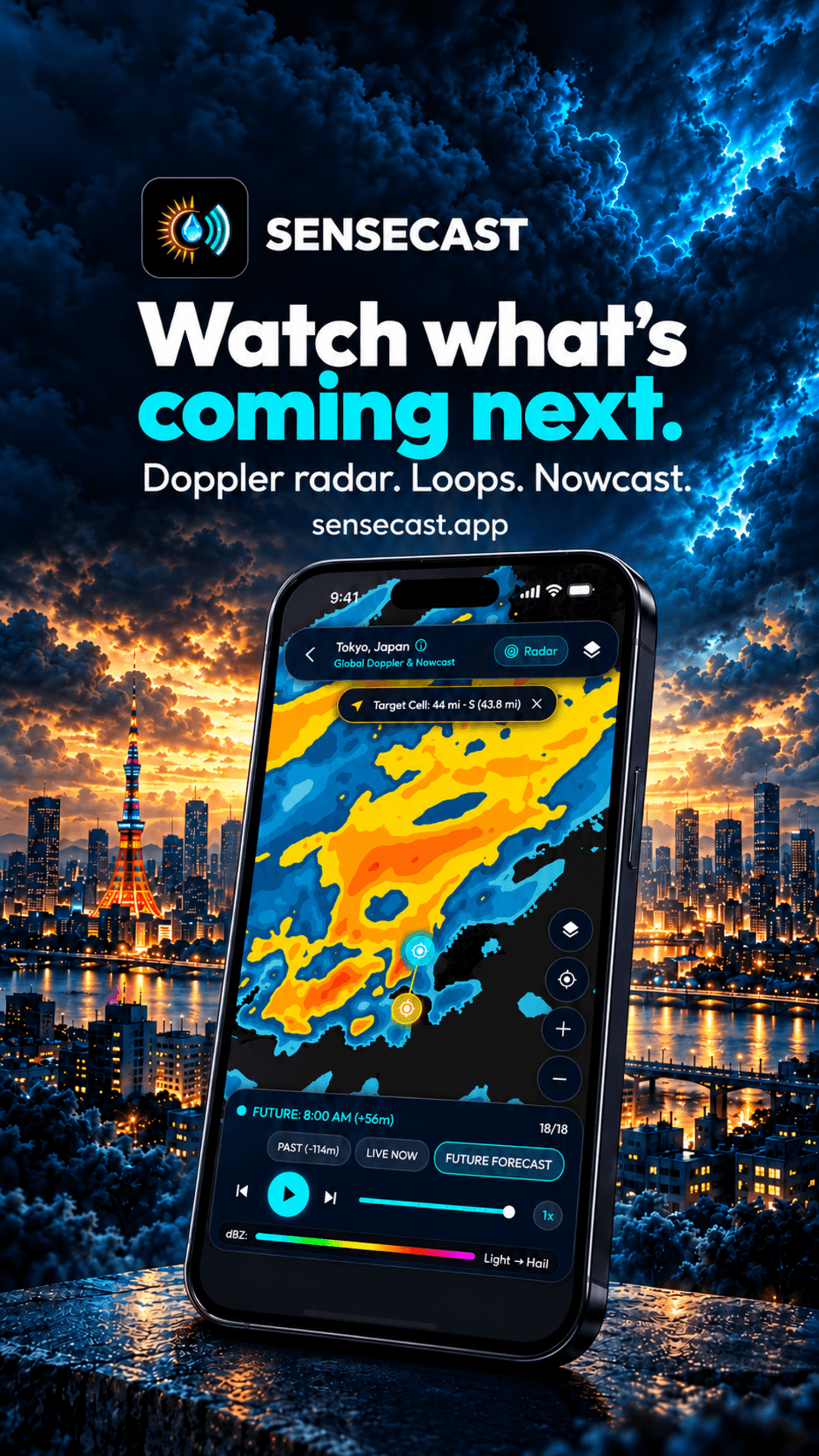
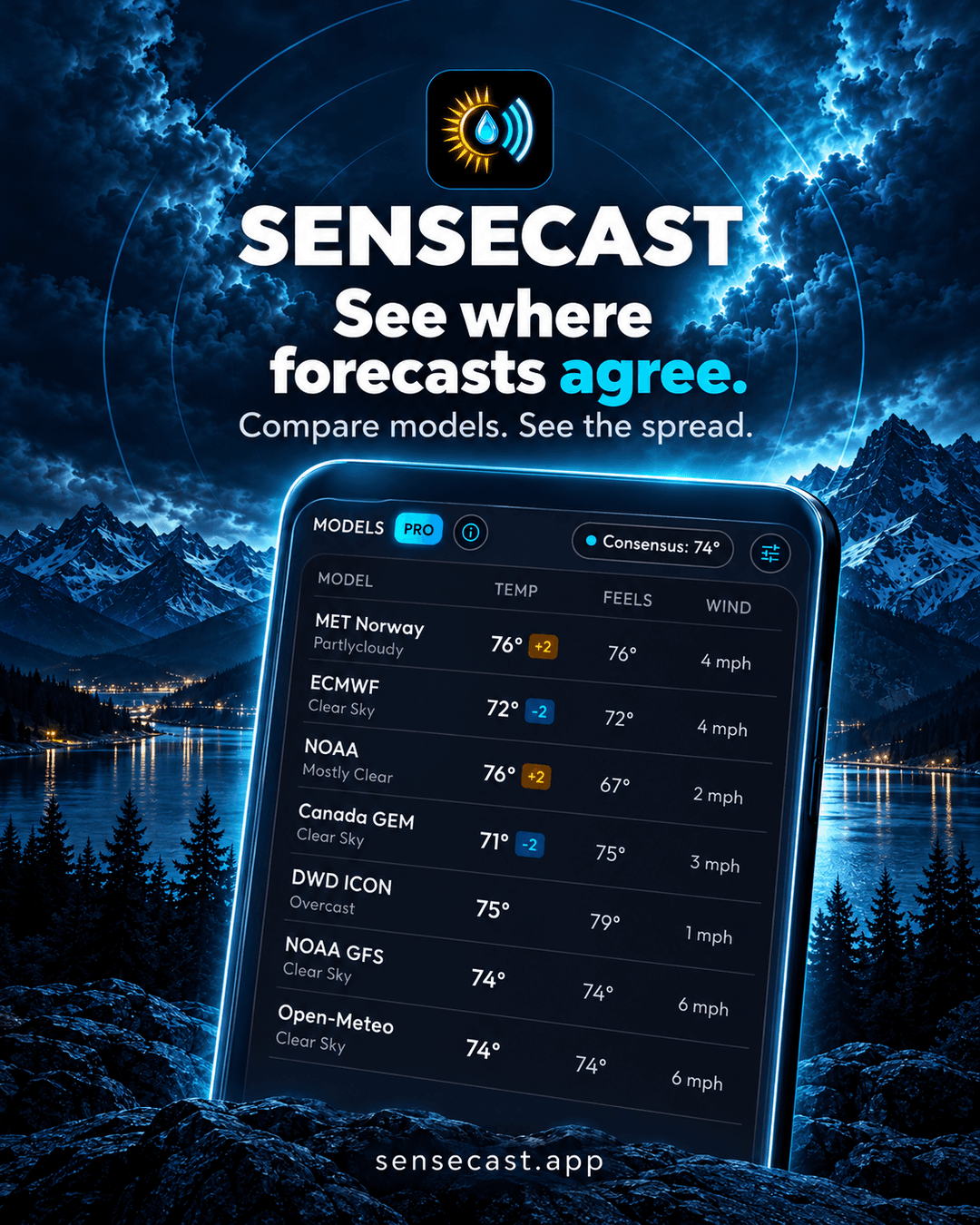
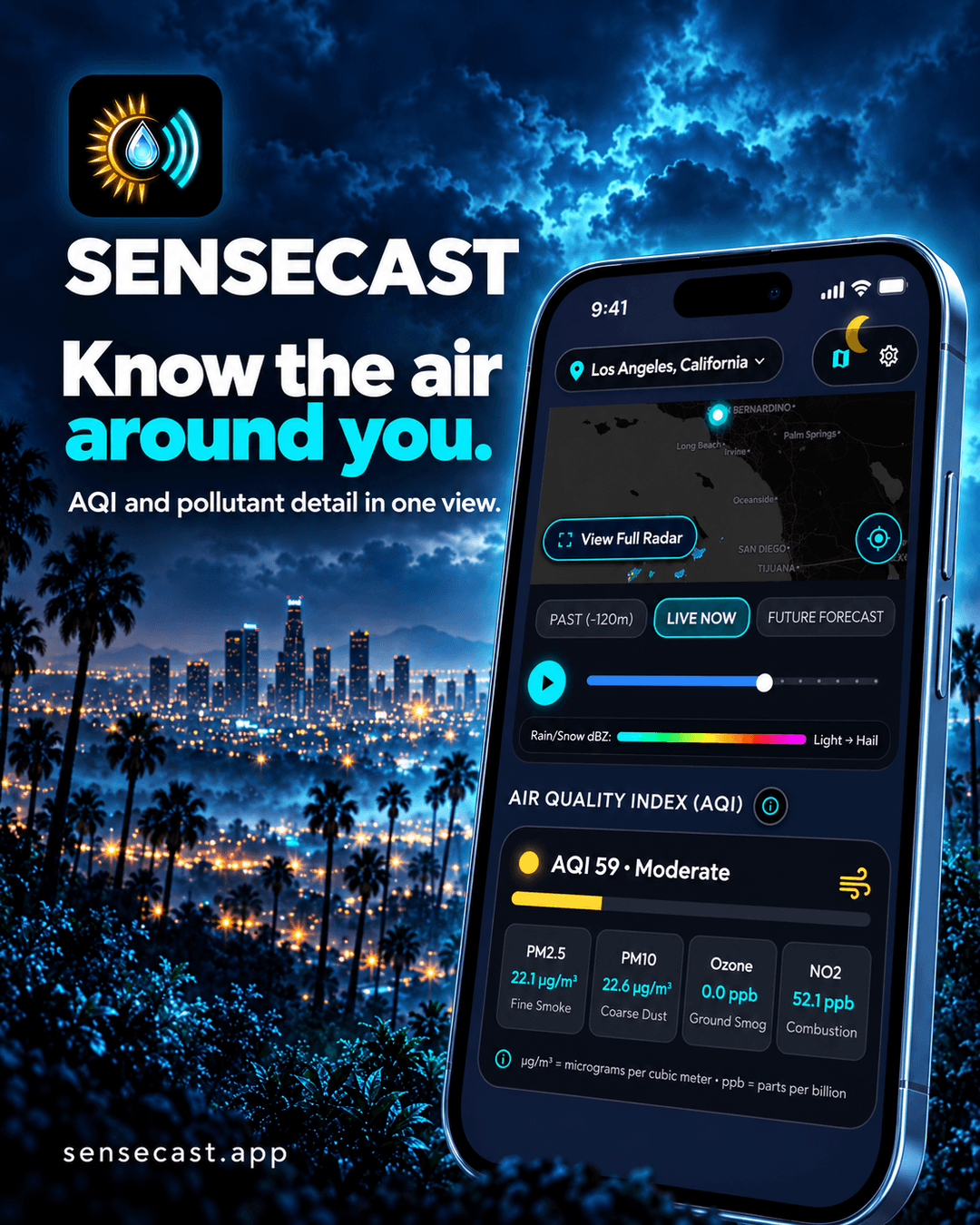
Sensecast is a multi-model weather app that doesn't just tell you what the weather will be — it tells you why. Built for storm watchers, outdoor enthusiasts, and anyone who wants to understand the atmosphere rather than just glance at a forecast, it pulls data from 19 forecast sources (NOAA, ECMWF, DWD, JMA, Météo-France, and more), automatically routing to the agency that best models your terrain. A built-in Weather Academy with 56 searchable topics explains every metric in plain language first, then the science. Live tornado touchdowns from the Storm Prediction Center, county-level power outages, earthquake, wildfire, and hurricane trackers all sit on the same dashboard. The live sky engine renders current conditions on a physics-driven canvas, while Doppler radar lets you scrub two hours back and ninety minutes forward. Pro features include storm verification reports with checkable reference IDs for insurance claims, barometric pressure alerts, and a hazard map. Free to use, no a...
Key features
- 119 forecast sources with terrain-aware routing to the best-modeling agency for your location
- 256-topic searchable Weather Academy explaining every metric in plain language, free
- 3Storm verification reports with checkable reference IDs for insurance and solar claims (Pro)
- 4Live tornado touchdowns, county power outages, earthquake, wildfire and hurricane trackers
- 5Doppler radar with 2-hour playback and 90-minute forward outlook; physics-driven sky canvas
Target customer profile
Drawn from the product itself, not from a survey.
Demographic
Storm chasers, meteorology students, weather hobbyists aged 18–45
Pain points
Mainstream apps oversimplify forecasts; lack educational context for weather metrics
Primary needs
Multi-model comparison, detailed radar, hazard tracking, and learning resources
Demographic
Outdoor professionals: pilots, sailors, hikers, farmers, construction managers
Pain points
Generic forecasts don't account for local terrain; no explanation of uncertainty
Primary needs
Terrain-aware model routing, storm verification reports, reliable hazard alerts
Demographic
Homeowners and property managers in severe weather zones (US Midwest, Gulf Coast, etc.)
Pain points
Need verifiable storm data for insurance claims; want power-grid and outage awareness
Primary needs
Storm verification reports with reference IDs, county-level outage maps, pressure alerts
Scout Review
Written by AI from measured evidence, scored out of 100.
Sensecast is a weather app for people who want to know why, not just what. It pulls 19 forecast sources, routes to the agency that models your terrain best, and backs every metric with a plain-language explanation from a 56-topic Academy. On top of that sit live tornado touchdowns, county power outages, earthquake, wildfire and hurricane trackers, a physics-driven sky canvas, and scrubbable Doppler radar. Pro adds pressure alerts, a hazard map, and storm verification reports with reference IDs an insurer can check. The site is fast (98 mobile Lighthouse) and the security headers are complete. The app UI is polished and consistent. What's unproven is traction and the depth of the documentation and accessibility story behind the marketing.
Measure by measure
Usability
63Strong onboarding story: no account, on-device prefs, 56 free Academy topics, tap-any-reading explanations. But the homepage scatters conversion across five-plus download buttons, and body copy is small grey on near-black. Only 2 store ratings, so real-world learning curve is unverified.
Design
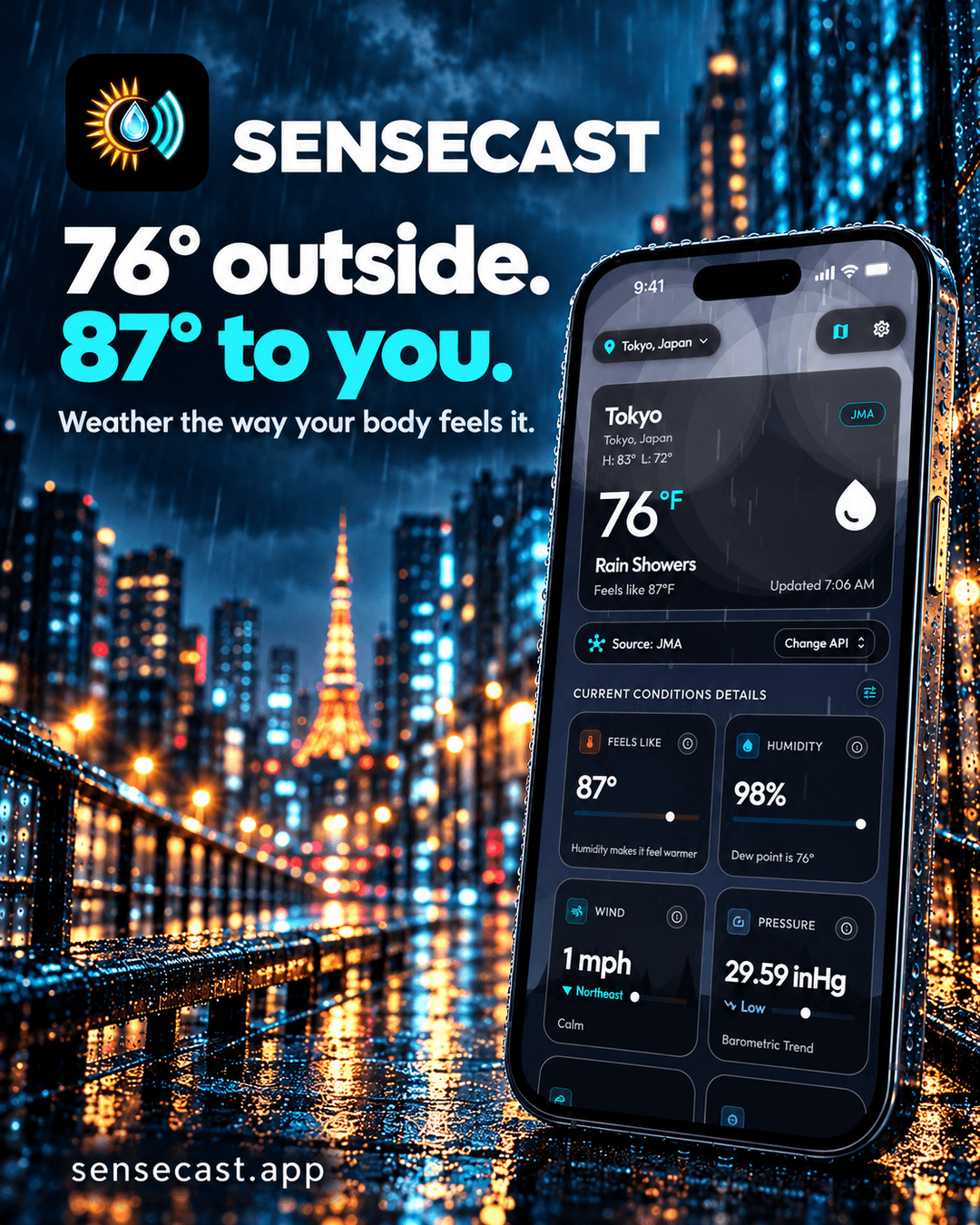
71Judging the app UI and store material: a coherent dark glass-card system with cyan accent, large temperature hierarchy and consistent type pairing. Homepage carries the same language. Undercut by tiny low-contrast mono labels and a mismatched neon promo image.
Speed
88Lighthouse mobile 98/100 with LCP 901ms, CLS 0 and TBT 0ms; desktop a clean 100/100. Effectively a static, edge-served marketing page with no heavy SPA payload. No lag complaints found in collected evidence.
Security
76Full header stack verified: HSTS, CSP, frame protection, nosniff, Referrer-Policy, Permissions-Policy, plus SPF and DMARC — 12/12 checklist. No-account, on-device-prefs design limits data exposure. No published SOC 2, ISO or bug bounty, which is normal at this stage.
Accessibility
79Lighthouse accessibility 100/100, two-language localization, and a responsive dark UI. Held back from the top of the band by the measured low-contrast micro-labels and the absence of any WCAG conformance statement or a11y page.
Growth
72Weather is crowded, but the wedge is real: 19-source multi-model comparison, terrain-aware routing, and insurance-grade storm reports with checkable reference IDs — none of which The Weather Channel, MyRadar or Apple Weather offer. Early (100+ installs, 2 ratings).
Improvement areas
- Homepage conversion is split across five-plus download buttons; consolidate to one platform-aware CTA
- Small low-contrast monospace labels and grey body copy hurt readability despite a perfect a11y audit
- No security page or documentation on how location data in insurance reports is stored and shared
- Thin traction (2 App Store ratings, 100+ Play installs) leaves real-world usability unverified
Design & Usability
Sensecast's design is judged on the app itself, and the app looks good: a dark glass-card system, cyan accent, big temperature leading each screen, and supporting tiles for feels-like, humidity, wind and pressure. The homepage inherits the same language, which is rare and smart. The problems are execution details — monospace micro-labels set tiny and low-contrast on near-black, a rain animation bleeding through card text in one store screenshot, and a neon stock-photo promo that doesn't match the restrained UI. Usability is the stronger half of the story: no account, preferences on device, 56 free Academy topics, and tap-a-reading explanations that turn dew point into a scale. Against that, the homepage splits attention across five-plus download buttons and small grey body copy, and with only two store ratings there's no real evidence yet of how the learning curve lands.
Speed & Security
Speed is the clearest win. Lighthouse measured 98/100 on mobile with LCP at 901ms, CLS at 0 and TBT at 0ms, and a perfect 100 on desktop — the marketing site is effectively static and edge-served, with no heavy SPA payload dragging it down. No lag complaints surfaced in the collected evidence. Security is solid for the stage: the probe confirmed HTTPS enforcement, HSTS, CSP, frame protection, nosniff, Referrer-Policy, Permissions-Policy, SPF and DMARC — a full 12/12. The no-account, on-device-preferences model also shrinks the data surface, which matters for a product that generates location-specific insurance reports. What's missing is the paperwork: no SOC 2, ISO 27001, pen-test summary or bug bounty, and no security page explaining how storm-report location data is stored or shared. For an indie app that's normal, but the insurance use case is exactly where a buyer will ask.
Accessibility & Growth
Accessibility scores well on instruments: Lighthouse returned 100/100, the app is localized in two languages, and the layout is responsive across four platforms. The gap is between automated checks and reality — the visual audit caught small, low-contrast monospace labels on dark backgrounds, and there's no WCAG conformance statement or accessibility page anywhere on the site. Fix contrast and publish a statement and this becomes a genuine differentiator. Growth is the interesting question. Weather is one of the most crowded categories in software, and The Weather Channel, MyRadar and Apple Weather all own distribution Sensecast cannot match. But the wedge is specific and defensible: 19 forecast sources with terrain-aware routing, a 56-topic Academy that explains rather than just displays, and storm verification reports with checkable reference IDs aimed at insurance claims. That last one is a real job-to-be-done nobody in the alternatives list serves. The limit is adoption — 100+ Google Play installs and two App Store ratings mean the idea is unproven in market, and the free tier's 15 sources versus Pro's 19 is a thin upsell.
Conclusion
If you're a storm chaser, a meteorology student, a pilot or a homeowner in a severe-weather zone who has ever been told 'the forecast says 40% rain' with no explanation, Sensecast is aimed squarely at you and the free tier is generous enough to test that claim. The insurance-report feature alone justifies a look for anyone who has argued with a claims adjuster after a storm. Go in knowing it's early — two App Store ratings, 100+ Play installs — so treat it as a promising specialist tool rather than a proven replacement for your daily driver. Start free, lean on the Academy, and see whether the multi-model view actually changes how you plan your day.
Suggestions for improvement
- Publish a security page covering how storm-report location data is stored, retained and shared — the insurance use case invites the question.
- Run a contrast pass on the monospace micro-labels and homepage body copy; the automated a11y score hides a real readability issue.
- Consolidate the homepage to one primary download CTA with platform detection, instead of five competing buttons.
- Add an accessibility statement and WCAG conformance target; it's cheap and it converts the 100/100 Lighthouse score into a claim.
Alternatives comparison
Named competitors, point by point. Nobody paid to appear here or to be left out.
 Sensecast | The Weather Channel |  MyRadar |  Apple Weather | |
|---|---|---|---|---|
| Forecast source transparency | 19 named sources (NOAA, ECMWF, DWD, JMA, Météo-France) with terrain-aware routing | Radar-first; limited source transparency | Single blended model output; sources not exposed to users | Apple's own aggregation; no model comparison |
| Weather education / metric explanations | 56 searchable Academy topics, tap-any-reading explanations, free | Minimal educational content | Video content and articles, not in-context metric explanations | None |
| Verifiable storm reports for insurance claims | Pro: shareable report with checkable reference ID, weather records and warnings | Not offered | Not offered | Not offered |
| Power outage and hazard tracking | County-level outages, tornado, earthquake, wildfire, hurricane trackers; Pro hazard map | Severe weather alerts; no outage tracking | Severe alerts and storm coverage; no county outage data | NWS alerts only |
| Account requirement and ads | No account, no ads; preferences stored on device | Free with ads; subscription for premium | Ad-supported; account for premium | No account, no ads; Apple News ads adjacent |
| Platform coverage | iOS, iPadOS, Android, macOS; web coming soon | iOS, Android, wearables, TV | iOS, Android, web, TV | iOS, iPadOS, macOS, watchOS |
The Weather Channel
Mainstream weather app with broad coverage and video content, but forecasts are presented as single-model outputs with limited explanation.
MyRadar
A popular weather app focused on animated radar and severe weather alerts, but with less emphasis on source transparency and education.
Apple Weather
Built-in iOS weather app using Apple's own data aggregation, offering a clean interface but lacking multi-model comparison and in-depth educational tools.
Comparing options? See Sensecast alternatives, scored side by side
More Travel & Exploration apps
View all Travel & Exploration
Peanut Tennis
89Find tennis courts & tournaments in Australia

Roami eSIM
88A global travel eSIM app offering instant activation, no ...

PiSpace Sky
86Free night-sky planner for 31,842 cities that rates each night on cloud cover, darkness and moonlight, then adds planet positions, Moon times, aurora outlooks and ISS passes.

TheBean.ai
84Adaptive AI personal trainer that evolves with your progr...

Stampsy App
83Find every country you've been to in your photos and collect a passport stamp for each one.

EchoWi
83Track and optimize your brand's visibility in AI answers.

Bracket2026
82Interactive 48-team World Cup 2026 bracket predictor with...

Vote-n-Venture
79AI-powered group travel planning app that simplifies decision-making with collaborative voting and bookable itineraries.

SpeakSpots
78An AI-powered travel assistant that creates personalized itineraries via WhatsApp, perfect for quick and easy trip planning.
Remember
78An iOS app that enhances memory by capturing, tagging, and organizing items with smart contextual features.

Suitpax
78AI-powered CRM for corporate travel, streamlining workflows with AI assistants for itinerary planning and expense tracking.

Carpooly
76Carpooly is a smart carpooling platform that simplifies ride-sharing for schools, work commutes, and daily transportation needs.


A platform dedicated to providing unbiased reviews of newly launched applications, analyzing everything from their features to their full potential.
info@scoutforge.net© 2026 Scoutforge. All rights reserved.
