Is this your app?
Claim Bree AI to manage its page, add your badge and see your traffic — free, and it stays free.
Cycling through all six. Tap any point to stop.
Measured on six things
Bree AI is a Windows-based chatbot that streamlines tasks like content creation, coding, and brainstorming with 100+ prompt templates.
Accessibility
60Minimal support with only text translation, no screen reader optimization, font adjustments, or voice commands.
Screenshots
1 / 5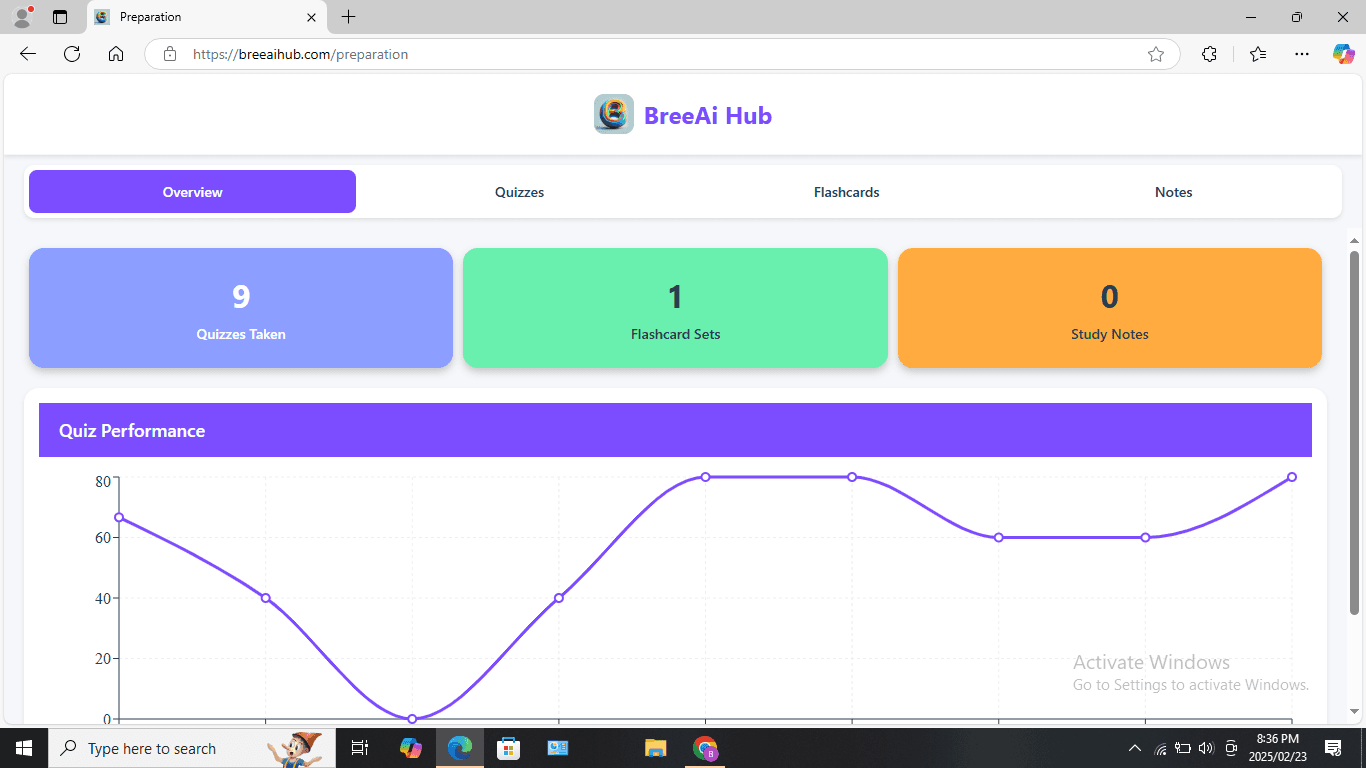
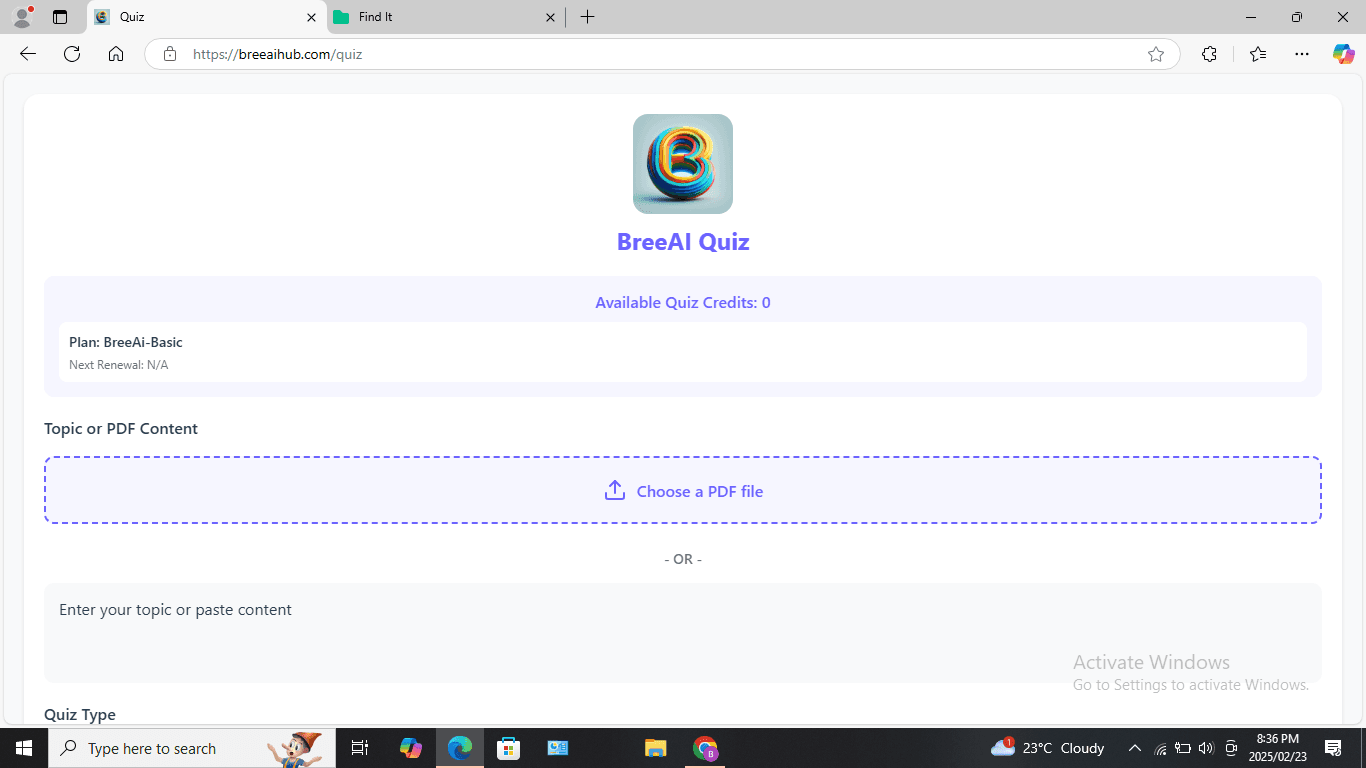
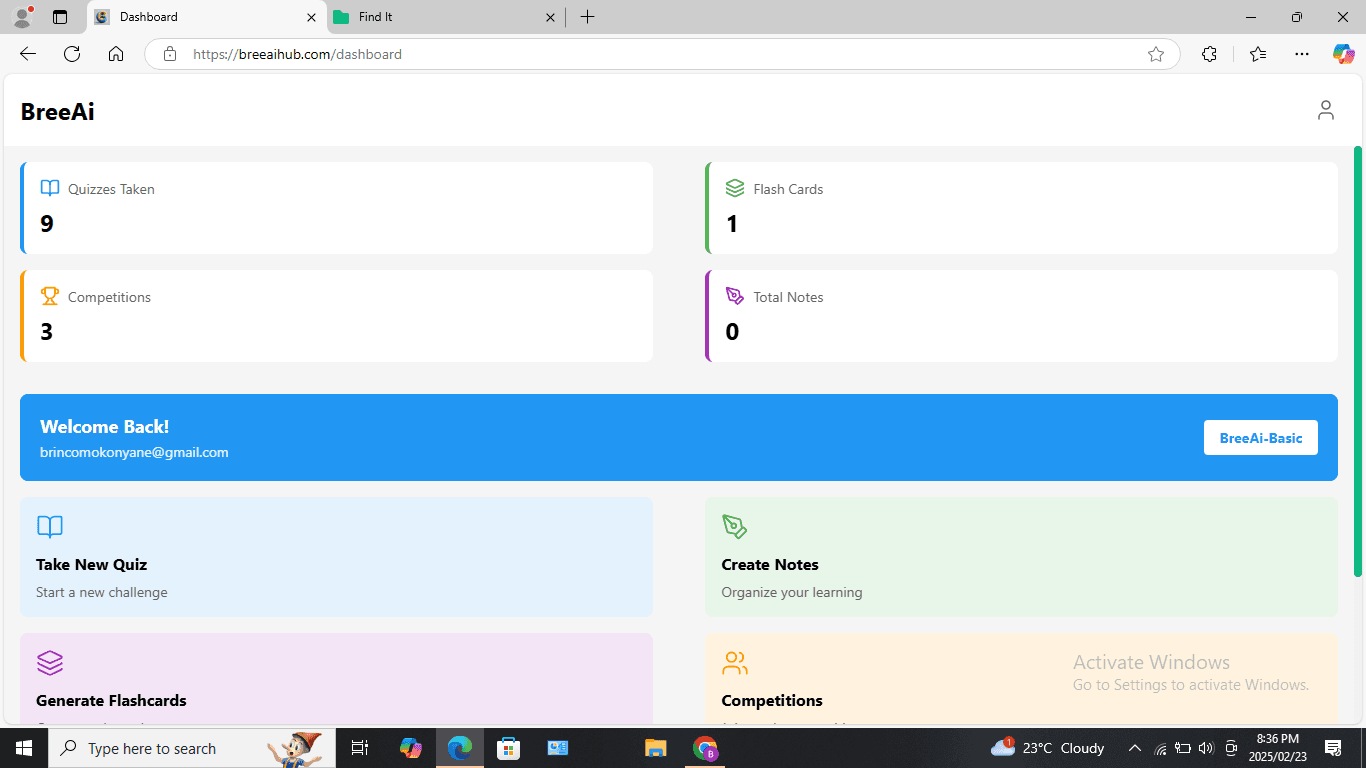

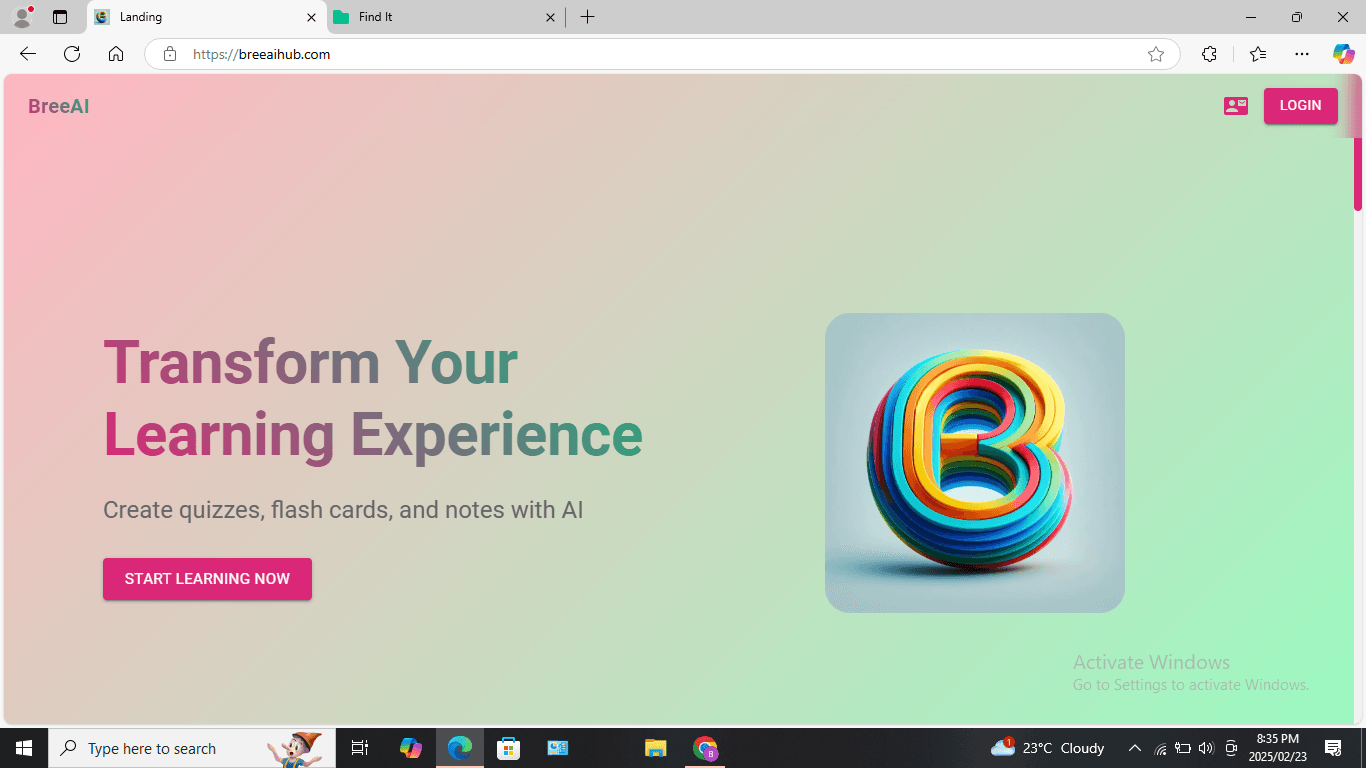
About this app
Bree AI serves as a versatile AI assistant for Windows users, offering features such as preset prompts for effortless ideation, translation support, and a ChatPDF Companion for text refinement. It targets professionals, creators, and developers seeking quick solutions for drafting emails, debugging code, and overcoming creative blocks. While the free version provides basic functionality, the premium subscription at $9.99/month removes ads and offers unlimited chats. However, it faces limitations in customization and subscription management, with user reviews noting occasional performance lags and minimal accessibility options. Overall, it's a solid tool for everyday AI tasks but could benefit from enhancements like dark mode and better privacy disclosures.
Key features
- 1Clean, text-focused layout with neatly categorized preset prompts for easy access
- 2Intuitive for beginners with straightforward navigation and preset prompt library
- 3Generally responsive performance for most text-based tasks and translation support
Target customer profile
Drawn from the product itself, not from a survey.
Demographic
Content Creators & Marketers
Pain points
Time-consuming content drafting, writer's block, repetitive social media updates
Primary needs
Quick blog/article generation, email templates, SEO-optimized text
Demographic
Developers & Tech Professionals
Pain points
Debugging complex code, explaining technical concepts to non-experts
Primary needs
Code optimization, error resolution, simplified technical documentation
Demographic
Students & Casual Users
Pain points
Language barriers, brainstorming ideas, resume drafting
Primary needs
Translation tools, creative prompts, structured templates
Scout Review
Written by AI from measured evidence, scored out of 100.
Bree AI succeeds as a straightforward, template-driven AI assistant that eliminates the prompt engineering headache for Windows users. Its strength lies in the carefully curated preset prompts that deliver immediate value for content creation, coding help, and brainstorming tasks. The free tier offers enough functionality to test drive before committing, while the $9.99/month premium plan removes ads and chat limits. However, the app feels like it's playing catch-up in several areas - from accessibility features to platform availability - that prevent it from being a top-tier contender in the crowded AI assistant space.
Measure by measure
Usability
84Intuitive for beginners with easy preset access, but advanced users miss keyboard shortcuts and search filters.
Design
80Clean, text-focused layout with neatly categorized preset prompts, though lacks visual customization options like dark mode.
Speed
80Generally responsive for text tasks but occasional lag during complex code analysis operations.
Security
70Relies on Microsoft Store security protocols but lacks explicit privacy policy details or encryption disclosures.
Accessibility
60Minimal support with only text translation, no screen reader optimization, font adjustments, or voice commands.
Growth
70Solid foundation but needs mobile apps, deeper integrations, and broader platform support to compete effectively.
Improvement areas
- Lacks visual customization options like dark mode and theme adjustments
- Absence of keyboard shortcuts and search filters for advanced users
- Minimal accessibility features with no screen reader optimization or voice commands
Design & Usability
Bree AI's interface embraces a clean, no-frills approach that prioritizes function over form. The preset prompt library is thoughtfully organized into clear categories, making it remarkably easy to dive into tasks like email drafting or code troubleshooting without the typical AI learning curve. The text-focused layout ensures you're not distracted by unnecessary visual elements, though the absence of dark mode or theme customization options feels like a missed opportunity for extended usage sessions. Navigation is straightforward for casual users, but power users will notice the lack of keyboard shortcuts and advanced search capabilities that would elevate the experience from good to exceptional.
Speed & Security
Performance-wise, Bree AI delivers snappy responses for most text-based tasks, handling everything from content generation to translation with respectable speed. However, users report occasional performance dips during complex code analysis, suggesting some optimization opportunities in the backend. On the security front, the app leverages Microsoft Store's standard security protocols, which provides a baseline level of protection, but the complete absence of explicit privacy policy details or encryption disclosures leaves questions unanswered. The subscription management through Microsoft Store has drawn user complaints, particularly around cancellation difficulties that need addressing.
Accessibility & Growth
Accessibility remains Bree AI's weakest area, offering only basic text translation support without consideration for users with visual or auditory impairments. The lack of screen reader optimization, adjustable font sizes, or voice command integration significantly limits its inclusivity. For growth potential, the Windows-only approach feels restrictive in today's multi-platform world. While the 100+ prompt templates provide immediate value, expanding to mobile and web platforms, along with deeper workflow integrations, would dramatically increase its market relevance and competitive positioning against broader AI assistants.
Conclusion
If you're a Windows user looking for a no-fuss AI assistant that handles everyday tasks without the complexity of crafting perfect prompts, Bree AI deserves your attention. The template library alone can save hours of frustration for content creators, developers, and students alike. Give the free version a spin for your next writing project or coding challenge - it might just become your go-to digital sidekick for overcoming creative blocks and technical hurdles.
Suggestions for improvement
- To elevate Bree AI from good to great, the development team should prioritize adding a dark mode and UI customization options to reduce eye strain during extended use.
- Implementing a proper free trial for the premium tier would build trust and reduce subscription hesitancy.
- Clarifying data privacy policies with explicit encryption details is essential for user confidence.
- Expanding beyond Windows to web and mobile platforms would dramatically increase accessibility.
- Finally, adding prompt history and favorite templates would create stickiness for recurring workflows.
Alternatives comparison
Named competitors, point by point. Nobody paid to appear here or to be left out.
 Bree AI Bree AI |  ChatGPT ChatGPT |  Jasper AI Jasper AI | |
|---|---|---|---|
| Platform Availability | Windows only | Web, iOS, Android | Web-based |
| Pricing Tier | Free + $9.99/month | Free + $20/month Plus | $49/month |
| Preset Templates | 100+ specialized templates | Limited built-in templates | Industry-specific templates |
| Customization Level | Basic preset selection | High customization with plugins | Workflow-focused customization |
ChatGPT
Offers broader customization and plugin support but lacks Bree's preset templates and Windows app integration.
Jasper AI
A premium writing assistant with stronger SEO tools but higher pricing at $49/month.
Comparing options? See Bree AI alternatives, scored side by side
More AI Chatbots apps
View all AI Chatbots
Notion
92All-in-one AI workspace for docs, projects, and knowledge...

Gerty
91Private, local AI assistant for Mac that runs offline

MindMarks
88A free browser extension that organizes AI conversations ...

Claw Messenger
88Claw Messenger is an iMessage API service that gives AI a...

Evoriqa
88White-label AI customer service agent for small businesse...

robodocxs.ai
87AI-agents work right inside your systems. You decide what they handle on their own and what your team approves.

Nautis
87Nautis is an AI-native operating system that helps founders manage finance, fundraising, sales, teams, and operations with an AI Chief of Staff.

Plori
87Cloud AI agents with persistent disk, memory, and real CL...

UncensoredLabs
87Uncensored language models through an OpenAI-compatible API.

VibeBot
86AI-powered no-code Discord bot maker

Trust Me Bro
86Trust Me Bro checks one claim against published research and publishes a public receipt: a verdict, sources for and against, and the limits of the check. Free: 5 checks a month, no card. Also Chrome extension, API, MCP.

EntreDash
860-1 Founder workspace, from idea to business


A platform dedicated to providing unbiased reviews of newly launched applications, analyzing everything from their features to their full potential.
info@scoutforge.net© 2026 Scoutforge. All rights reserved.
