Is this your app?
Claim GitDocs AI to manage its page, add your badge and see your traffic — free, and it stays free.
Cycling through all six. Tap any point to stop.
Measured on six things
An AI-powered tool that automates software documentation generation from codebases with Git integration.
Accessibility
60Basic keyboard shortcuts only, no screen reader support or language localization.
Screenshots
1 / 5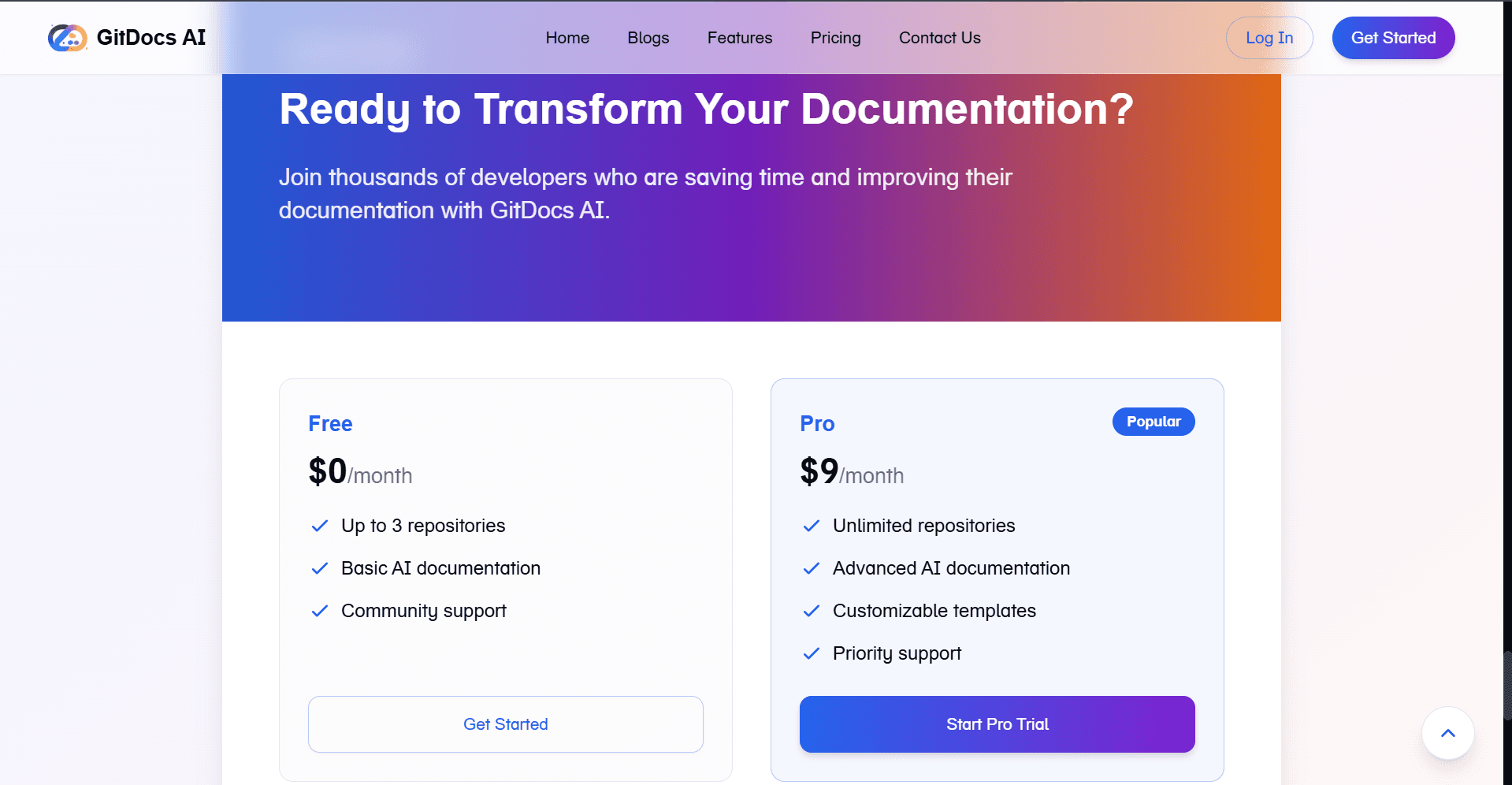
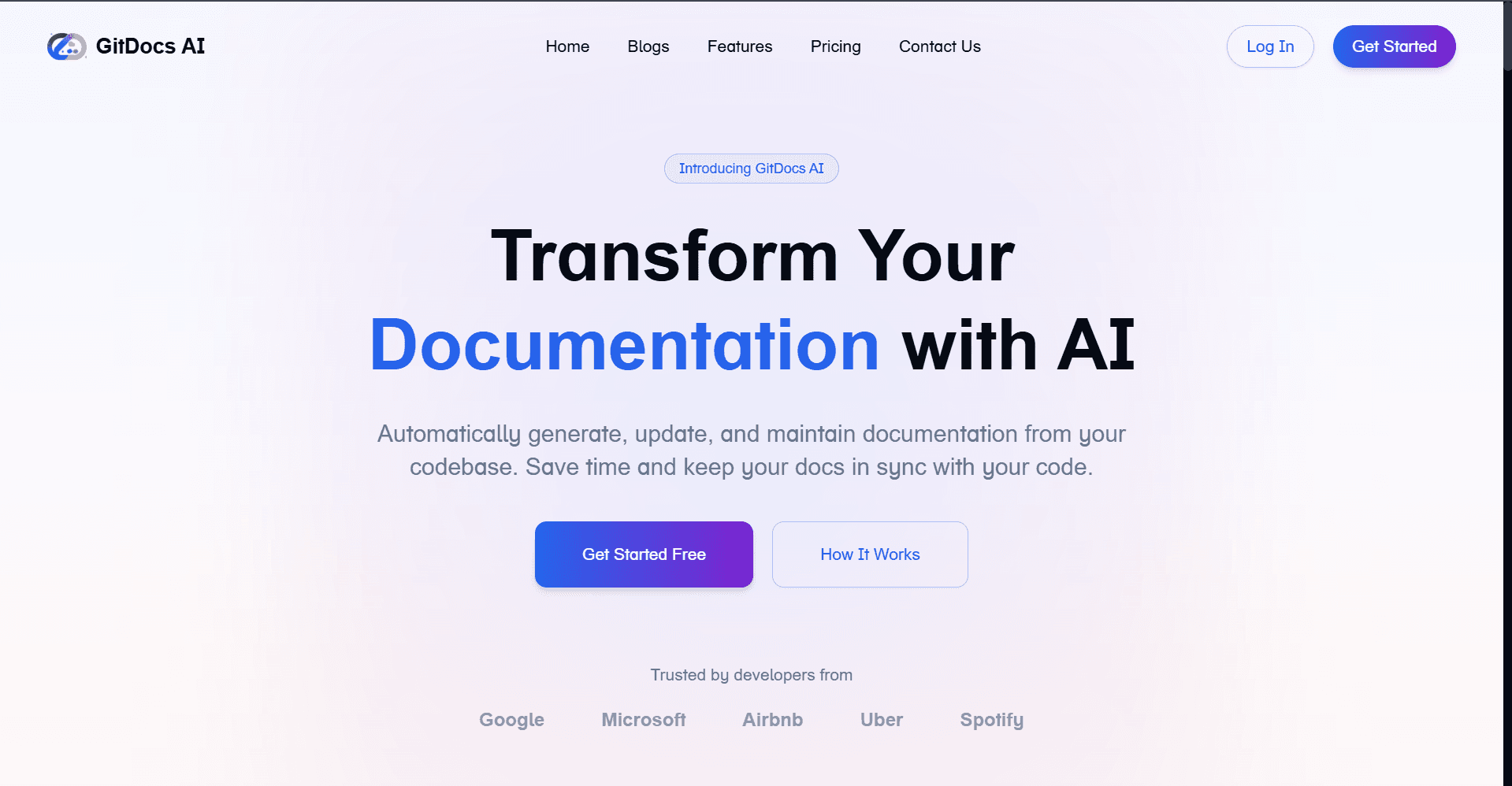
About this app
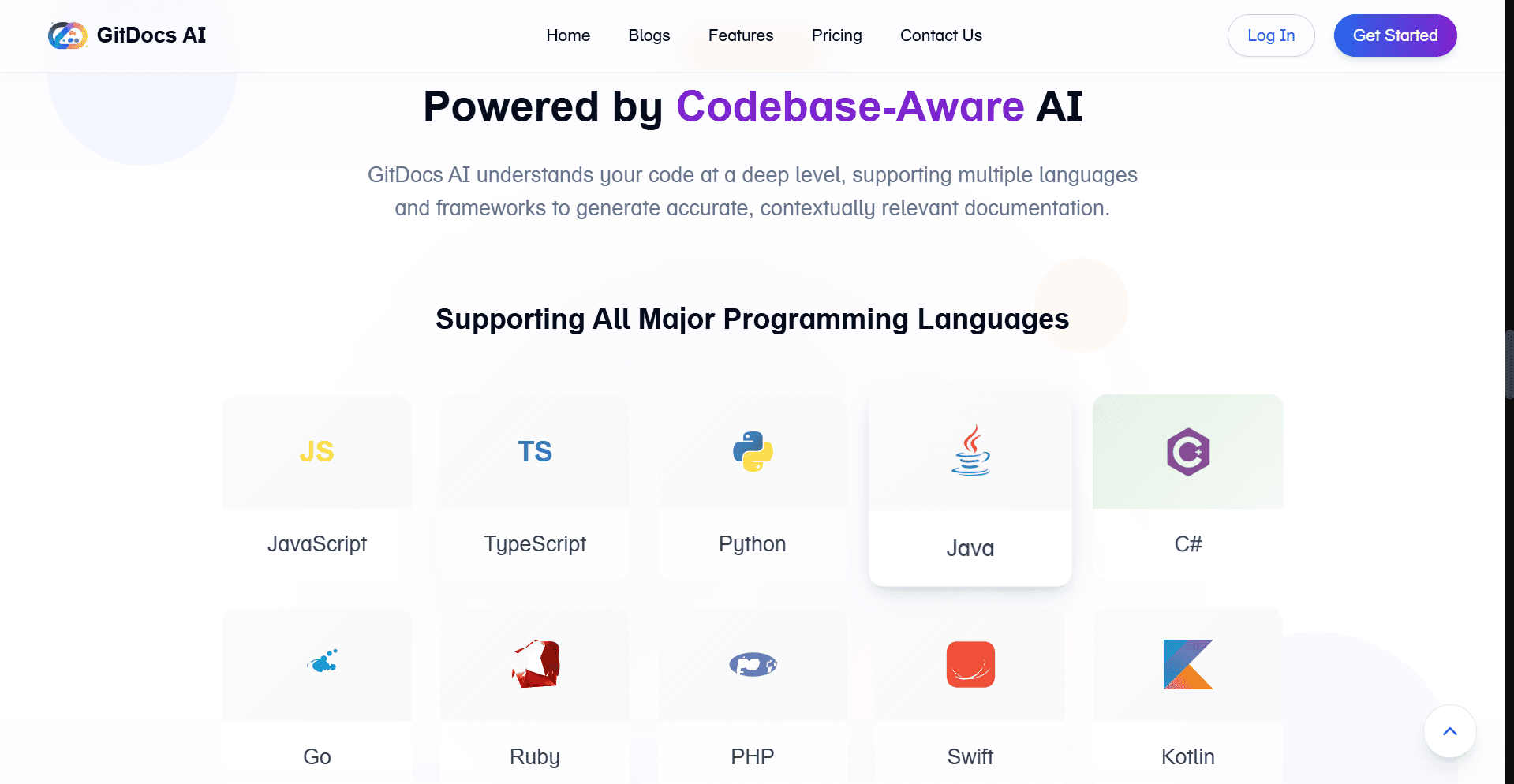
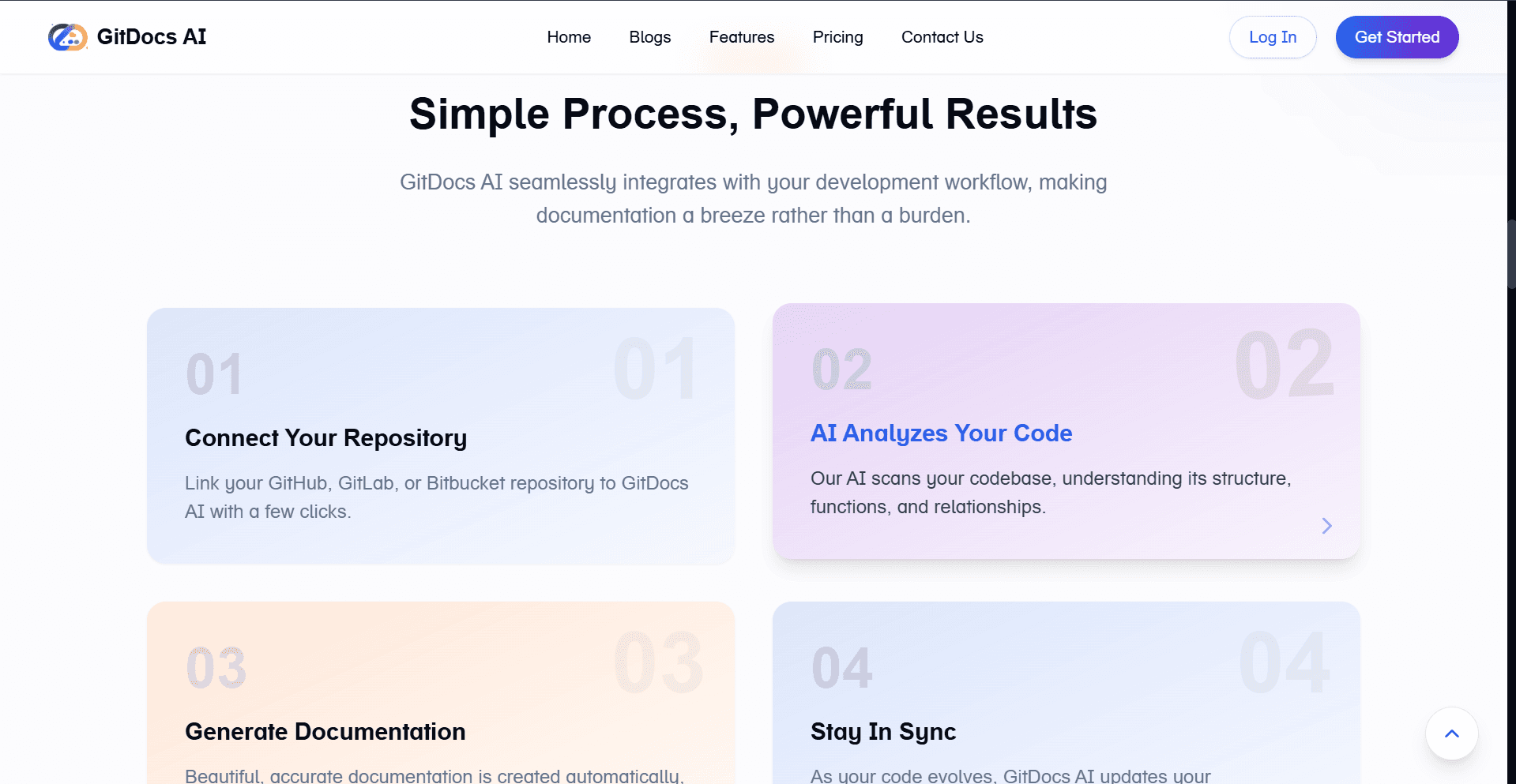
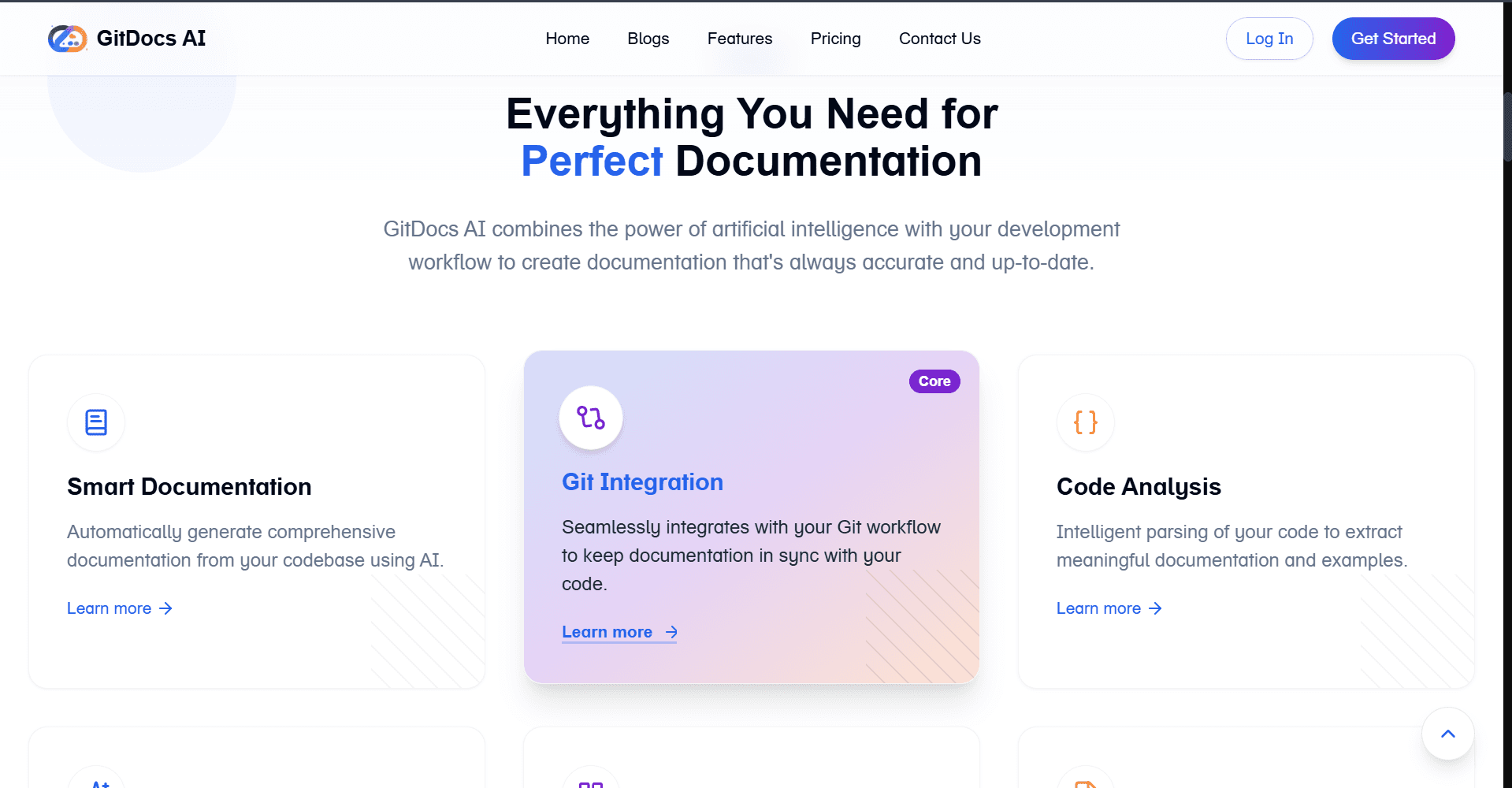
GitDocs AI is a game-changer for developers tired of manual documentation tasks. It uses artificial intelligence to analyze your code and generate comprehensive markdown docs, seamlessly integrating with Git workflows. Supporting languages like JavaScript, Python, and TypeScript, it offers smart templates and a customizable dashboard for managing documentation like code. While it excels in automation for small teams and solo developers, it lacks some advanced collaboration features found in alternatives. Its minimalist, VS Code-inspired UI and local processing for speed and security make it a solid choice for keeping docs in sync with your evolving projects.
Key features
- 1VS Code-inspired dark UI with three-pane layout for efficient code, AI suggestions, and documentation previews.
- 2Seamless Git integration enabling intuitive navigation and real-time code annotation for developers.
- 3Local processing ensures fast 2-3 second documentation generation and enhances security by keeping code on-device.
Target customer profile
Drawn from the product itself, not from a survey.
Demographic
Software Developers & Engineers
Pain points
Time-consuming manual documentation, inconsistent styles, version drift between code and docs
Primary needs
Auto-generated docs, Git-native workflow, codebase accuracy
Demographic
Tech Leads & Open-Source Maintainers
Pain points
Onboarding new contributors, maintaining project clarity
Primary needs
Standardized templates, automatic ToC generation, markdown linting
Demographic
Solo Developers and Small Teams
Pain points
Lack of time for documentation, outdated READMEs
Primary needs
Quick setup, automation, integration with existing Git practices
Scout Review
Written by AI from measured evidence, scored out of 100.
GitDocs AI excels at its core mission: automating the tedious task of documentation generation while maintaining tight Git integration. It's specifically designed for developers who understand version control and want documentation that evolves with their codebase. The AI analysis is smart enough to handle multiple programming languages, and the local processing ensures both speed and basic security.
Measure by measure
Usability
90Seamless Git integration with intuitive navigation for developers, real-time code annotation feature.
Design
80Clean VS Code-inspired dark UI with three-pane layout, though customization options are limited.
Speed
842-3 second generation for medium repos, local processing avoids cloud delays.
Security
76Local processing protects code, but lacks transparency about enterprise data handling.
Accessibility
60Basic keyboard shortcuts only, no screen reader support or language localization.
Growth
90High demand for AI documentation tools as remote teams expand globally.
Improvement areas
- Enhance accessibility with screen reader support, high-contrast themes, and multi-language UI localization.
- Improve security transparency with clear documentation on data encryption and enterprise handling practices.
- Add advanced collaboration features like team review processes and integration with CI/CD pipelines for automation.
Design & Usability
GitDocs AI nails the developer experience with its VS Code-inspired interface that feels immediately familiar. The three-pane layout efficiently displays code, AI suggestions, and live documentation previews, minimizing context switching. The dark mode default is easy on the eyes during long coding sessions, and the Git integration feels natural for developers already comfortable with version control workflows. The real standout is the AI's code annotation system that highlights undocumented functions in real-time, making documentation feel less like a chore and more like an integrated part of the development process.
Speed & Security
Performance is impressive with local processing that generates documentation in 2-3 seconds for medium-sized repositories. This approach not only speeds up the process but enhances security by keeping your code on your local machine rather than sending it to cloud servers. However, the security story becomes murkier when considering enterprise features - there's insufficient transparency about data encryption and handling practices. The lightweight markdown rendering ensures snappy load times, making the overall experience feel responsive and efficient.
Accessibility & Growth
Accessibility is clearly the weakest aspect, offering only basic keyboard shortcuts without screen reader optimization, high-contrast themes, or language localization beyond English. This significantly limits its usability for diverse teams. However, the growth potential is substantial as remote development teams expand and the demand for automated documentation solutions increases. The AI-powered approach positions GitDocs well for future enhancements and market adoption.
Conclusion
If you're a developer or small team drowning in outdated README files and manual documentation tasks, GitDocs AI could be your salvation. It's perfect for those who believe documentation should happen automatically alongside coding. Try the free tier if you've ever pushed code with the infamous 'docs coming soon' commit message - this might finally make that promise a reality.
Suggestions for improvement
- Add GitHub Actions/GitLab CI integration for automated documentation deployment pipelines.
- Develop a VS Code extension to eliminate context switching entirely.
- Implement collaborative editing features for team review processes.
- Prioritize accessibility improvements including screen reader support, high-contrast themes, and multi-language UI localization.
- Enhance security transparency with clear documentation about data handling practices.
Alternatives comparison
Named competitors, point by point. Nobody paid to appear here or to be left out.
 GitDocs AI |  GitBook |  Swimm AI | |
|---|---|---|---|
| Git Integration Depth | Native Git workflow with branching/merging | Basic Git connection, manual updates required | Separate system, not Git-native |
| AI Automation Level | Full AI-generated documentation | Limited AI assistance | AI-focused but separate sync system |
| Collaboration Features | Basic, lacks advanced team features | Rich collaboration tools | Live sync focus |
| Processing Method | Local processing for speed/security | Cloud-based processing | Cloud-based with live sync |
GitBook
Offers richer collaboration features but requires manual doc updates and lacks deep Git integration.
Swimm AI
Focuses on live code-doc sync but operates as a separate system rather than Git-native.
Comparing options? See GitDocs AI alternatives, scored side by side
More Development & Engineering apps
View all Development & Engineering
Vibe Coding Agent Skills
92A free, open-source platform offering 110 AI agent skills...

CreateMyCoin
92A no-code Solana token creator that deploys SPL tokens in...

CC Switch
91Open-source desktop app for switching AI coding providers...

DemoVexa
90Turn your code into professional product demo videos with AI-generated scripts, animated UI, and natural voiceovers.

TaxID
90Fast EU VAT validation API for developers, covering 27 EU...

FontPlop
89Browser-based font viewer & tester for TTF, OTF, WOFF, WO...

deed.page
89Permanent web hosting for AI agents, no human step

Webfetch
89Web scraping API that turns any URL into HTML, text, Mark...

Claw Messenger
88Claw Messenger is an iMessage API service that gives AI a...

PERM Processing Time: Current DOL Queue & History
88PERM Processing Time is an independent data analysis platform that helps users navigate the U.S. Department of Labor’s permanent labor certification process.

DataHabibi
88AI-powered Dubai real estate data platform with 12M+ DLD ...

BeartIMAGE
88BeartIMAGE is a free, web-based image processing platform engineered for fast, bulk photo editing and conversion directly in your browser.


A platform dedicated to providing unbiased reviews of newly launched applications, analyzing everything from their features to their full potential.
info@scoutforge.net© 2026 Scoutforge. All rights reserved.
