Cycling through all six. Tap any point to stop.
Measured on six things
A free web-based tool for converting images to shareable URLs with instant embed codes, perfect for quick sharing without accounts.
Accessibility
40Meets basic contrast and screen reader standards but lacks alt-text, language options, or keyboard navigation.
Screenshots
1 / 1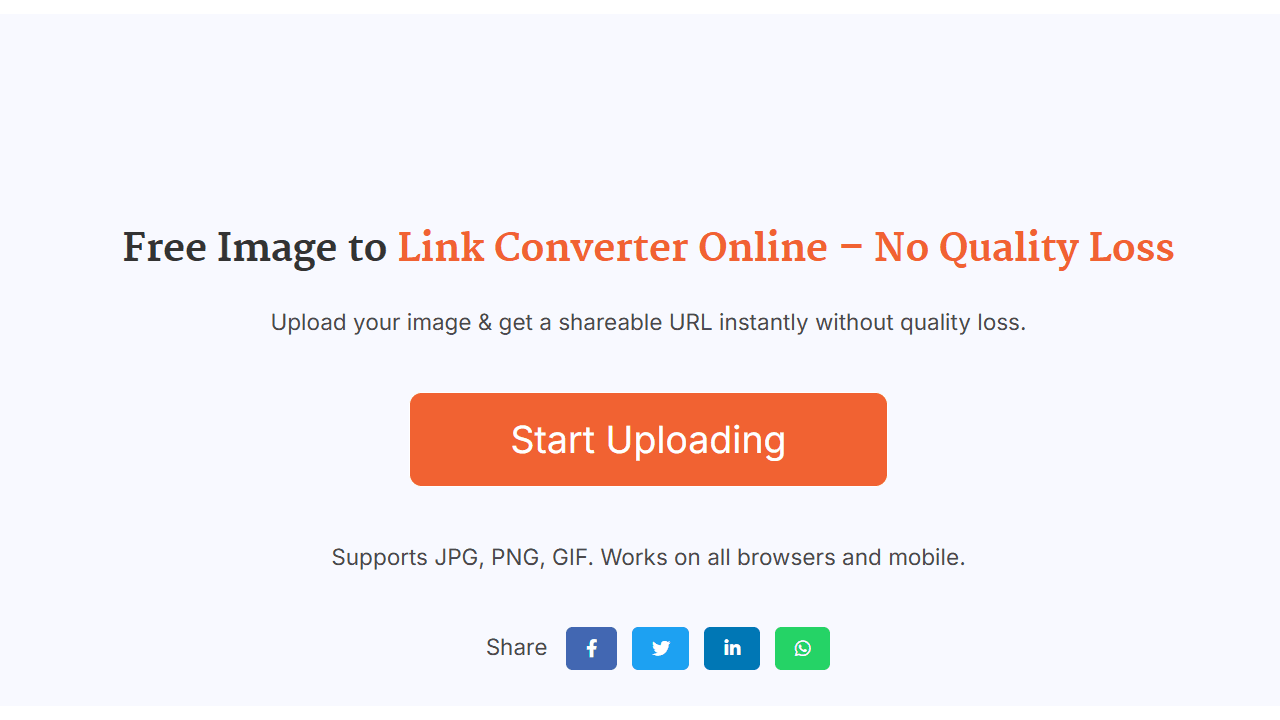
About this app
I recently tested Sanish Tech's Image to Link Converter, and it's a no-fuss solution for anyone needing to turn local images into web-ready links in seconds. It supports JPG, PNG, and GIF files up to 5MB, generating direct URLs, BBCode for forums, and HTML embed codes upon upload. What I love is its simplicity—just drag and drop, and you're done, making it ideal for bloggers, forum users, and small business owners who want to avoid complex setups. While it lacks advanced features like galleries or editing, its zero-learning-curve approach excels for quick social shares or temporary image hosting. SEO keywords: free image hosting, image URL generator, quick embed codes, no registration tool, simple image converter.
Key features
- 1Extremely intuitive drag-and-drop interface with instant results and reliable copy-to-clipboard functionality.
- 2Minimalist single-page layout that is clean and distraction-free, focusing on ease of use.
- 3No account needed, making it quick and accessible for users who want to share images without registration.
Target customer profile
Drawn from the product itself, not from a survey.
Demographic
Bloggers & Content Creators
Pain points
Needing instant image URLs for articles without complex hosting setups
Primary needs
Quick embedding, no registration, basic BBCode/HTML output
Demographic
Forum Users
Pain points
Difficulty attaching images directly to forum posts
Primary needs
BBCode generation, simple interface, fast uploads
Demographic
Small Business Owners
Pain points
Sharing product images via email/messaging
Primary needs
Direct image links, no storage limits per upload
Scout Review
Written by AI from measured evidence, scored out of 100.
Sanish Tech's Image to Link Converter excels at doing one thing extremely well: turning local images into shareable links with zero friction. It's the digital equivalent of a perfectly sharpened kitchen knife - specialized, effective, and beautifully simple. The lack of advanced features is actually its strength for users who just need quick results without navigating complex dashboards or creating accounts.
Measure by measure
Usability
90Extremely intuitive drag-and-drop interface with instant results and reliable copy-to-clipboard functionality.
Design
60Minimalist single-page layout with neutral blues and whites, focused on drag-and-drop functionality but visually basic.
Speed
801-3 second uploads for standard images, though lacks CDN optimization for faster global delivery.
Security
50No visible SSL encryption, basic privacy policy, and no password protection options for sensitive content.
Accessibility
40Meets basic contrast and screen reader standards but lacks alt-text, language options, or keyboard navigation.
Growth
60Solid core functionality but faces stiff competition from established players with more features.
Improvement areas
- Implement SSL encryption for both upload and retrieval to enhance security and protect user data.
- Add image expiration settings and basic alt-text customization to improve accessibility and temporary sharing options.
- Develop a responsive mobile interface and consider language localization to cater to a broader global audience.
Design & Usability
The Image to Link Converter embraces a brutally minimalist design philosophy that actually works in its favor. The interface is a single, focused page dominated by a large drag-and-drop zone that makes the primary action unmistakable. While the blue and white color scheme won't win any design awards, it creates a clean, distraction-free environment that serves the tool's purpose perfectly. The usability is where this tool truly shines - you drag an image, it processes instantly, and presents you with three clearly labeled output options. The copy buttons work reliably across devices, and the entire process feels frictionless. It's the digital equivalent of a well-designed hammer: it does one thing exceptionally well without unnecessary flourishes.
Speed & Security
Performance-wise, the converter delivers impressively fast upload times of 1-3 seconds for typical image files. However, the absence of CDN optimization means image loading speeds may vary geographically. Security is the tool's weakest aspect - there's no visible SSL encryption during upload or retrieval, and the privacy policy offers basic protection without advanced features like password protection or private links. While adequate for casual, non-sensitive image sharing, I wouldn't trust it with confidential documents or personal information. The speed makes it great for quick shares, but the security limitations mean it's best suited for temporary, public-facing content rather than anything requiring privacy.
Accessibility & Growth
Accessibility is bare minimum - the tool meets basic contrast ratios and screen reader compatibility but stops there. No alt-text generation, no language options beyond English, and no consideration for keyboard-only users or adaptive technologies. For a tool that could greatly benefit users with disabilities who need simple image sharing solutions, this feels like a missed opportunity. Growth potential is moderate - the core functionality is solid, but competing services offer more features like expiration settings, albums, and better mobile optimization. The simplicity that makes it appealing also limits its expansion possibilities without fundamentally changing its identity.
Conclusion
If you're a blogger needing instant image URLs, a forum user tired of attachment limitations, or a small business owner sharing product shots, this tool eliminates all the usual headaches. It's perfect for those 'I just need to get this image online now' moments. For quick, temporary image hosting without the baggage of feature bloat, give this converter a try - it might just become your go-to solution for simple sharing needs.
Suggestions for improvement
- Implement SSL encryption for both upload and retrieval to address security concerns.
- Add image expiration settings for temporary shares and basic alt-text customization for accessibility.
- Develop a responsive mobile interface since many users likely share images from phones.
- Consider adding language localization to reach global users and basic privacy controls like password-protected links.
- These improvements would maintain the simplicity while addressing the most critical limitations.
Alternatives comparison
Named competitors, point by point. Nobody paid to appear here or to be left out.
 Image to Link Converter by Sanish Tech |  ImgBB |  PostImages |  ImageKit.io | |
|---|---|---|---|---|
| Account Requirement | No account needed | Optional account | No account needed | Account required for full features |
| Maximum File Size | 5MB | 32MB | 24MB | Varies by plan |
| Ads Displayed | No ads | Minimal ads | Displays ads | No ads on paid plans |
| Advanced Features | Basic output only | Albums, longer retention | Expiration settings, resizing | CDN, optimization tools |
ImgBB
Offers album creation and longer image retention but requires navigation through more features
PostImages
Provides expiration settings and resizing but displays ads around free uploads
ImageKit.io
Includes CDN optimization but focuses more on paid professional plans
Comparing options? See Image to Link Converter by Sanish Tech alternatives, scored side by side
More Development & Engineering apps
View all Development & Engineering
Vibe Coding Agent Skills
92A free, open-source platform offering 110 AI agent skills...

CreateMyCoin
92A no-code Solana token creator that deploys SPL tokens in...

CC Switch
91Open-source desktop app for switching AI coding providers...

DemoVexa
90Turn your code into professional product demo videos with AI-generated scripts, animated UI, and natural voiceovers.

TaxID
90Fast EU VAT validation API for developers, covering 27 EU...

FontPlop
89Browser-based font viewer & tester for TTF, OTF, WOFF, WO...

deed.page
89Permanent web hosting for AI agents, no human step

Webfetch
89Web scraping API that turns any URL into HTML, text, Mark...

Claw Messenger
88Claw Messenger is an iMessage API service that gives AI a...

PERM Processing Time: Current DOL Queue & History
88PERM Processing Time is an independent data analysis platform that helps users navigate the U.S. Department of Labor’s permanent labor certification process.

DataHabibi
88AI-powered Dubai real estate data platform with 12M+ DLD ...

BeartIMAGE
88BeartIMAGE is a free, web-based image processing platform engineered for fast, bulk photo editing and conversion directly in your browser.


A platform dedicated to providing unbiased reviews of newly launched applications, analyzing everything from their features to their full potential.
info@scoutforge.net© 2026 Scoutforge. All rights reserved.
