Cycling through all six. Tap any point to stop.
Measured on six things
Turn character images & frames into game-ready sprite sheets
Security
52HTTPS enforced with SPF and DMARC, but no HSTS, CSP, frame protection or other hardening headers (4/12 checklist). No published SOC 2, ISO or pen-test. Standard for an early-stage tool.
Screenshots
1 / 1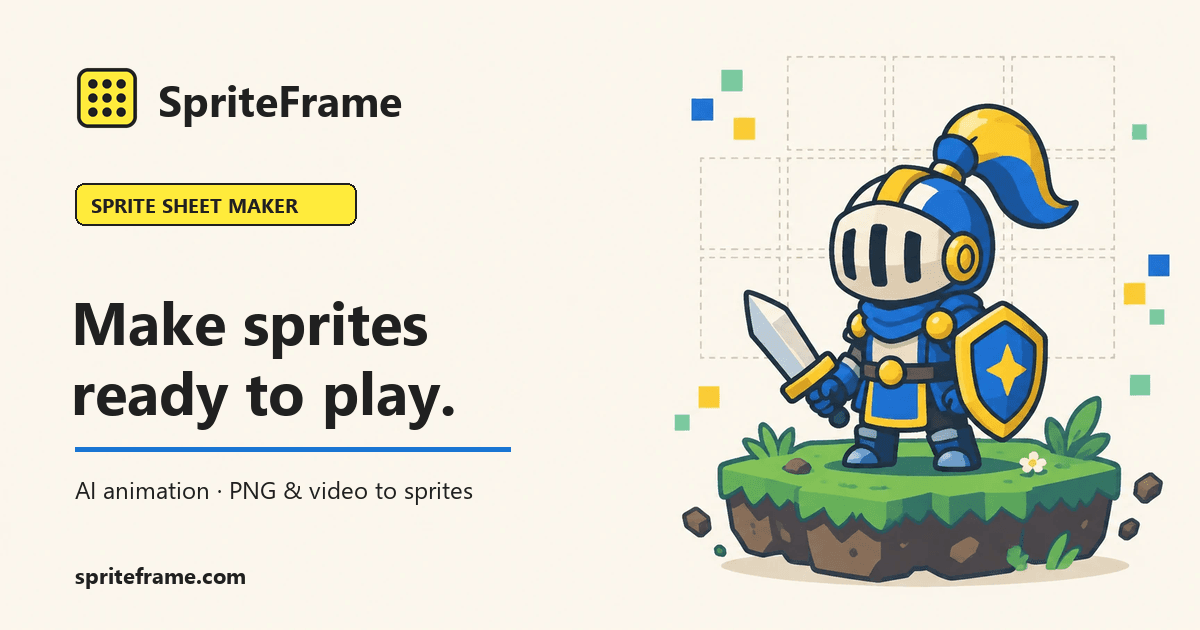
About this app
SpriteFrame is a sprite sheet maker for game developers and pixel artists. Upload a full-body character, describe the motion (idle, walk, run, attack, etc.), and AI generates the animation frames. You can also combine your own PNG frames or extract frames from an MP4 in the browser. Export a PNG sheet or frame sequence with JSON timing for Godot, Unity, or other engines. Plans: Free, Basic $12/mo, Pro $29/mo.
Key features
- 1AI sprite sheet generation from a single character image with motion presets (idle, walk, run, attack, etc.)
- 2Free browser-based PNG frame combiner and MP4 frame extractor — no account required
- 3Export PNG sheets or frame sequences with JSON timing data for Godot, Unity and other engines
Target customer profile
Drawn from the product itself, not from a survey.
Demographic
Indie game developers
Pain points
Limited time and budget for creating animations; need quick prototyping
Primary needs
Fast, affordable sprite sheet generation; engine-ready exports
Demographic
Hobbyist game creators
Pain points
Lack of artistic skills; difficulty in creating smooth animations
Primary needs
AI-assisted animation from simple images; free tools for basic conversion
Demographic
Professional animators
Pain points
Tedious manual frame assembly; need efficient workflow for sprite sheets
Primary needs
Batch processing, frame editing, and export with JSON for integration
Scout Review
Written by AI from measured evidence, scored out of 100.
SpriteFrame is a browser-based sprite sheet maker that turns one character image into animation frames via AI, and also handles the unglamorous work of combining PNG frames or extracting frames from an MP4. The free tier is genuinely useful — PNG and MP4 conversion needs no account, and exports come as PNG sheets or sequences with JSON timing data for Godot and Unity. Paid plans run $12/mo (Basic, 3,500 credits) and $29/mo (Pro, 9,000 credits), with one-time credit packs at $9 and $50. The site is fast (98/100 mobile Lighthouse), accessible on automated checks (100/100), and clearly designed around the tool rather than marketing fluff. The weaknesses are a thin security header posture, no published compliance or a11y documentation, and a paid tier that has to out-earn free alternatives like Piskel.
Measure by measure
Usability
68No-account PNG/MP4 tools, visible motion presets and an inline FAQ make the core flow obvious. File limits are buried under the upload zone and AI animation is gated behind credits.
Design
71Clean split-panel tool card, on-brand knight illustration and scannable motion presets. Sparse upload zone, short textarea and dead space below the card keep it from feeling finished.
Speed
90Lighthouse mobile 98/100 (LCP 1.7s, CLS 0, TBT 98ms) and desktop 96/100. In-browser PNG/MP4 processing keeps heavy work off the server. Genuinely fast.
Security
52HTTPS enforced with SPF and DMARC, but no HSTS, CSP, frame protection or other hardening headers (4/12 checklist). No published SOC 2, ISO or pen-test. Standard for an early-stage tool.
Accessibility
79Lighthouse accessibility 100/100 with one failing audit on label/accessible-name matching. Responsive layout and readable contrast. No a11y statement or multi-language support found.
Growth
63Real problem (slow, pricey sprite animation), specific audience (indie/pixel devs), and a concrete wedge: free no-signup PNG/MP4 tools plus JSON timing export for Godot/Unity. Early stage.
Improvement areas
- Security headers are incomplete (no HSTS, CSP, frame protection) and no compliance documentation is published
- Accessibility has one failing audit and no a11y statement or multi-language support
- Homepage has sparse upload/text areas and no sample AI output to judge quality before paying
Design & Usability
SpriteFrame's homepage puts the actual tool front and center — a split-panel card with an upload zone on the left and motion presets (Idle, Walk, Run, Attack, Hit, Jump, Death, Wave) plus an animation directive textarea on the right. The visual audit rated the render 'good': clear hierarchy, scannable presets, and an on-brand armored-knight illustration that signals exactly what the product does. Usability is solid where it counts: PNG and MP4-to-sheet conversion needs no account, the yellow 'Animate' CTA is prominent, and the FAQ answers the obvious questions inline. The gaps are cosmetic and informational — a sparse dashed upload zone, a textarea with almost no height, large dead space below the card, and file constraints (PNG/JPG/WebP, ≤20 MB) buried under the upload area. AI animation is gated behind an account and credits, which is fair but means the free experience is really a converter.
Speed & Security
Speed is the standout. Lighthouse mobile performance scored 98/100 with an LCP of 1.7s, CLS of 0 and TBT of 98ms; desktop scored 96/100. The site also pushes PNG and MP4 processing into the browser, which keeps heavy work off the server and matches the measured snappiness. Security is the weaker half. HTTPS is enforced and SPF and DMARC records are present, but the HTTP probe found no HSTS, no CSP, no frame protection, no X-Content-Type-Options, no Referrer-Policy and no Permissions-Policy — 4 of 12 checklist points. There is no published SOC 2, ISO certification, pen-test or bug bounty in the collected content. For an early-stage tool handling user-uploaded character art, that is a normal-but-thin posture rather than a red flag.
Accessibility & Growth
Accessibility scores 100/100 on the Lighthouse audit, with a single failing check for visible text labels that lack matching accessible names. The layout is responsive and contrast reads fine, but there is no accessibility statement and no multi-language support, so the automated score flatters a fairly narrow a11y effort. Growth is the more interesting question. SpriteFrame names a real problem — hand-assembling sprite sheets is tedious and AI animation is expensive or slow — and targets a specific audience: indie devs, hobbyists and pixel artists without the time or budget for full animation work. Its wedge against TexturePacker, ShoeBox and Piskel is concrete: free no-signup PNG/MP4 conversion, AI frame generation from a single character image, and JSON timing export aimed at Godot and Unity. The category has room, but the paid tier competes with free tools like Piskel and Aseprite, so the AI generation has to be good enough to justify $12–29/mo.
Conclusion
If you are an indie dev who can draw one decent character but cannot animate it, SpriteFrame is aimed squarely at you, and the free PNG/MP4 tools alone are worth bookmarking. The AI animation is the real product, and at 20 credits for a 1-second 16-frame SD animation, the $12 Basic plan's 3,500 credits go further than the sticker price suggests — roughly 175 sheets a month by their math. The catch is that the free tier is a converter, not a generator, and the security and accessibility documentation is thin enough that studios with compliance requirements should look elsewhere. For solo devs and hobbyists prototyping fast, it is a reasonable bet. Try the free tools first, then decide if the AI output is good enough to pay for.
Suggestions for improvement
- Publish a security page with header hardening (HSTS, CSP, frame protection) and any audit or pen-test results.
- Add an accessibility statement and fix the failing label/accessible-name audit flagged by Lighthouse.
- Surface file constraints and example prompts near the upload zone and textarea instead of burying them.
- Show a sample AI output or before/after animation on the homepage so buyers can judge quality before paying.
Alternatives comparison
Named competitors, point by point. Nobody paid to appear here or to be left out.
 SpriteFrame SpriteFrame |  TexturePacker TexturePacker | ShoeBox | Piskel | |
|---|---|---|---|---|
| Pricing model | Free tier; Basic $12/mo; Pro $29/mo; credit packs $9–$50 | One-time license (Essential/Pro tiers), free trial available | Free | Free |
| AI animation generation | Yes — generates frames from one character image plus a motion prompt | No — packs existing frames only | No — asset processing and packing only | No — manual frame-by-frame pixel art animation |
| Runs in browser without install | Yes — PNG and MP4 tools work in-browser with no account | No — desktop application | No — Adobe AIR desktop app | Yes — browser-based editor |
| Engine-ready JSON timing export | Yes — ZIP includes JSON frame order and timing data | Yes — exports data formats for many engines | Partial — packing and processing, limited animation metadata | Yes — exports sprite sheet plus JSON |
| MP4 video frame extraction | Yes — extract frames from MP4 in the browser | No | No | No |
TexturePacker
A popular sprite sheet packing tool that supports various game engines and provides advanced optimization features.
ShoeBox
A free, Adobe AIR-based tool for sprite sheet creation and other game asset processing tasks.
Piskel
A free online sprite editor and pixel art tool that allows creating animations and exporting sprite sheets.
Comparing options? See SpriteFrame alternatives, scored side by side
More Development & Engineering apps
View all Development & Engineering
CreateMyCoin
92A no-code Solana token creator that deploys SPL tokens in...

Vibe Coding Agent Skills
92A free, open-source platform offering 110 AI agent skills...

CC Switch
91Open-source desktop app for switching AI coding providers...

TaxID
90Fast EU VAT validation API for developers, covering 27 EU...

BeartIMAGE
88BeartIMAGE is a free, web-based image processing platform engineered for fast, bulk photo editing and conversion directly in your browser.

ButterKit
82macOS app for App Store screenshots: 3D mockups, auto-tra...

DataHabibi
88AI-powered Dubai real estate data platform with 12M+ DLD ...

Claw Messenger
88Claw Messenger is an iMessage API service that gives AI a...

PERM Processing Time: Current DOL Queue & History
88PERM Processing Time is an independent data analysis platform that helps users navigate the U.S. Department of Labor’s permanent labor certification process.

Credyt
87Real-time monetization infrastructure for AI products tha...

ProcessSpy
87A native macOS process explorer and advanced monitor that...

StockFit API
87A developer-first financial data API providing structured...


A platform dedicated to providing unbiased reviews of newly launched applications, analyzing everything from their features to their full potential.
info@scoutforge.net© 2026 Scoutforge. All rights reserved.
