Is this your app?
Claim 1001 TVs to manage its page, add your badge and see your traffic — free, and it stays free.
Cycling through all six. Tap any point to stop.
Measured on six things
A cross-platform screen mirroring tool for wireless sharing across devices, including Tesla integration, with HD quality and ease of use.
Security
60Sparse security documentation. Privacy policy not prominent. Local Wi-Fi likely secure but no explicit encryption details for remote sessions.
Screenshots
1 / 5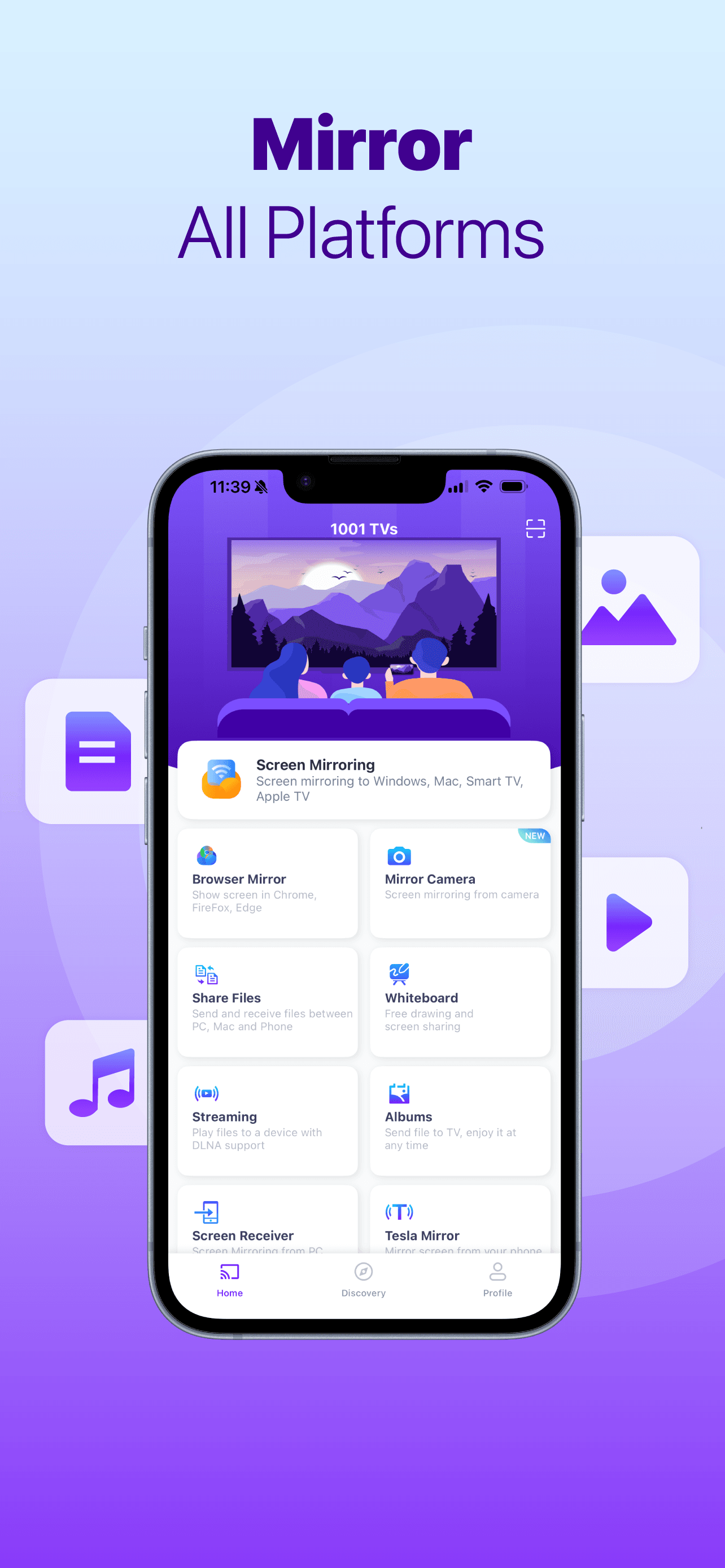
About this app
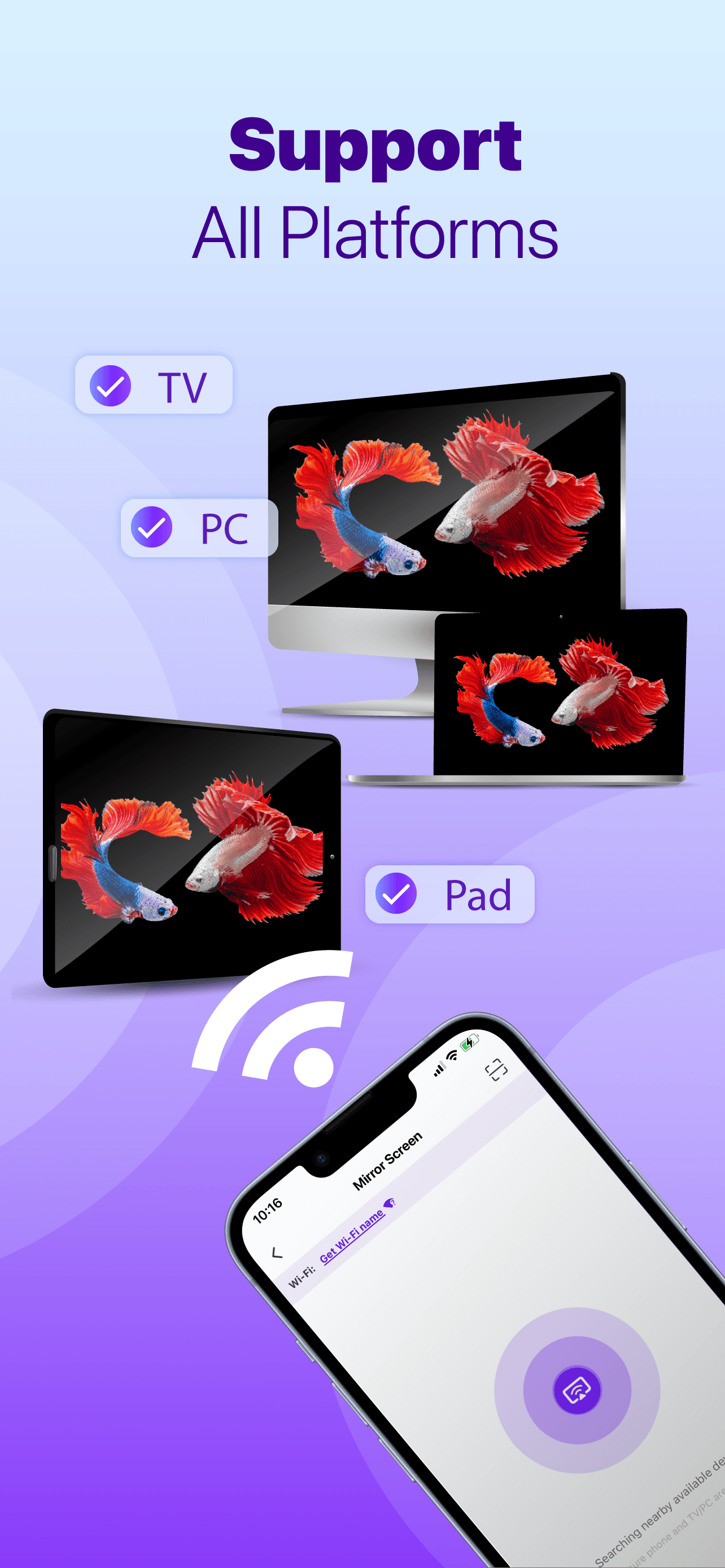
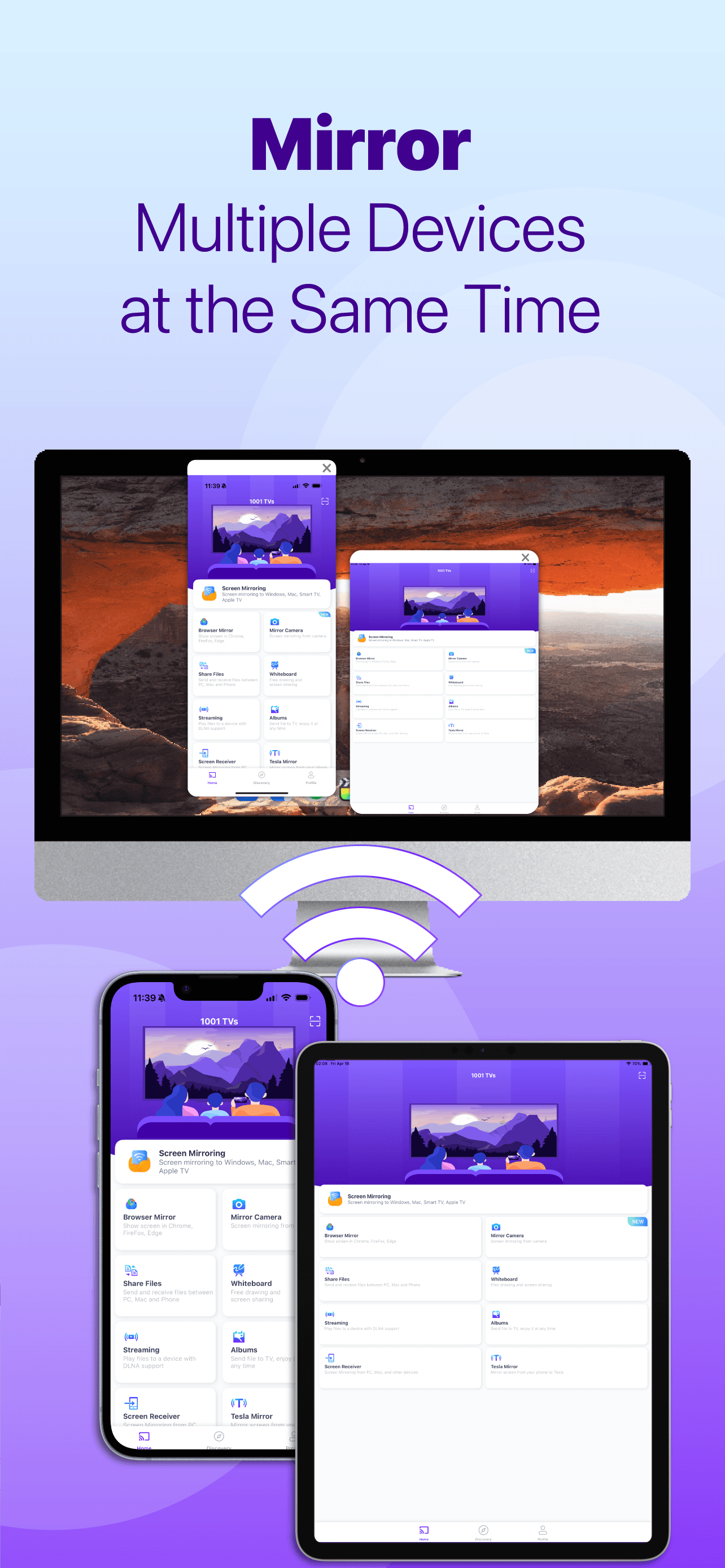
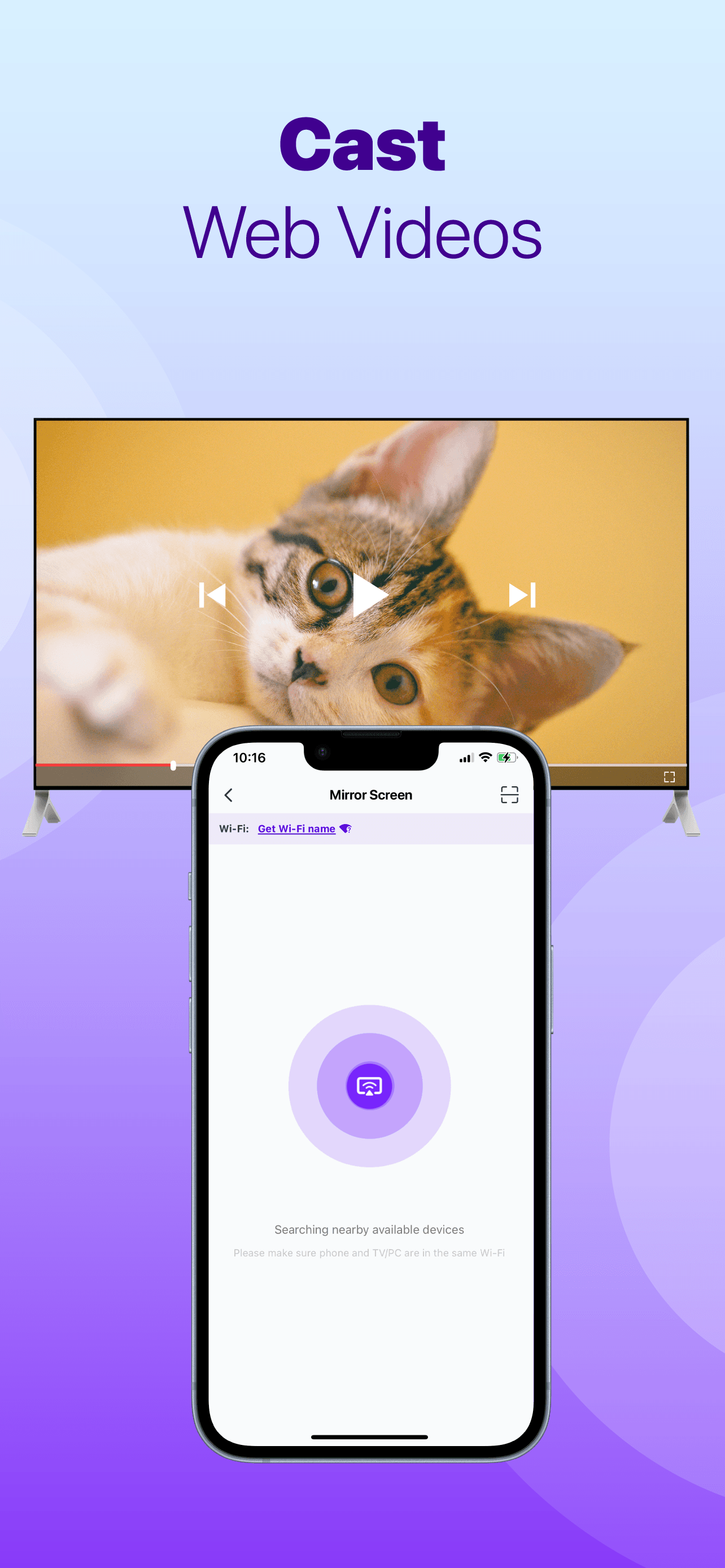
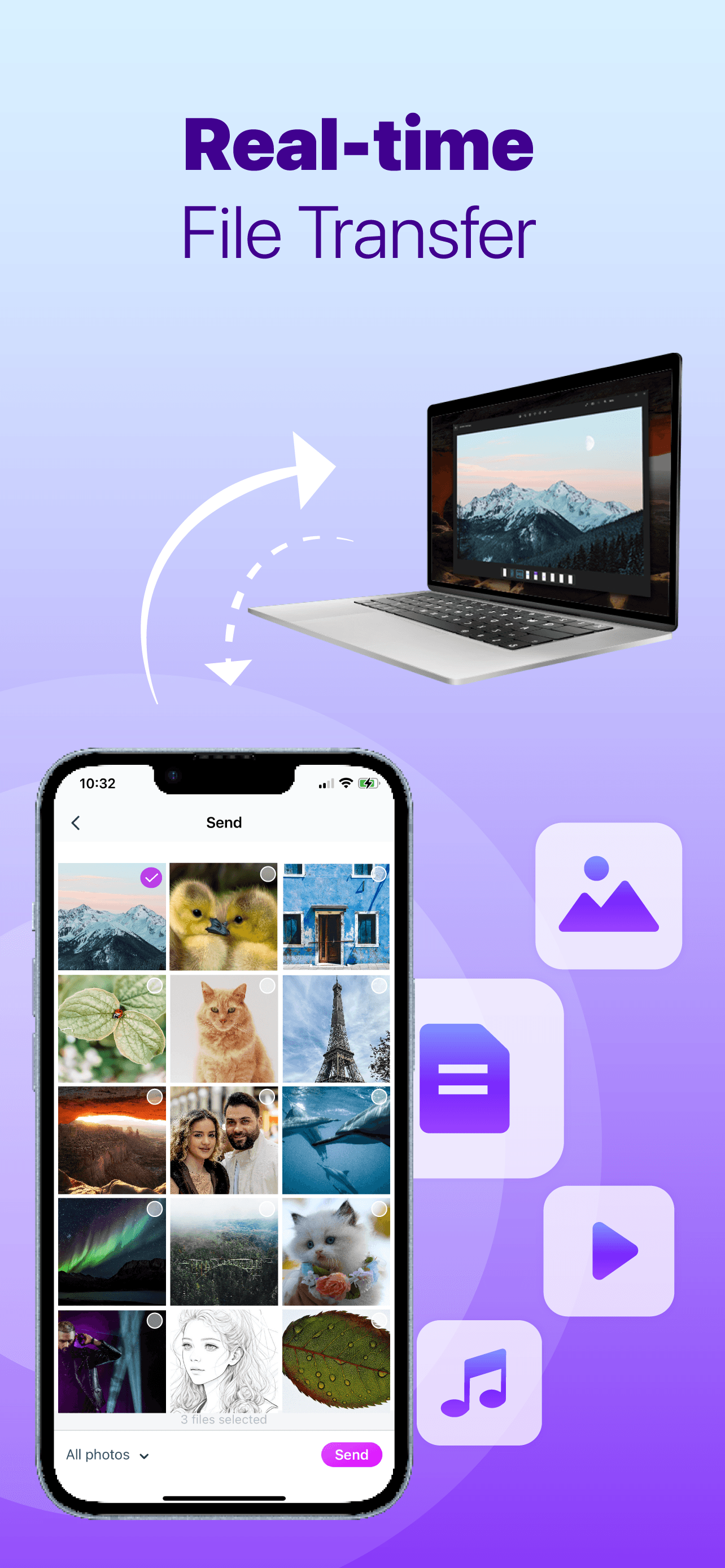
1001 TVs is a versatile screen mirroring application that enables users to wirelessly cast their device screens to TVs, computers, and even Tesla vehicles. It supports a wide range of platforms including iOS, Android, Windows, Mac, and smart TVs, making it ideal for streaming content, giving presentations, or conducting live demos. The app features a minimalist design with intuitive one-tap mirroring and QR code pairing for quick setup. While it excels in compatibility and speed with HD streaming and minimal lag, it lacks detailed security documentation and advanced accessibility features. Overall, it's a solid choice for tech enthusiasts, remote workers, and Tesla owners seeking a hassle-free mirroring solution.
Key features
- 1Clean, minimalist interface with intuitive one-tap mirroring and QR code pairing for effortless setup.
- 2Excellent HD streaming performance with minimal lag across multiple platforms including Tesla integration.
- 3Strong cross-platform support for iOS, Android, Windows, Mac, and smart TVs, enhancing versatility.
Target customer profile
Drawn from the product itself, not from a survey.
Demographic
Tech enthusiasts and streamers
Pain points
Complex setup, app fragmentation, laggy mirroring
Primary needs
Wireless HD casting, multi-device support, ease of use
Demographic
Remote workers and educators
Pain points
Limited presentation tools, compatibility issues
Primary needs
Reliable screen sharing, cross-platform flexibility
Demographic
Tesla owners
Pain points
Lack of native in-car mirroring
Primary needs
Seamless phone-to-Tesla screen casting
Scout Review
Written by AI from measured evidence, scored out of 100.
1001 TVs excels at its core purpose: making screen mirroring dead simple across an impressive range of devices. The Tesla integration is a genuine game-changer for owners of these vehicles, while the cross-platform support means you can probably cast from your ancient Windows 7 laptop to your brand-new smart TV without issues. The speed and reliability are top-notch, though the security documentation needs serious improvement. It's not the flashiest app, but it's one of the most practical mirroring solutions available.
Measure by measure
Usability
90Excellent QR-code pairing and one-tap casting make setup effortless. Straightforward navigation despite buried advanced settings.
Design
80Clean, minimalist interface with muted colors prioritizing function over visual flair. Intuitive one-tap mirroring and QR code pairing.
Speed
90HD streaming with minimal lag reported across all supported platforms. Fast and responsive performance.
Security
60Sparse security documentation. Privacy policy not prominent. Local Wi-Fi likely secure but no explicit encryption details for remote sessions.
Accessibility
70Multiple language support but no screen reader optimization or contrast adjustments noted. QR codes help those uncomfortable with manual setup.
Growth
80Strong position with Tesla integration and cross-platform demand, though facing fierce competition in the mirroring space.
Improvement areas
- Enhance security with transparent documentation, including a clear privacy policy and explicit encryption details.
- Add accessibility features such as screen reader support and adjustable contrast for visually impaired users.
- Surface advanced settings from submenus to improve usability for power users without complicating the interface.
Design & Usability
1001 TVs takes a refreshingly practical approach to design - it's all about function over flash. The minimalist interface with muted color schemes means you won't get distracted by unnecessary animations or visual clutter when you're trying to cast your screen. The real winner here is the usability: QR code pairing eliminates the usual headache of manual network configurations, and one-tap mirroring means you can go from phone to big screen in seconds. While advanced settings are somewhat buried in submenus, most users will never need to dig that deep. It's clear the developers prioritized making the core functionality as frictionless as possible, which is exactly what you want in a screen mirroring tool.
Speed & Security
Performance-wise, 1001 TVs delivers where it counts. Users consistently report HD streaming with minimal lag across various devices, which is crucial whether you're presenting to clients or streaming content. The direct download approach from their website also reduces malware risks compared to shady third-party app stores. However, the security story gets murkier when you look for details - the privacy policy isn't prominently featured, and there's no explicit mention of encryption standards for remote casting sessions. While local Wi-Fi casting is likely secure, the lack of transparency around security practices is concerning for privacy-conscious users.
Accessibility & Growth
The app shows decent international awareness with multiple language support, making it accessible to non-English speakers. The QR code system also helps users who struggle with technical setups. However, there's a noticeable gap in accessibility features for visually impaired users - no screen reader optimization or contrast adjustments are mentioned. Growth potential is strong thanks to the unique Tesla integration and broad device compatibility, positioning it well against competitors who lack these specialized features. The cross-platform demand for reliable screen mirroring continues to grow, especially with remote work becoming permanent for many.
Conclusion
If you're tired of juggling multiple casting apps or dealing with complex setup processes, 1001 TVs is absolutely worth trying. It's particularly perfect for Tesla owners, remote workers who need reliable presentation tools, and streamers who want hassle-free HD casting. The convenience factor alone makes it stand out in a crowded market. Give it a download - it might just become your go-to solution for all things screen mirroring.
Suggestions for improvement
- The most urgent improvement needed is transparent security documentation - a clearly accessible privacy policy and explicit encryption details would build much-needed trust.
- Adding basic accessibility features like screen reader support and adjustable contrast would make the app more inclusive.
- Expanding device support to gaming consoles and integrating cloud-based recording storage could also differentiate it further from competitors.
- Finally, surfacing those buried advanced settings would benefit power users without complicating the experience for casual users.
Alternatives comparison
Named competitors, point by point. Nobody paid to appear here or to be left out.
 1001 TVs 1001 TVs |  LetsView LetsView |  ScreenMirroring.app ScreenMirroring.app |  Miracast Miracast | |
|---|---|---|---|---|
| Tesla Integration | Yes | No | No | No |
| Cross-Platform Support | iOS, Android, Windows, Mac, Smart TVs | iOS, Android, Windows, Mac | Web-based (limited platforms) | Android-only |
| HD Quality | Free | Free | Subscription required | Device-dependent |
| Language Support | Multiple languages | Limited languages | Unknown | Device-dependent |
| Setup Method | QR code + one-tap | Manual pairing | Web-based setup | Built-in system tool |
LetsView
Popular for screen mirroring but lacks Tesla integration and has fewer language options.
ScreenMirroring.app
Web-based casting but requires subscriptions for HD quality and advanced features.
Miracast
Built-in Android tool but limited to specific devices and no iOS/Tesla support.
Comparing options? See 1001 TVs alternatives, scored side by side
More Lifestyle & Entertainment apps
View all Lifestyle & Entertainment
RoomCreator
92An AI-powered interior and exterior design tool that tran...

Factory Direct Mattress Overland Park
92A locally-owned mattress store in Overland Park, KS offer...

SheetScroll
90> You play; SheetScroll turns the page. It listens through the microphone or a MIDI piano and holds the page until it's sure where you are.

Hireci
89Save every recipe. Plan every meal.

TUNL - Cave Flyer
89A hold-to-thrust cave flyer with a new daily level, ghost races, and a global leaderboard.

Portrait Gift
88AI-powered personalized face swap art platform creating c...

TranscriptYou
88Free YouTube transcript generator with timestamps and AI ...

Roami eSIM
88A global travel eSIM app offering instant activation, no ...

TaroMind AI Tarot Birth Card Calculator
87Free, private tool to find your tarot birth cards instantly.

youtubetomp3.ink
87Free online YouTube to MP3 converter with no signup or so...

SeatCanvas
87Drag-and-drop seating charts for weddings, quinceañeras and events. Import your guest list from Excel, export print-ready PDFs. Free up to 40 guests, no signup.

FaceSwapAI
87AI face swap for photos, videos, GIFs with free trial.


A platform dedicated to providing unbiased reviews of newly launched applications, analyzing everything from their features to their full potential.
info@scoutforge.net© 2026 Scoutforge. All rights reserved.
