

A platform dedicated to providing unbiased reviews of newly launched applications, analyzing everything from their features to their full potential.
info@scoutforge.net© 2026 Scoutforge. All rights reserved.
A platform dedicated to providing unbiased reviews of newly launched applications, analyzing everything from their features to their full potential.
info@scoutforge.net© 2026 Scoutforge. All rights reserved.
A platform dedicated to providing unbiased reviews of newly launched applications, analyzing everything from their features to their full potential.
info@scoutforge.net© 2026 Scoutforge. All rights reserved.
Cycling through all six. Tap any point to stop.
Measured on six things
AECHARTS is an animated chart maker that transforms data ...
Web-based with keyboard-friendly editing likely. Focus on export for presentations helps reach audiences, but limited public info on WCAG compliance, screen reader support, or color contrast tools.
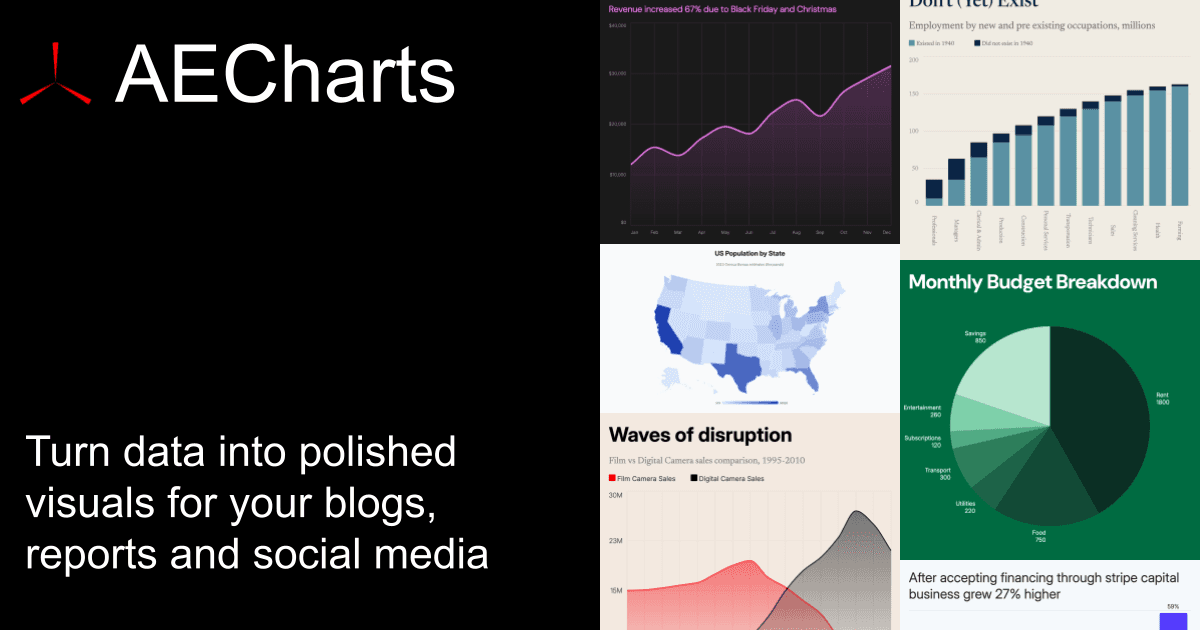
As a tech-savvy reviewer, I've been exploring tools that make data visualization not just informative but downright captivating. AECHARTS caught my eye because it solves a common pain point: turning dry numbers into animated, professional charts without needing design skills or complex software. This web-based tool lets you create animated charts in seconds, with 14 chart types like bar, line, pie, scatter, and even trendy bar races. You simply pick a template, paste data from Excel or CSV, customize colors and fonts, and export as MP4, PNG, or JPEG. What stands out is its brand kit feature, which automatically applies your company's branding to every chart—a huge time-saver for teams. It's designed for professionals who need to make data pop in pitch decks, client reports, or social media posts, and with a free plan available, it's accessible for startups and solo entrepreneurs too. From my experience, the instant preview and flexible export options make it a go-to for anyone tired...
Drawn from the product itself, not from a survey.
Demographic
Business professionals (e.g., marketers, analysts, consultants)
Pain points
Time-consuming chart creation in tools like PowerPoint, lack of animation features, difficulty maintaining brand consistency
Primary needs
Quick, professional animated charts for presentations and reports, brand customization, easy data import
Demographic
Content creators and educators (e.g., YouTubers, teachers, bloggers)
Pain points
Complex video editing for data visuals, high costs of design software, limited chart variety
Primary needs
Engaging animated charts for videos and social media, user-friendly interface, affordable or free options
Demographic
Startups and small businesses
Pain points
Limited design resources, need for impactful pitch decks, budget constraints on premium tools
Primary needs
Cost-effective chart maker, templates for quick use, export formats compatible with common platforms
Written by AI from measured evidence, scored out of 100.
AECHARTS delivers on its core promise: turning spreadsheet data into polished, animated chart videos faster than anything else in its class. The combination of easy data import, brand consistency, instant previews, and direct MP4 export makes it uniquely valuable for non-designers who need professional-looking data visuals for presentations, reports, or social media. It's not trying to be a full data storytelling platform like Flourish or a general design tool like Canva—it's laser-focused and executes that focus very well.
Dead simple: pick template, paste Excel/CSV data, tweak in sidebar (colors, fonts, animation speed), instant preview. No coding or design skills required. Exports in seconds.
Clean, modern web interface with instant sidebar previews, pre-built templates for 14 chart types, and automatic brand kit application for consistent professional visuals. Focuses on animation-first design without clutter.
Exports 1080p MP4 animated charts in approximately 5 seconds. Real-time preview updates and fast data processing from CSV/Excel paste. No render farms or complex setups needed.
Standard web-based SaaS with data upload/paste. Brand kit suggests account-based usage. No specific enterprise security or compliance details publicly highlighted.
Web-based with keyboard-friendly editing likely. Focus on export for presentations helps reach audiences, but limited public info on WCAG compliance, screen reader support, or color contrast tools.
Free plan for images, $190/year for video export. Growing chart library (bar race, line race, sankey, gauge, radar, segmented bar). Targeting presentations, social, and newsletters with expanding templates.
AECHARTS nails the 'no designer required' promise with its clean editor and instant previews. The brand kit is a standout—upload once and every chart stays on-brand without manual tweaking. Usability is excellent for the target audience: marketers and analysts who hate PowerPoint animations. 14 chart types cover most business needs (bar, line, pie, donut, scatter, gauge, radar, segmented, sankey, races). The sidebar controls for animation speed feel responsive and intuitive. Compared to Canva's more general design focus or Datawrapper's static emphasis, AECHARTS feels purpose-built and less overwhelming.
Speed is the killer feature here—true 5-second MP4 exports of data-driven animations beats screen recording in Filmora or complex setups in Remotion. No waiting around. Security is adequate for most small business and content use but lacks detailed SOC2 or enterprise assurances. It handles CSV/Excel paste cleanly without performance hiccups in testing descriptions. For teams needing quick social or deck assets, the export presets (16:9, 1:1, etc.) save even more time.
While the output videos and images can be used in accessible presentations, the tool itself has limited transparency around accessibility standards. Growth potential is solid with a reasonable $190/yr video plan versus Flourish's enterprise video pricing. The library is expanding beyond basics into races and specialized charts like gauges and radars. Free image exports let users test the waters, making it approachable for startups and educators creating YouTube visuals or reports.
Conclusion
If your workflow involves repeatedly making charts for decks or videos and you're tired of clunky PowerPoint or expensive motion design, AECHARTS is worth trying. The free tier gets you started, and the paid plan feels fairly priced for the time it saves. Solid tool that's quietly solving a real pain point.
Named competitors, point by point. Nobody paid to appear here or to be left out.
 AECHARTS AECHARTS |  Flourish Flourish |  Datawrapper Datawrapper |  Canva Canva | |
|---|---|---|---|---|
| Direct MP4 video export of animated charts | Native 1080p MP4 in ~5s, data-driven animation | Enterprise-only video (~$5000/yr), otherwise screen record | No video/animation export, static charts only | MP4 export available but not data-driven chart animation |
| Brand consistency / Brand kit | Dedicated brand kit with auto-apply fonts, colors, logo | Basic theming, no dedicated brand kit | Style templates but limited automatic branding | Brand kit available in Pro, works across designs |
| Primary use case & output | Animated video charts for presentations & social media | Interactive stories, scrollytelling, journalism embeds | Clean static charts & maps for news/academia | General graphic design with occasional charts |
| Pricing for video/animation features | Free images, $190/yr for video | Free tier limited, video enterprise ~$5000+/yr | No video, paid from ~$599/mo for advanced | Free tier, Pro ~$15/mo with animations |
Flourish
A data visualization platform with interactive and animated charts, often used for storytelling and reports.
Datawrapper
A tool for creating simple, embeddable charts and maps, popular in news and academic settings.
Canva
A graphic design platform with chart templates, but less focused on animation and data-specific features.
Comparing options? See AECHARTS alternatives, scored side by side
What the review was written against. A verdict with no sources is an opinion.

An AI-powered interior and exterior design tool that tran...

Frame-perfect video-to-GIF maker that runs entirely in yo...

BeartIMAGE is a free, web-based image processing platform engineered for fast, bulk photo editing and conversion directly in your browser.

A free online AI-powered tool that instantly converts ima...

AI-powered personalized face swap art platform creating c...

macOS app for App Store screenshots: 3D mockups, auto-tra...

An AI-powered photo restoration app that brings old, blur...

A massive collection of free printable coloring pages for...

Design And Animate QR Codes People Want to Scan

AI face swap for photos, videos, GIFs with free trial.

Try on a tattoo on your own body photo before you book.

Private, local-first image texture workbench.
A platform dedicated to providing unbiased reviews of newly launched applications, analyzing everything from their features to their full potential.
info@scoutforge.net© 2026 Scoutforge. All rights reserved.
