Is this your app?
Claim Image2WebP to manage its page, add your badge and see your traffic — free, and it stays free.
Cycling through all six. Tap any point to stop.
Measured on six things
A macOS app for converting images to WebP format, enhancing web performance with faster load times and smaller file sizes.
Accessibility
60Supports 6 languages but lacks screen-reader optimization, keyboard shortcuts, or video tutorials.
Screenshots
1 / 4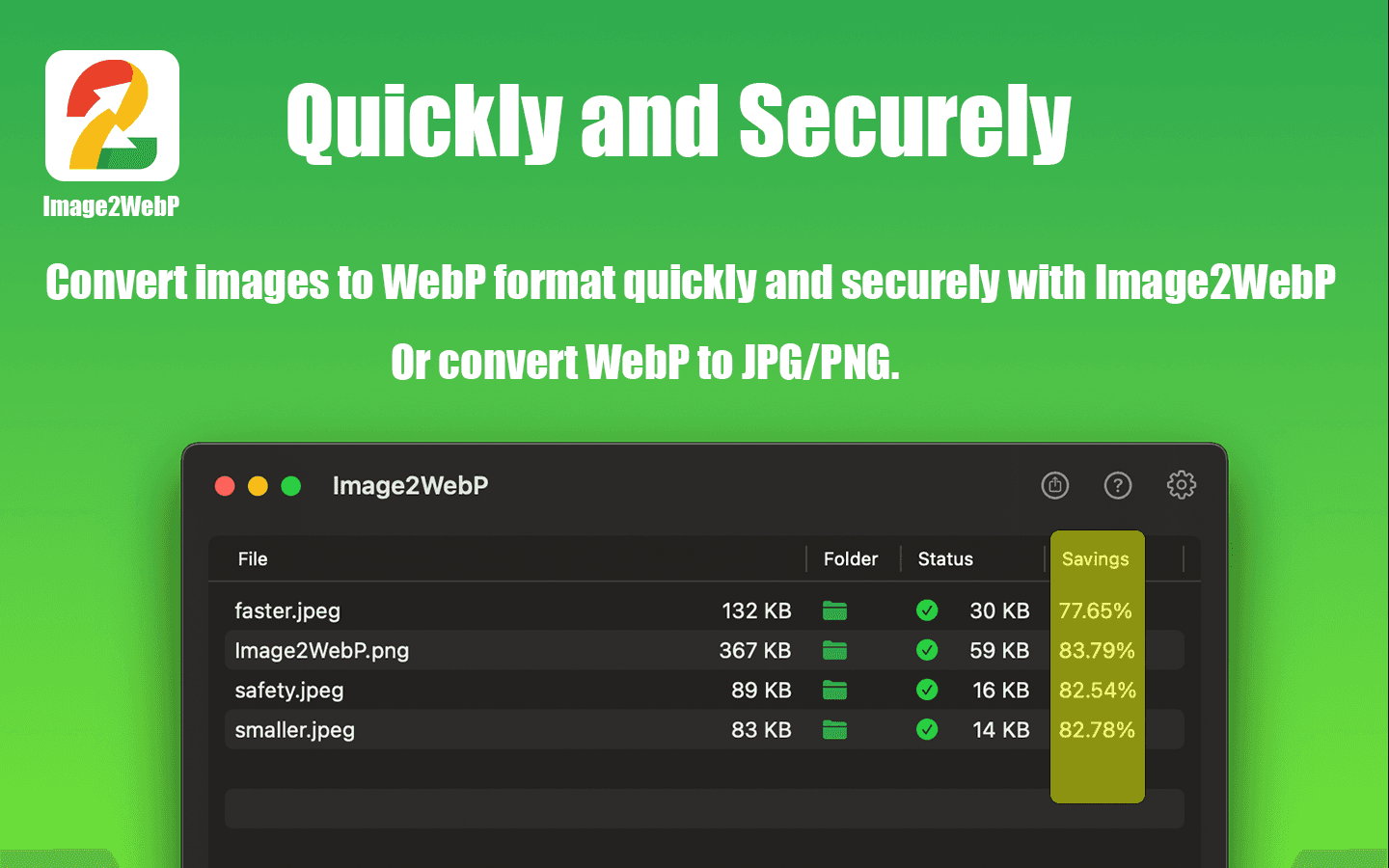
About this app
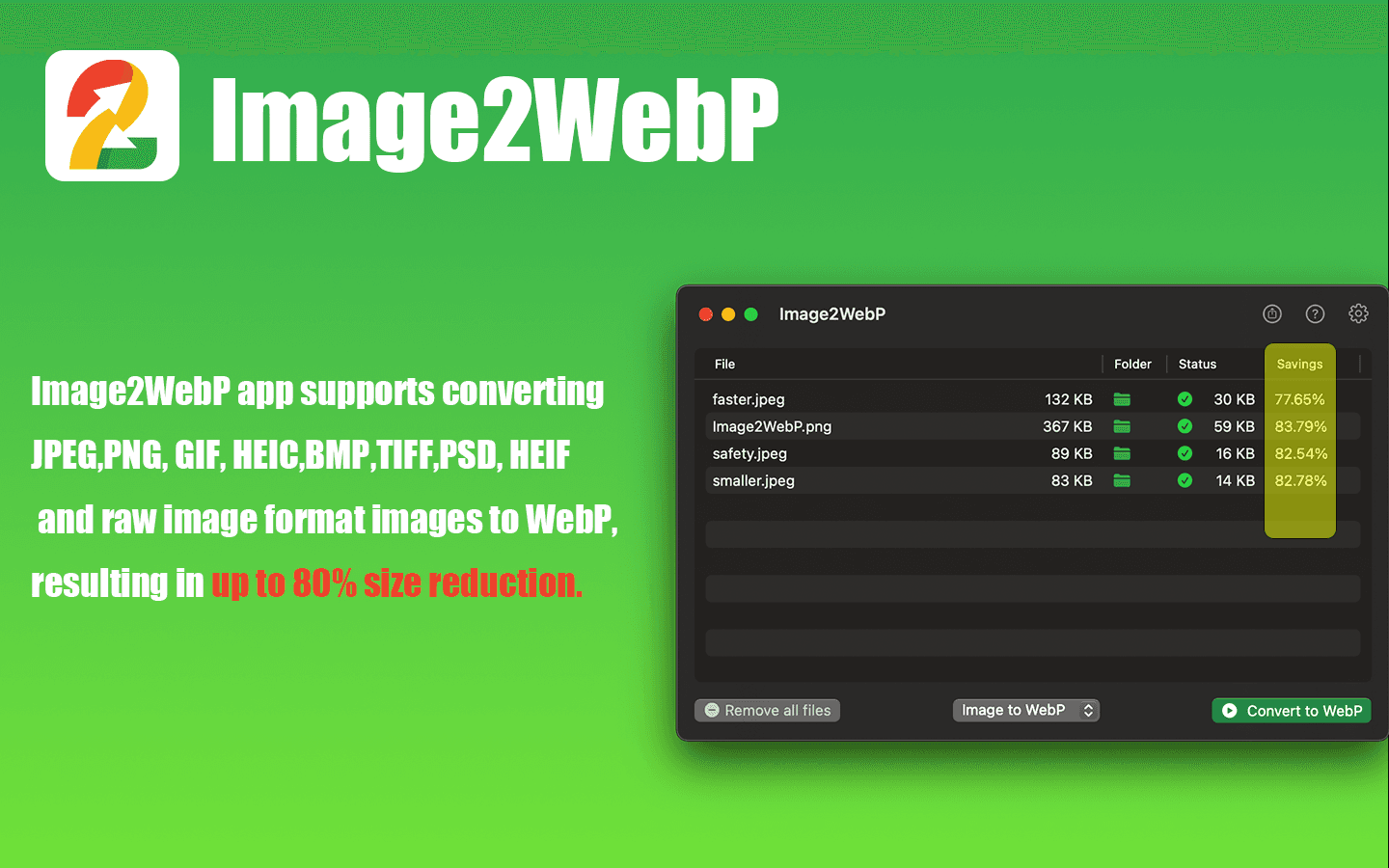
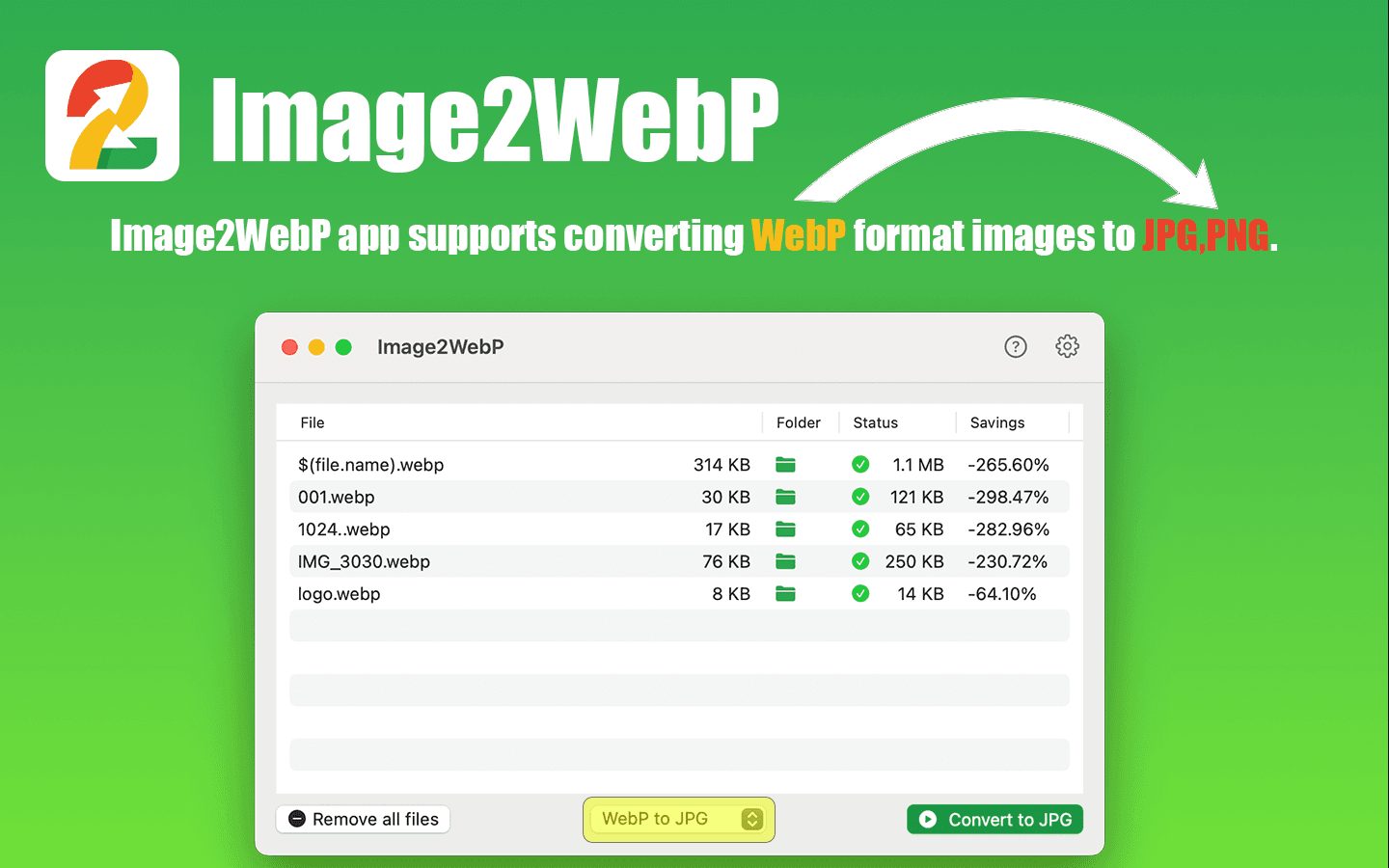
Image2WebP is a specialized macOS application that converts various image formats like PNG, JPG, HEIC, and PSD to WebP, offering significant improvements in web optimization by reducing file sizes without compromising quality. It's designed for users who prioritize speed, privacy, and simplicity, featuring batch conversion, a minimalistic drag-and-drop interface, and local processing to ensure data security. While it lacks advanced editing tools, its focus on efficient image compression makes it an essential tool for developers, designers, and content creators looking to streamline their workflows and boost website performance.
Key features
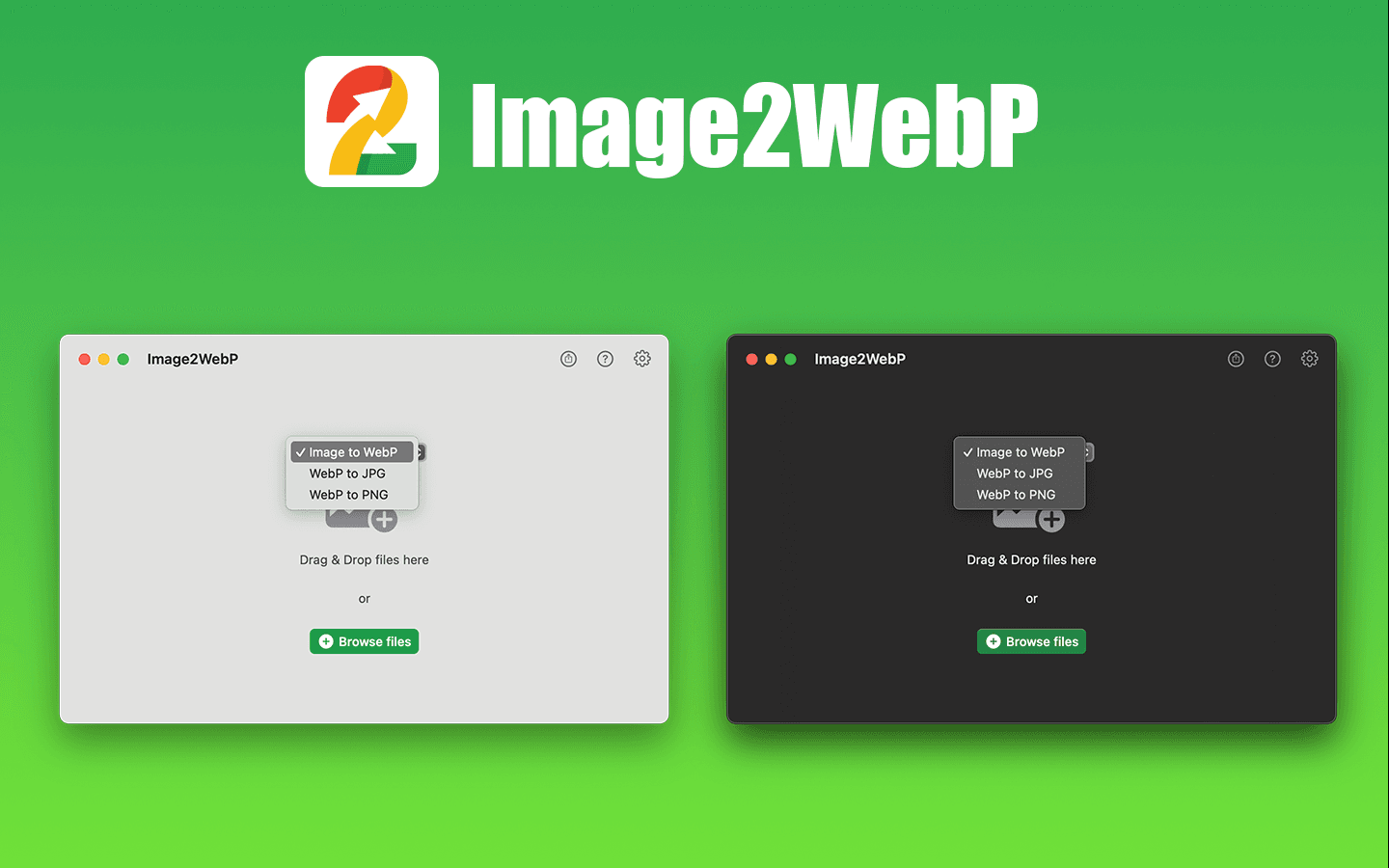
- 1Intuitive drag-and-drop interface for easy batch conversions
- 2Local processing ensures high data privacy and security
- 3Fast performance with near-instant conversions for common formats
Target customer profile
Drawn from the product itself, not from a survey.
Demographic
Web Developers
Pain points
Large image files slowing site performance, complex conversion workflows requiring multiple steps or online tools
Primary needs
Fast batch processing for multiple images, local file security to avoid cloud vulnerabilities, and reliable WebP format compatibility for modern web standards
Demographic
Digital Designers and Bloggers
Pain points
Balancing high image quality with fast load times, handling multiple formats like RAW and PSD without losing detail
Primary needs
Simple drag-and-drop user interface for ease of use, support for professional formats to maintain creative integrity, and efficient compression to enhance online content delivery
Demographic
Content Creators and Small Business Owners
Pain points
Limited technical skills for image optimization, concerns over data privacy with online converters, and need for cost-effective solutions
Primary needs
User-friendly app with minimal learning curve, offline functionality for secure processing, and affordable or one-time purchase options to manage budgets
Scout Review
Written by AI from measured evidence, scored out of 100.
Image2WebP delivers exactly what it promises: fast, secure WebP conversions without the bloat of full-featured image editors. Its laser focus on this single task makes it exceptionally efficient for developers and content creators who prioritize workflow optimization and data privacy. The local processing eliminates cloud security concerns, while the batch conversion capability handles large projects effortlessly. Though it lacks visual polish and advanced accessibility features, it excels at its core function with remarkable speed and reliability.
Measure by measure
Usability
80Intuitive drag-and-drop workflow perfect for basic conversions, though advanced settings are buried in menus.
Design
70Clean functional interface with drag-and-drop simplicity, but lacks visual customization options and dark mode.
Speed
90Near-instant conversions for common formats with efficient batch processing capabilities.
Security
80Local processing ensures files never leave your device, avoiding cloud security risks entirely.
Accessibility
60Supports 6 languages but lacks screen-reader optimization, keyboard shortcuts, or video tutorials.
Growth
70Strong niche appeal for Mac users, but limited by platform exclusivity and lack of advanced features.
Improvement areas
- Add dark mode and visual customization options for better user experience
- Improve accessibility with screen-reader support and keyboard shortcuts
- Expand platform availability beyond macOS to reach a wider audience
Design & Usability
Image2WebP's interface embraces a no-frills approach that prioritizes function over form. The drag-and-drop workspace is immediately intuitive, making batch conversions as simple as selecting multiple files. Progress indicators provide clear feedback during processing, and the overall layout avoids unnecessary clutter. However, the utilitarian design lacks visual polish - there's no dark mode for night owls, no customizable layouts, and the aesthetic feels decidedly basic. Navigation works well for the core conversion workflow, but users seeking advanced compression settings will find them tucked away in submenus rather than readily accessible.
Speed & Security
Where Image2WebP truly excels is in its performance and privacy approach. Conversions happen locally on your Mac, delivering near-instant results for common formats like PNG and JPG. The app processes files entirely on-device, eliminating the security risks associated with cloud-based converters that upload your content to remote servers. While there's no mention of specific encryption measures, the fact that data never leaves your computer provides significant privacy advantages. RAW file conversions understandably take longer, but overall speed remains impressive. This local processing model makes it ideal for handling sensitive client work or proprietary images without security concerns.
Accessibility & Growth
Accessibility features are where Image2WebP shows its limitations. While it supports six languages including English and Japanese, there's no optimization for screen readers or keyboard navigation shortcuts. The learning materials consist of text-heavy tutorials without video alternatives, making it less accessible for visual learners. Growth potential is constrained by its macOS exclusivity and narrow focus on conversion rather than comprehensive image optimization. The app serves its niche well but could expand its reach significantly with cross-platform support, additional format options, or basic editing capabilities that would make it more versatile for diverse user needs.
Conclusion
If you're a Mac user tired of wrestling with online converters or bloated image suites just to optimize web assets, Image2WebP is worth downloading. It's particularly valuable for web developers handling client sites, bloggers managing media libraries, or anyone who values keeping their image processing local and secure. The one-time purchase model also makes it cost-effective compared to subscription-based alternatives.
Suggestions for improvement
- Adding granular compression controls would allow users to fine-tune quality versus file size trade-offs.
- Implementing a dark mode and resizable UI elements would improve visual comfort during extended use.
- Video tutorials would make the app more accessible to visual learners, while expanding to Windows and Linux would significantly broaden its market reach.
- Basic editing features like cropping or resizing could make it more versatile without compromising its streamlined focus.
Alternatives comparison
Named competitors, point by point. Nobody paid to appear here or to be left out.
 Image2WebP |  CloudConvert |  FreeConvert.com | |
|---|---|---|---|
| Platform Availability | macOS only | Web-based (any platform) | Web-based (any platform) |
| Offline Functionality | Yes (local processing) | No (cloud-based) | No (cloud-based) |
| Data Privacy | High (files stay local) | Low (cloud processing) | Low (cloud processing) |
| Batch Processing | Yes | Yes | Yes |
| Cost Model | One-time purchase | Freemium/Subscription | Free with limitations |
CloudConvert
A cloud-based image converter with support for a wide range of formats but requires an internet connection and may raise privacy concerns due to online processing.
FreeConvert.com
A free web tool offering similar conversion features but lacks offline capabilities and can be slower or less reliable for batch processing.
Comparing options? See Image2WebP alternatives, scored side by side
More Development & Engineering apps
View all Development & Engineering
CreateMyCoin
92A no-code Solana token creator that deploys SPL tokens in...

Vibe Coding Agent Skills
92A free, open-source platform offering 110 AI agent skills...

CC Switch
91Open-source desktop app for switching AI coding providers...

DemoVexa
90Turn your code into professional product demo videos with AI-generated scripts, animated UI, and natural voiceovers.

TaxID
90Fast EU VAT validation API for developers, covering 27 EU...

deed.page
89Permanent web hosting for AI agents, no human step

FontPlop
89Browser-based font viewer & tester for TTF, OTF, WOFF, WO...

Claw Messenger
88Claw Messenger is an iMessage API service that gives AI a...

PERM Processing Time: Current DOL Queue & History
88PERM Processing Time is an independent data analysis platform that helps users navigate the U.S. Department of Labor’s permanent labor certification process.

DataHabibi
88AI-powered Dubai real estate data platform with 12M+ DLD ...

BeartIMAGE
88BeartIMAGE is a free, web-based image processing platform engineered for fast, bulk photo editing and conversion directly in your browser.

ButterKit
82macOS app for App Store screenshots: 3D mockups, auto-tra...


A platform dedicated to providing unbiased reviews of newly launched applications, analyzing everything from their features to their full potential.
info@scoutforge.net© 2026 Scoutforge. All rights reserved.
