Cycling through all six. Tap any point to stop.
Measured on six things
An online platform that transforms JSON, YAML, and CSV data into interactive graphs and diagrams with AI assistance.
Accessibility
70Web-based accessibility with basic keyboard navigation, but lacks screen reader optimization and comprehensive language support.
Screenshots
1 / 2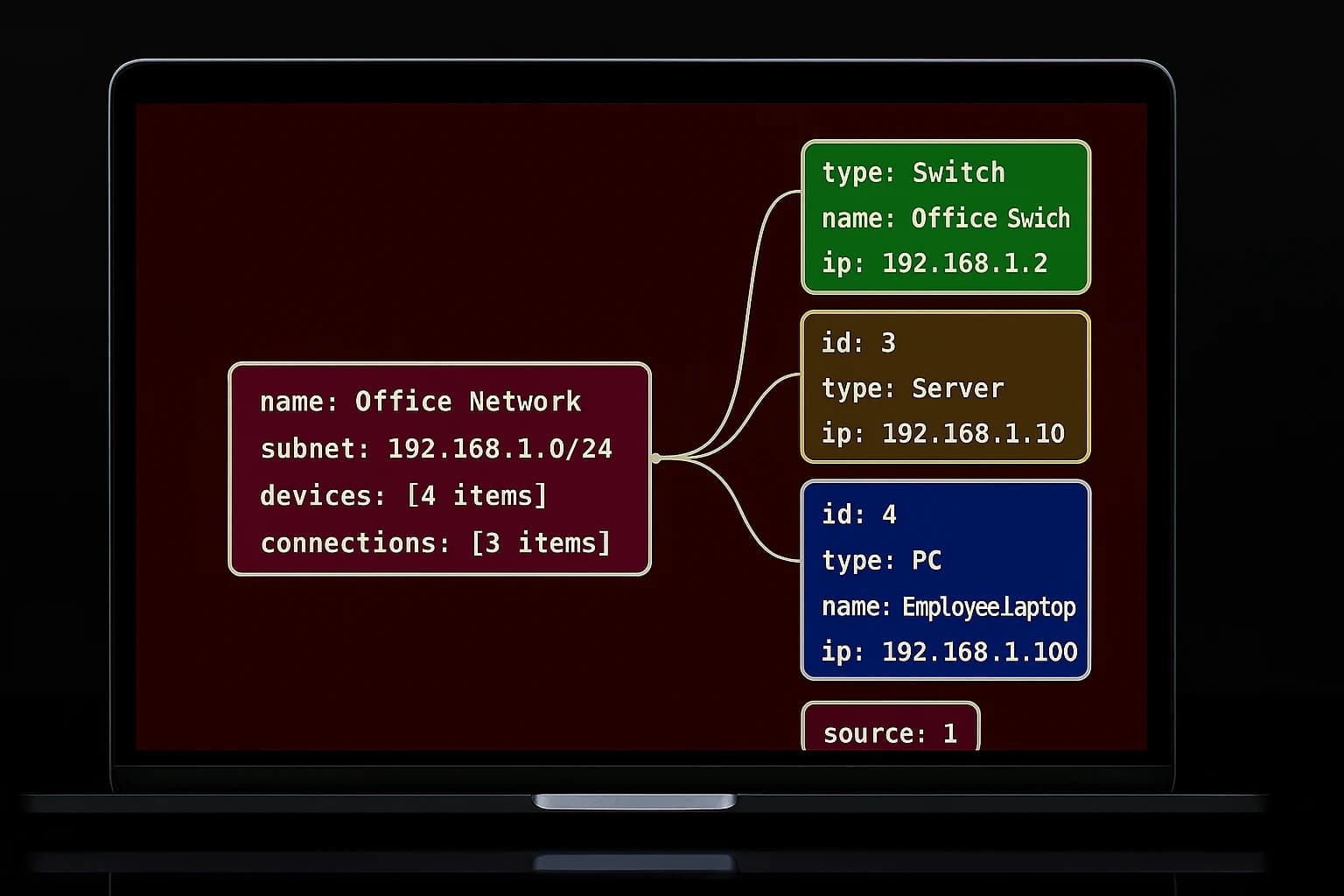
About this app
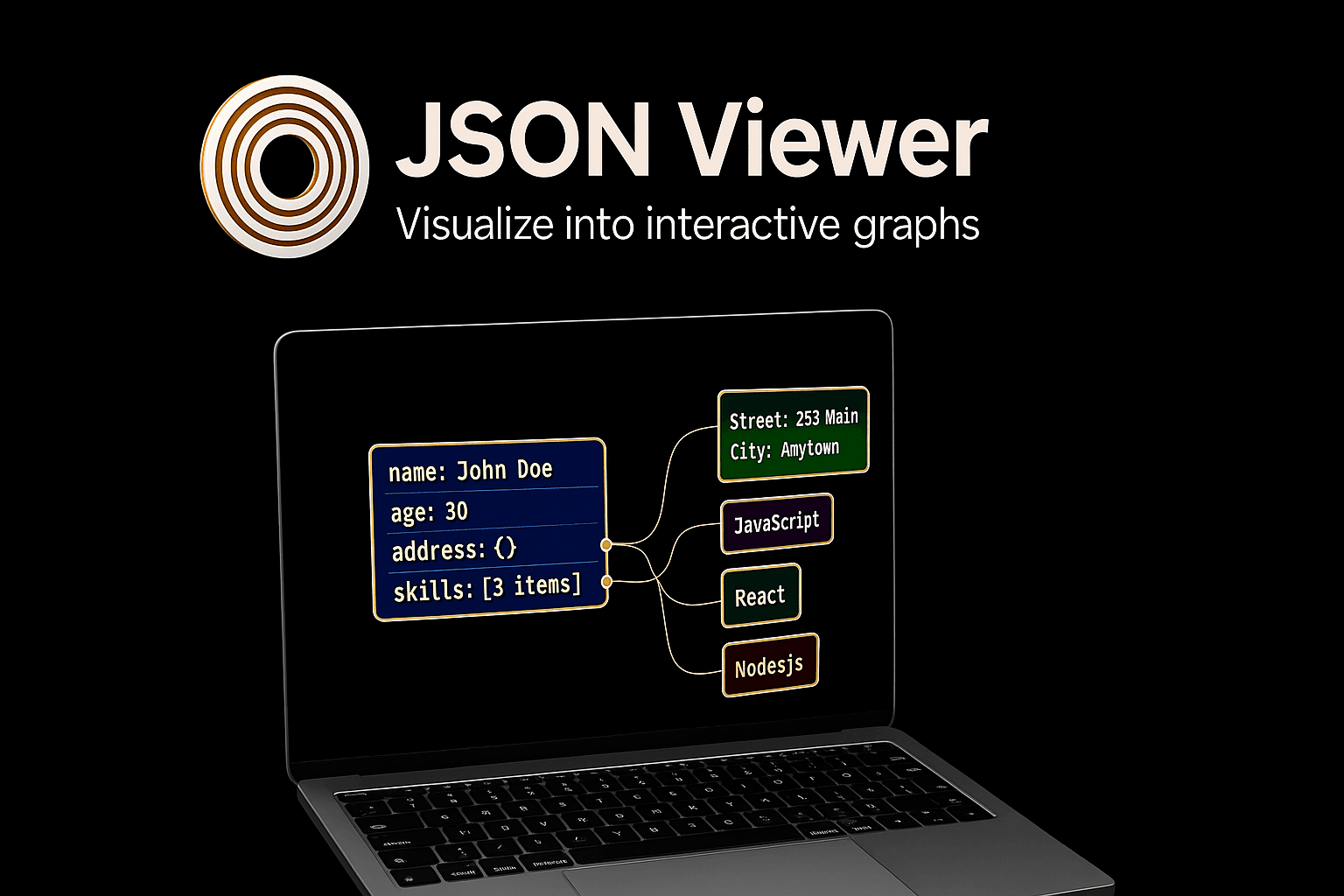
As a developer who's always wrestling with complex data structures, I've found JSON Viewer Tools to be a breath of fresh air. It's not just another JSON viewer—it's a full-featured toolkit that lets you visualize data through interactive diagrams, compare JSON files side-by-side, and even test REST APIs with visual feedback. What really sets it apart is the AI-powered sketch-to-diagram feature, which turns rough ideas into polished visuals in seconds. It supports multiple formats like JSON, YAML, and CSV, offers secure cloud storage, and integrates browser extensions for seamless workflow integration. With a free plan for basic needs and affordable paid tiers for advanced features, it's perfect for developers, data analysts, and QA engineers looking to streamline their data handling without sacrificing power or flexibility. The clean, dark-themed interface makes long sessions easy on the eyes, and performance is snappy for most tasks, though very large files might slow things down on the free plan. If you're tired of clunky JSON tools and want something that grows with your needs, this is worth a try.
Key features
- 1AI-powered sketch-to-diagram conversion for instant visualization from rough ideas
- 2Multi-format support including JSON, YAML, and CSV with interactive graph generation
- 3Integrated REST API testing with visual feedback and side-by-side JSON comparison tools
Target customer profile
Drawn from the product itself, not from a survey.
Demographic
Software Developers
Pain points
Difficulty parsing raw JSON, time-consuming data validation, lack of intuitive visualization tools
Primary needs
Easy JSON viewing, diagram generation, API testing integration
Demographic
Data Analysts
Pain points
Complex data structures, inefficient format conversions, limited interactive analysis options
Primary needs
Data visualization, multi-format support, collaborative diagram editing
Demographic
QA Engineers and API Testers
Pain points
Cumbersome API response validation, poor tool integration, slow debugging processes
Primary needs
REST API testing with diagrams, graphical comparison, secure data handling
Scout Review
Written by AI from measured evidence, scored out of 100.
JSON Viewer Tools stands out as a comprehensive data visualization platform that goes beyond basic JSON viewing. Its combination of interactive diagrams, AI-assisted sketch conversion, and integrated API testing creates a powerful toolkit for developers and data professionals. The platform successfully bridges the gap between raw data and meaningful visualization while maintaining a user-friendly interface that doesn't sacrifice functionality for simplicity.
Measure by measure
Usability
90Drag-and-drop diagram editor with real-time previews and seamless feature integration makes complex data handling surprisingly straightforward.
Design
90Clean dark-themed interface with intuitive layouts and logical menu grouping that reduces eye strain during extended use.
Speed
80Snappy performance for standard JSON files with near-instant visualization, though large files on free plan experience noticeable slowdowns.
Security
80Encrypted cloud storage with clear privacy policies, though more transparency on specific data handling practices would increase trust.
Accessibility
70Web-based accessibility with basic keyboard navigation, but lacks screen reader optimization and comprehensive language support.
Growth
82Strong AI and visualization features position it well for expansion into broader data analysis and development markets.
Improvement areas
- Limited accessibility features for users with visual impairments or disabilities
- Performance degradation with large files on free subscription tier
- Minimal language support beyond English limits global usability
Design & Usability
JSON Viewer Tools delivers a polished user experience with its modern dark-themed interface that's easy on the eyes during those late-night coding sessions. The layout is thoughtfully organized, with icons and menus logically grouped so you can jump between visualization modes, JSON editing, and API testing without getting lost. The diagram editor feels surprisingly natural with drag-and-drop functionality and real-time previews that make complex data structures approachable. While the AI sketch-to-diagram feature is innovative, it could use better onboarding for users unfamiliar with this type of functionality. Overall, the design prioritizes developer workflow efficiency while maintaining visual appeal.
Speed & Security
Performance-wise, JSON Viewer Tools handles standard JSON files with impressive speed, loading and visualizing data almost instantly. The REST API testing feature responds quickly, making it reliable for real-time debugging scenarios. However, when dealing with very large files on the free plan, you'll notice some performance degradation that might test your patience. Security measures include encrypted cloud storage and clear privacy policies that state your data isn't shared without consent. While these protections are solid, more detailed transparency about specific encryption standards and data retention policies would further strengthen user confidence in the platform's security posture.
Accessibility & Growth
Accessibility is where JSON Viewer Tools shows room for improvement. The web-based nature ensures broad availability across browsers with basic keyboard navigation, but it lacks advanced features like screen reader optimization, high-contrast modes, or comprehensive language support beyond English. This limits its usability for developers with visual impairments or non-native English speakers. Despite these limitations, the platform demonstrates strong growth potential through its innovative AI-powered features and comprehensive visualization toolkit. The ability to handle multiple formats (JSON, YAML, CSV) and integrate browser extensions positions it well for expansion into broader data analysis markets and enterprise environments.
Conclusion
If you're tired of wrestling with clunky JSON viewers and want a tool that can grow with your data visualization needs, JSON Viewer Tools is definitely worth exploring. The free plan provides enough functionality to get started, while the paid tiers unlock the full potential of its AI and advanced features. Whether you're debugging APIs, analyzing complex datasets, or creating visual documentation, this platform delivers the power and flexibility modern developers need.
Suggestions for improvement
- Implement screen reader compatibility and high-contrast modes to improve accessibility for users with visual impairments
- Add comprehensive language localization beyond English to serve global developer communities
- Create interactive tutorials for the AI sketch feature to reduce the learning curve for new users
- Increase free plan file size limits to better accommodate larger datasets and attract more users
Alternatives comparison
Named competitors, point by point. Nobody paid to appear here or to be left out.
 JSON Viewer Tools |  JSON Crack |  JSON Editor Online |  CodeBeautify JSON Viewer | |
|---|---|---|---|---|
| AI-Powered Diagram Generation | Yes - Sketch to diagram AI | No AI features | No AI capabilities | Basic formatting only |
| Integrated API Testing | Full REST API testing with visual feedback | Visualization focused, no API testing | Editing only, no API features | Basic viewer, no API integration |
| Cloud Storage & Security | Encrypted cloud storage with privacy policy | Limited storage options | Browser-based, minimal storage | No dedicated cloud storage |
| Multi-Format Support | JSON, YAML, CSV with conversion | Primarily JSON focused | JSON and XML support | JSON formatting only |
JSON Crack
Focuses on JSON-to-graph visualization but lacks integrated AI features and comprehensive API testing found in JSON Viewer Tools.
JSON Editor Online
Offers JSON editing and formatting but doesn't include advanced diagramming or sketch-to-diagram AI capabilities.
CodeBeautify JSON Viewer
Provides basic JSON beautification and tree views but misses out on interactive graphs and cloud storage options.
Comparing options? See JSON Viewer Tools alternatives, scored side by side
More Development & Engineering apps
View all Development & Engineering
Vibe Coding Agent Skills
92A free, open-source platform offering 110 AI agent skills...

CreateMyCoin
92A no-code Solana token creator that deploys SPL tokens in...

CC Switch
91Open-source desktop app for switching AI coding providers...

DemoVexa
90Turn your code into professional product demo videos with AI-generated scripts, animated UI, and natural voiceovers.

TaxID
90Fast EU VAT validation API for developers, covering 27 EU...

Webfetch
89Web scraping API that turns any URL into HTML, text, Mark...

deed.page
89Permanent web hosting for AI agents, no human step

FontPlop
89Browser-based font viewer & tester for TTF, OTF, WOFF, WO...

BeartIMAGE
88BeartIMAGE is a free, web-based image processing platform engineered for fast, bulk photo editing and conversion directly in your browser.

Claw Messenger
88Claw Messenger is an iMessage API service that gives AI a...

DataHabibi
88AI-powered Dubai real estate data platform with 12M+ DLD ...

ButterKit
82macOS app for App Store screenshots: 3D mockups, auto-tra...


A platform dedicated to providing unbiased reviews of newly launched applications, analyzing everything from their features to their full potential.
info@scoutforge.net© 2026 Scoutforge. All rights reserved.
