

A platform dedicated to providing unbiased reviews of newly launched applications, analyzing everything from their features to their full potential.
info@scoutforge.net© 2026 Scoutforge. All rights reserved.
A platform dedicated to providing unbiased reviews of newly launched applications, analyzing everything from their features to their full potential.
info@scoutforge.net© 2026 Scoutforge. All rights reserved.
A platform dedicated to providing unbiased reviews of newly launched applications, analyzing everything from their features to their full potential.
info@scoutforge.net© 2026 Scoutforge. All rights reserved.
Cycling through all six. Tap any point to stop.
Measured on six things
Turn any image into Minecraft pixel art — free, in your browser, no signup
HTTPS with HSTS, privacy policy, and local processing. But missing CSP, frame protection, and other headers; no security certifications.
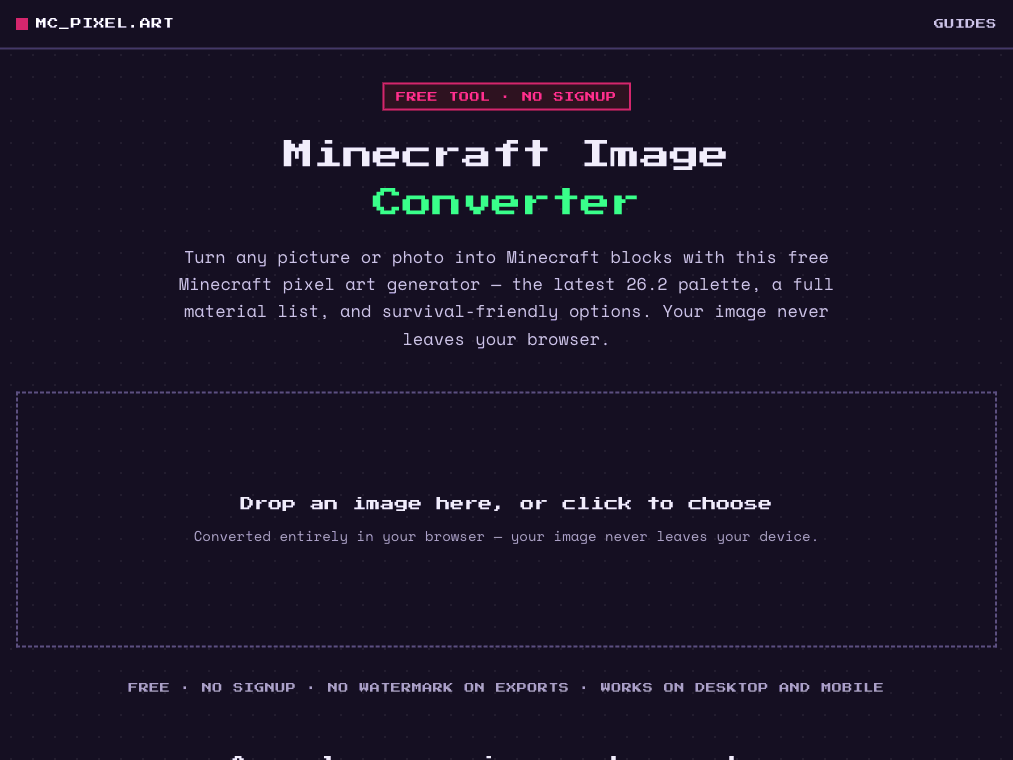
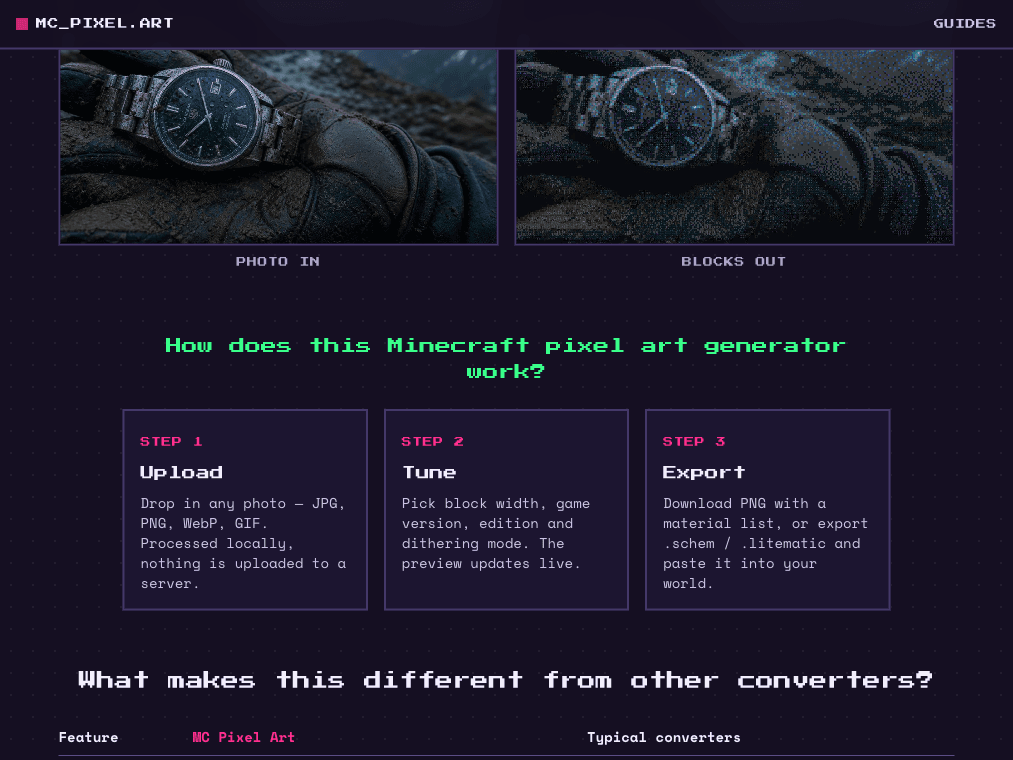
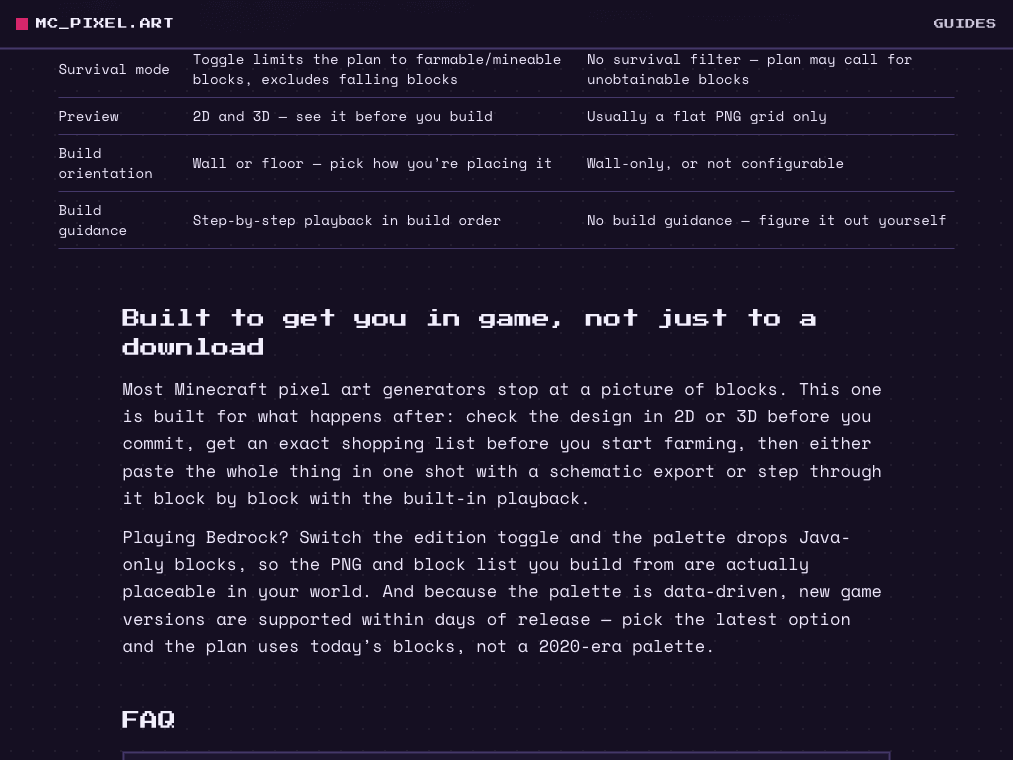
MC Pixel Art converts any image into a Minecraft build using a versioned block palette (1.13 through 26.2, Java and Bedrock). Color matching runs in the OKLab color space for closer visual results than naive RGB distance. Everything runs in a local Web Worker — images and settings never leave the device, verifiable in the network tab. Results export as a PNG preview, a material list with block counts, a .schem file for WorldEdit, or a .litematic file for Litematica. It also includes a chunk-by-chunk build guide that breaks a build into sections so builders always know which block goes where and what's left, instead of eyeballing a flat reference image against the game. Free, no signup, no ads.
Drawn from the product itself, not from a survey.
Demographic
Minecraft players, ages 12-25
Pain points
Struggle to convert images into block art manually; need accurate color matching and up-to-date blocks.
Primary needs
Quick conversion, latest version support, easy export for building.
Demographic
Content creators (YouTubers, streamers)
Pain points
Need to generate pixel art for thumbnails or in-game builds; want professional results without manual work.
Primary needs
High-quality output, customization options, no watermarks, free to use.
Demographic
Minecraft server administrators
Pain points
Need to create large-scale pixel art for server spawns or events; require schematic exports for easy placement.
Primary needs
Bulk conversion, export to .schem/.litematic, compatibility with Java editions.
Written by AI from measured evidence, scored out of 100.
MC Pixel Art is a well-executed, free Minecraft pixel art generator that stands out with versioned palettes, OKLab color matching, and practical exports. The design is polished, usability is intuitive, and accessibility is excellent. Speed is strong on desktop but weak on mobile. Security is adequate but could be hardened. Growth potential is solid given the clear differentiators, but the product is too new to have traction. Overall, it's a competent tool that fills a gap for up-to-date block palettes and build guidance, though it needs to prove itself in a crowded market.
Intuitive 3-step flow, live preview, multiple export options, and helpful guides. Changelog shows user-driven improvements like chunk-done button.
Polished, consistent Minecraft-themed design with clear hierarchy and modern palette. Minor issues: empty dropzone, low section differentiation.
Desktop performance is perfect (100/100), but mobile LCP 5.6s is sluggish. Client-side processing avoids server latency but may strain low-end devices.
HTTPS with HSTS, privacy policy, and local processing. But missing CSP, frame protection, and other headers; no security certifications.
Lighthouse 100/100, keyboard navigable, high contrast, alt text. No explicit WCAG statement or multi-language support, but strong baseline.
Clear differentiators (versioned palettes, OKLab, .schem export) target a growing niche. Early stage but strong wedge.
MC Pixel Art presents a clean, cohesive design with a strong Minecraft aesthetic—dark navy, pixel green, and hot pink accents create a modern feel. The hero's pixel-font 'Converter' adds character, and the 3-step process is clearly laid out. However, the dropzone lacks visual affordance, and the comparison table's purple fills blend together. Usability is solid: the tool is free, no signup, and offers live preview, multiple export formats, and a build guide. The changelog shows responsive improvements like the chunk-done button. Minor friction: guides are tucked away, and the mobile experience isn't fully showcased.
Performance is a mixed bag: desktop hits a perfect 100/100, but mobile lags with a 5.6s LCP, likely due to heavy client-side processing. The Web Worker approach avoids server delays, but low-end devices may struggle. Security is adequate for a free tool: HTTPS with HSTS, a privacy policy, and local processing ensure images never leave the device. However, missing security headers (CSP, frame protection) and no certifications leave room for improvement. The .xyz domain and recent registration (July 2026) raise trust questions, but the transparency about local processing is a plus.
Accessibility is a standout: Lighthouse 100/100, keyboard navigable, high contrast, and alt text on images. No explicit WCAG statement or multi-language support, but the baseline is strong. Growth potential is promising: the tool differentiates with versioned palettes (1.13–26.2), OKLab color matching, and .schem/.litematic exports—features that address real pain points for players, content creators, and server admins. The category has headroom, but the product is new (domain registered July 2026) with no traction yet. The wedge is clear, but execution and marketing will determine if it can carve out a niche.
Conclusion
If you're a Minecraft builder tired of outdated converters, MC Pixel Art is worth a try—it's free, fast on desktop, and respects your privacy. The build guide and schematic exports are genuinely useful. Just be patient on mobile, and keep an eye on security headers. With its unique features and active development, it could become a go-to tool. Give it a shot; your next pixel art project might thank you.
Named competitors, point by point. Nobody paid to appear here or to be left out.
 MC Pixel Art MC Pixel Art | ||
|---|---|---|
| Block palette version support | Versioned 1.13–26.2, updated within days | Stopped updating around 1.16 |
| Color matching algorithm | OKLab perceptual color space | Raw RGB comparison |
| Export formats | PNG, material list, .schem, .litematic | PNG only |
| Build guidance | Step-by-step playback and chunk-by-chunk guide | No build guidance |
| Survival mode filter | Yes, limits to farmable/mineable blocks | No survival filter |
Comparing options? See MC Pixel Art alternatives, scored side by side

A hold-to-thrust cave flyer with a new daily level, ghost races, and a global leaderboard.

AI face swap online with no subscription, pay per use.

AI face swap for photos, videos, GIFs with free trial.

AI-powered no-code Discord bot maker

Adaptive AI personal trainer that evolves with your progr...

MathIt turns math practice into a daily habit: a personalized plan, 29 mental-math lessons, 113 games, logic puzzles and live multiplayer.

A comprehensive directory of 380+ football apps, products...

Interactive 48-team World Cup 2026 bracket predictor with...

Classic 1984 drug trading game reborn in browser

Fluidium is an interactive fluid art app for iOS that turns your device into a canvas for dynamic, flowing visuals.

Free Download TikTok videos without watermark in HD and conver...

Web-based Rubik’s Cube solver & voice-guided tutor. Scan and learn step-by-step.
A platform dedicated to providing unbiased reviews of newly launched applications, analyzing everything from their features to their full potential.
info@scoutforge.net© 2026 Scoutforge. All rights reserved.
