Is this your app?
Claim MySelpost to manage its page, add your badge and see your traffic — free, and it stays free.
Cycling through all six. Tap any point to stop.
Measured on six things
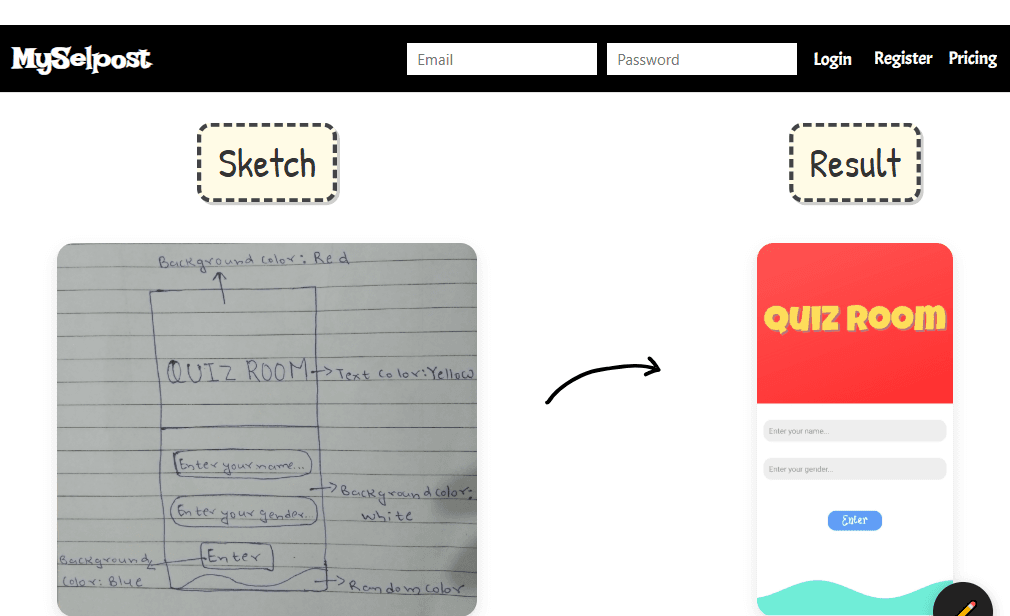
MySelpost is a no-code AI tool that transforms hand-drawn sketches or text prompts into functional websites and apps for non-technical users.
Accessibility
40Minimal accessibility features with no screen reader support, limited language options, and basic color contrast only.
Screenshots
1 / 5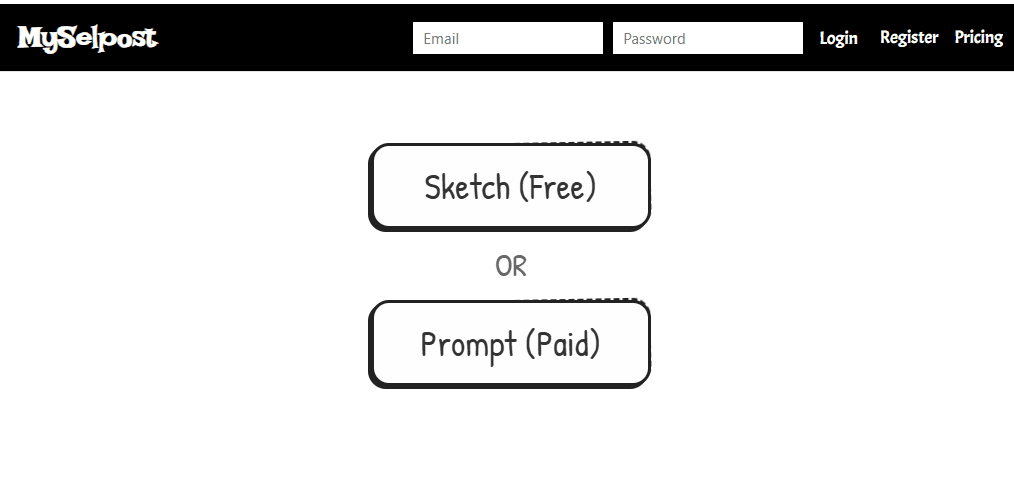
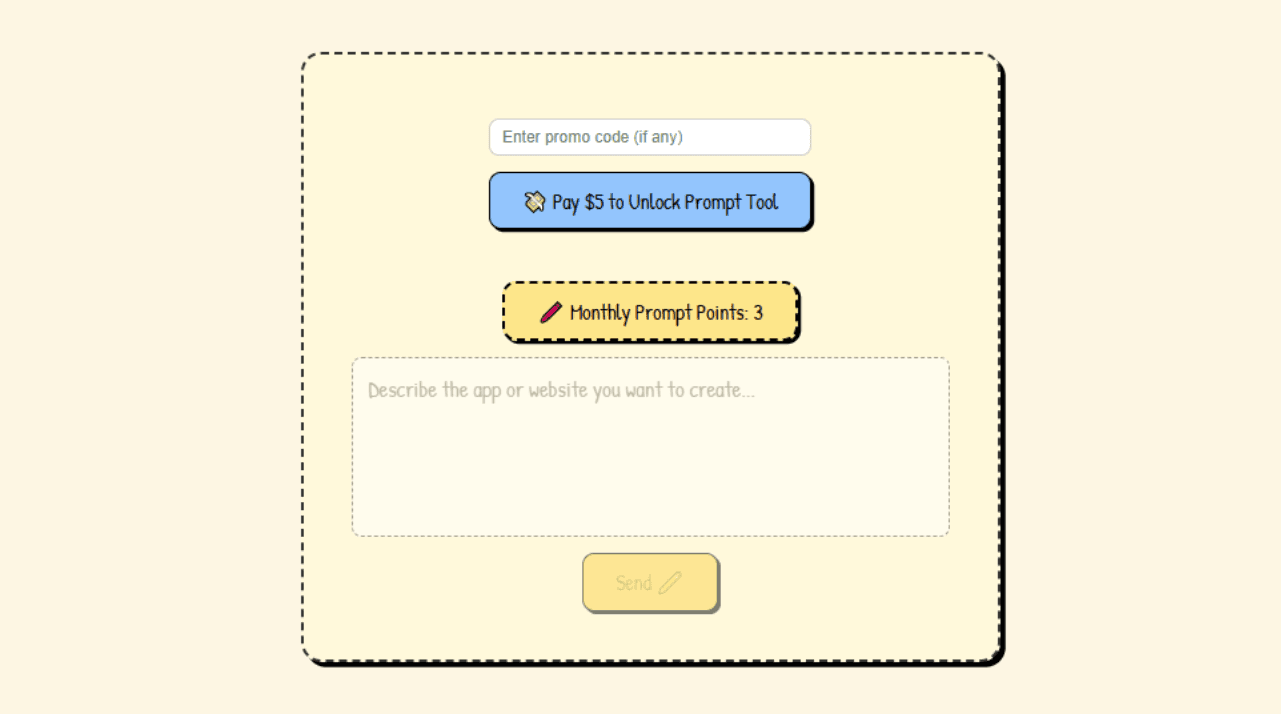
About this app
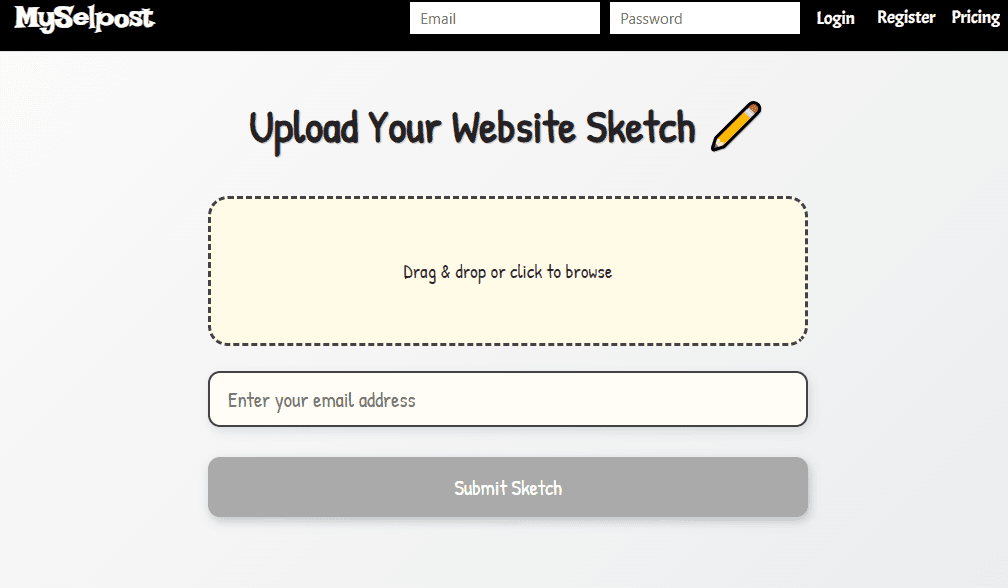
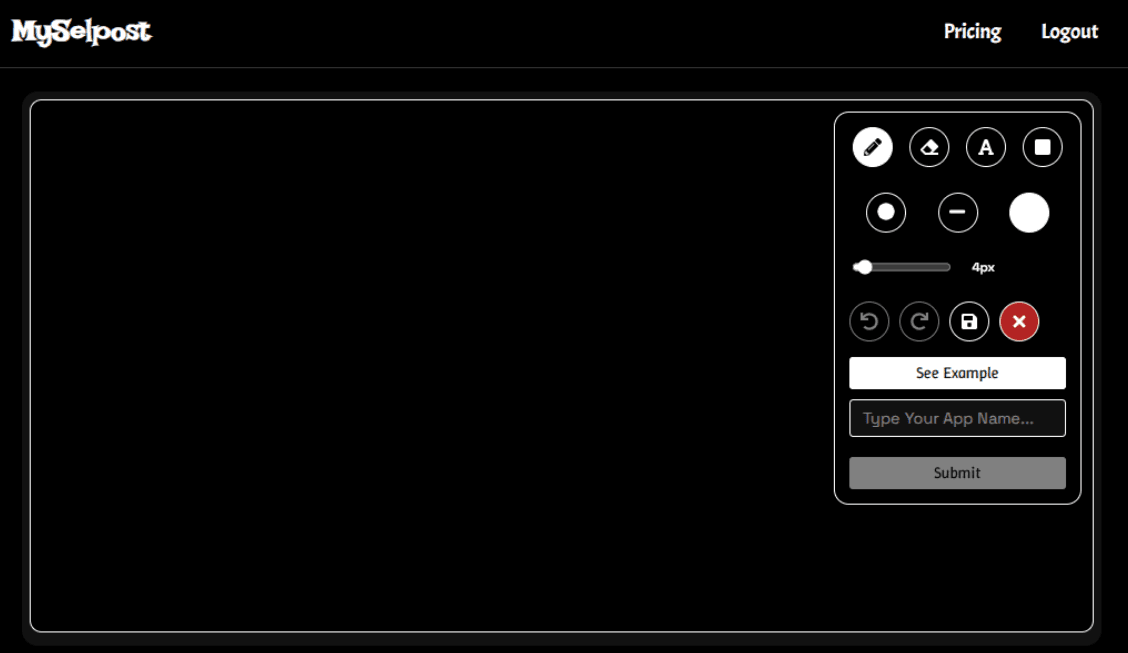
MySelpost is an innovative no-code AI platform designed to bridge the gap between creative ideas and functional digital products. It allows users to upload hand-drawn sketches or input text prompts, and the AI generates working websites or apps automatically. This tool is perfect for non-technical individuals like entrepreneurs, students, and creative professionals who need rapid prototyping without coding skills. With a minimalist interface, it offers simplicity and speed, though it may lack advanced customization and accessibility features. It's gaining popularity for its ability to turn concepts into demos overnight, making it a game-changer in the no-code and AI space.
Key features
- 1Clean minimalist interface with intuitive sketch upload and text prompt functionality for ease of use
- 2Quick generation for simple projects with fast loading times, ideal for rapid prototyping
- 3Exceptional market positioning in high-demand no-code AI space with strong growth potential
Target customer profile
Drawn from the product itself, not from a survey.
Demographic
Non-technical entrepreneurs
Pain points
Lack coding skills, slow prototyping, high development costs
Primary needs
Fast, affordable MVP creation
Demographic
Students and educators
Pain points
Limited access to development tools, steep learning curves
Primary needs
Visual learning, project experimentation
Demographic
Creative professionals
Pain points
Time-consuming design-to-code workflows
Primary needs
Rapid visual-to-functional translation
Scout Review
Written by AI from measured evidence, scored out of 100.
MySelpost represents a fascinating intersection of AI and no-code development, offering genuine innovation in turning visual ideas into functional prototypes. Its strength lies in democratizing app creation for completely non-technical users who can now transform napkin sketches into working demos. The trade-off is limited customization and accessibility, making it better suited for rapid prototyping than polished final products. The AI interpretation works surprisingly well for basic layouts but struggles with complex designs. For entrepreneurs testing concepts, students learning digital creation, or creatives visualizing ideas, it's a game-changing tool that eliminates technical barriers.
Measure by measure
Usability
80Extremely intuitive for beginners with straightforward upload process, but power users will quickly hit limitations in customization.
Design
70Clean minimalist interface with intuitive sketch upload and text prompt functionality, though lacks advanced styling controls.
Speed
80Quick generation for simple projects with fast loading times, though complex sketches may cause processing delays.
Security
60Basic data encryption implemented but lacks clear compliance documentation and detailed security transparency.
Accessibility
40Minimal accessibility features with no screen reader support, limited language options, and basic color contrast only.
Growth
90Exceptional market positioning in high-demand no-code AI space with strong potential for expansion and feature development.
Improvement areas
- Lacks advanced styling controls and customization options for power users
- Minimal accessibility features with no screen reader support and limited language options
- Basic data encryption with unclear compliance documentation and security transparency
Design & Usability
MySelpost's design philosophy centers on radical simplicity - a clean upload portal and text prompt box that anyone can understand immediately. The minimalist interface eliminates the overwhelming options paralysis common in traditional website builders. For non-technical users, this approach is brilliant: sketch your idea, upload it, and let the AI work its magic. The generated layouts are functional though basic, adopting clean but generic templates that get the job done without overwhelming customization options. Navigation feels intuitive with clear call-to-action buttons and a linear workflow that guides users from idea to functional prototype in minutes. However, this simplicity comes at the cost of advanced control - experienced users will quickly notice the lack of styling tools, layout adjustments, or detailed customization settings that more mature platforms offer.
Speed & Security
Performance-wise, MySelpost delivers impressively fast results for simple projects. The AI processing engine quickly interprets sketches and text prompts, generating functional prototypes within minutes rather than hours or days. Load times for the generated apps are snappy, maintaining good user experience. However, complex sketches with detailed elements can slow down processing noticeably. Security features include basic data encryption for uploaded content, but the platform lacks transparency around compliance certifications like GDPR or detailed security documentation. The privacy policy outlines data protection measures but remains vague on specific security protocols, which may concern users handling sensitive project information. For rapid prototyping of non-sensitive ideas, the security measures are adequate, but enterprise users should wait for more robust compliance assurances.
Accessibility & Growth
Accessibility is MySelpost's most significant weakness. The platform offers minimal support for screen readers, no keyboard navigation shortcuts, and limited language options beyond English. Generated apps maintain basic color contrast standards but lack adjustable font sizes, high contrast modes, or other inclusive design features. This severely limits its usability for differently-abled creators. Conversely, growth potential is exceptionally strong - the no-code AI market is exploding, and MySelpost's unique sketch-to-app approach positions it perfectly to capture users frustrated with traditional development workflows. The platform's core technology has obvious expansion paths into mobile apps, e-commerce solutions, and enterprise prototyping tools. With additional funding and development, this could become the go-to solution for visual-first development.
Conclusion
If you're tired of wrestling with code or complex builders and just need to quickly visualize an idea, MySelpost offers a refreshingly simple solution. It's perfect for rapid prototyping, concept validation, or personal projects where speed matters more than polish. The platform excels at turning 'what if' ideas into 'here it is' demonstrations overnight. While it won't replace professional development for complex applications, it dramatically lowers the barrier to digital creation. Give it a try if you want to experience the future of visual-first development - just manage expectations around customization and accessibility features.
Suggestions for improvement
- To reach its full potential, MySelpost should prioritize accessibility features including screen reader compatibility, keyboard navigation, and multilingual support.
- Expanding customization options with theme libraries, CSS override capabilities, and layout adjustment tools would satisfy power users without complicating the core simplicity.
- Detailed security compliance documentation and certifications would build enterprise trust.
- Adding tutorial content showing optimal sketching techniques and prompt strategies would help users maximize AI interpretation quality.
- Finally, introducing collaboration features would make it more valuable for team-based prototyping workflows.
Alternatives comparison
Named competitors, point by point. Nobody paid to appear here or to be left out.
 MySelpost |  Glide |  Bubble |  Webflow | |
|---|---|---|---|---|
| AI Sketch to App Conversion | Yes - Core feature | No - Spreadsheet focused | No - Manual design required | No - Technical design tool |
| No-Code Development | Yes - Fully no-code | Yes - No-code required | Yes - Visual builder | Partial - Some technical knowledge needed |
| Customization Level | Basic - Limited options | Medium - Template based | High - Extensive controls | Very High - Granular design control |
| Target User Technical Level | Complete beginners | Non-technical users | Some technical comfort | Design/tech background |
| Learning Curve | Very Low - Instant use | Low - Simple interface | Medium - Requires learning | High - Steep learning curve |
Glide
Focuses on converting spreadsheets into apps but lacks sketch-to-AI features.
Bubble
Robust no-code builder but requires manual UI design, less AI automation.
Webflow
Offers granular design control but targets users with some technical know-how.
Comparing options? See MySelpost alternatives, scored side by side
More Development & Engineering apps
View all Development & Engineering
CreateMyCoin
92A no-code Solana token creator that deploys SPL tokens in...

Vibe Coding Agent Skills
92A free, open-source platform offering 110 AI agent skills...

CC Switch
91Open-source desktop app for switching AI coding providers...

DemoVexa
90Turn your code into professional product demo videos with AI-generated scripts, animated UI, and natural voiceovers.

TaxID
90Fast EU VAT validation API for developers, covering 27 EU...

deed.page
89Permanent web hosting for AI agents, no human step

FontPlop
89Browser-based font viewer & tester for TTF, OTF, WOFF, WO...

Claw Messenger
88Claw Messenger is an iMessage API service that gives AI a...

PERM Processing Time: Current DOL Queue & History
88PERM Processing Time is an independent data analysis platform that helps users navigate the U.S. Department of Labor’s permanent labor certification process.

DataHabibi
88AI-powered Dubai real estate data platform with 12M+ DLD ...

BeartIMAGE
88BeartIMAGE is a free, web-based image processing platform engineered for fast, bulk photo editing and conversion directly in your browser.

ButterKit
82macOS app for App Store screenshots: 3D mockups, auto-tra...


A platform dedicated to providing unbiased reviews of newly launched applications, analyzing everything from their features to their full potential.
info@scoutforge.net© 2026 Scoutforge. All rights reserved.
