

A platform dedicated to providing unbiased reviews of newly launched applications, analyzing everything from their features to their full potential.
info@scoutforge.net© 2026 Scoutforge. All rights reserved.
A platform dedicated to providing unbiased reviews of newly launched applications, analyzing everything from their features to their full potential.
info@scoutforge.net© 2026 Scoutforge. All rights reserved.
A platform dedicated to providing unbiased reviews of newly launched applications, analyzing everything from their features to their full potential.
info@scoutforge.net© 2026 Scoutforge. All rights reserved.
Cycling through all six. Tap any point to stop.
Measured on six things
PDF Convert Now is a free online PDF and image utility that lets users merge, compress, split, rotate, and convert documents directly from their browser without signing up or installing software. It combines simple file-processing tools with practical guides for preparing and managing documents for sharing, email, and online uploads.
HTTPS and HSTS present, but missing CSP, frame protection, and email auth records. Privacy policy is transparent about file handling.
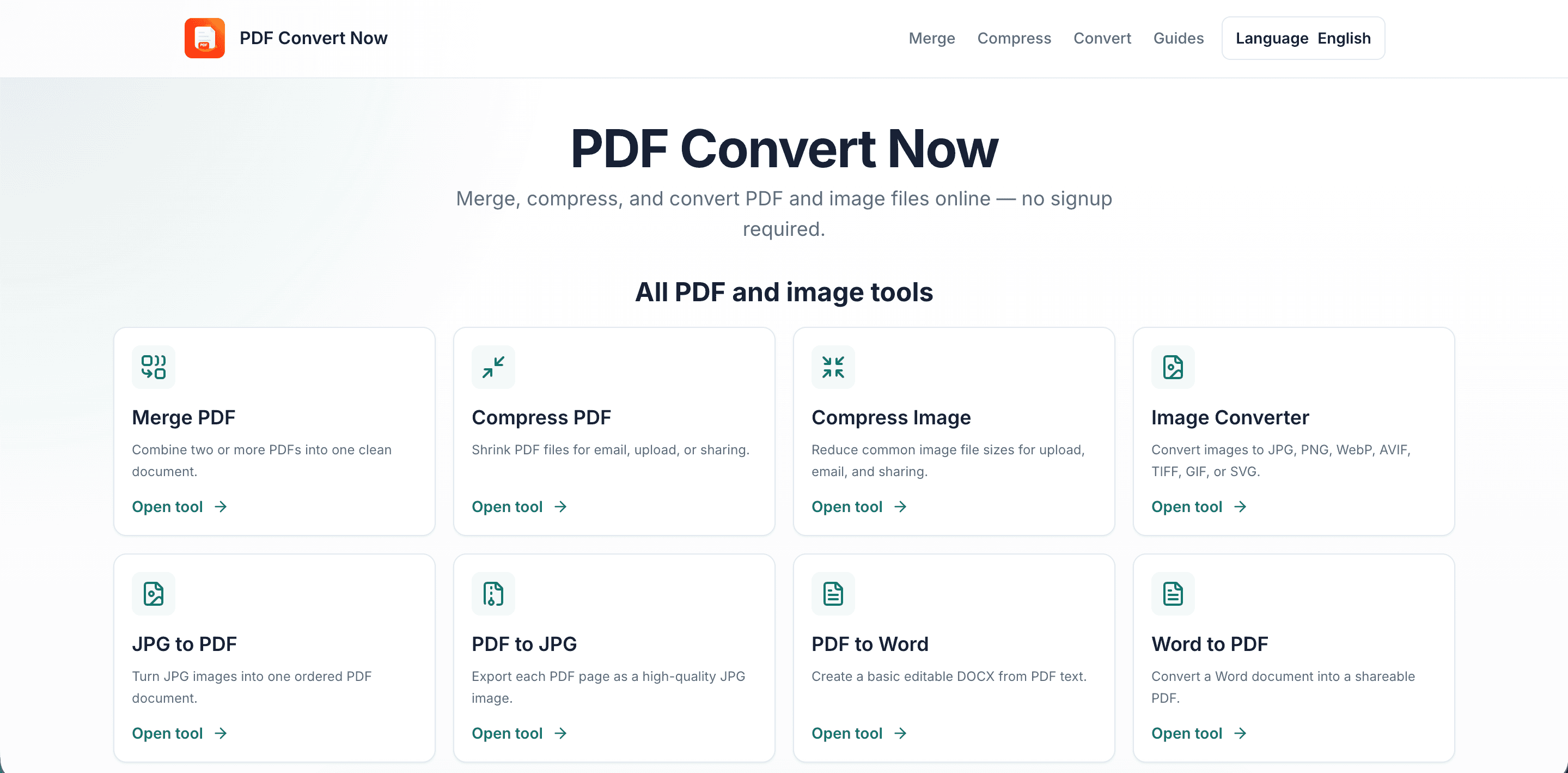
PDF Convert Now is a free online platform that provides simple and convenient tools for managing, converting, and optimizing PDF documents and images. Users can merge, split, compress, and rotate PDF files, as well as convert between popular formats such as PDF, Word, JPG, PNG, HWP, and DWG. The tools work directly in a web browser, so there is no need to install additional software or create an account. With its straightforward interface, PDF Convert Now is designed to make everyday document tasks quick and accessible. The website also provides helpful guides covering PDF optimization, file conversion, image formats, document preparation, and other practical tips for working with digital documents.
Drawn from the product itself, not from a survey.
Written by AI from measured evidence, scored out of 100.
PDF Convert Now is a competent, free PDF tool site that covers the basics — merge, compress, convert — with a clean, if unremarkable, interface. It shines in accessibility (perfect Lighthouse score) and offers niche formats (HWP, DWG) that competitors often miss. The desktop performance is excellent, but mobile speed needs work. Security is basic but transparent about file handling. The main weakness is the lack of visual hierarchy and differentiation in a crowded market. For users needing quick, no-signup conversions, especially with Korean or CAD files, it's a solid choice. For everyone else, it's a decent alternative to the big names.
Clear tool cards and obvious upload zones, but grid density and lack of grouping may overwhelm new users. File limits stated upfront is a plus.
Clean, uniform card grid with consistent icons, but flat hero and feature dump layout. Functional but unremarkable visual design.
Desktop performance perfect, but mobile LCP 7.9s is sluggish. CLS 0 and low TBT are good, but mobile experience needs optimization.
HTTPS and HSTS present, but missing CSP, frame protection, and email auth records. Privacy policy is transparent about file handling.
Lighthouse a11y score 100/100, but no explicit WCAG statement. Standard keyboard nav and readable contrast, but lacks documented commitment.
Real problem, free tools, niche formats (HWP, DWG) and guides differentiate, but crowded market with established players.
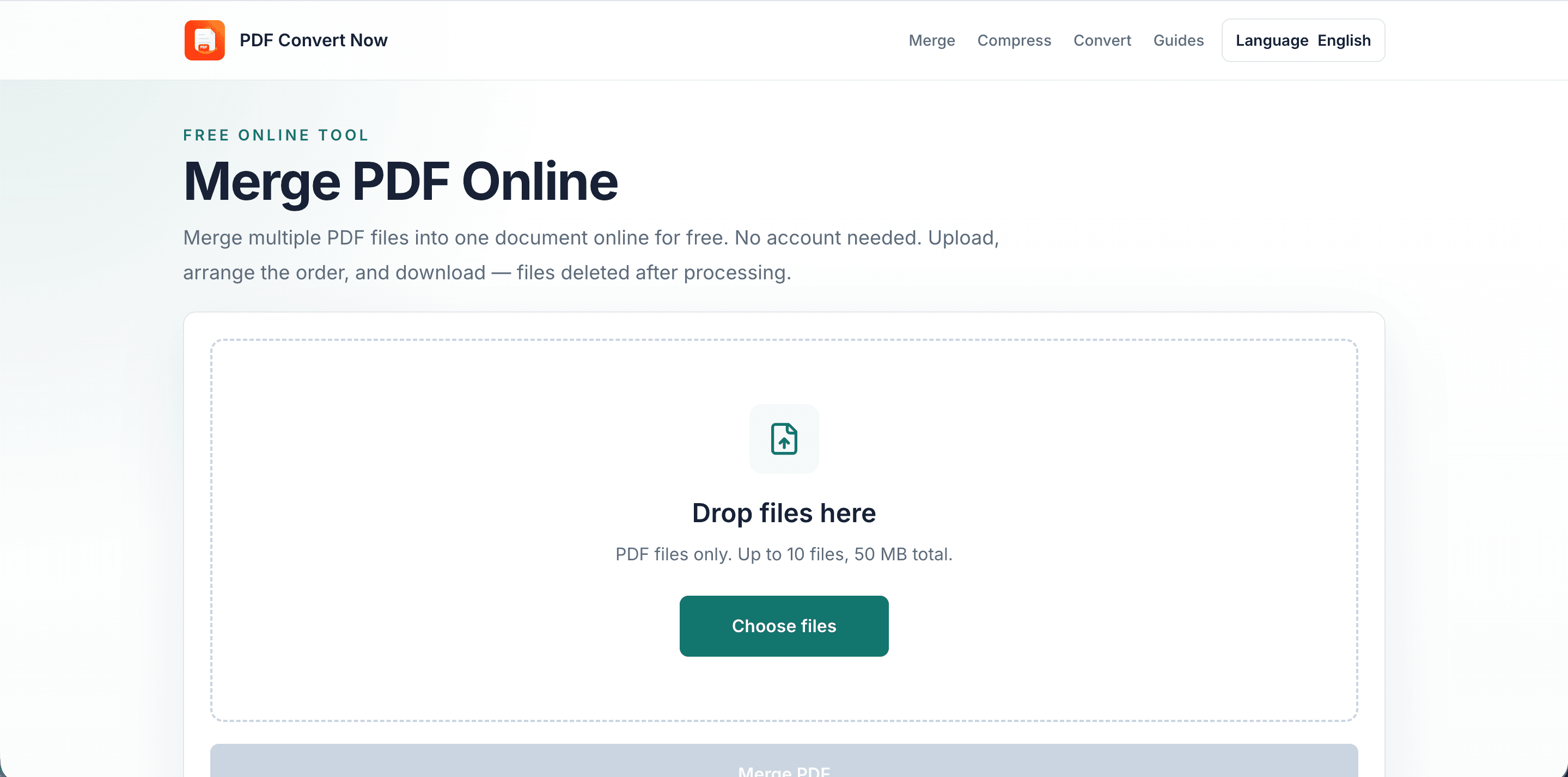
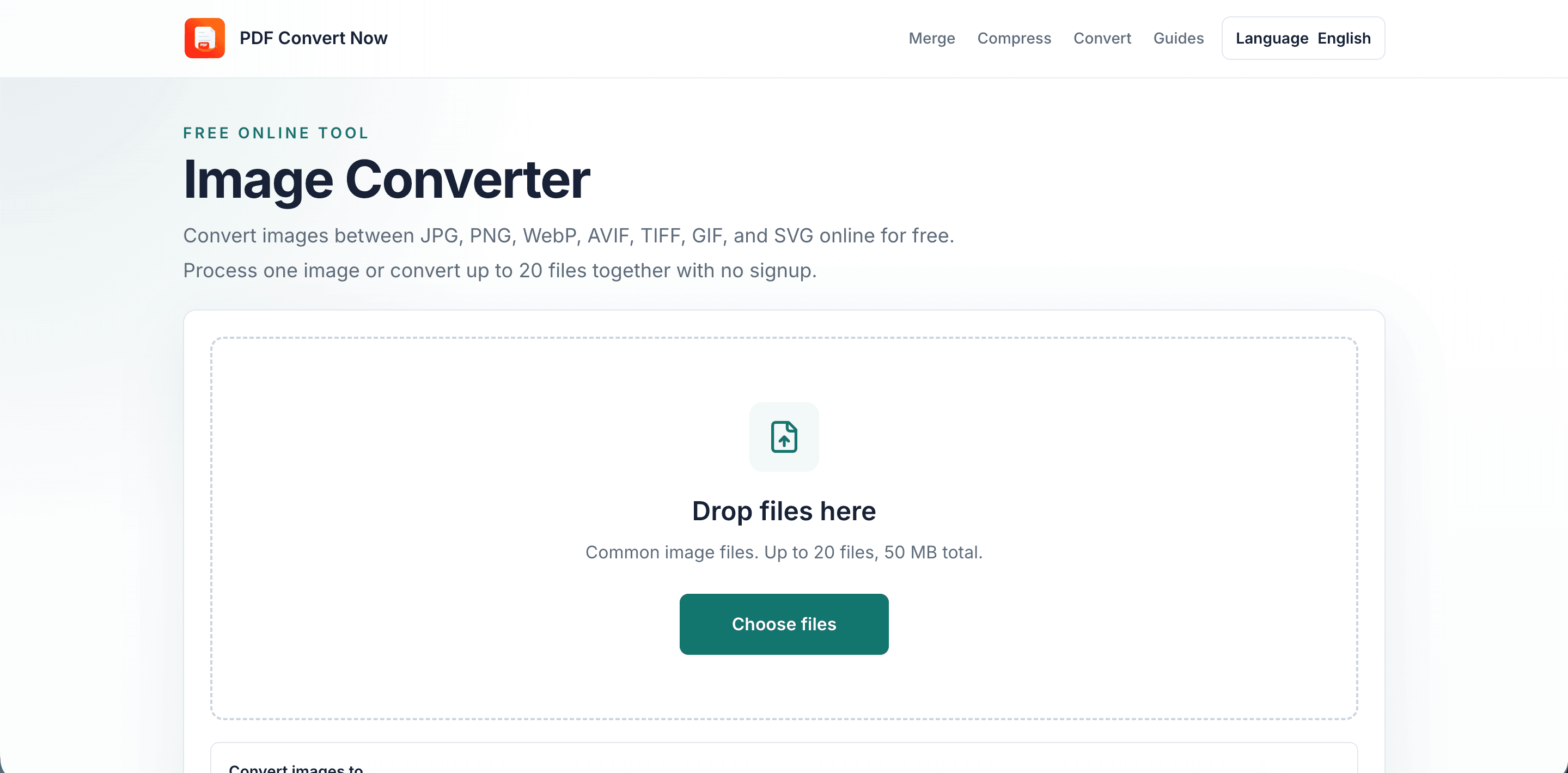
PDF Convert Now presents a clean, functional interface with 12 tools in a uniform card grid. The design is competent but flat — no visual hierarchy or grouping to guide users. Each card has a clear icon, title, and 'Open tool' link, making navigation straightforward. The upload zone on tool pages uses standard drag-and-drop with a prominent green button. However, the lack of tool categorization or prioritization means users must scan all 12 options to find what they need. The hero section is text-only, missing an opportunity to showcase the product visually. Overall, it's usable but doesn't stand out in a crowded market.
Performance is a mixed bag: desktop scores a perfect 100 on Lighthouse, but mobile lags with a 7.9s LCP — likely due to unoptimized assets. The low TBT and zero CLS are positives. Security is basic: HTTPS and HSTS are enforced, but the absence of CSP, frame protection, and email authentication records leaves room for improvement. The privacy policy is transparent about file handling, stating files are sent only to the processing API and cleaned up after. No SOC 2 or bug bounty program is mentioned, which is typical for a new tool but worth noting for sensitive document users.
Accessibility is a strong point — the site scores 100/100 on Lighthouse's automated audit, with good contrast and keyboard navigation. However, there's no explicit WCAG statement or detailed accessibility documentation, which would strengthen the commitment. Growth potential is moderate: the product addresses a real need for free, no-signup PDF tools, and the niche focus on HWP and DWG formats, plus detailed guides, offers differentiation. But the market is saturated with established players like iLovePDF and Smallpdf. The domain is only 0.3 years old, so it's early, but the guides and niche formats provide a wedge to build on.
Conclusion
PDF Convert Now won't dethrone the PDF giants, but it doesn't need to. It's a focused, free tool that handles niche formats and provides genuinely helpful guides. If you're converting HWP files or need a quick merge without creating an account, it's worth a bookmark. The team should prioritize mobile performance and add a security badge to build trust. With a bit more visual polish and category grouping, it could carve out a loyal niche audience. For now, it's a reliable backup tool that does what it promises — no more, no less.
Named competitors, point by point. Nobody paid to appear here or to be left out.
 PDF Convert Now PDF Convert Now | ||
|---|---|---|
| Free tier without signup | Yes, all tools free, no account required | Not specified |
| Niche format support (HWP, DWG) | Yes, HWP and DWG to PDF included | Not specified |
| Detailed guides and documentation | 12+ practical guides on PDF/image workflows | Not specified |
| Mobile performance (Lighthouse) | 66/100, LCP 7.9s | Not specified |
| Security certifications | No SOC 2 or ISO; basic HTTPS/HSTS | Not specified |
Comparing options? See PDF Convert Now alternatives, scored side by side

Fast, open-source AI video generator with 4K support, mul...

macOS app for App Store screenshots: 3D mockups, auto-tra...

Real-time & historical market data API for stocks, forex,...

PERM Processing Time is an independent data analysis platform that helps users navigate the U.S. Department of Labor’s permanent labor certification process.

Free website tracking checker. Paste a URL and Sonar crawls your site from the outside, then reports what's running and the problems it can prove.

Reputation monitoring across Google, AI search engines, reviews, news and social media, with sentiment analysis per mention.

Turn timers into powerful routines with automation, widge...

Fast, affordable X/Twitter API alternative with 20 req/se...

Decision-support platform for engineers choosing the righ...

Monitor and improve your brand's visibility in AI search ...

Engineering intelligence platform automating sprint analy...
macOS app for App Store screenshots: 3D mockups, auto-tra...
A platform dedicated to providing unbiased reviews of newly launched applications, analyzing everything from their features to their full potential.
info@scoutforge.net© 2026 Scoutforge. All rights reserved.
